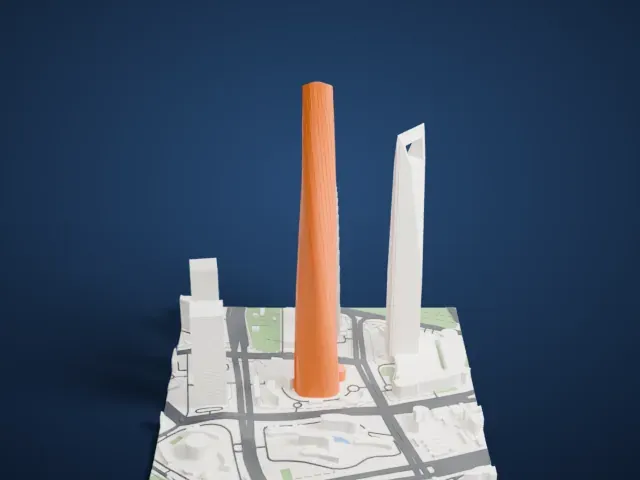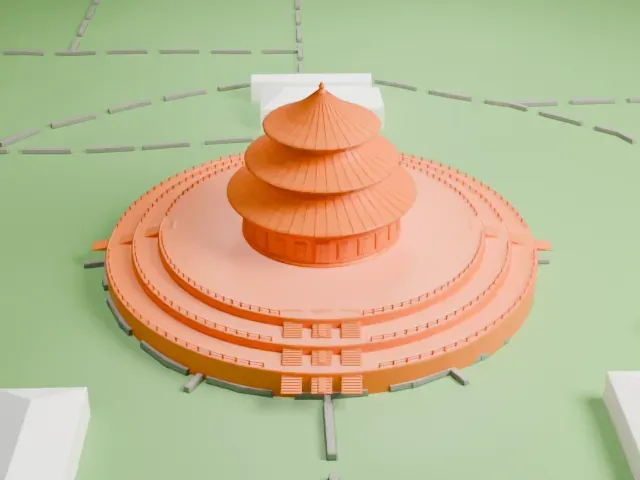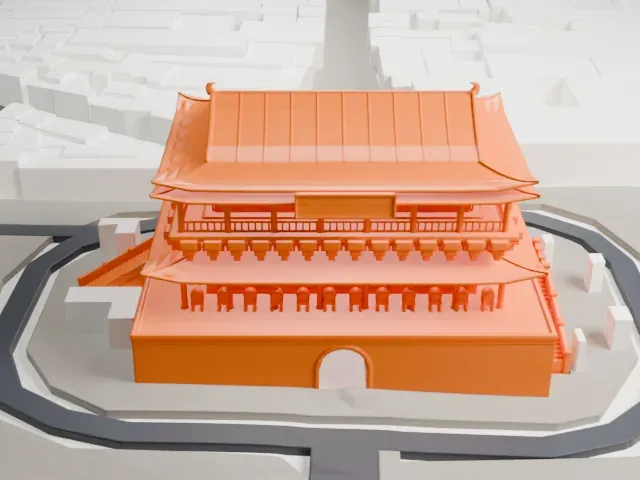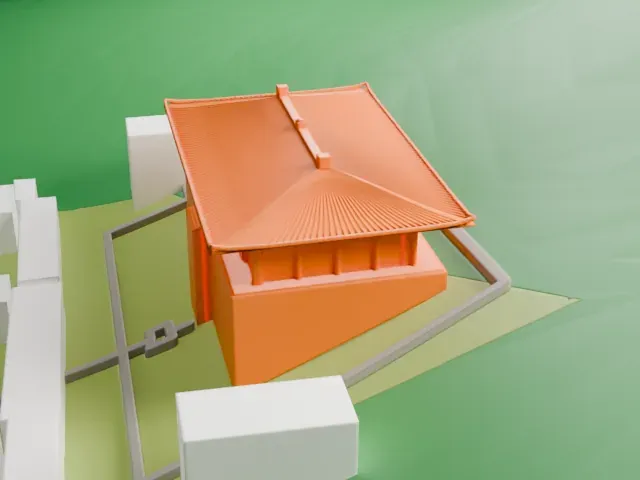
3D print the Iron Pagoda
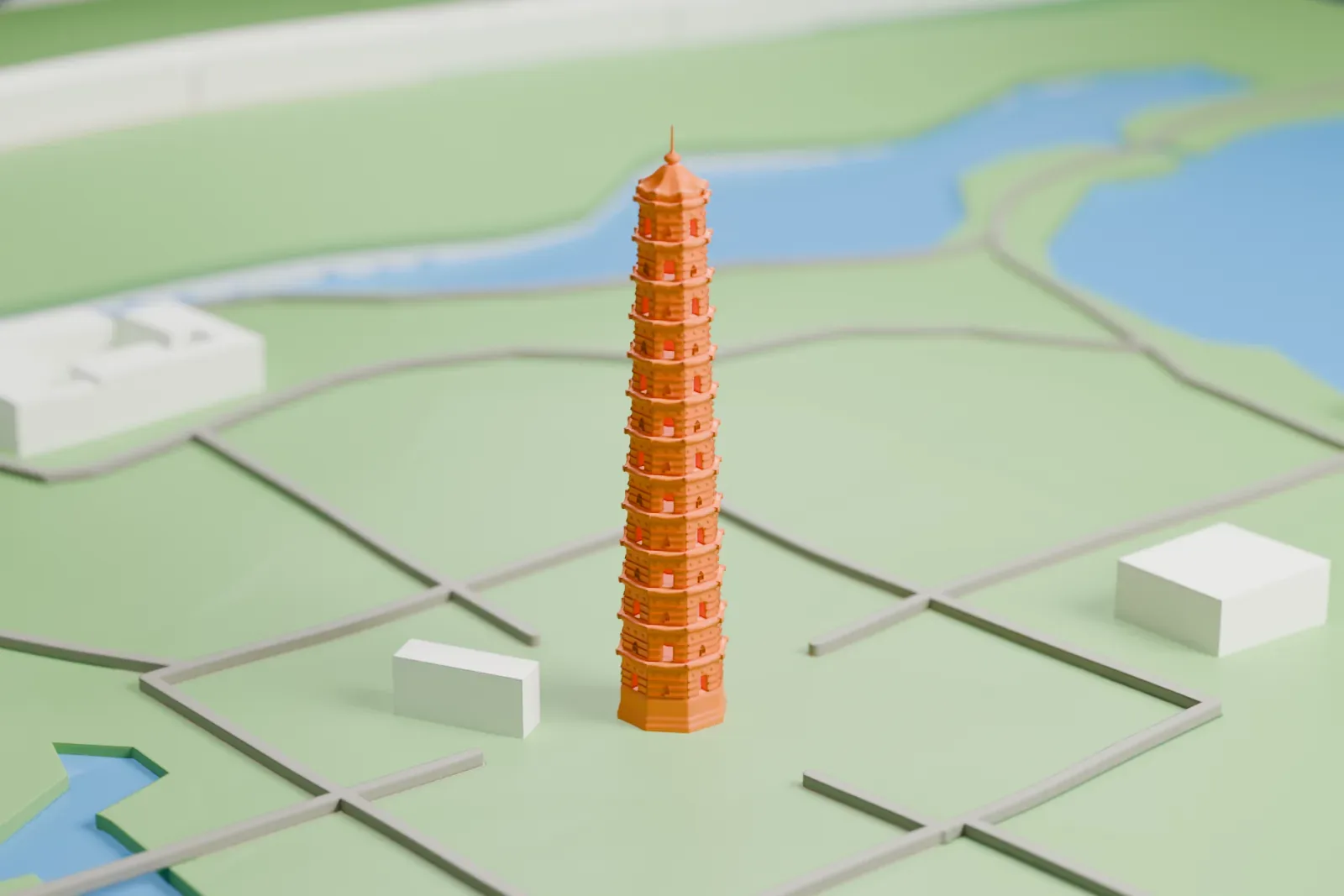
A free, printable model of the Iron Pagoda, a slender tiered tower standing in a green park with paths, lakes and a few small buildings, generated from real map data in your browser.
-
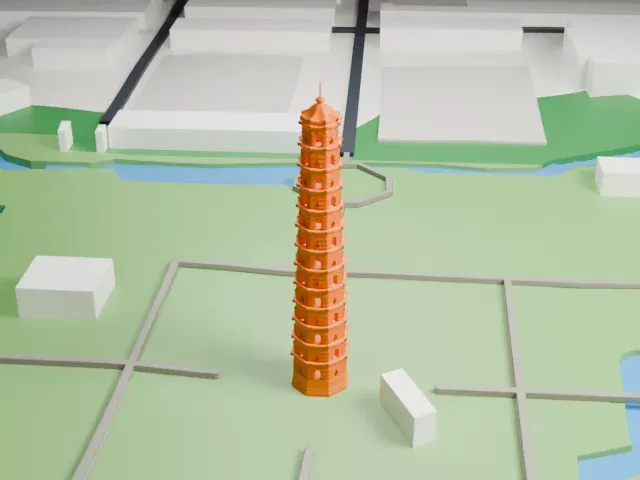 North
-
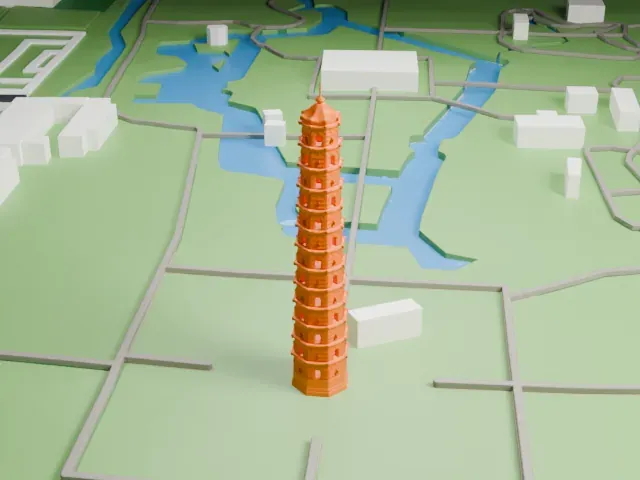 East
-
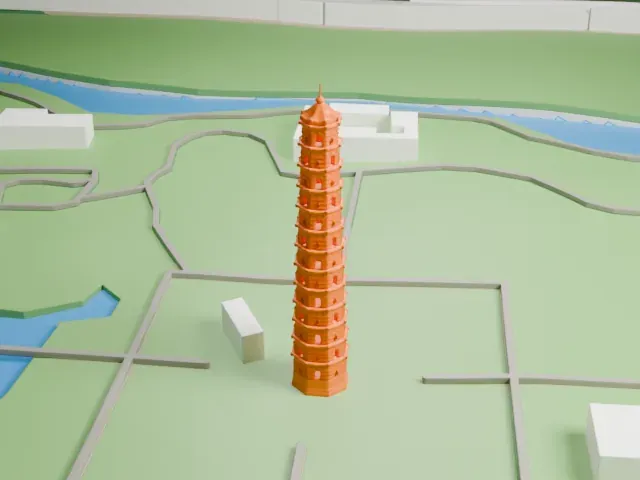 South
-
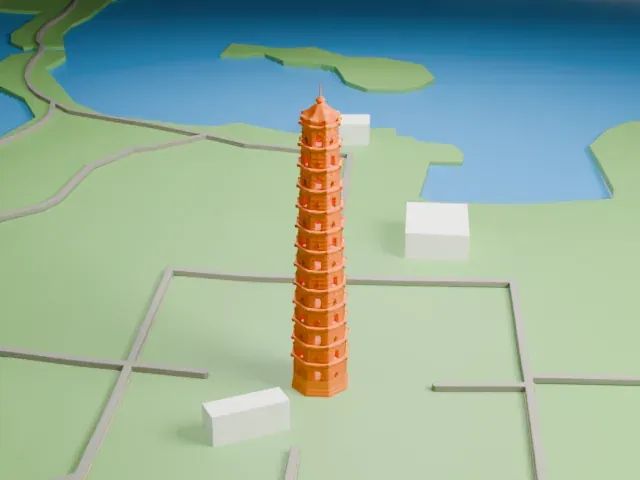 West
The model you print
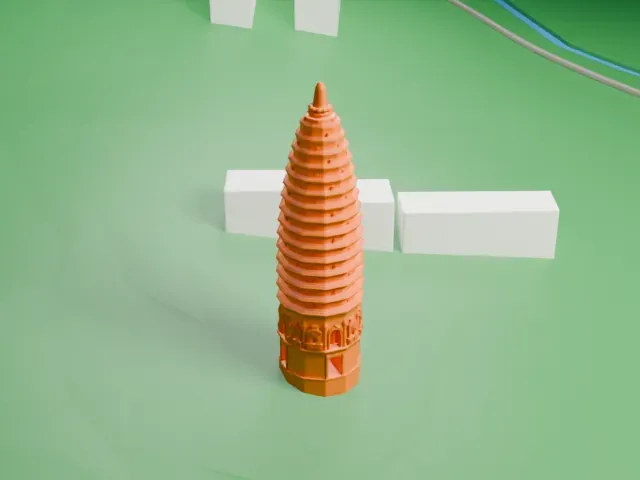
Iron Pagoda in 3D
The landmark on its own, at its size on a 160 mm print. Print friendly thickens thin parts for a 0.4 mm nozzle; Full detail keeps every part.
- Real height
- 57 m
- On a 160 mm print
- 15 mm
- Scale
- 1:3,750
57 m of the Iron Pagoda, 15 mm on your shelf
Make this print opens the generator on a 600 m square around the landmark. Buildings print at close to true scale, so the landmark grows with the print size.
- A very slender tapering tower
The tower is tall and thin compared with its base. Print friendly adapts thin parts to the print scale; printing slowly with good cooling helps tall thin shapes.
- Thin eaves on every story
Each tier has a small overhanging roof edge. A larger print and a 0.12–0.16 mm layer height keep these tiers distinct.
- One piece with the ground
The Iron Pagoda is joined to the ground in the exported file, and the four-side check found no floating parts, so nothing needs gluing.
- Pick the detail for your nozzle
In the Buildings settings, set Landmark detail to Print friendly to adapt thin parts and small details to the print scale. Full detail keeps every modeled feature, for larger prints or a finer nozzle.
- Colors
Buildings, roads, water and ground arrive as separate filament slots in the 3MF. The Iron Pagoda takes the building color.
- File format
You get a 3MF for Bambu Studio, OrcaSlicer or PrusaSlicer. Any of them can save it as STL if you need one.
About the Iron Pagoda
The Iron Pagoda belongs to Youguo Temple in Kaifeng, in China's Henan province, and was built in 1049. Despite the name, it is not made of iron; it is called that because its color resembles iron. The tower is made of brick and rose on the site of an earlier wooden pagoda that burned down after lightning struck it in 1044. Together with the Liuhe and Lingxiao pagodas, plus the Liaodi, Pizhi and Beisi pagodas, it counts as a masterpiece of the architecture of the Song dynasty.
Its octagonal base carries a tower that stands 56.88 meters (186.56 feet) tall, with 13 stories. The core is solid brick, and a spiral stone staircase winds through the inside, with openings on the outside that let in light and air. The eaves have densely positioned dougong brackets. The outside features 1,600 intricate carvings and more than fifty kinds of glazed brick, with Buddhas, monks, singers, flying dancers, flowers, lions and dragons among the subjects. Under the eaves, 104 bells chime when the wind blows, and the Yellow River's silt supports the foundation.
Between 965 and 995 CE, Yu Hao, a famous architect in Kaifeng, the capital of the Northern Song dynasty, built the earlier wooden pagoda at Youguo Temple. Many of his contemporaries thought it a marvel of art. After it burned, Emperor Renzong ordered a new pagoda, which was finished by 1049 and built of nonflammable brick and stone. It was dubbed the Iron Pagoda for its iron-gray color seen from afar, although its bricks are glazed in red, brown, blue and green. The Yellow River overflowed in 1847 and Youguo Temple collapsed, but the pagoda survived, and it has come through 38 earthquakes and six floods.
About this model
The Iron Pagoda is one of more than 6,500 landmark models in Mini Skyline. They are made with AI, and each one is checked in its real surroundings before release. Each model is written as code from public descriptions, plans, photographs and aerial views used only as references; no image or third-party model is copied into it. Everything around it is built from OpenStreetMap and Overture map data. Rights in the building itself, its name and any brands on it are not granted by Mini Skyline; clear them separately before you sell prints. If you would rather print the shape from map data, turn off Landmark models in the Buildings settings.
Mini Skyline is not affiliated with, or endorsed by, the owners of this building or its names and marks.
Keep exploring