3D print the Jerome Grand Hotel
Generate a free, printable model of the Jerome Grand Hotel, winding streets, nearby buildings, and sloping terrain from real map data in your browser.
-
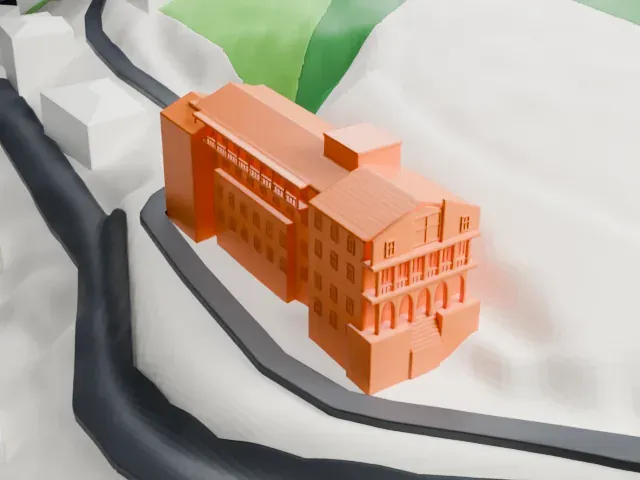 North
North
-
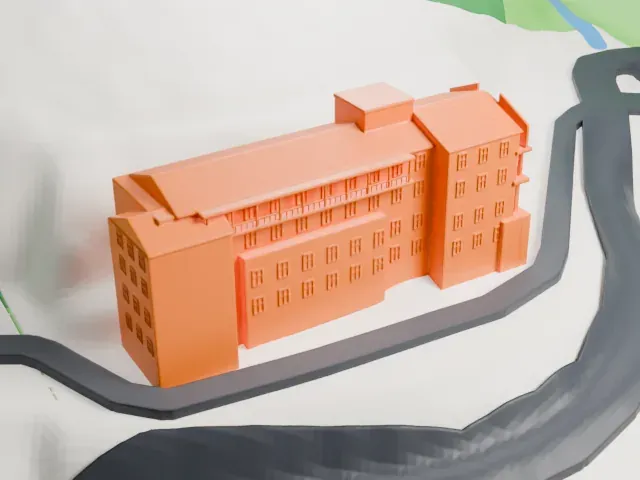 East
East
-
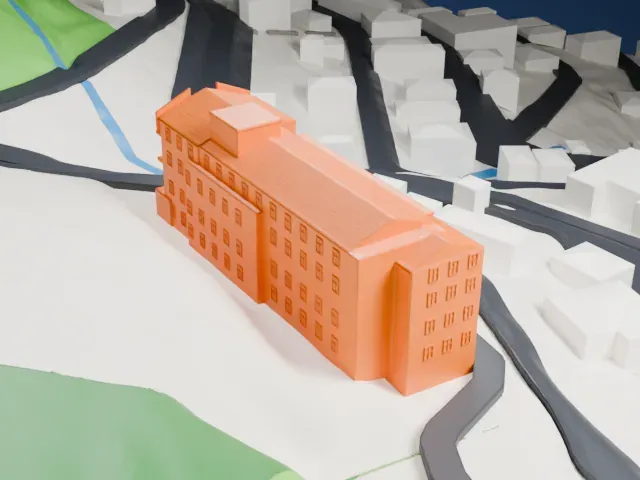 South
South
-
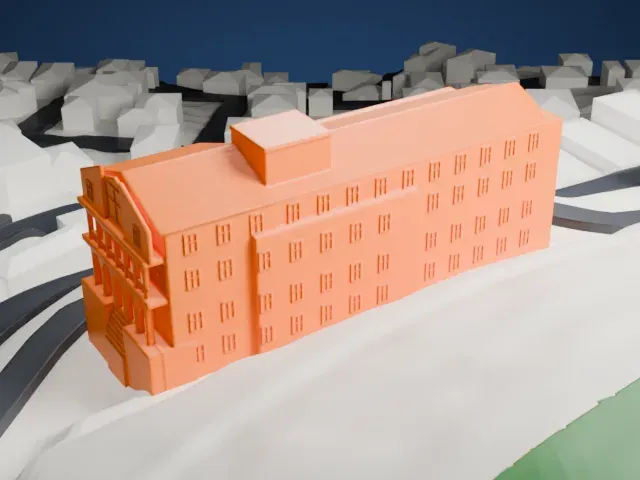 West
West
- On a 160 mm print
- 6 mm
- Scale
- 1:3,750
6 mm tall on a 160 mm print
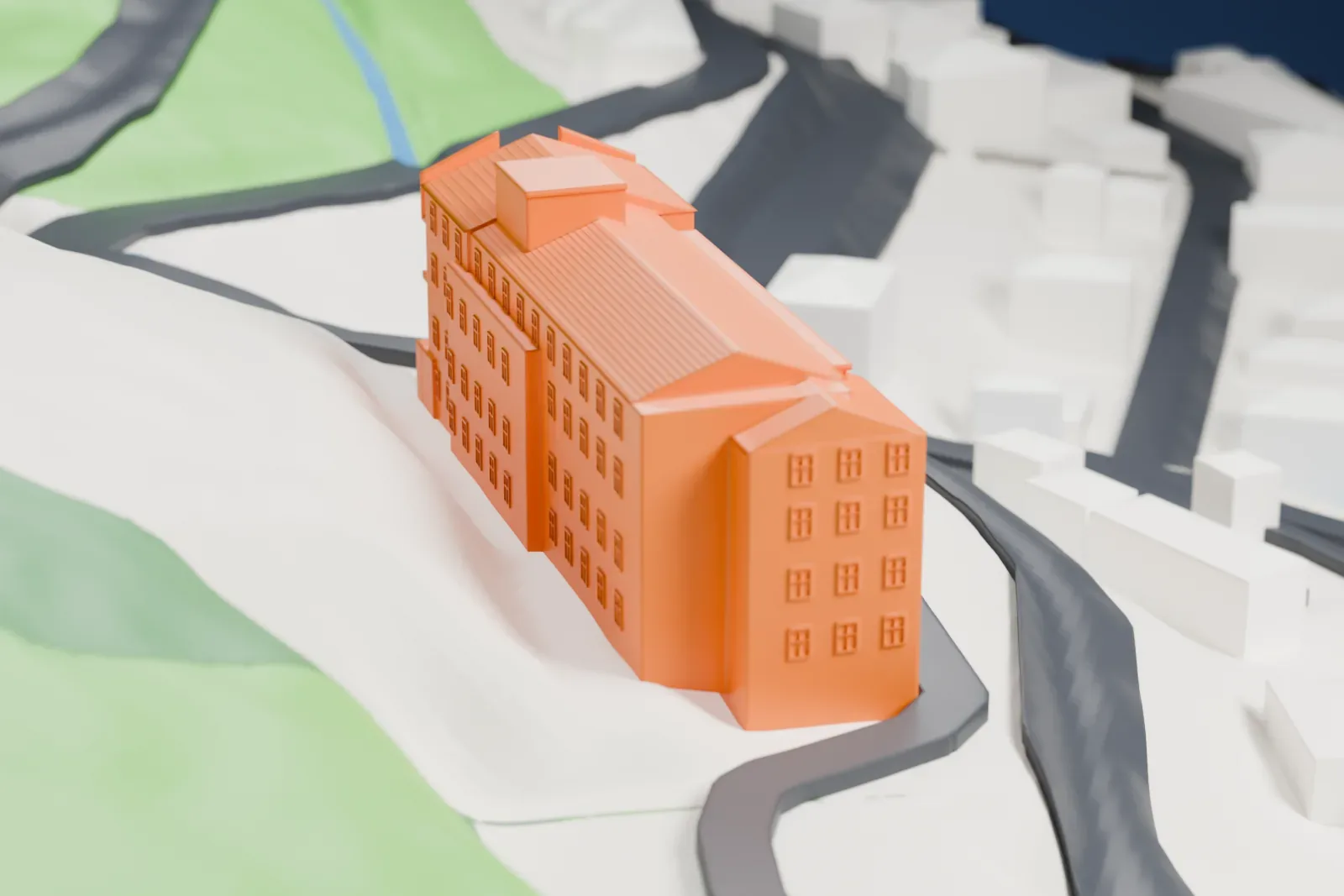
Make this print opens the generator on a 600 m square around the landmark. Buildings print at close to true scale, so the landmark grows with the print size.
- Keep the porch columns distinct
Small columns and railings frame the arched porch and upper balcony. Print friendly adapts these narrow features at small sizes; a larger print with Full detail retains every modeled feature.
- Preserve windows and roof lines
The long walls have rows of small windows, while fine parallel lines cross the sloping roofs. Choose a larger print for these details and use 0.12–0.16 mm layers to keep the window outlines crisp.
- One piece with the ground
The Jerome Grand Hotel is joined to the ground in the exported file, and the four-side check found no floating parts, so nothing needs gluing.
- Pick the detail for your nozzle
In the Buildings settings, set Landmark detail to Print friendly to adapt thin parts and small details to the print scale. Full detail keeps every modeled feature, for larger prints or a finer nozzle.
- Colors
Buildings, roads, water and ground arrive as separate filament slots in the 3MF. The Jerome Grand Hotel takes the building color.
- File format
You get a 3MF for Bambu Studio, OrcaSlicer or PrusaSlicer. Any of them can save it as STL if you need one.
About the Jerome Grand Hotel
Jerome Grand Hotel stands against the slopes of Mingus Mountain in Jerome, Arizona. It began as United Verde Hospital, constructed in 1926 for the United Verde Copper Company. The hospital opened in January 1927 and was the fourth and last hospital established in Jerome. It closed in 1950 as mining declined and medical care was available in nearby Cottonwood. In 1994, Larry Altherr bought the building from its owner, Phelps Dodge Mining Corporation, after 44 years without use. It opened as a hotel in 1996.
The building combines Mission Revival architecture with concrete poured in place on solid bedrock along a 50 degree slope. Its framework contains no wood; the design sought protection from fire, earthquakes, and blasting. An Otis elevator installed in 1926 was Arizona's first elevator that passengers could operate themselves. It serves five levels, and its deep, narrow cabin was designed to accommodate wheelchairs and gurneys used by the hospital. The property also has a heritage designation as a contributing property within the National Register of Historic Places.
About this model
The Jerome Grand Hotel is one of more than 4,300 landmark models in Mini Skyline. They are made with AI, and each one is checked from four sides in its real surroundings before release. Everything around it is built from OpenStreetMap and Overture map data. If you would rather print the shape from map data, turn off Landmark models in the Buildings settings.
Keep exploring