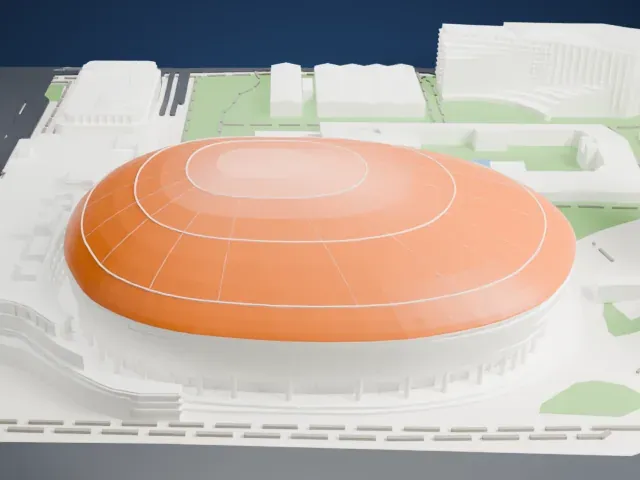
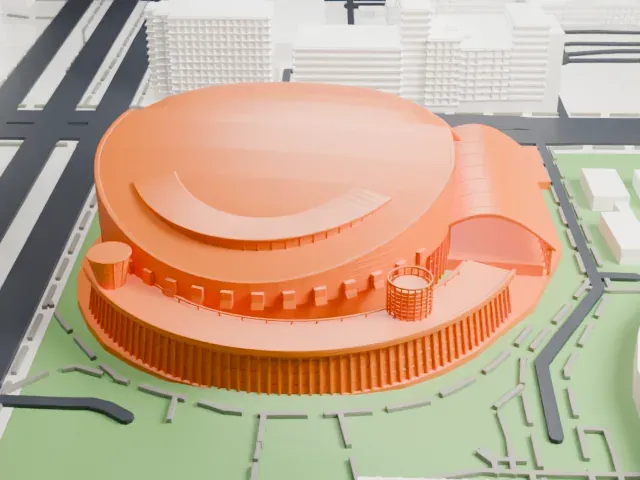
3D print Kaohsiung National Stadium
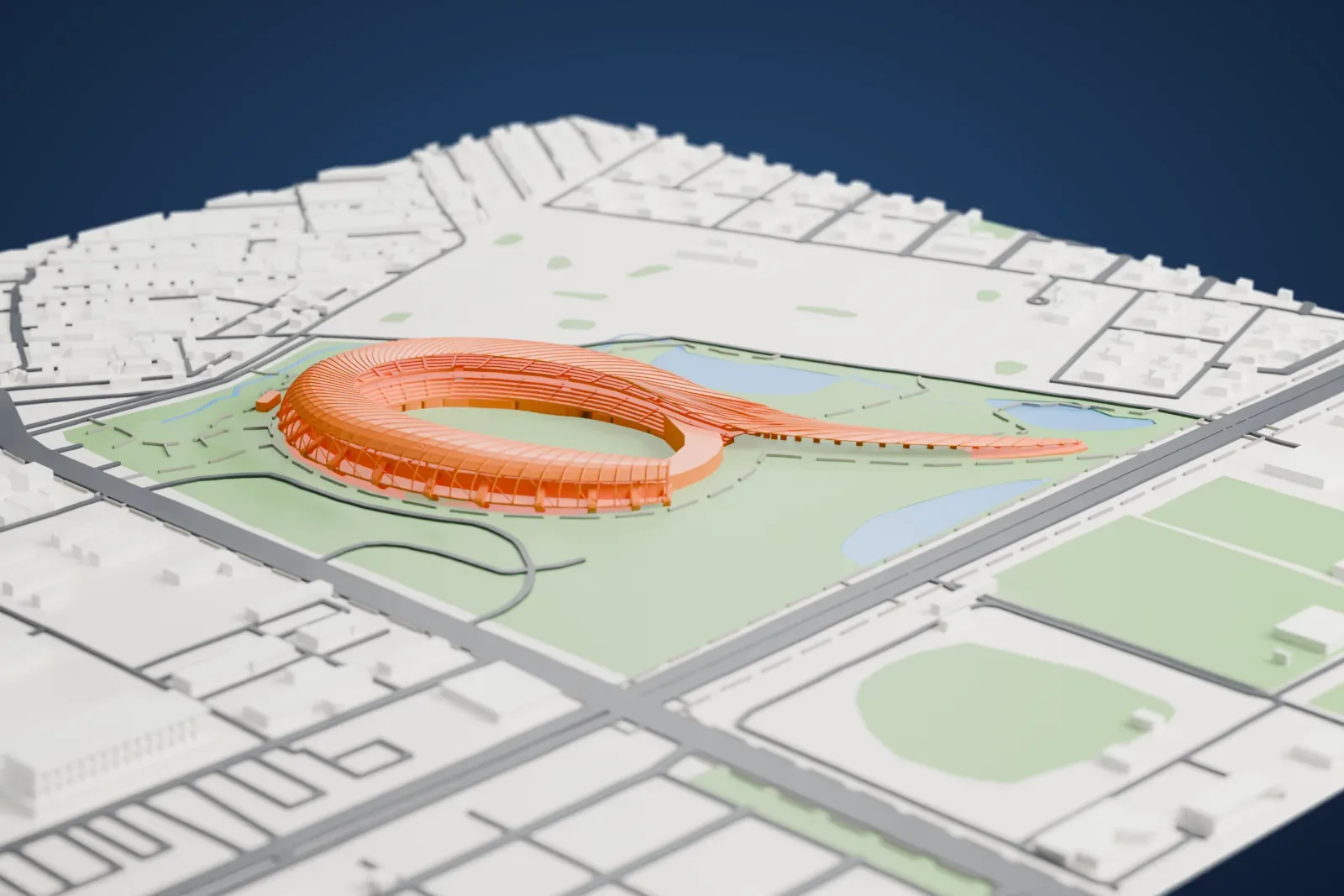
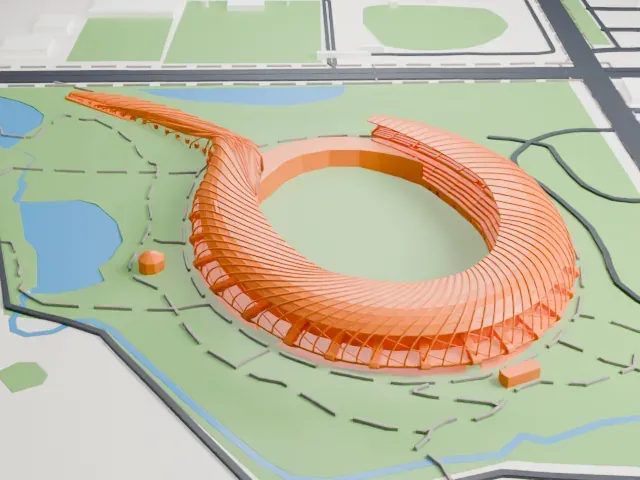
A free, printable model of Kaohsiung National Stadium, an open oval ring with a long tapering tail, and the park, ponds and streets around it, generated from real map data in your browser.
Free, in your browser. Exports a slicer-ready 3MF.
About Kaohsiung National Stadium
Kaohsiung National Stadium is a stadium for multiple uses in Zuoying District, Kaohsiung, Taiwan. Another name for it is the National Stadium, and its former name was World Games Stadium. It was completed in 2009 and hosted the main events of the 2009 World Games. Football matches are its main use, and it can hold 55,000 people. After the games ended, the Chinese Taipei national football team played some matches here, FIFA World Cup qualifiers among them.
Japanese architect Toyo Ito designed the stadium, which uses 1 MW of solar cells to meet most of its power needs. Its semi-spiral shape is described as dragon-like. Solar panels cover the large outer face of the stadium and can generate most of the power needed for its own operation, plus extra power for the grid. It is said to be the world's first stadium to supply power with solar technology, and it can be reached on foot, going west from the Kaohsiung MRT's World Games Station.
How it prints
Make this print opens the generator on a 1050 m square around the landmark. Buildings print at close to true scale, so the landmark grows with the print size.
| Print size | Landmark height | Scale |
|---|---|---|
| 160 mm default | 6 mm | 1:6,563 |
| 200 mm | 8 mm | 1:5,250 |
| 256 mm | 10 mm | 1:4,102 |
-
 North
North
-
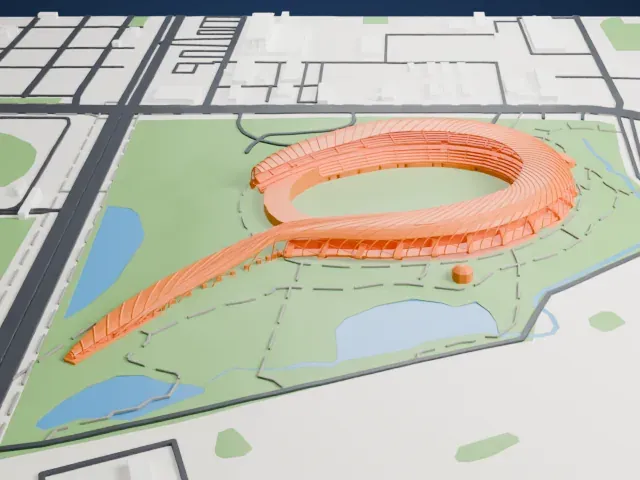 East
East
-
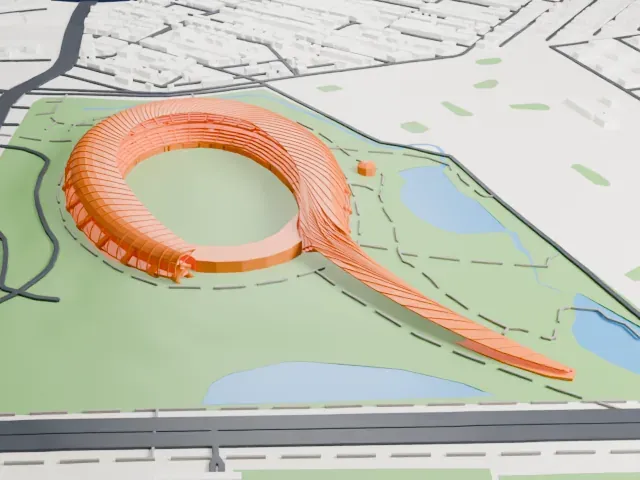 South
South
-
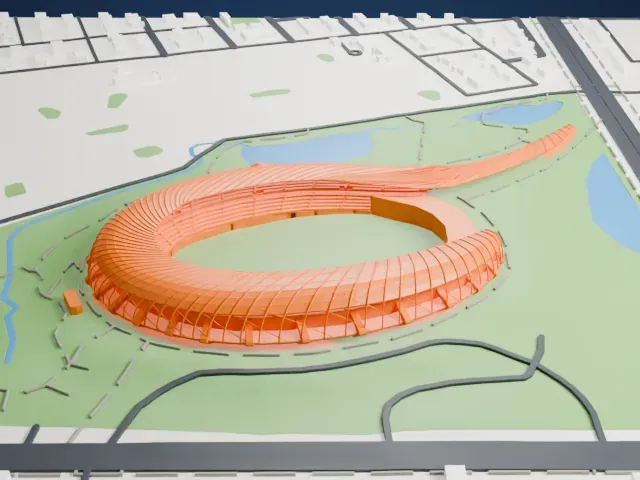 West
West
- Long tapering tail
- A thin tail sweeps out from the ring and narrows to a point. Print friendly adapts thin parts to the print scale, and a larger print size keeps more of its length.
- Ribbed ring around the pitch
- The ring is made of many fine diagonal ribs. Full detail keeps every rib on a large print, and layers of 0.12–0.16 mm keep them crisp.
- One piece with the ground
- Kaohsiung National Stadium is joined to the ground in the exported file, and the four-side check found no floating parts, so nothing needs gluing.
- Pick the detail for your nozzle
- In the Buildings settings, set Landmark detail to Print friendly to adapt thin parts and small details to the print scale. Full detail keeps every modeled feature, for larger prints or a finer nozzle.
- Colors
- Buildings, roads, water and ground arrive as separate filament slots in the 3MF. Kaohsiung National Stadium takes the building color.
- File format
- You get a 3MF for Bambu Studio, OrcaSlicer or PrusaSlicer. Any of them can save it as STL if you need one.
About this model
Kaohsiung National Stadium is one of more than 2,300 landmark models in Mini Skyline. They are made with AI, and each one is checked from four sides in its real surroundings before release. Everything around it is built from OpenStreetMap and Overture map data. If you would rather print the shape from map data, turn off Landmark models in the Buildings settings.
Common questions
Is there a Kaohsiung National Stadium STL I can download?
Mini Skyline builds the file for you in your browser and exports 3MF, which every major slicer opens. If you need an STL, open the 3MF in your slicer and export it from there.
How big can I print it?
Any print size from 40 mm across. Kaohsiung National Stadium grows with the print: about 6 mm tall on the default 160 mm print. For a model larger than your printer bed, Project Mode splits the area into tiles.
Is it free?
Yes. Generation runs in your browser, with no account and nothing behind a paywall.