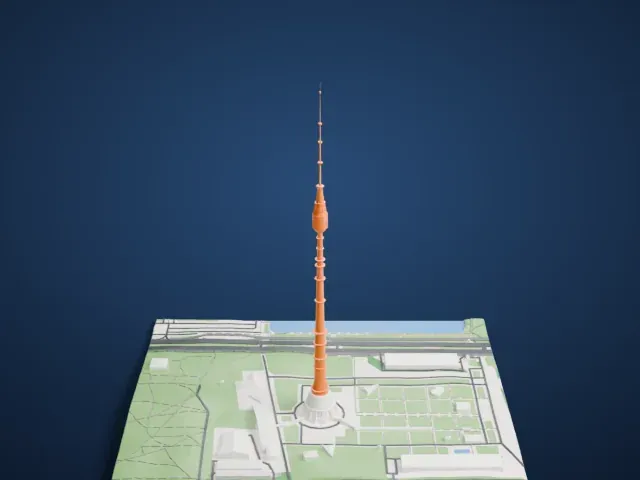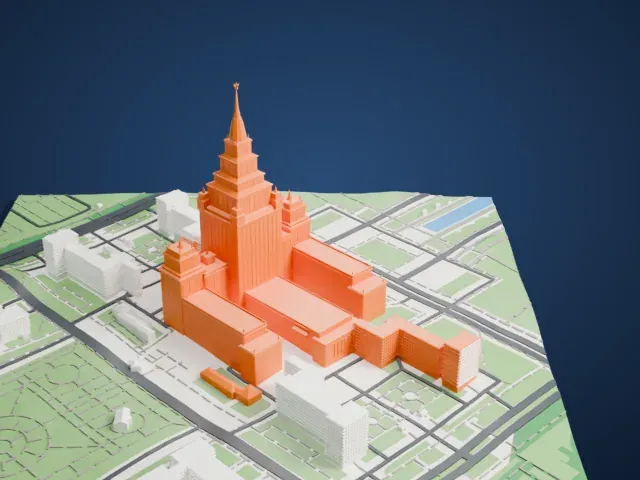
3D print the Mercury City Tower
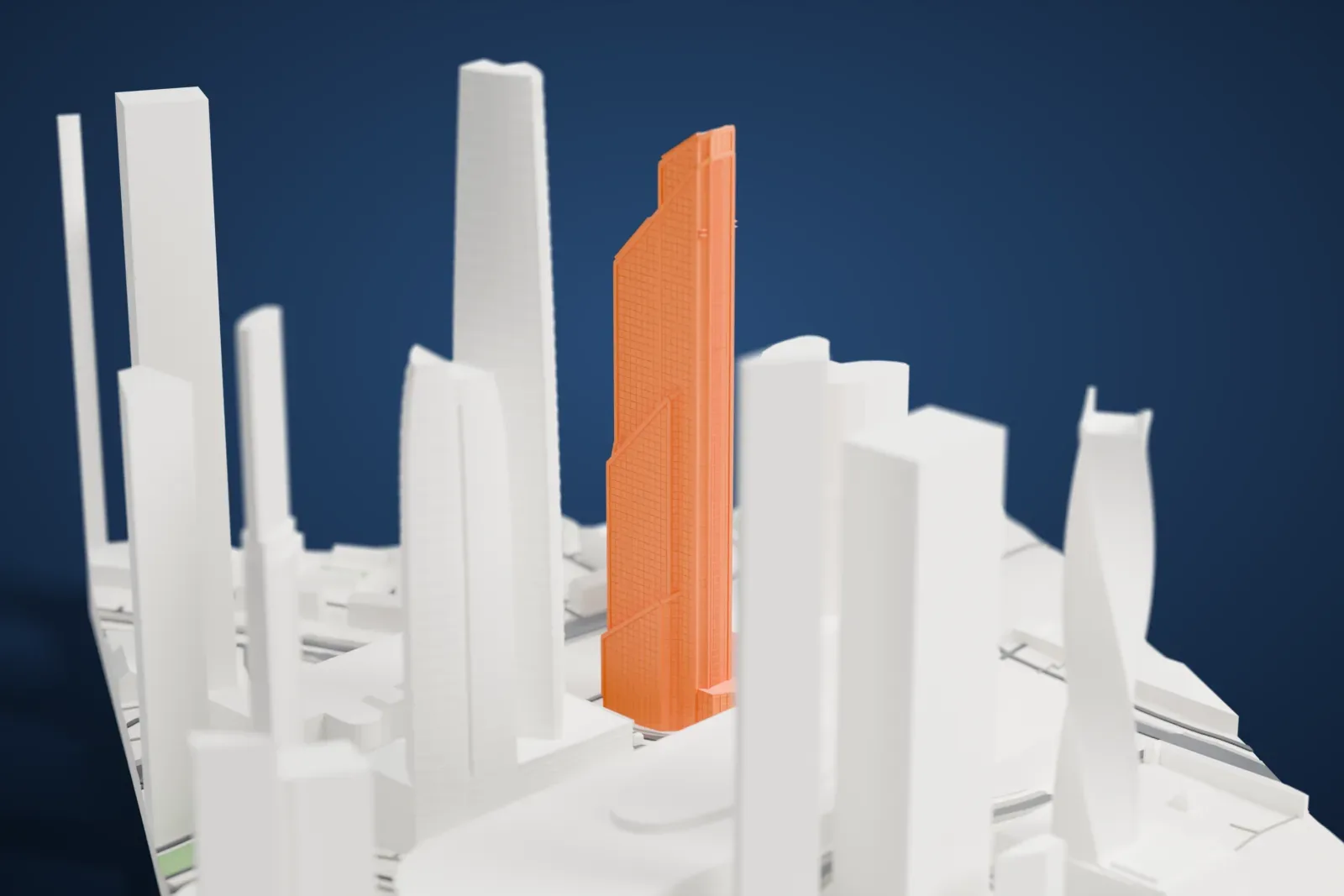
A free, printable model of Mercury City Tower and the blocks around it in Moscow's business center, generated from real map data in your browser.
-
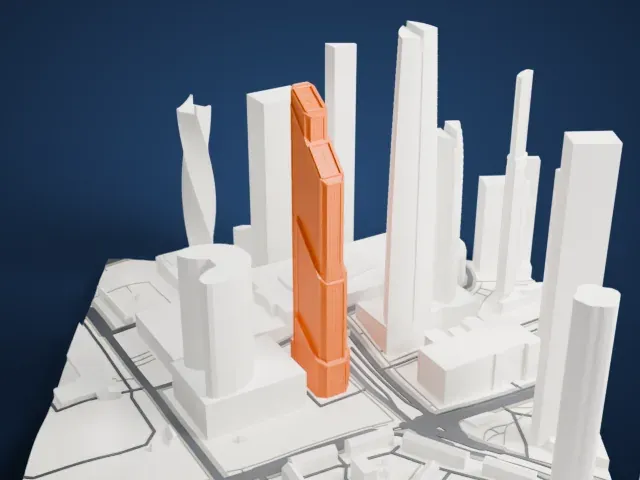 North
North
-
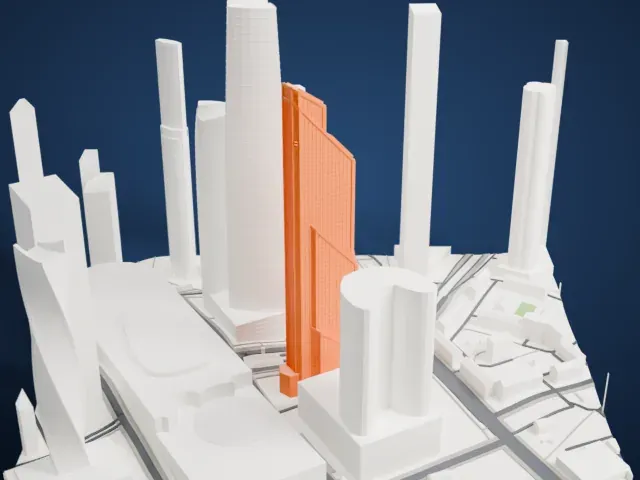 East
East
-
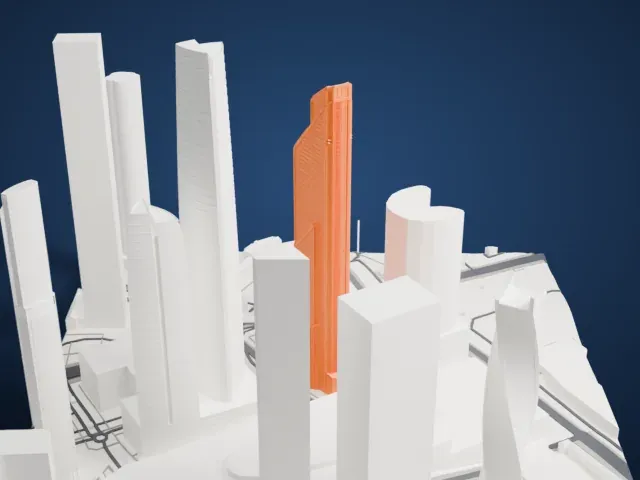 South
South
-
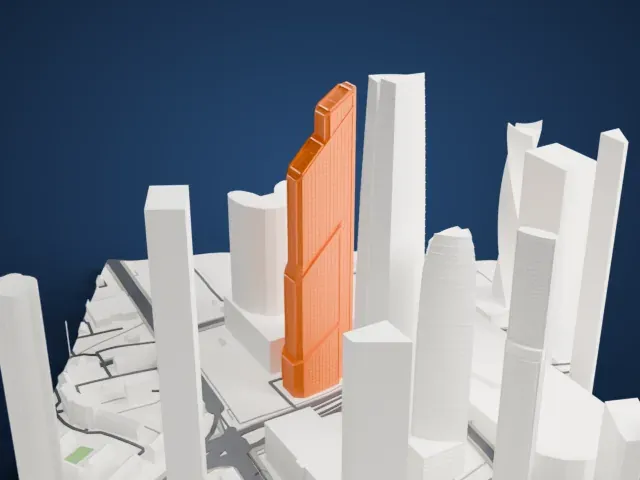 West
West
- Real height
- 339 m
- On a 160 mm print
- 94 mm
- Scale
- 1:3,750
339 m of the Mercury City Tower, 94 mm on your shelf
Make this print opens the generator on a 600 m square around the landmark. Buildings print at close to true scale, so the landmark grows with the print size.
- A tall, narrow tower
A supertall tower prints as a tall stack, so its upper half is where detail is hardest to hold. Print it larger, with layers of 0.12 to 0.16 mm to keep the long vertical faces clean.
- Slow down for the height
So much of the print is tall, thin vertical wall that any wobble shows high up. Printing slowly with good cooling helps the tower come out straight.
- One piece with the ground
The Mercury City Tower is joined to the ground in the exported file, and the four-side check found no floating parts, so nothing needs gluing.
- Pick the detail for your nozzle
In the Buildings settings, set Landmark detail to Print friendly to adapt thin parts and small details to the print scale. Full detail keeps every modeled feature, for larger prints or a finer nozzle.
- Colors
Buildings, roads, water and ground arrive as separate filament slots in the 3MF. The Mercury City Tower takes the building color.
- File format
You get a 3MF for Bambu Studio, OrcaSlicer or PrusaSlicer. Any of them can save it as STL if you need one.
About the Mercury City Tower
Mercury City Tower is a supertall skyscraper that occupies plot 14 of the Moscow International Business Center, in Moscow, Russia. Its total area comes to 173,960 square meters (1,872,500 sq ft), given over to offices, apartments, shops and a fitness center. The cladding was meant to be reflective silver glass that mirrored the buildings around it; in the end it became bronze-tinted glass of equal reflectivity, which gives the tower a warm copper tone.
The tower rises 338.8 meters (1,112 ft). It topped out on November 1, 2012, taking the title of tallest building in Russia from the Moscow Tower in the City of Capitals complex next door and the title of tallest in Europe from the Shard in London, and it was then the tallest building anywhere built of reinforced concrete. That European record lasted from late 2012 until the summer of 2014, when the OKO complex next door overtook it with its South Tower.
Frank Williams, an American architect, developed the tower jointly with Mosproject-2, a Russian engineering team led by the architect Mikhail Posokhin. When Williams died in 2010, the Dutch architect Erick van Egeraat took his place and completed the work. Building began in 2006 and ended in 2013, and along the northwestern facade the tower steps back twice, each setback topped by a slanted roof.
About this model
The Mercury City Tower is one of more than 4,400 landmark models in Mini Skyline. They are made with AI, and each one is checked from four sides in its real surroundings before release. Everything around it is built from OpenStreetMap and Overture map data. If you would rather print the shape from map data, turn off Landmark models in the Buildings settings.
Same skyline