3D print the Monastery of Saint John the Theologian
A free, printable model of the fortress-like monastery, with its battlemented walls and small domes, packed in among the houses of the town around it, generated from real map data in your browser.
-
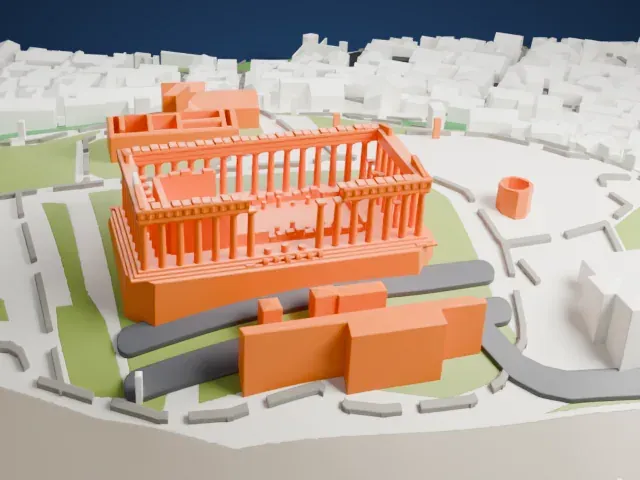
 North
-
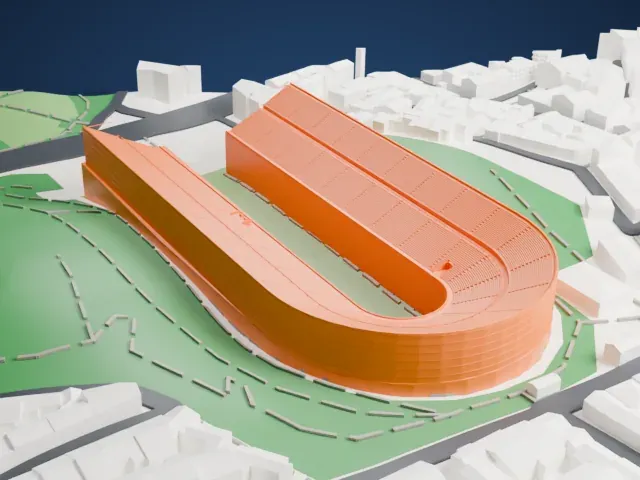
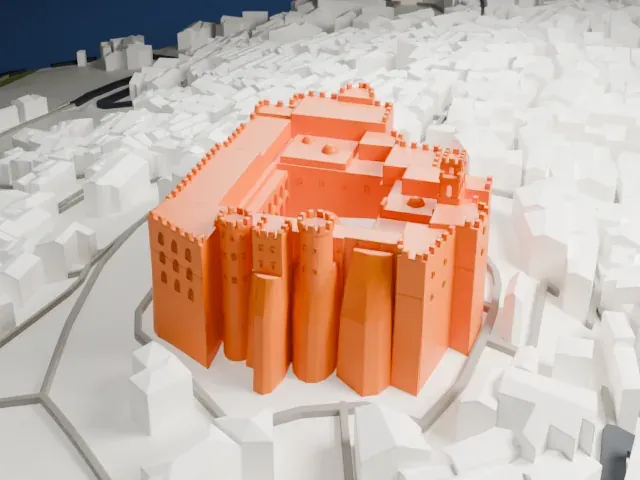 East
-
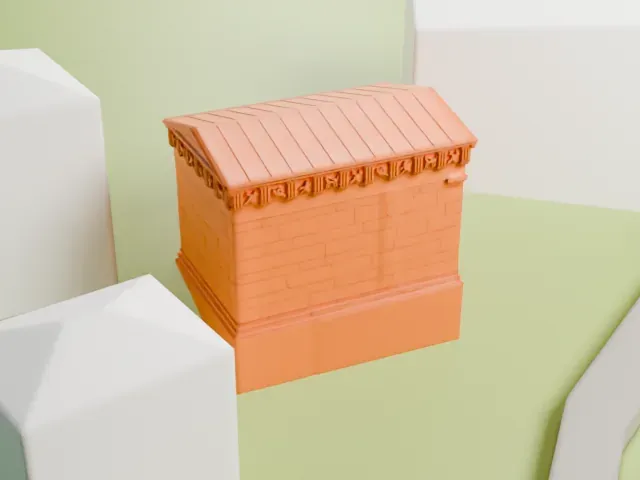
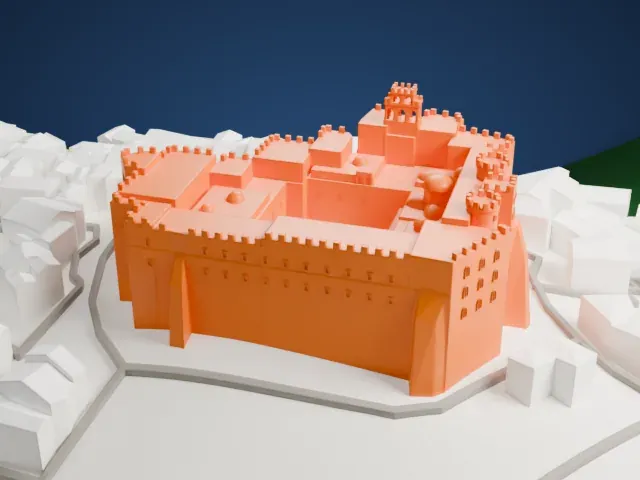 South
-
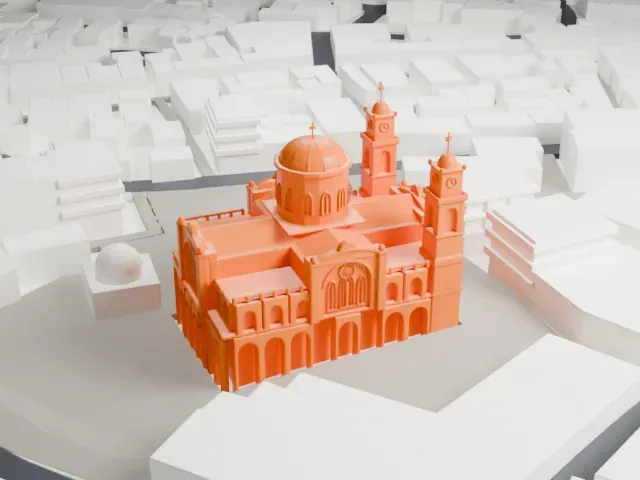
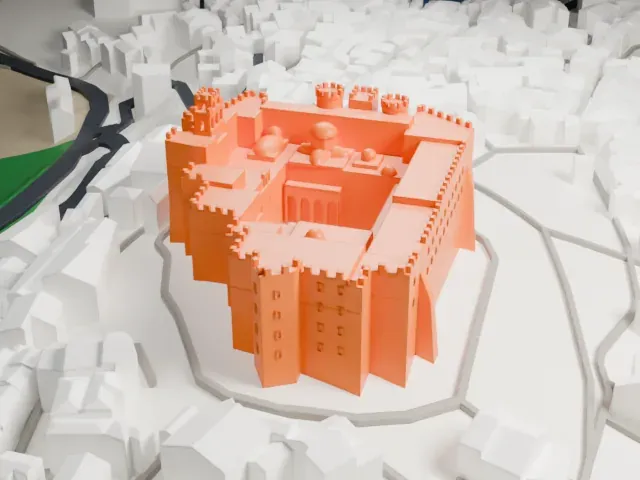 West
The model you print
Monastery of Saint John the Theologian in 3D
The landmark on its own, at its size on a 160 mm print. Print friendly thickens thin parts for a 0.4 mm nozzle; Full detail keeps every part.
- On a 160 mm print
- 8 mm
- Scale
- 1:3,750
8 mm tall on a 160 mm print
Make this print opens the generator on a 600 m square around the landmark. Buildings print at close to true scale, so the landmark grows with the print size.
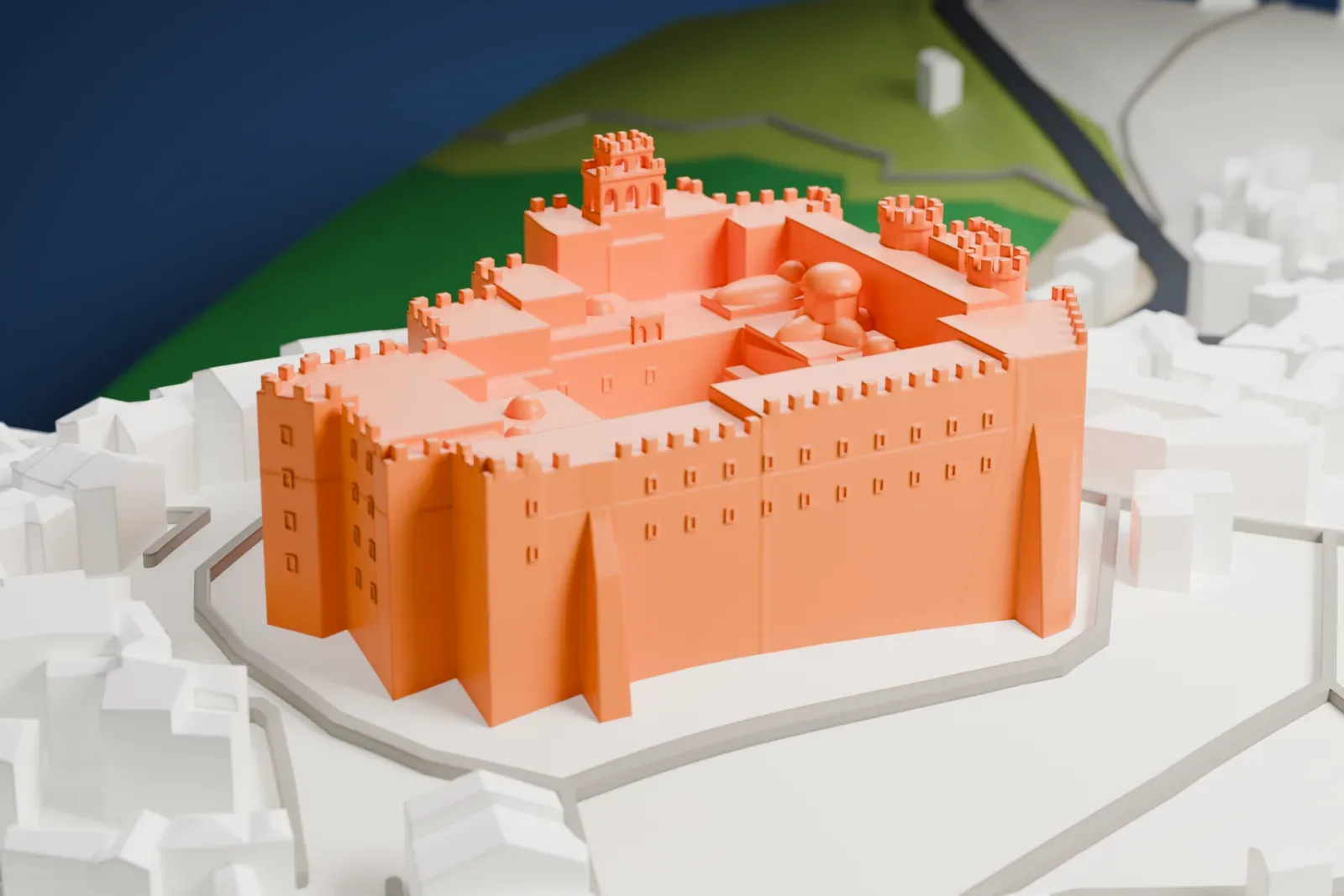
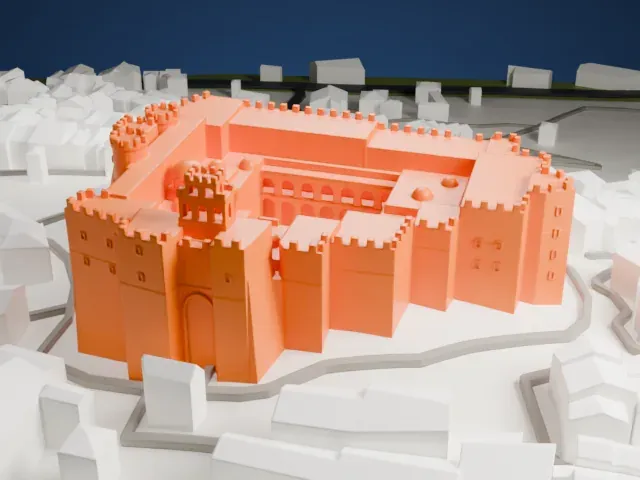
- Battlements and corner towers
Crenellated walls and corner towers circle the monastery. At small sizes the notches blur, so a bigger print or Full detail keeps them, and a 0.12 mm layer height keeps their edges crisp.
- Small domes on the roofs
Several small domes sit among the flat roofs inside the walls. A slower print and fine layers, around 0.12–0.16 mm, help the curved tops come out smooth.
- One piece with the ground
The Monastery of Saint John the Theologian is joined to the ground in the exported file, and the four-side check found no floating parts, so nothing needs gluing.
- Pick the detail for your nozzle
In the Buildings settings, set Landmark detail to Print friendly to adapt thin parts and small details to the print scale. Full detail keeps every modeled feature, for larger prints or a finer nozzle.
- Colors
Buildings, roads, water and ground arrive as separate filament slots in the 3MF. The Monastery of Saint John the Theologian takes the building color.
- File format
You get a 3MF for Bambu Studio, OrcaSlicer or PrusaSlicer. Any of them can save it as STL if you need one.
About the Monastery of Saint John the Theologian
Chora, on the Greek island of Patmos, is home to the Greek Orthodox monastery of Saint John the Theologian, founded in 1088. It takes its name from John of Patmos, who is credited with the Christian Book of Revelation; the text says he lived on the island when he received his visions of the end times. Ever since, the monastery has drawn pilgrims and served as a place of learning and worship.
That year Emperor Alexios I Komnenos of Byzantium handed the island to a monk named Christodoulos, who finished the greater part of the monastery three years later. He fortified the outside heavily because of the threat from pirates and Seljuk Turks. The town of Chora was built around the monastery's fortifications, and the monastery integrated that community from its founding.
The oldest parts are the Katholikón, the main church, and the refectory, both dating to the 11th century. The Katholikón follows the usual Byzantine church form, a domed cross-in-square plan. The south side gained a two-storied arcade in 1698. UNESCO named the monastery a World Heritage Site in 1999, together with Chora, the town around it, and the Cave of the Apocalypse close by.
About this model
The Monastery of Saint John the Theologian is one of more than 6,500 landmark models in Mini Skyline. They are made with AI, and each one is checked in its real surroundings before release. Each model is written as code from public descriptions, plans, photographs and aerial views used only as references; no image or third-party model is copied into it. Everything around it is built from OpenStreetMap and Overture map data. Rights in the building itself, its name and any brands on it are not granted by Mini Skyline; clear them separately before you sell prints. If you would rather print the shape from map data, turn off Landmark models in the Buildings settings.
Mini Skyline is not affiliated with, or endorsed by, the owners of this building or its names and marks.
Keep exploring