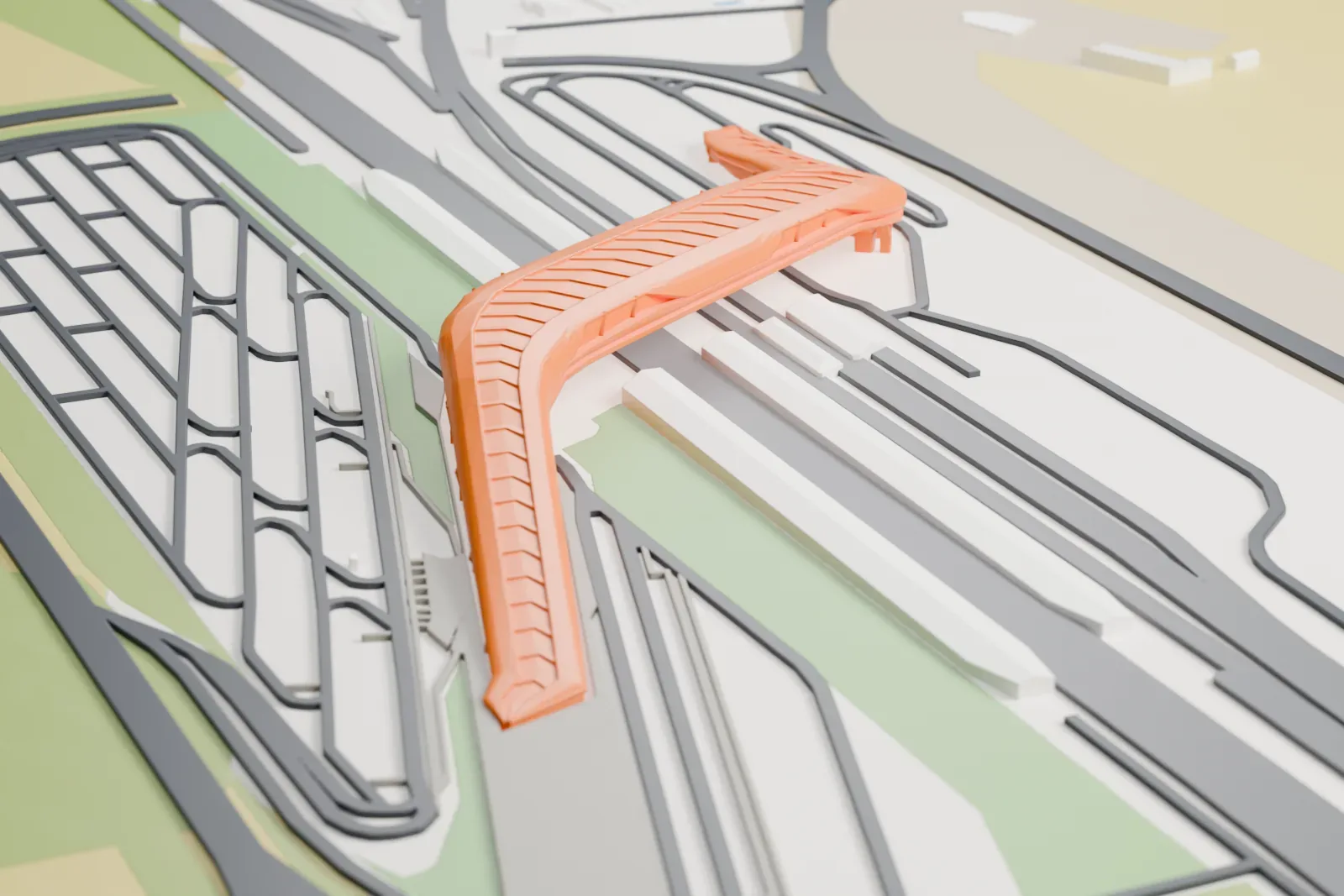
3D print the Napoli Afragola railway station
A free, printable 3D model of the station and its surrounding streets and buildings, generated from real map data in your browser.
-
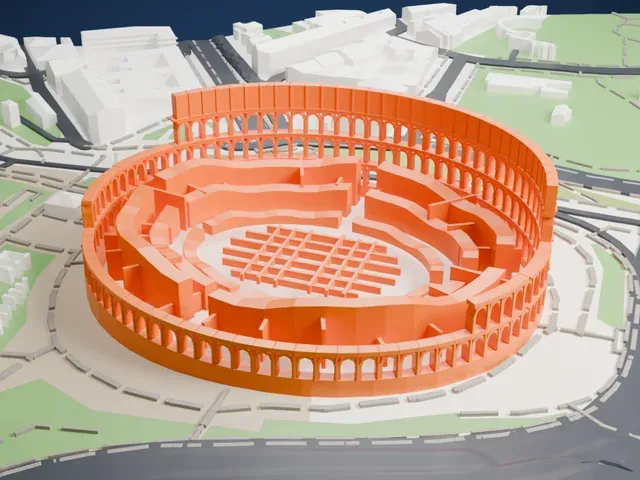
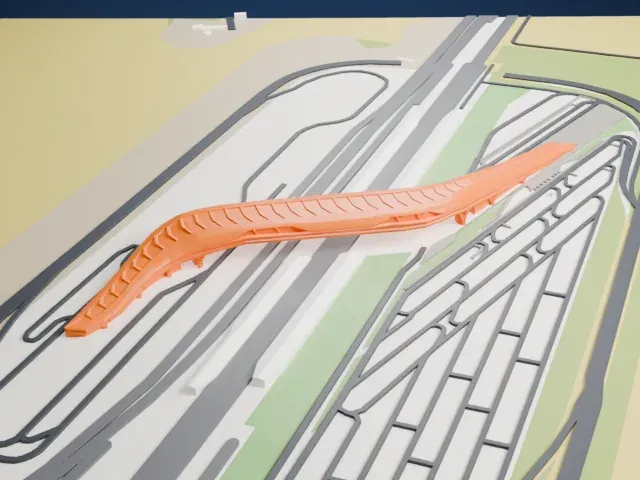 North
North
-
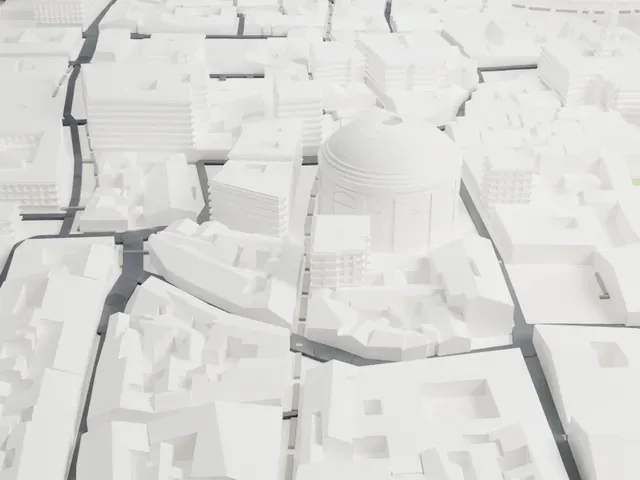
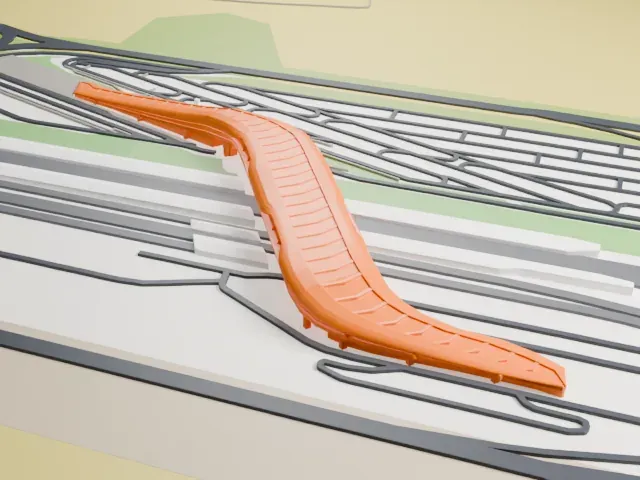 East
East
-
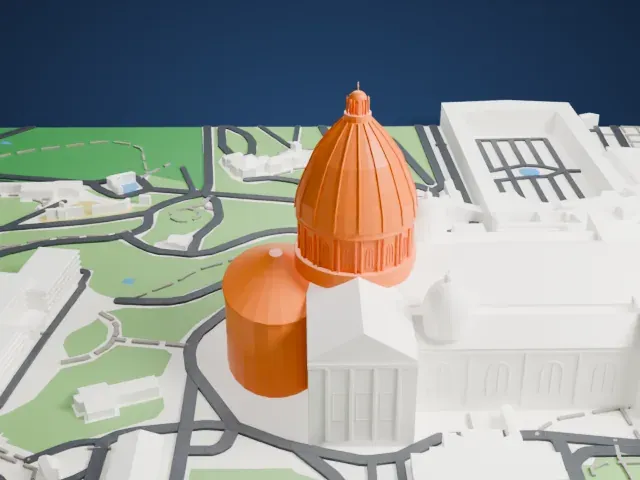
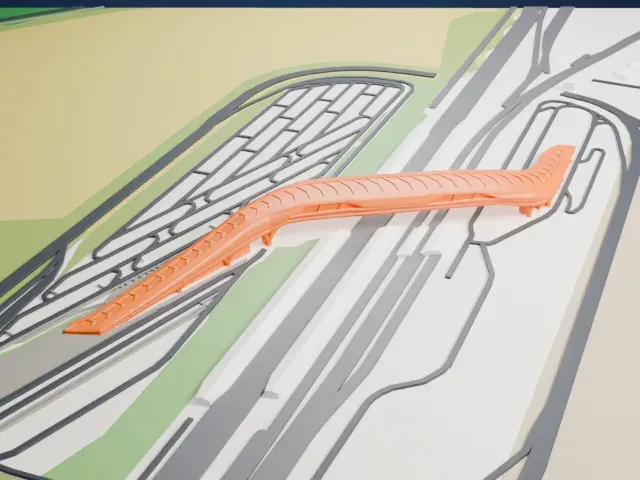 South
South
-
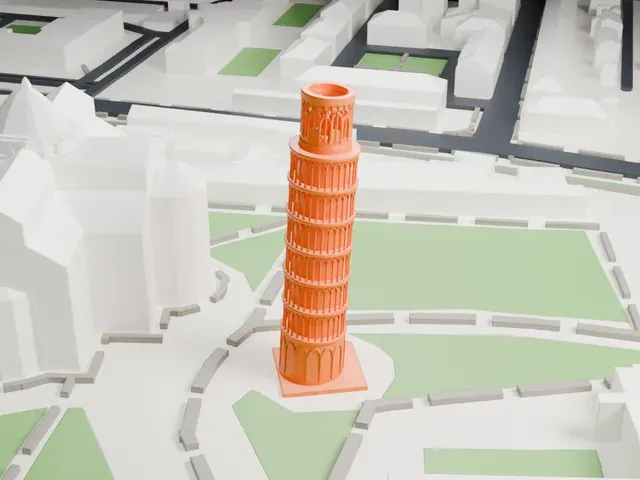
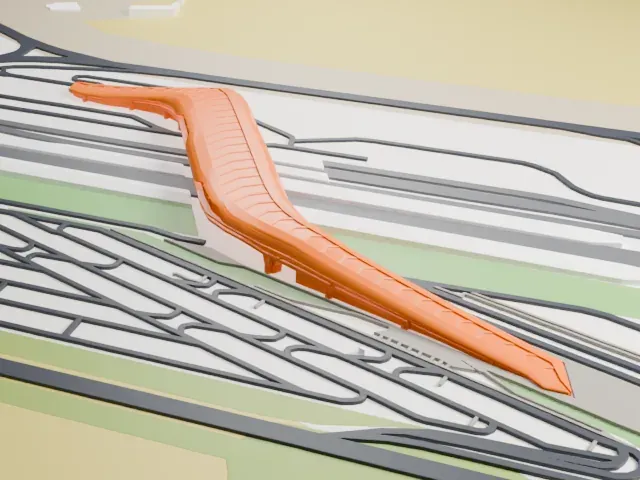 West
West
The model you print
Napoli Afragola railway station in 3D
The landmark on its own, at its size on a 160 mm print. Print friendly thickens thin parts for a 0.4 mm nozzle; Full detail keeps every part.
- Real height
- 25 m
- On a 160 mm print
- 5 mm
- Scale
- 1:6,250
25 m of the Napoli Afragola railway station, 5 mm on your shelf
Make this print opens the generator on a 1000 m square around the landmark. Buildings print at close to true scale, so the landmark grows with the print size.
- Smooth surfaces need fine layers
Large smooth surfaces can show layer steps. Print with fine layers of 0.12–0.16 mm so any curves look smooth rather than stepped.
- Print size and small details
Use Full detail on a larger print to keep small features. Print friendly adapts thin parts for small prints.
- One piece with the ground
The Napoli Afragola railway station is joined to the ground in the exported file, and the four-side check found no floating parts, so nothing needs gluing.
- Pick the detail for your nozzle
In the Buildings settings, set Landmark detail to Print friendly to adapt thin parts and small details to the print scale. Full detail keeps every modeled feature, for larger prints or a finer nozzle.
- Colors
Buildings, roads, water and ground arrive as separate filament slots in the 3MF. The Napoli Afragola railway station takes the building color.
- File format
You get a 3MF for Bambu Studio, OrcaSlicer or PrusaSlicer. Any of them can save it as STL if you need one.
About the Napoli Afragola railway station
Near Naples, the railway station Napoli Afragola sits in the city of Afragola, which belongs to the Naples metropolitan area. It was inaugurated on June 6, 2017, and regular passenger traffic began on June 11, 2017. The station was developed to serve high-speed services running on the Rome–Naples line. British-Iraqi architect Zaha Hadid designed it, and it is nicknamed the "Gateway to the South". A contract for the design was awarded to Zaha Hadid Architects in 2003, and a new construction contract went to Astaldi in February 2015.
The plan was a bridge across four tracks, with four levels, reaching 25 meters (82 ft) at most from the beginning. The bridge carries the concourse and covers 20,000 square meters (220,000 sq ft). The exterior has big glass panels in winding shapes that are said to suggest a moving train, and the design offers views of Mount Vesuvius nearby.
To handle earthquakes, the building is divided into zones no longer than 50 m (160 ft), so sections can move individually in a seismic event. The curved structural elements are mainly concrete, which prefabricated steel units supported and shaped, together with temporary molds made by CNC-milling. Building the scaffolding decks and curved roofs required 5,000 tonnes of steel, and 330 workers were on site daily, peaking at 700.
About this model
The Napoli Afragola railway station is one of more than 5,500 landmark models in Mini Skyline. They are made with AI, and each one is checked from four sides in its real surroundings before release. Each model is written as code from public descriptions, plans, photographs and aerial views used only as references; no image or third-party model is copied into it. Everything around it is built from OpenStreetMap and Overture map data. Rights in the building itself, its name and any brands on it are not granted by Mini Skyline; clear them separately before you sell prints. If you would rather print the shape from map data, turn off Landmark models in the Buildings settings.
Keep exploring