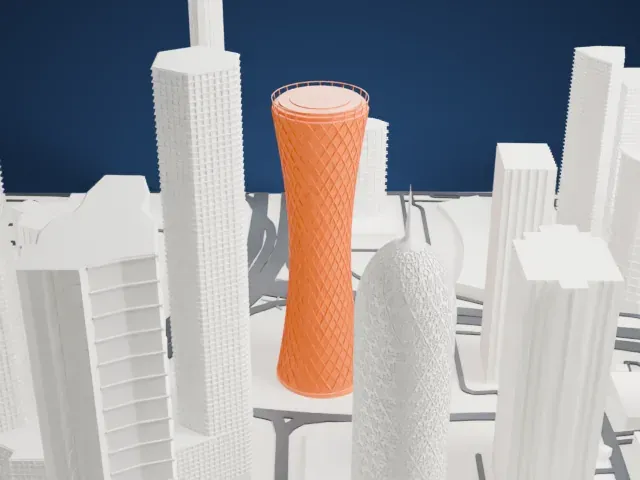
3D print the National Museum of Qatar
A free, printable model of the museum and its waterfront surroundings in Doha, generated from real map data in your browser.
Free, in your browser. Exports a slicer-ready 3MF.
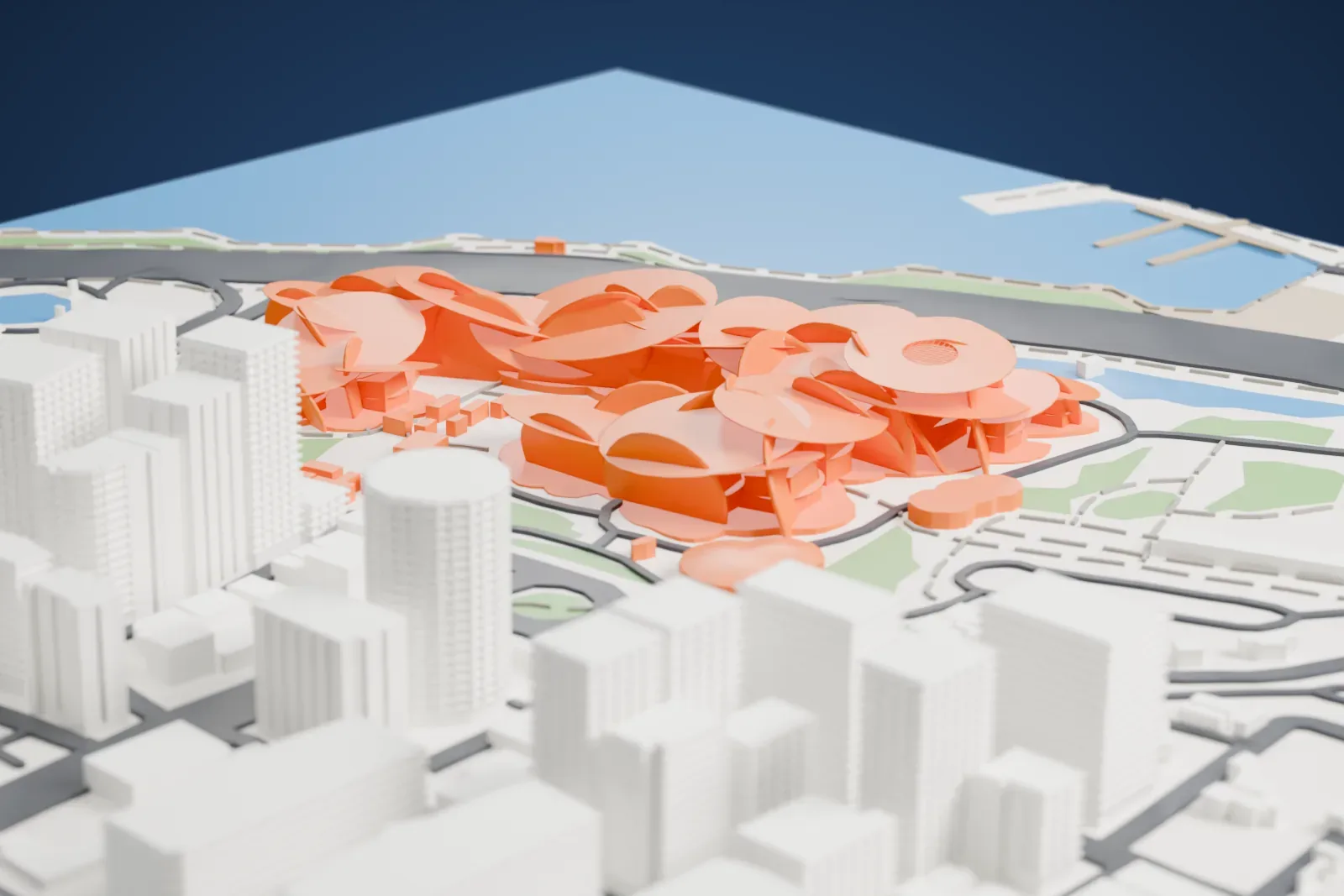
About the National Museum of Qatar
In Doha, Qatar, the National Museum of Qatar serves as the country's national museum. The museum's building opened to the public on March 28, 2019, and took the place of an earlier structure from 1975. The French architect Jean Nouvel designed it, taking the desert rose crystal, a form found in Qatar, as his inspiration.
The museum grounds also contain the Al Thani palace of Sheikh Abdullah bin Jassim, described as central to Qatari national identity. Its stated mission is to honor Qatar's culture, heritage and future. Steel and ultra-high performance fiber reinforced concrete are listed among its materials.
Visitors follow a loop through eleven permanent galleries organized around three interrelated themes, with one more space for temporary exhibitions. The order is loosely chronological: it opens with desert and Persian Gulf natural history and closes with the discovery of oil. About 8,000 objects make up the collections, among them archaeological artifacts, textiles and costumes, jewelry and historical documents.
How it prints
Make this print opens the generator on a 750 m square around the landmark. Buildings print at close to true scale, so the landmark grows with the print size.
| Print size | Landmark height | Scale |
|---|---|---|
| 160 mm default | 10 mm | 1:4,688 |
| 200 mm | 13 mm | 1:3,750 |
| 256 mm | 16 mm | 1:2,930 |
-
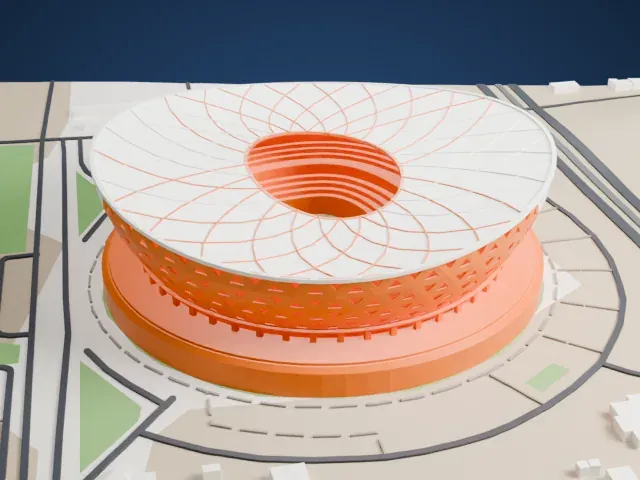
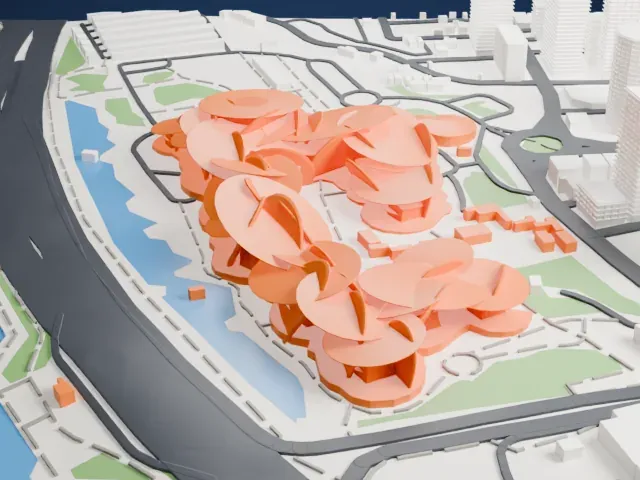 North
North
-
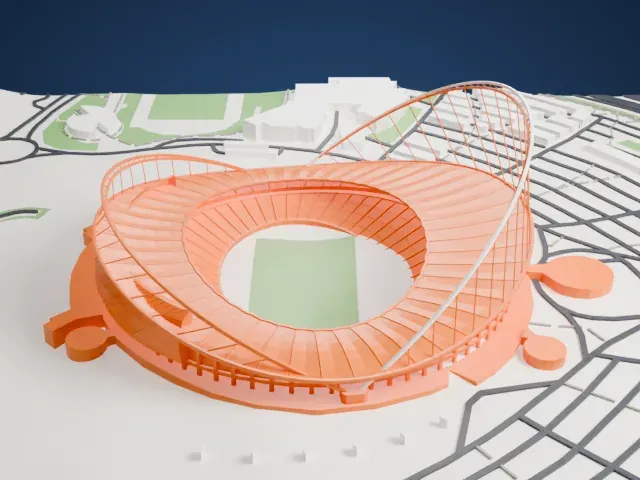
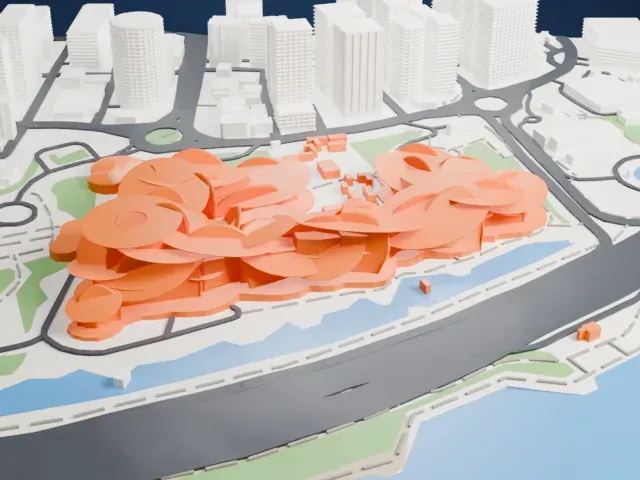 East
East
-
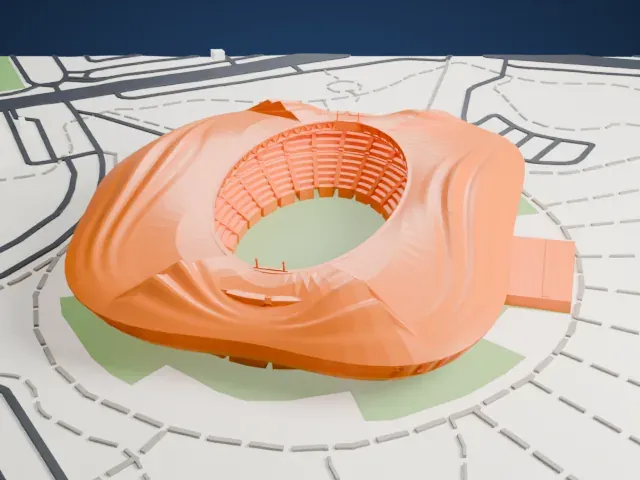
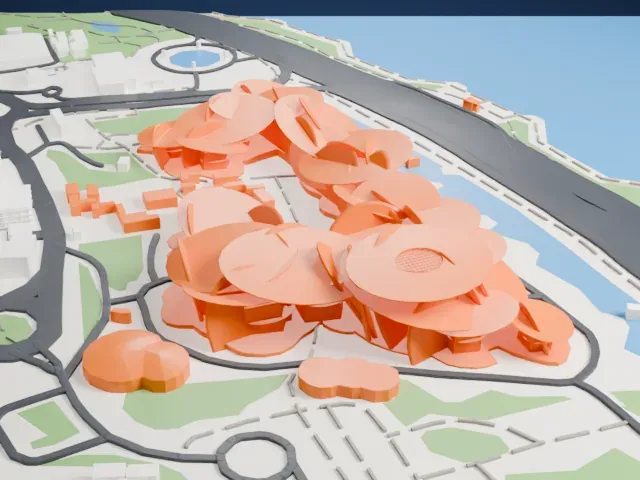 South
South
-
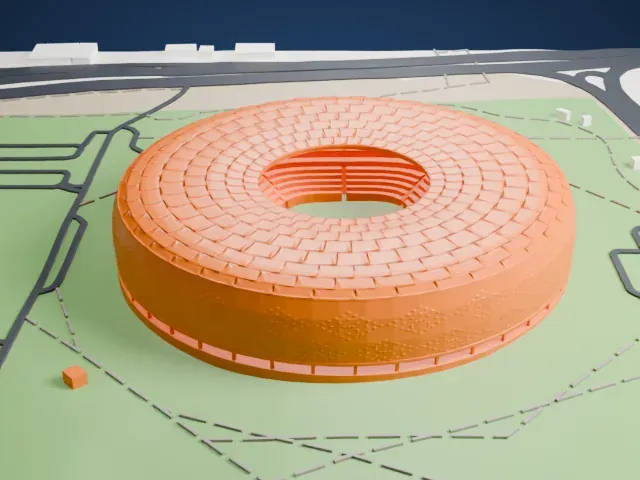
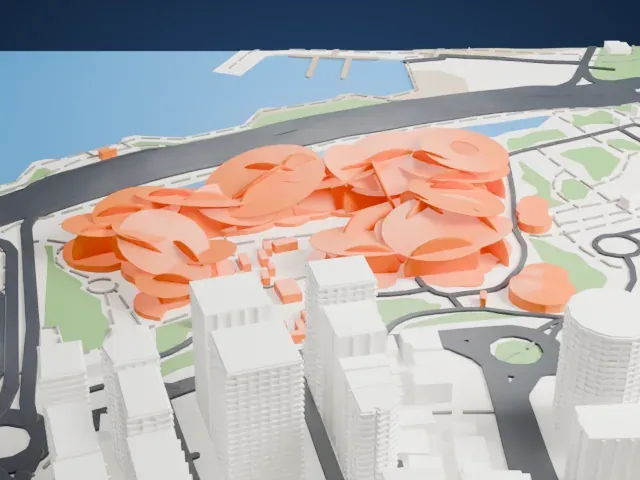 West
West
- Overlapping discs
- The building is a cluster of large, thin, overlapping discs. Print friendly adapts the thin edges to the print scale; Full detail keeps every disc edge, best on a larger print.
- Tilted, flat surfaces
- Tilted discs create wide overhangs. Slower speed and 0.12-0.16 mm layers help the edges stay smooth.
- One piece with the ground
- The National Museum of Qatar is joined to the ground in the exported file, and the four-side check found no floating parts, so nothing needs gluing.
- Pick the detail for your nozzle
- In the Buildings settings, set Landmark detail to Print friendly to adapt thin parts and small details to the print scale. Full detail keeps every modeled feature, for larger prints or a finer nozzle.
- Colors
- Buildings, roads, water and ground arrive as separate filament slots in the 3MF. The National Museum of Qatar takes the building color.
- File format
- You get a 3MF for Bambu Studio, OrcaSlicer or PrusaSlicer. Any of them can save it as STL if you need one.
About this model
The National Museum of Qatar is one of more than 2,300 landmark models in Mini Skyline. They are made with AI, and each one is checked from four sides in its real surroundings before release. Everything around it is built from OpenStreetMap and Overture map data. If you would rather print the shape from map data, turn off Landmark models in the Buildings settings.
Common questions
Is there a National Museum of Qatar STL I can download?
Mini Skyline builds the file for you in your browser and exports 3MF, which every major slicer opens. If you need an STL, open the 3MF in your slicer and export it from there.
How big can I print it?
Any print size from 40 mm across. The National Museum of Qatar grows with the print: about 10 mm tall on the default 160 mm print. For a model larger than your printer bed, Project Mode splits the area into tiles.
Is it free?
Yes. Generation runs in your browser, with no account and nothing behind a paywall.