3D print the National Technical Museum
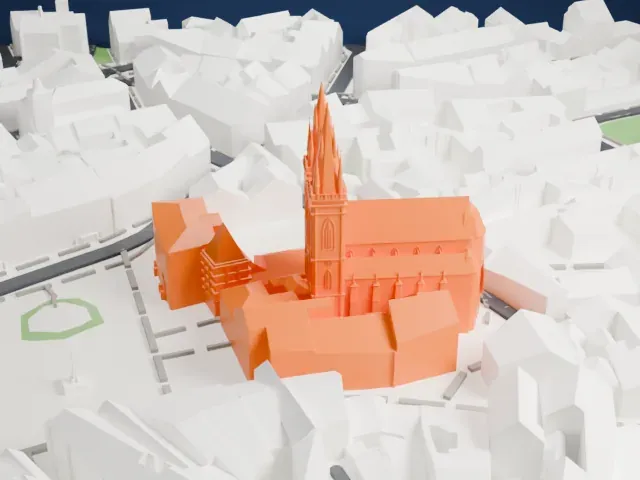
A free, printable 3D model of the National Technical Museum in Prague and the surrounding streets and buildings, generated from real map data in your browser.
-
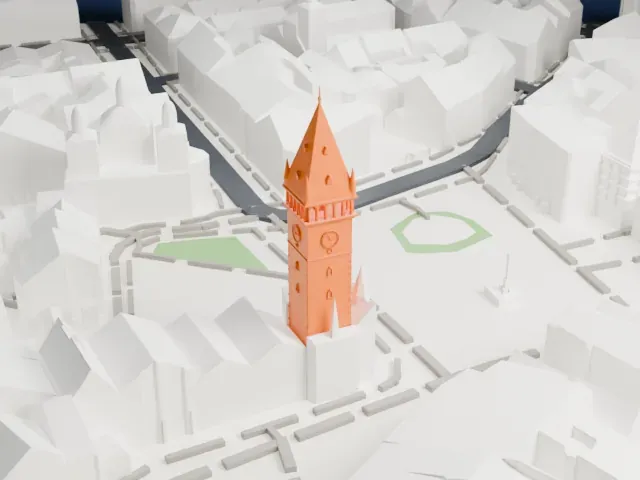
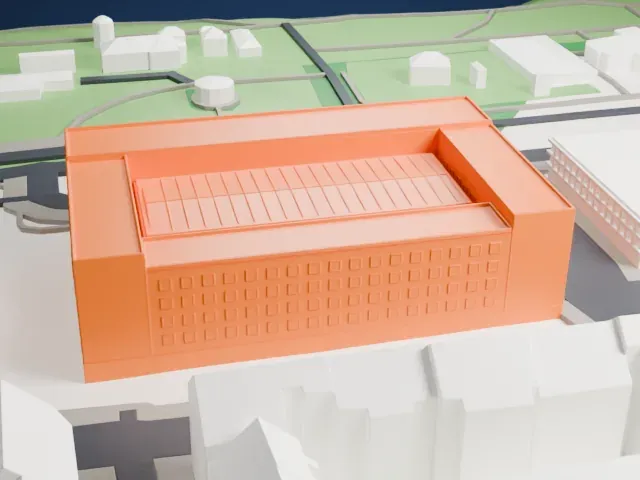 North
North
-
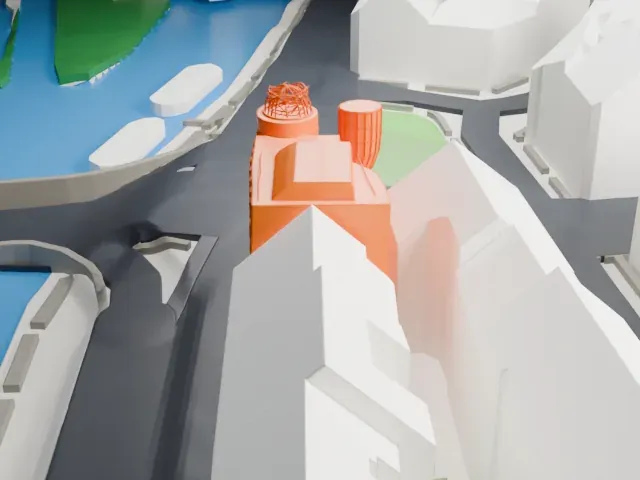
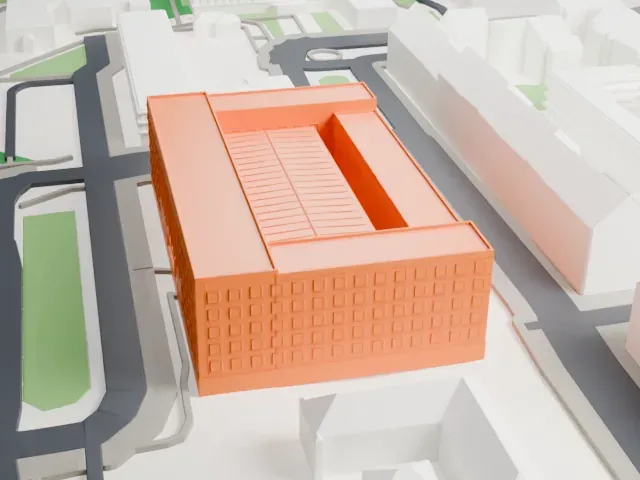 East
East
-
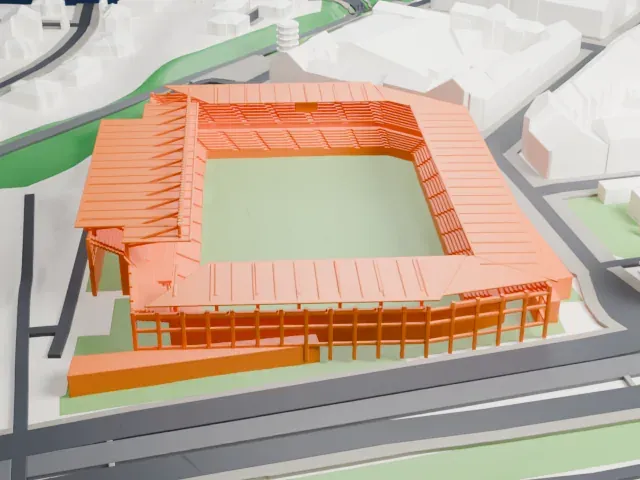
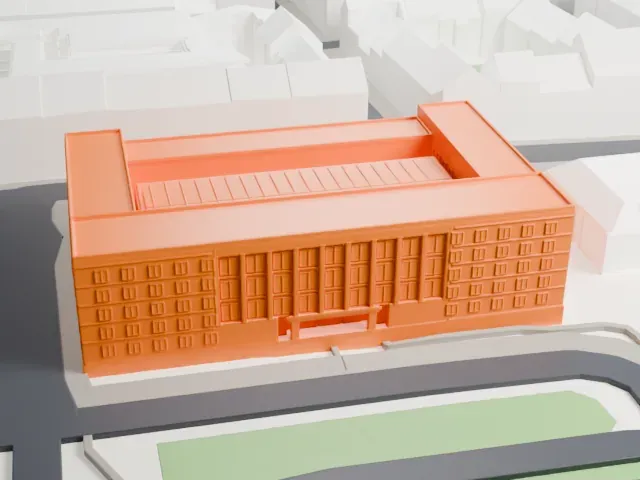 South
South
-
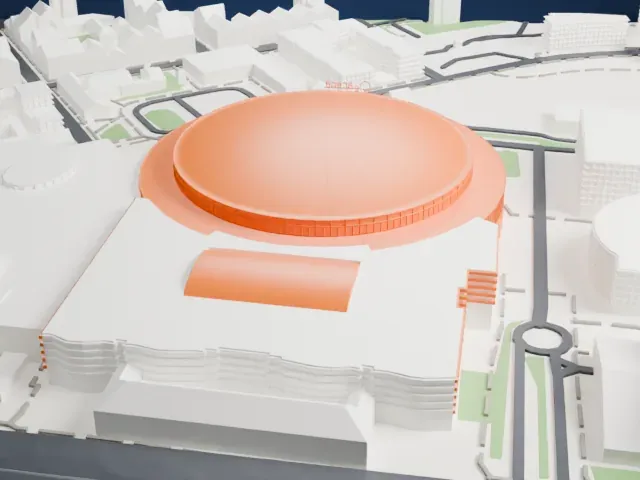
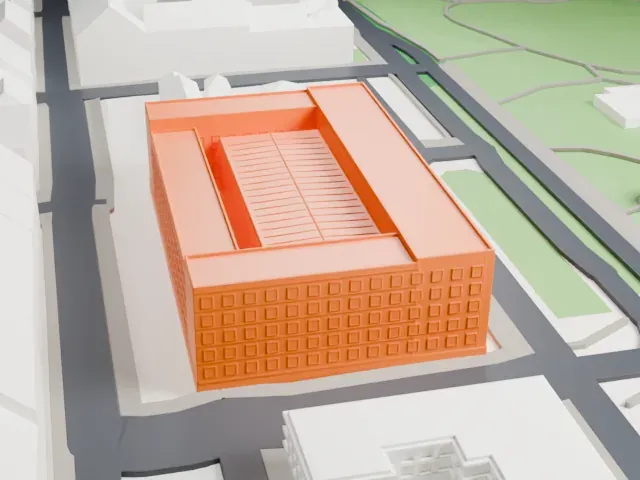 West
West
The model you print
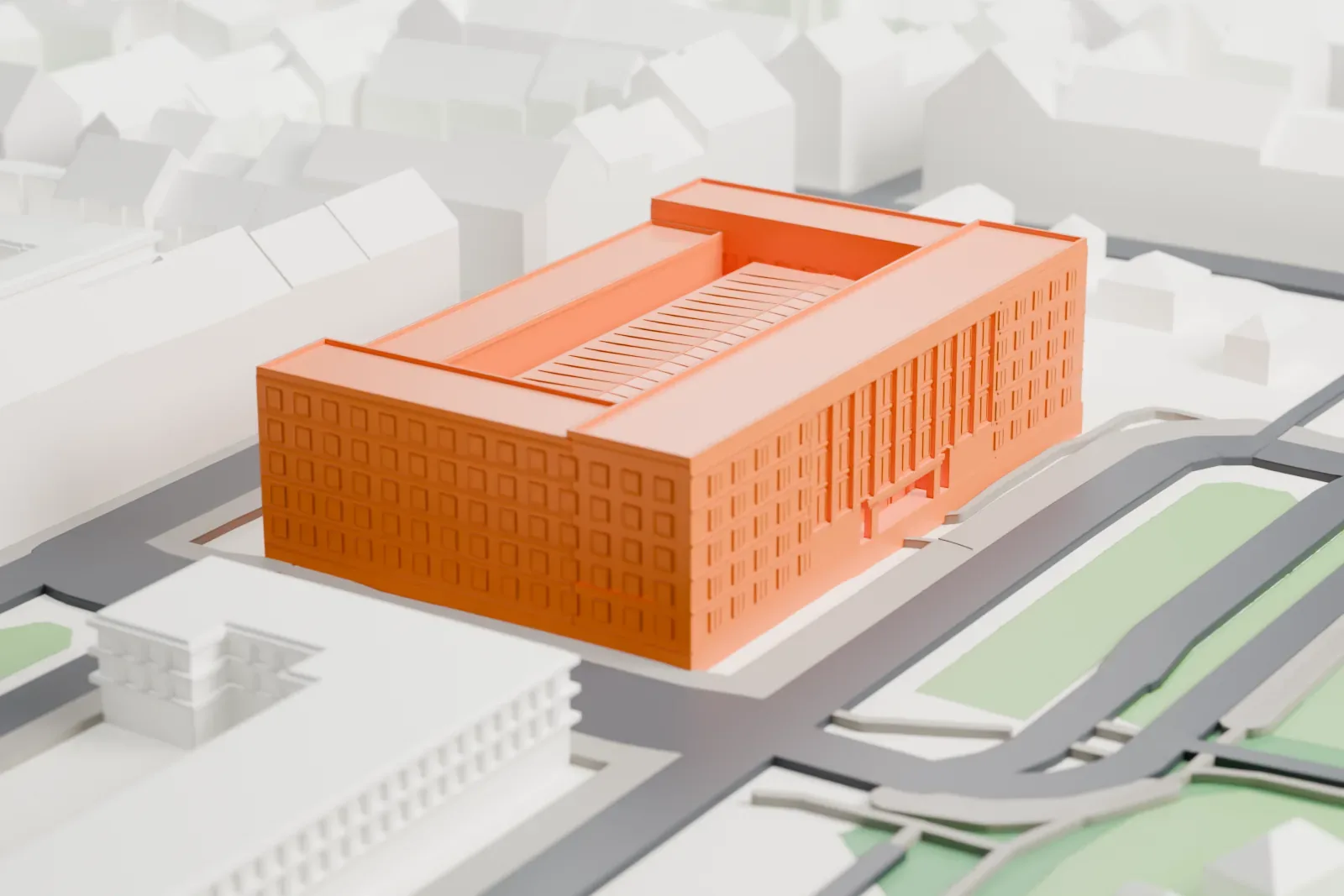
National Technical Museum in 3D
The landmark on its own, at its size on a 160 mm print. Print friendly thickens thin parts for a 0.4 mm nozzle; Full detail keeps every part.
- On a 160 mm print
- 7 mm
- Scale
- 1:3,750
7 mm tall on a 160 mm print
Make this print opens the generator on a 600 m square around the landmark. Buildings print at close to true scale, so the landmark grows with the print size.
- Large building, small details
A broad museum block is mostly about footprint. A larger print size keeps small details, and Print friendly adapts thin parts to the print scale; use Full detail for a large print or a fine nozzle.
- One piece with the ground
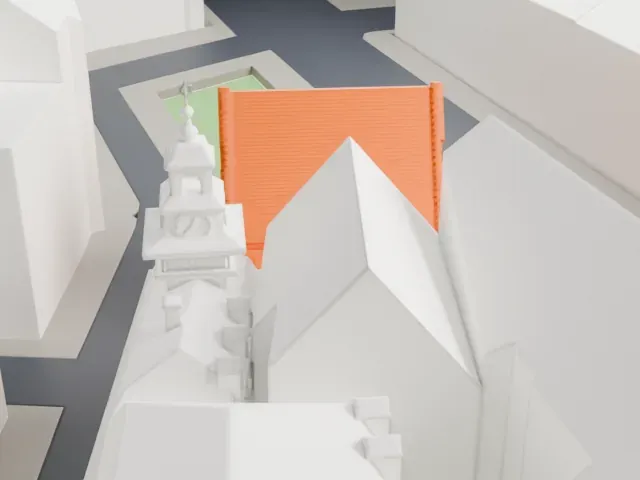
The National Technical Museum is joined to the ground in the exported file, and the four-side check found no floating parts, so nothing needs gluing.
- Pick the detail for your nozzle
In the Buildings settings, set Landmark detail to Print friendly to adapt thin parts and small details to the print scale. Full detail keeps every modeled feature, for larger prints or a finer nozzle.
- Colors
Buildings, roads, water and ground arrive as separate filament slots in the 3MF. The National Technical Museum takes the building color.
- File format
You get a 3MF for Bambu Studio, OrcaSlicer or PrusaSlicer. Any of them can save it as STL if you need one.
About the National Technical Museum
The National Technical Museum in Prague is the Czech Republic's largest institution devoted to keeping information and artifacts about the history of technology. Founded in 1908, it stands next to Letná Park. Milan Babuška designed the main building in Functionalist style after winning an architectural competition. Large exhibits make up approximately 15% of the collection, and the museum also manages archives of about 250,000 books.
The collections trace back to a professional engineering school founded in 1717, the Prague Polytechnical Institute of 1806, and the Czech industrial museum that Vojtěch Náprstek founded in 1874. The modern museum began as the Technical Museum of Bohemia, which first welcomed the public in 1910 at the Schwarzenberg Palace and took the name Czechoslovak Technical Museum in 1918. It did not fully occupy the main building until the 1990s.
In 1995 the museum opened three galleries: Fine Arts, Industrial Design and Single Building. The Railway Museum followed in 2001 and holds about 100 railway vehicles. Among the exhibits are the aircraft in which Jan Kašpar flew in 1911 from Pardubice to Velká Chuchle, his first flight, and two cars: Rudolf Caracciola's Mercedes-Benz W154 from 1939, the most valuable exhibit, and President Tomáš Garrigue Masaryk's Tatra 80 from 1935.
About this model
The National Technical Museum is one of more than 5,500 landmark models in Mini Skyline. They are made with AI, and each one is checked from four sides in its real surroundings before release. Each model is written as code from public descriptions, plans, photographs and aerial views used only as references; no image or third-party model is copied into it. Everything around it is built from OpenStreetMap and Overture map data. Rights in the building itself, its name and any brands on it are not granted by Mini Skyline; clear them separately before you sell prints. If you would rather print the shape from map data, turn off Landmark models in the Buildings settings.
Same skyline