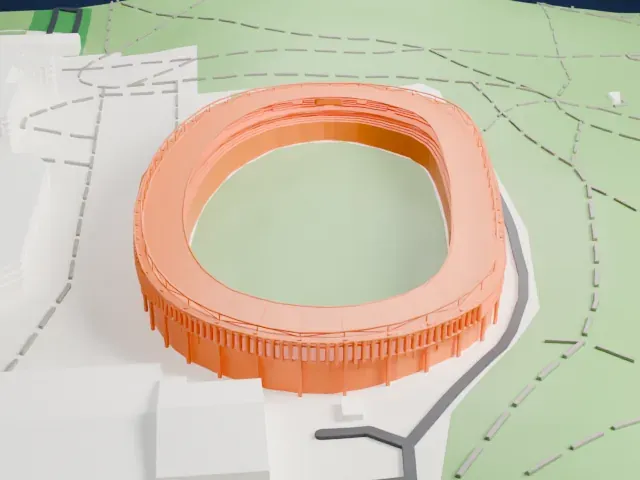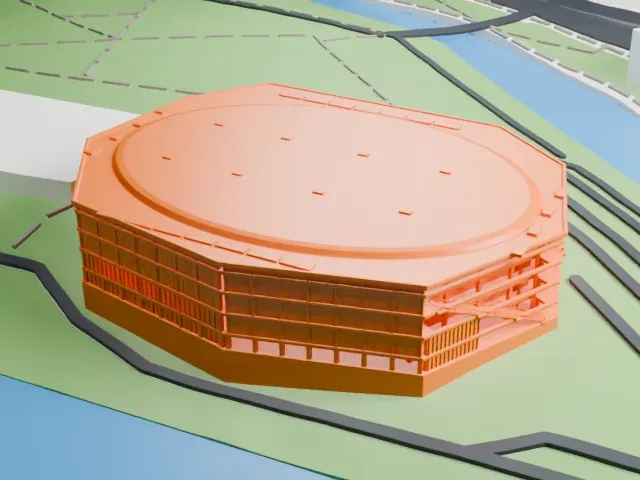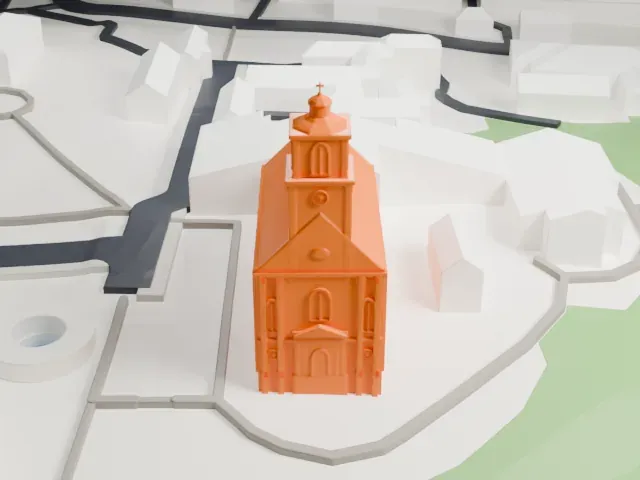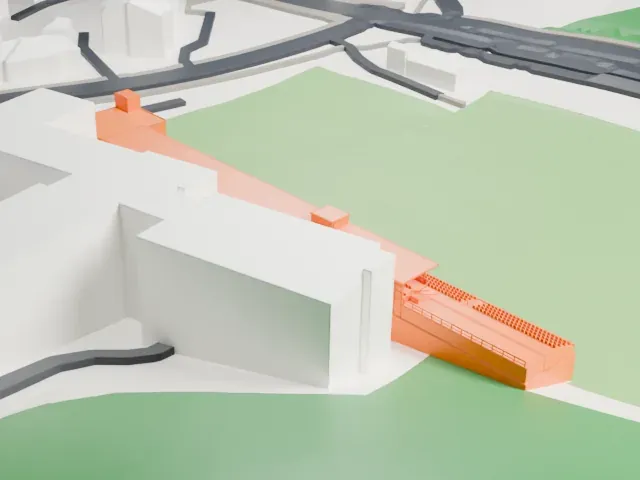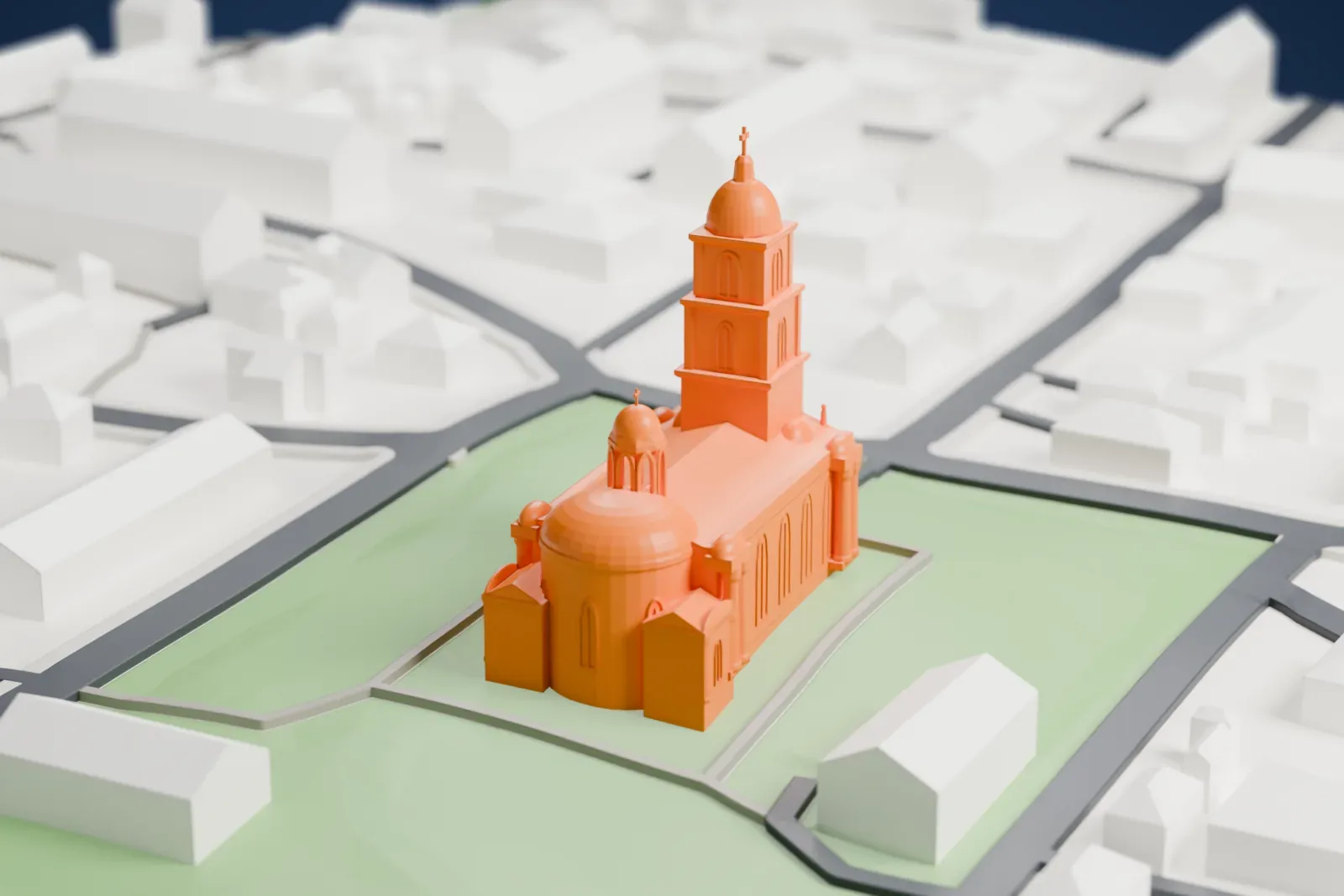
Panevėžys Cathedral in 3D
Panevėžys Cathedral appears in city models you make here; its design may still be protected, so it isn't offered as a separate download.
-
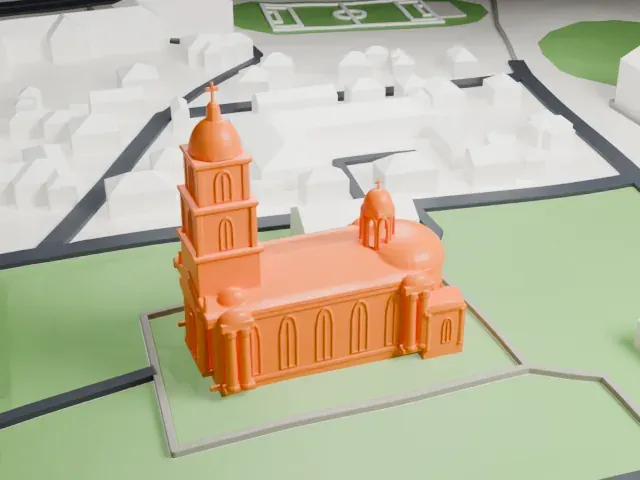 North
-
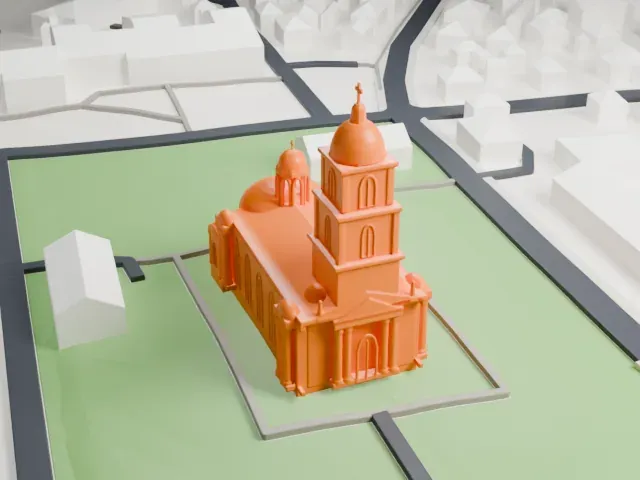 East
-
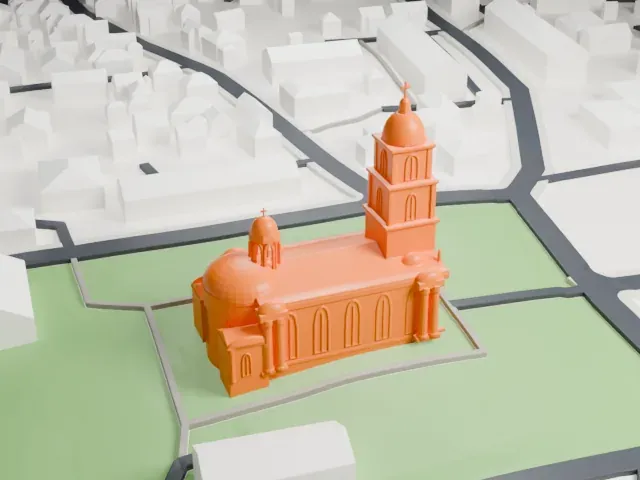 South
-
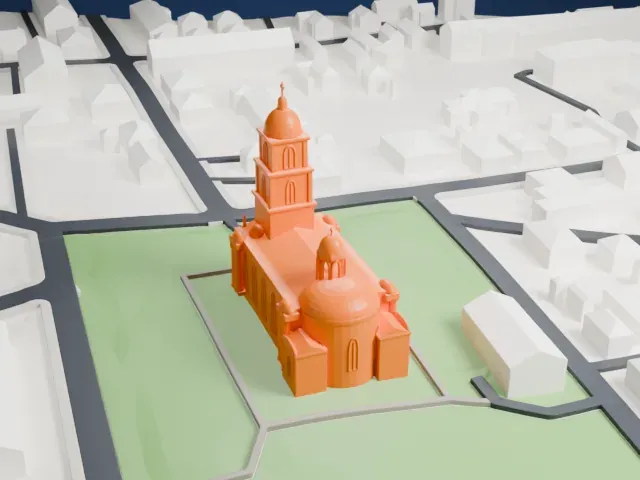 West
Copyright notice
The design of Panevėžys Cathedral may still be protected by copyright. It appears in the city models you make here, but it is not offered as a separate model.
- On a 160 mm print
- 16 mm
- Scale
- 1:3,750
16 mm tall on a 160 mm print
Make this print opens the generator on a 600 m square around the landmark. Buildings print at close to true scale, so the landmark grows with the print size.
- Tall front tower with a dome
The tower rises above the facade and ends in an octagonal dome and a small cross. Choose Full detail on a large print to keep the cross, and print slowly for the tall, narrow top.
- Several small domes
Smaller domes cluster around the larger dome at the rear. Layers of 0.12-0.16 mm keep their curves smooth, and a bigger print size keeps them distinct.
- One piece with the ground
Panevėžys Cathedral is joined to the ground in the exported file, and the four-side check found no floating parts, so nothing needs gluing.
- Pick the detail for your nozzle
In the Buildings settings, set Landmark detail to Print friendly to adapt thin parts and small details to the print scale. Full detail keeps every modeled feature, for larger prints or a finer nozzle.
- Colors
Buildings, roads, water and ground arrive as separate filament slots in the 3MF. Panevėžys Cathedral takes the building color.
- File format
You get a 3MF for Bambu Studio, OrcaSlicer or PrusaSlicer. Any of them can save it as STL if you need one.
About Panevėžys Cathedral
Panevėžys Cathedral, also called the Cathedral of Christ the King (Kristaus Karaliaus katedra in Lithuanian), is a Roman Catholic cathedral where the bishop of the Panevėžys diocese has his seat. In 1860 Bishop Motiejus Valančius started planning a new church for the city. After the Uprising of 1863, though, the Tsarist authorities forbade any new Catholic churches. Permission came in 1904, but the Revolution of 1905 and the Russo-Japanese War held work back until 1908.
Work on the church stopped after World War I. On April 4, 1926, Pope Pius XI created the Panevėžys diocese and chose the unfinished church, then still under construction, to become its bishop's cathedral, naming it for Christ the King. Rytis Steikūnas (architect) and Aleksandras Gordevičius (engineer) reworked and enlarged the design. Maironis blessed the incomplete building on March 4, 1930, and Archbishop Juozapas Skvireckas consecrated it on June 30, 1933, during a Eucharistic Congress. The interior was decorated by Povilas Puzinas, a local painter, in 1938-1939.
Its design is eclectic, mixing Baroque and Neoclassical features. A tower with a rectangular plan and an octagonal dome on top dominates the facade. Two sculptures, each 3 meters (9.8 ft) high, depict Pope Pius XI and Jurgis Matulevičius, the diocese's founders, and stand on the roof corners. Three naves with reinforced-concrete groin vaults form the interior. A fresco by Jonas Mackevičius, 22 by 14 meters (72 ft × 46 ft), covers the apse ceiling.
About this model
Panevėžys Cathedral is one of more than 6,500 landmark models in Mini Skyline. They are made with AI, and each one is checked in its real surroundings before release. Each model is written as code from public descriptions, plans, photographs and aerial views used only as references; no image or third-party model is copied into it. Everything around it is built from OpenStreetMap and Overture map data. Rights in the building itself, its name and any brands on it are not granted by Mini Skyline; clear them separately before you sell prints. If you would rather print the shape from map data, turn off Landmark models in the Buildings settings.
Mini Skyline is not affiliated with, or endorsed by, the owners of this building or its names and marks.
Keep exploring