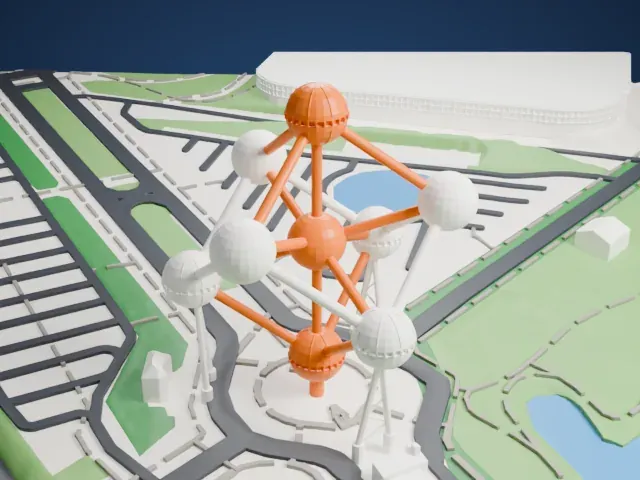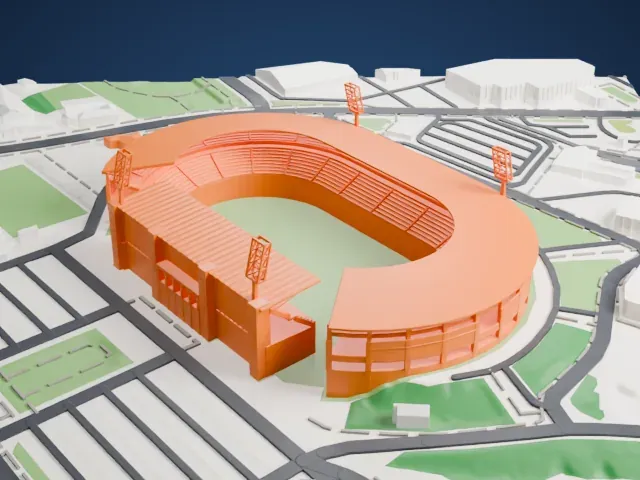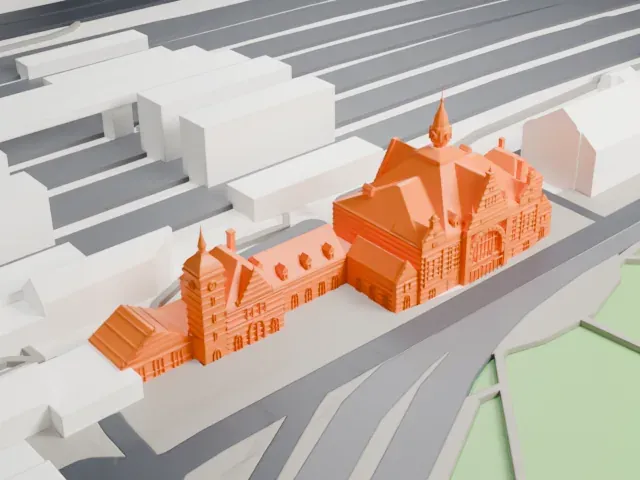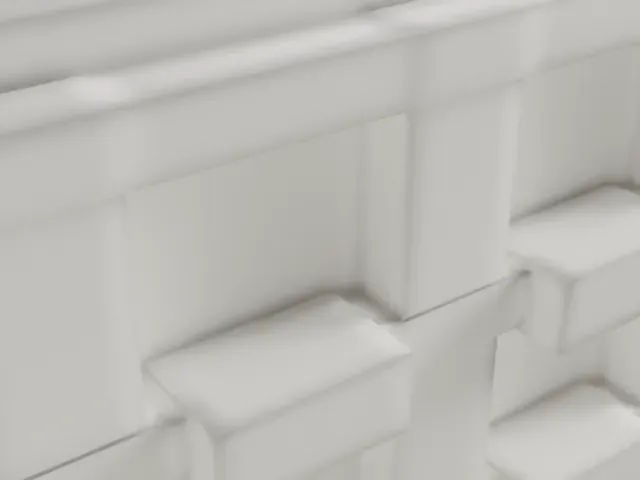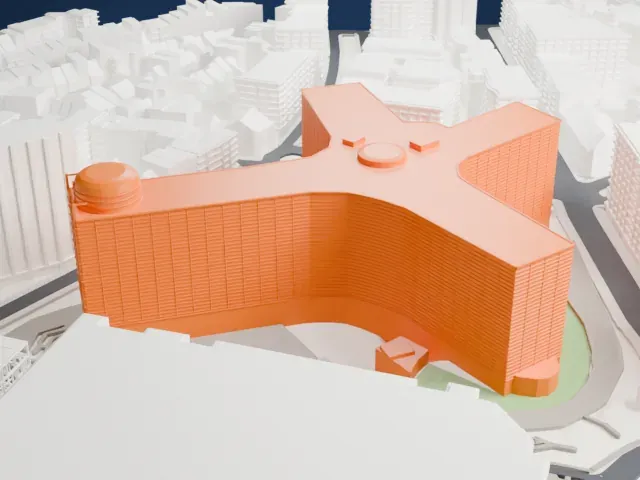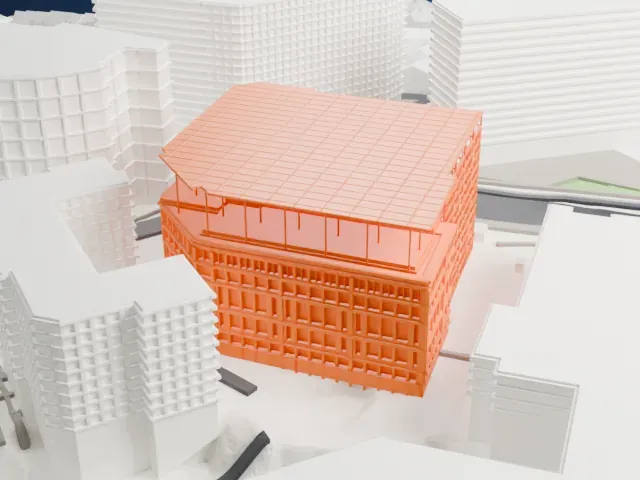
Royal Library of Belgium in 3D
The Royal Library of Belgium appears in city models you make here; its design may still be protected, so it isn't offered as a separate download.
-
 North
-
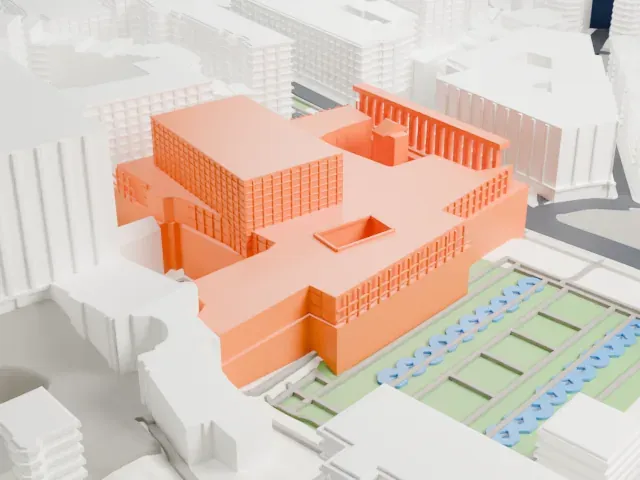 East
-
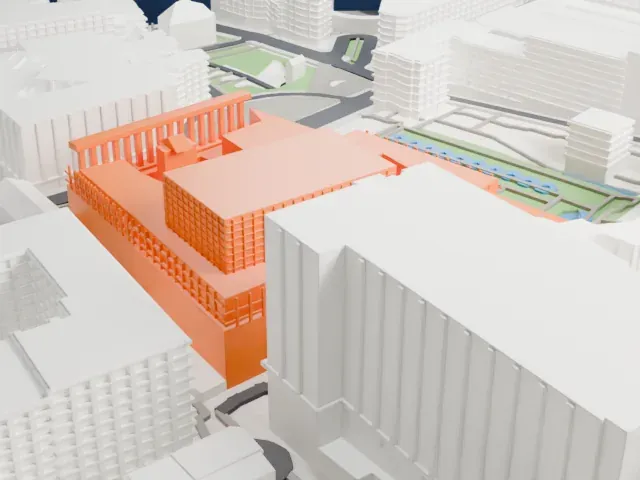 South
-
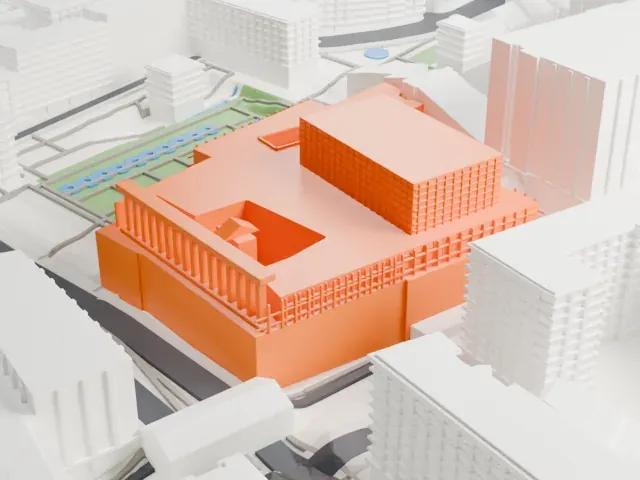 West
Copyright notice
The design of Royal Library of Belgium may still be protected by copyright. It appears in the city models you make here, but it is not offered as a separate model.
- On a 160 mm print
- 13 mm
- Scale
- 1:3,750
13 mm tall on a 160 mm print
Make this print opens the generator on a 600 m square around the landmark. Buildings print at close to true scale, so the landmark grows with the print size.
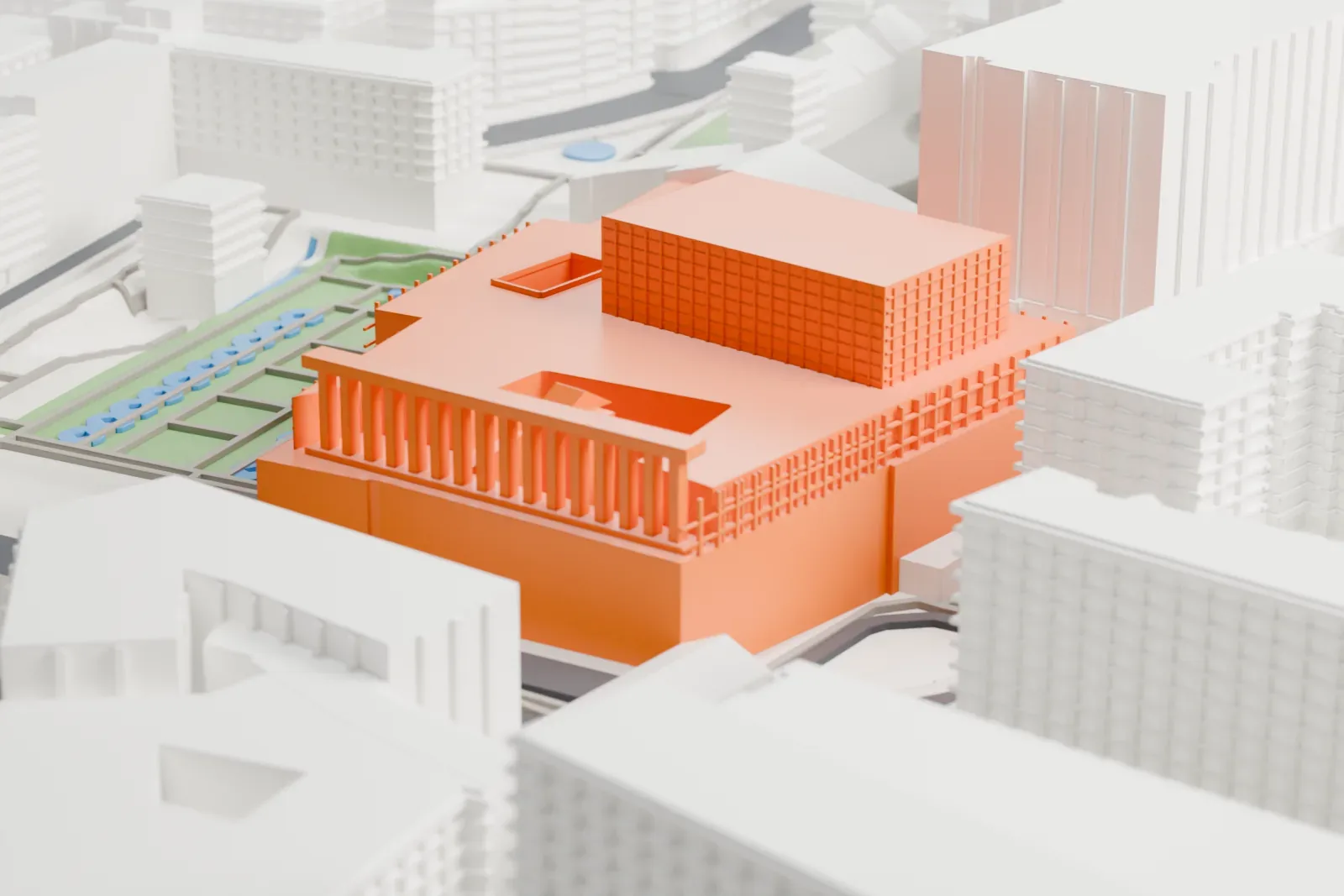
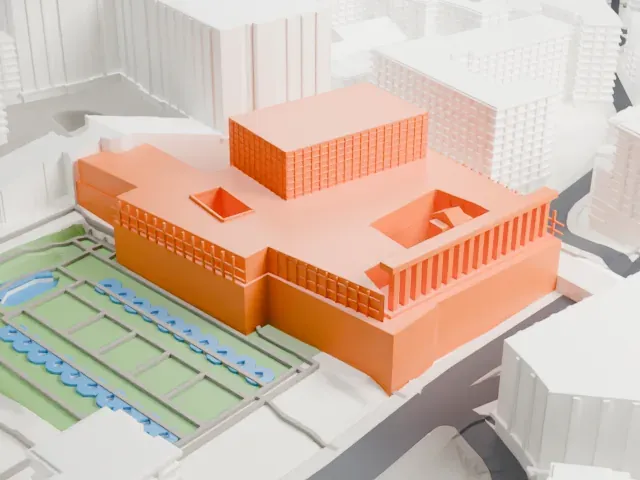
- Tall fins and window grids
A colonnade of tall thin fins runs along one side, and the upper block has a fine window grid. Full detail keeps them on a larger print; Print friendly adapts them at small sizes. A layer height of 0.12–0.16 mm keeps the grid crisp.
- One piece with the ground
The Royal Library of Belgium is joined to the ground in the exported file, and the four-side check found no floating parts, so nothing needs gluing.
- Pick the detail for your nozzle
In the Buildings settings, set Landmark detail to Print friendly to adapt thin parts and small details to the print scale. Full detail keeps every modeled feature, for larger prints or a finer nozzle.
- Colors
Buildings, roads, water and ground arrive as separate filament slots in the 3MF. The Royal Library of Belgium takes the building color.
- File format
You get a 3MF for Bambu Studio, OrcaSlicer or PrusaSlicer. Any of them can save it as STL if you need one.
About the Royal Library of Belgium
The Royal Library of Belgium, known in Dutch as Koninklijke Bibliotheek van België and in French as Bibliothèque royale de Belgique, and abbreviated KBR, is the national library of Belgium. Among its collections of historical importance is the library assembled by the Dukes of Burgundy. It also serves as the repository for every book that appears in Belgium, as well as those Belgian authors publish abroad. Its present building went up in the later half of the 20th century on central Brussels' Mont des Arts/Kunstberg, near the Central Station.
The library's roots go back to the 15th-century Dukes of Burgundy. When Philip the Good died in 1467, their library held approximately 900 manuscripts, ranking among the most prestigious collections in Europe. On April 12, 1559, Philip II of Spain gathered the manuscripts at the Palace of Coudenberg, founding what became KBR's direct predecessor, Royal Library of the Low Countries. After Belgian independence the library was formally established as the Royal Library of Belgium on June 19, 1837, and the public could use it from May 21, 1839.
In 1935 the government decided to build a new library in memory of King Albert I. The architect Maurice Houyoux designed it, and work started in 1954. The inauguration of the Royal Library Albert I took place on February 17, 1969. The library was rebranded as KBR in 2019, and the KBR Museum opened the following year, where the Dukes of Burgundy's library is on permanent display. Its print room holds Belgium's largest collection of prints and drawings.
About this model
The Royal Library of Belgium is one of more than 6,500 landmark models in Mini Skyline. They are made with AI, and each one is checked in its real surroundings before release. Each model is written as code from public descriptions, plans, photographs and aerial views used only as references; no image or third-party model is copied into it. Everything around it is built from OpenStreetMap and Overture map data. Rights in the building itself, its name and any brands on it are not granted by Mini Skyline; clear them separately before you sell prints. If you would rather print the shape from map data, turn off Landmark models in the Buildings settings.
Mini Skyline is not affiliated with, or endorsed by, the owners of this building or its names and marks.
Same skyline