3D print the Saint Petersburg Mosque
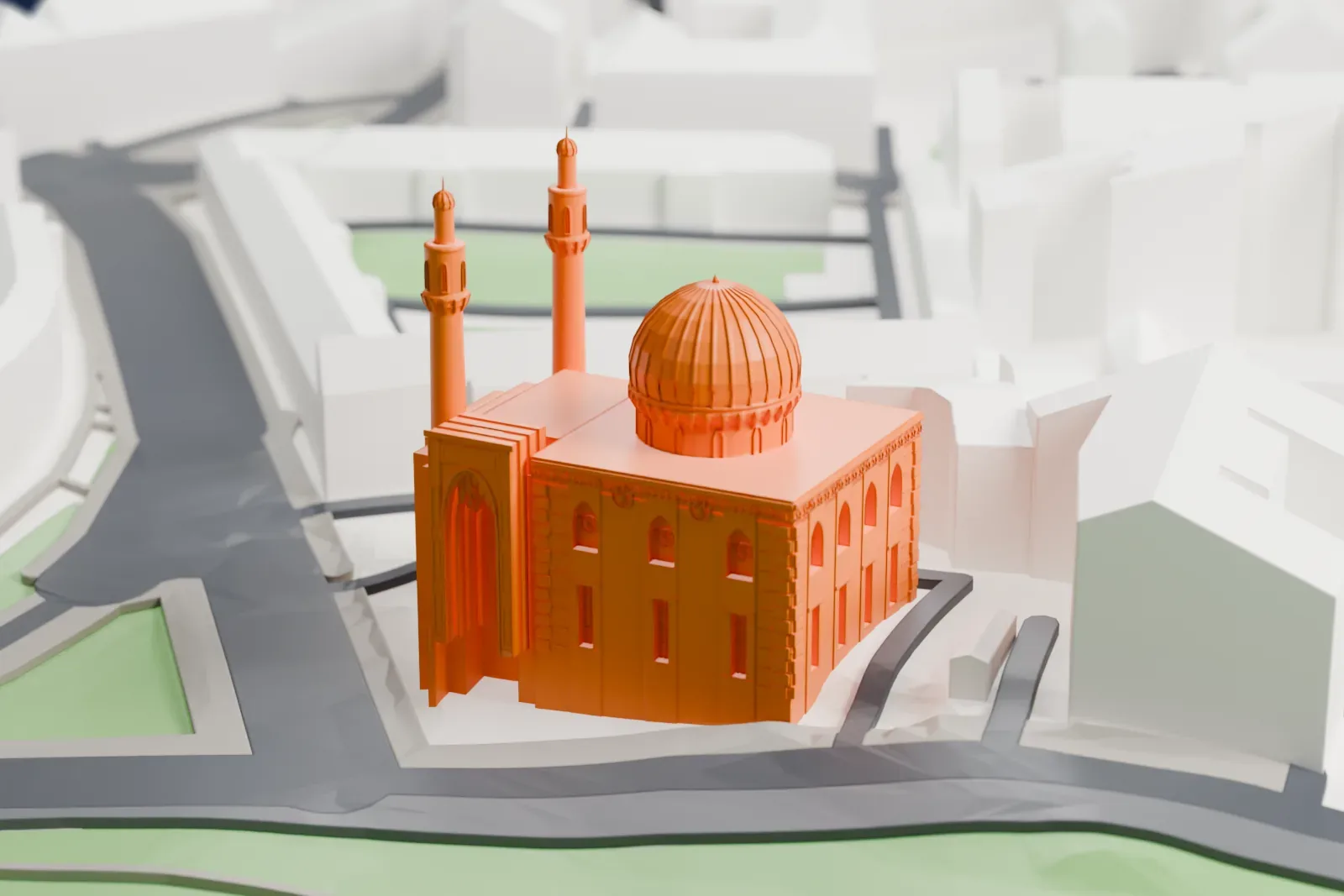
A free, printable model of the Saint Petersburg Mosque, with its dome and two tall minarets among the surrounding city buildings, generated from real map data in your browser.
-
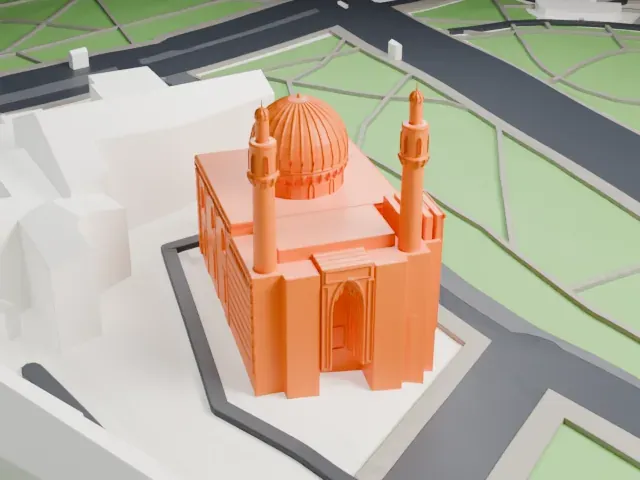 North
North
-
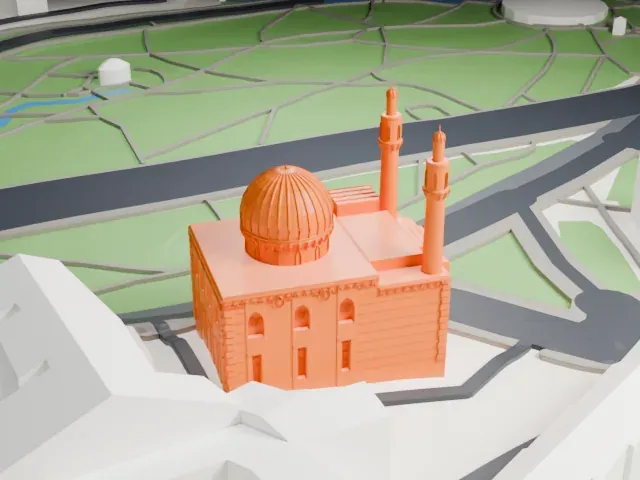 East
East
-
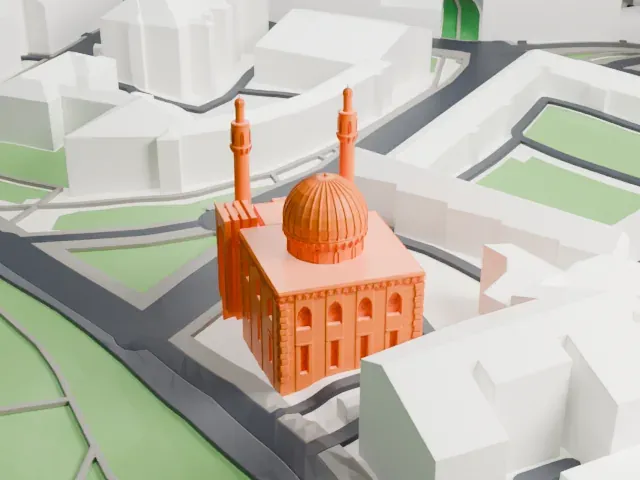 South
South
-
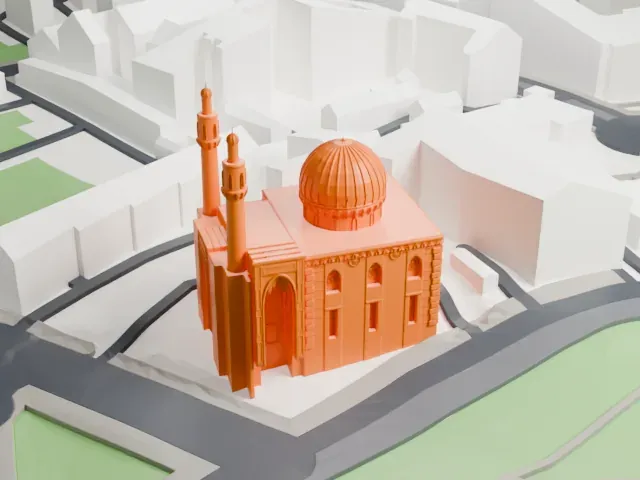 West
West
- Real height
- 49 m
- On a 160 mm print
- 15 mm
- Scale
- 1:3,750
49 m of the Saint Petersburg Mosque, 15 mm on your shelf
Make this print opens the generator on a 600 m square around the landmark. Buildings print at close to true scale, so the landmark grows with the print size.
- Tall, thin minarets
Tall, slender minarets are the hardest parts of a mosque model to print cleanly. Print slowly with good cooling, and use Print friendly to adapt thin shapes to the print scale; a larger print also helps.
- Dome and minaret caps
Dome and minaret caps carry fine detail in a mosque model. Layers of 0.12–0.16 mm keep their edges crisp, and Full detail keeps every modeled feature for a larger print.
- One piece with the ground
The Saint Petersburg Mosque is joined to the ground in the exported file, and the four-side check found no floating parts, so nothing needs gluing.
- Pick the detail for your nozzle
In the Buildings settings, set Landmark detail to Print friendly to adapt thin parts and small details to the print scale. Full detail keeps every modeled feature, for larger prints or a finer nozzle.
- Colors
Buildings, roads, water and ground arrive as separate filament slots in the 3MF. The Saint Petersburg Mosque takes the building color.
- File format
You get a 3MF for Bambu Studio, OrcaSlicer or PrusaSlicer. Any of them can save it as STL if you need one.
About the Saint Petersburg Mosque
The Saint Petersburg Mosque stands in the center of St Petersburg, Russia. The site faces the Peter and Paul Fortress. At its opening in 1913 it was the biggest mosque in Europe outside Turkey. Two minarets rise 49 meters, the dome reaches 39 meters, and up to five thousand people can worship inside.
The cornerstone was set in 1910 for the 25th anniversary of Abdul Ahat Khan's reign in Bukhara. The Muslim community of the Russian capital then numbered over 8,000, and the planned structure could hold most of them. Nikolai Vasilyev took the Gur-e-Amir, Timur's tomb in Samarkand, as his model. Work was finished by 1921.
Men worship on the ground floor and women on the upper floor. The mosque shut during World War II and did not reopen until 1956, in the Cold War period. Gray granite forms the walls; sky-blue mosaic ceramics cover the dome and minarets, and Arabic calligraphy with Qur'anic verses decorates the facades.
About this model
The Saint Petersburg Mosque is one of more than 4,400 landmark models in Mini Skyline. They are made with AI, and each one is checked from four sides in its real surroundings before release. Everything around it is built from OpenStreetMap and Overture map data. If you would rather print the shape from map data, turn off Landmark models in the Buildings settings.
Same skyline