3D print San Bernardino alle Ossa
A free, printable model of San Bernardino alle Ossa and the surrounding streets and buildings of Milan, generated from real map data in your browser.
-
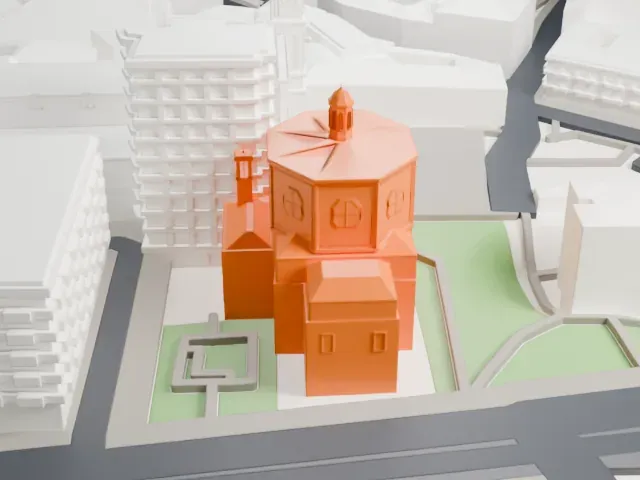 North
North
-
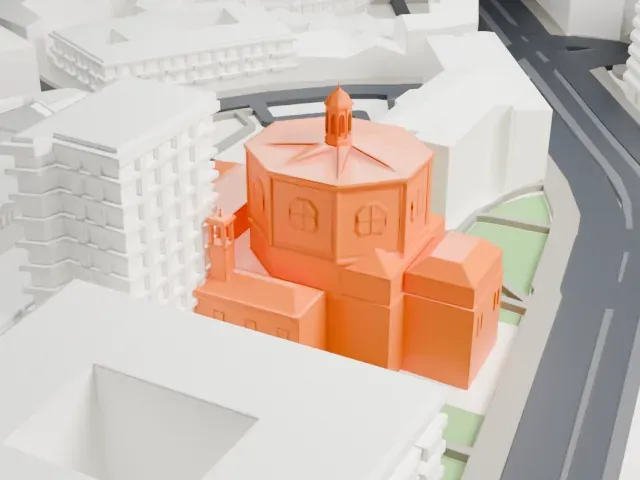 East
East
-
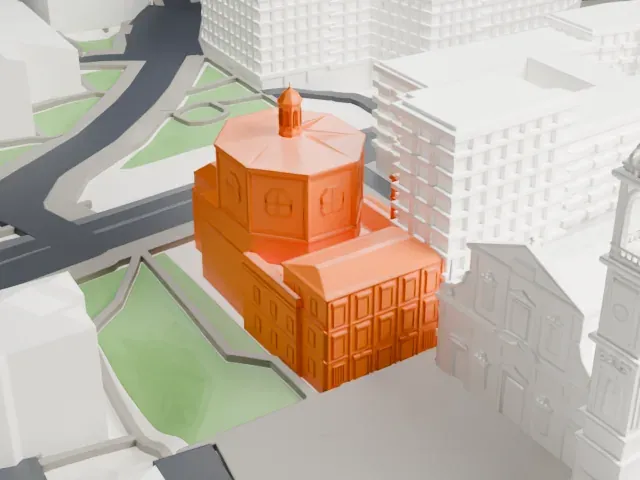 South
South
-
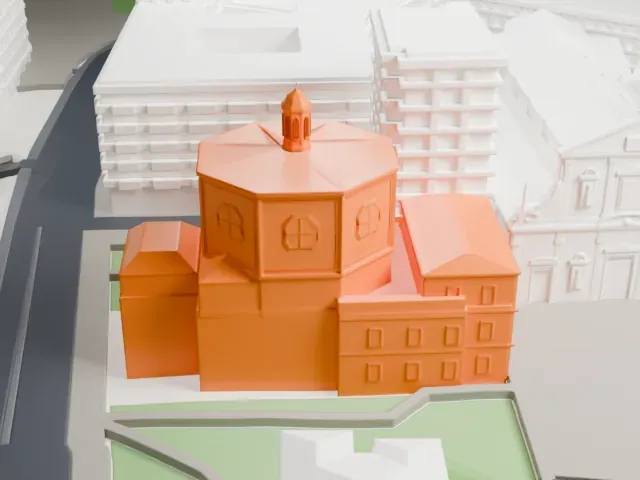 West
West
The model you print
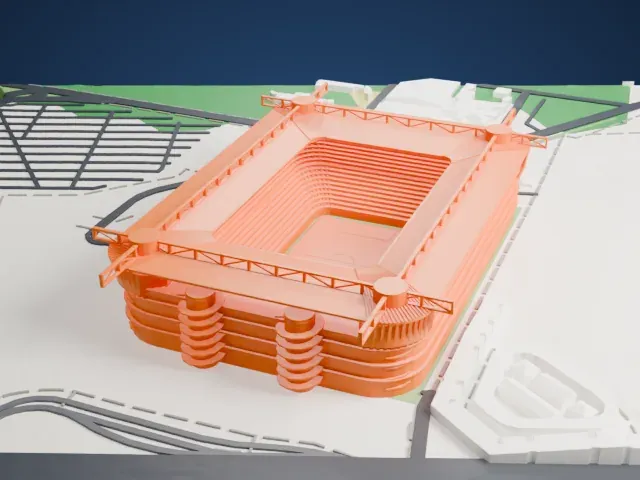
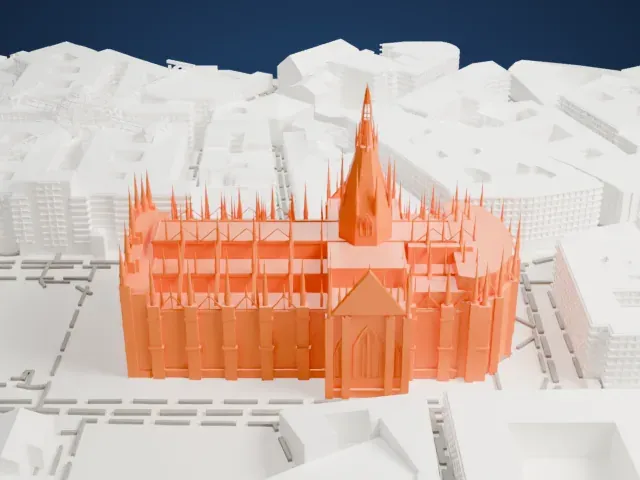
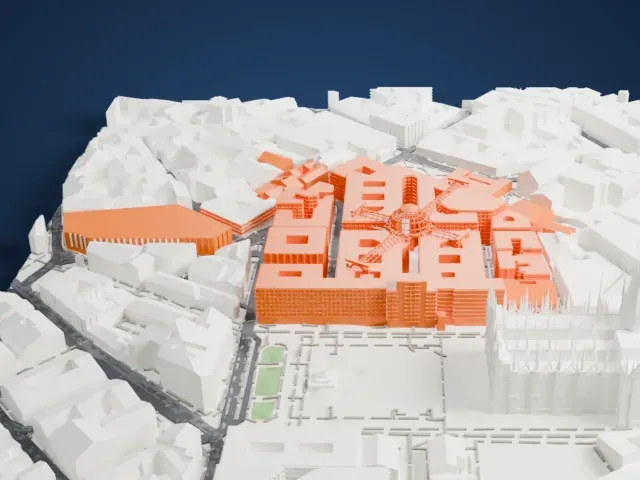
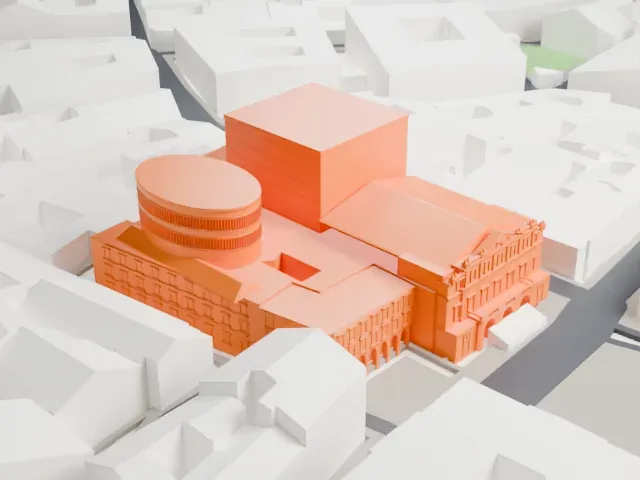
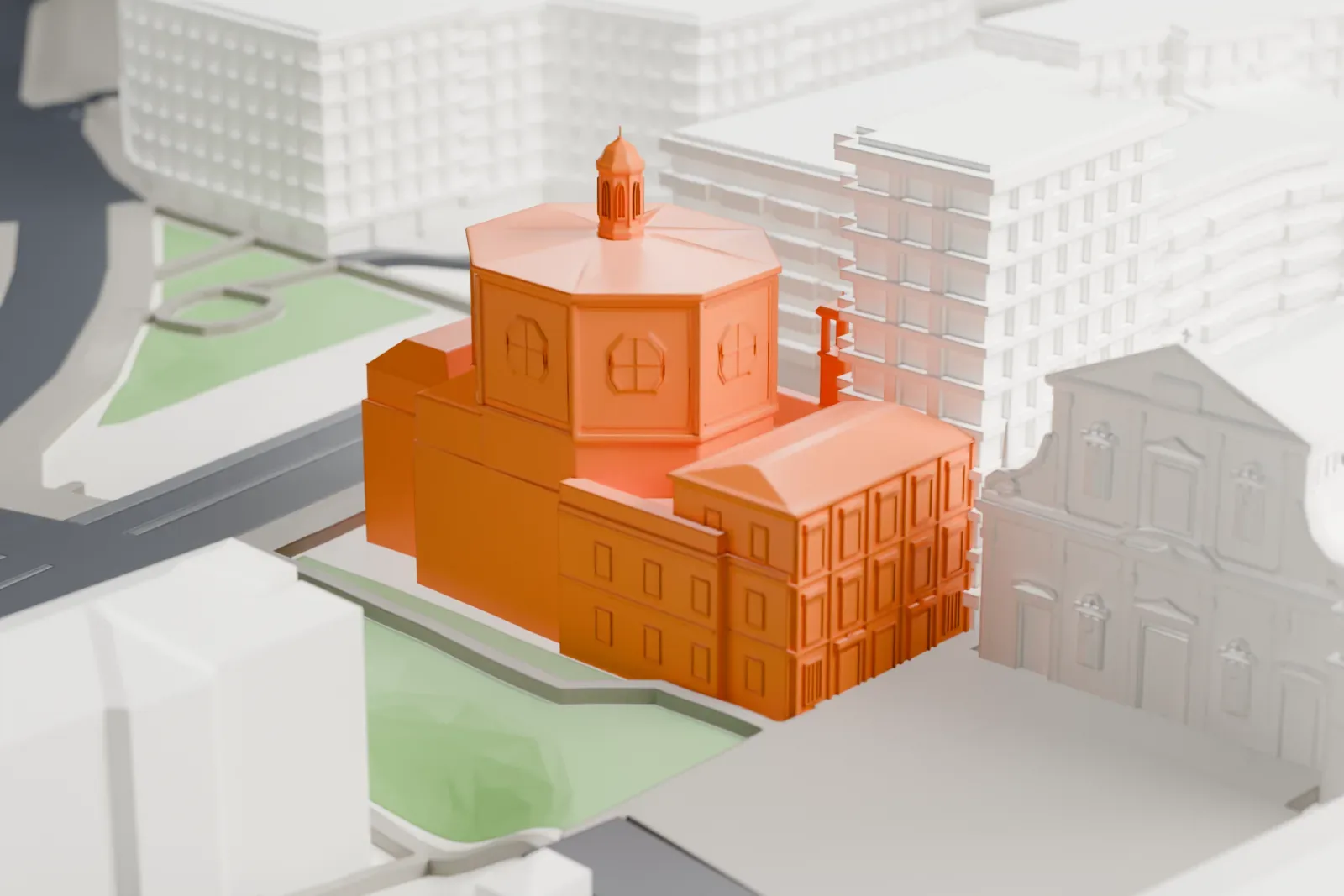
San Bernardino alle Ossa in 3D
The landmark on its own, at its size on a 160 mm print. Print friendly thickens thin parts for a 0.4 mm nozzle; Full detail keeps every part.
- On a 160 mm print
- 10 mm
- Scale
- 1:3,750
10 mm tall on a 160 mm print
Make this print opens the generator on a 600 m square around the landmark. Buildings print at close to true scale, so the landmark grows with the print size.
- Facade detail and print size
Print friendly adapts thin parts and small details to the print scale. A larger print or Full detail keeps more of the facade, and a 0.12–0.16 mm layer height keeps fine detail crisp.
- One piece with the ground
San Bernardino alle Ossa is joined to the ground in the exported file, and the four-side check found no floating parts, so nothing needs gluing.
- Pick the detail for your nozzle
In the Buildings settings, set Landmark detail to Print friendly to adapt thin parts and small details to the print scale. Full detail keeps every modeled feature, for larger prints or a finer nozzle.
- Colors
Buildings, roads, water and ground arrive as separate filament slots in the 3MF. San Bernardino alle Ossa takes the building color.
- File format
You get a 3MF for Bambu Studio, OrcaSlicer or PrusaSlicer. Any of them can save it as STL if you need one.
About San Bernardino alle Ossa
San Bernardino alle Ossa, a church in Milan in northern Italy, is famed for the ossuary in a small side chapel, which is decorated with skulls and bones in large numbers. The bone room dates to 1210, when the cemetery next door ran out of space; a church was joined to it in 1269. After a fire destroyed the church in 1712, a bigger new church, dedicated to Saint Bernardino of Siena, was built onto the older one.
Carlo Giuseppe Merlo was assigned the rebuilding. He worked in the Baroque style, giving the church a central plan and a facade of greater monumentality. The new church was complete in 1717 and its facade in 1776. Inside, the plan is octagonal and the decoration Baroque, and the chapels hold paintings from the 16th to the 18th centuries.
A long, narrow corridor leads to the ossuary, whose ceiling carries a fresco by Sebastiano Ricci from 1695 showing angels and four patron saints. The ossuary has a square plan, and its walls are covered almost completely in skulls and bones, set in niches, along the cornice, on the pillars and around the doors. King John V of Portugal admired the chapel so much in 1738 that he had a replica built in Évora.
About this model
San Bernardino alle Ossa is one of more than 5,500 landmark models in Mini Skyline. They are made with AI, and each one is checked from four sides in its real surroundings before release. Each model is written as code from public descriptions, plans, photographs and aerial views used only as references; no image or third-party model is copied into it. Everything around it is built from OpenStreetMap and Overture map data. Rights in the building itself, its name and any brands on it are not granted by Mini Skyline; clear them separately before you sell prints. If you would rather print the shape from map data, turn off Landmark models in the Buildings settings.
Same skyline