3D print the Sokollu Mehmed Pasha Mosque, Kadırga
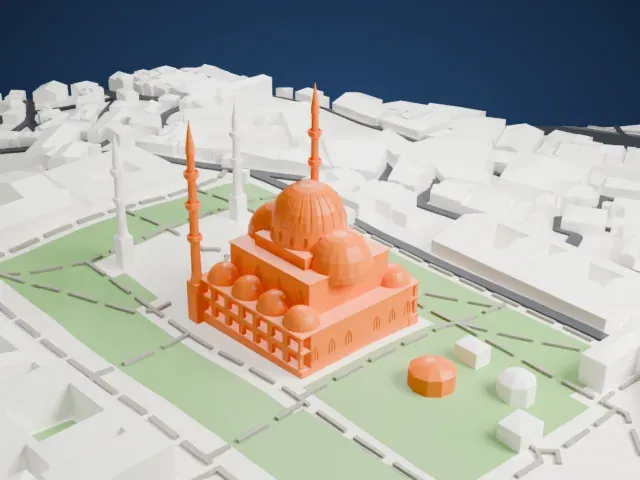
A free, printable model of the Sokollu Mehmed Pasha Mosque and the surrounding streets and buildings of Kadırga, generated from real map data in your browser.
-
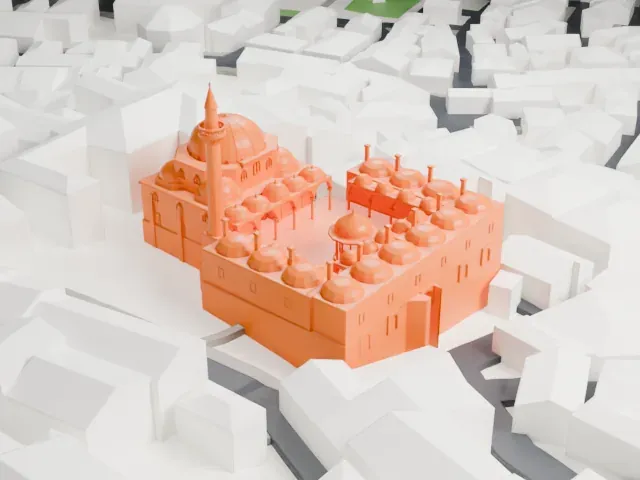 North
North
-
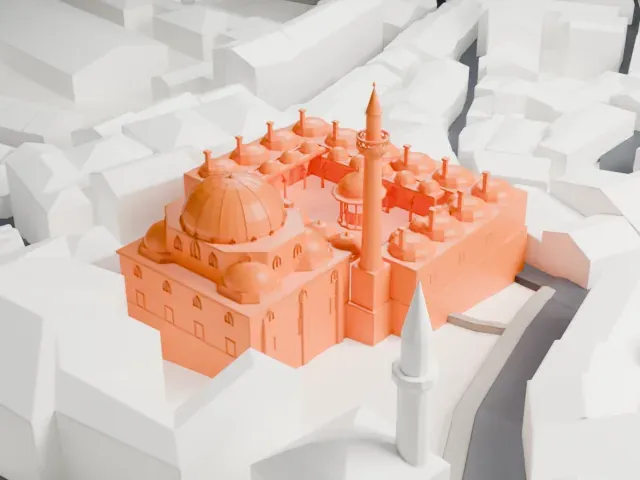 East
East
-
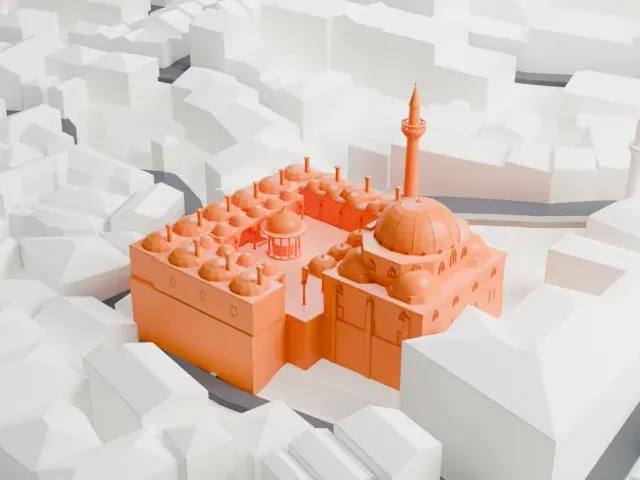 South
South
-
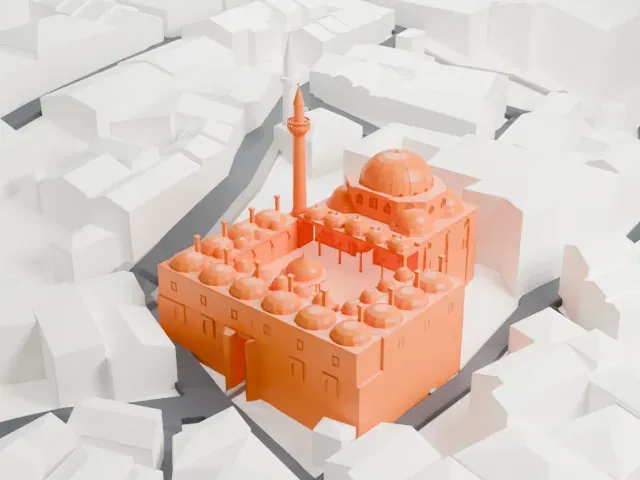 West
West
The model you print
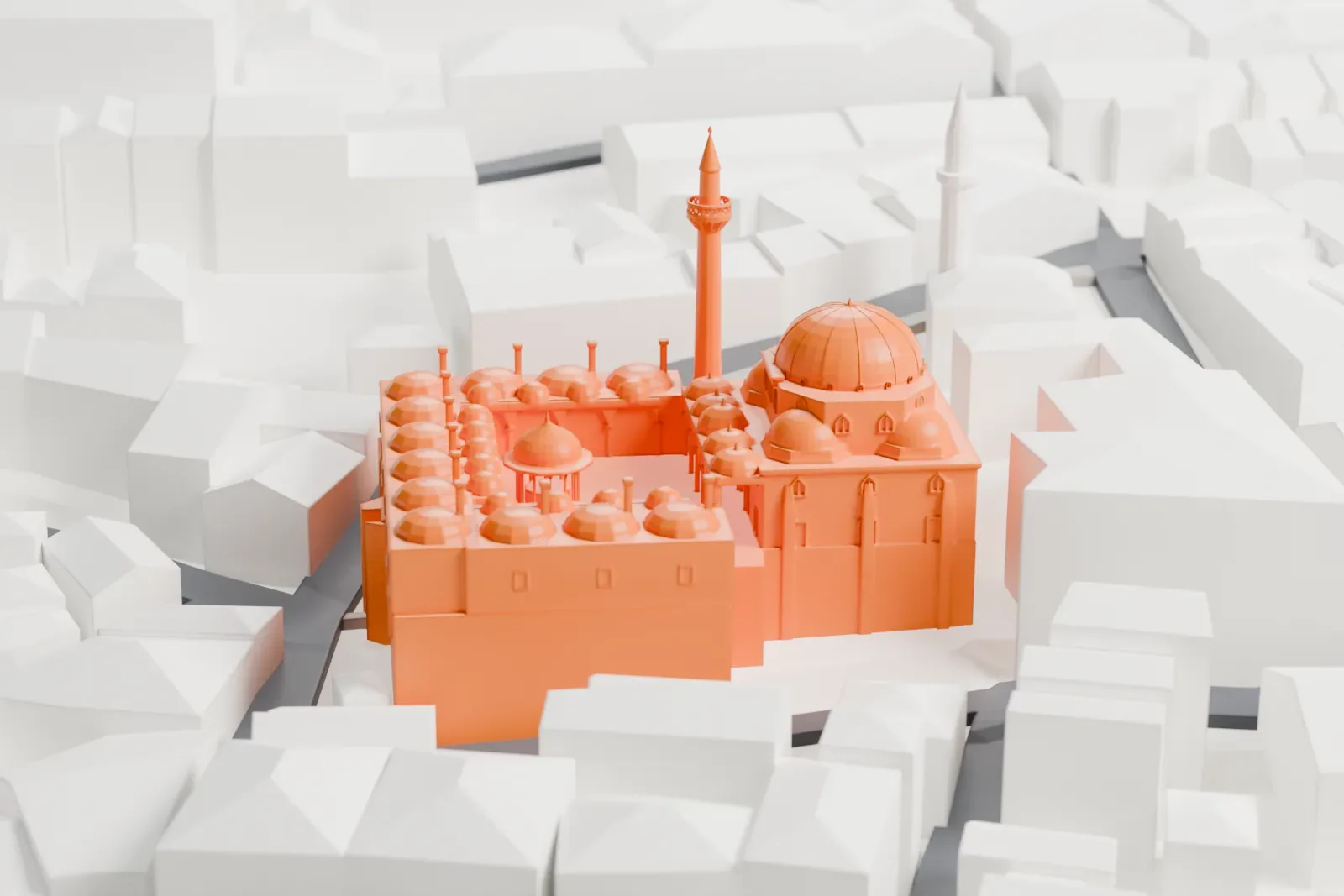
Sokollu Mehmed Pasha Mosque, Kadırga in 3D
The landmark on its own, at its size on a 160 mm print. Print friendly thickens thin parts for a 0.4 mm nozzle; Full detail keeps every part.
- On a 160 mm print
- 12 mm
- Scale
- 1:3,750
12 mm tall on a 160 mm print
Make this print opens the generator on a 600 m square around the landmark. Buildings print at close to true scale, so the landmark grows with the print size.
- Dome, semi-domes and minaret
The slender minaret and small domes are the delicate parts of a mosque. Print friendly adapts them to the print scale; a larger print or Full detail keeps more of them.
- One piece with the ground
The Sokollu Mehmed Pasha Mosque, Kadırga is joined to the ground in the exported file, and the four-side check found no floating parts, so nothing needs gluing.
- Pick the detail for your nozzle
In the Buildings settings, set Landmark detail to Print friendly to adapt thin parts and small details to the print scale. Full detail keeps every modeled feature, for larger prints or a finer nozzle.
- Colors
Buildings, roads, water and ground arrive as separate filament slots in the 3MF. The Sokollu Mehmed Pasha Mosque, Kadırga takes the building color.
- File format
You get a 3MF for Bambu Studio, OrcaSlicer or PrusaSlicer. Any of them can save it as STL if you need one.
About the Sokollu Mehmed Pasha Mosque, Kadırga
Sokollu Mehmed Pasha Mosque is an Ottoman mosque of the 16th century, in the Kadırga area of Istanbul's Fatih district. Ismihan Sultan and her husband, the grand vizier Sokollu Mehmed Pasha, commissioned it together, and Mimar Sinan, the imperial architect, designed it. It was completed in 1571/2. Ismihan Sultan was a daughter of Selim II and a granddaughter of Sultan Suleiman the Magnificent. Both endowed the mosque, yet the foundation inscription names only Sokollu Mehmed Pasha.
The mosque is built on a steep slope, a challenge that Sinan met by adding a two-story courtyard at the front. Shops filled the lower level, and their rents were meant to help pay for the mosque's upkeep. The upper level, an open colonnade, held small rooms for a madrasah. The prayer hall is a hexagon within a rectangle, covered by a dome 13 meters (43 ft) across and 22.8 meters (75 ft) high, with four small semi-domes at the corners. A single minaret stands at the northeast corner.
The interior is famous for its Iznik tiles, in blue, red and green floral patterns, along with calligraphy panels in white thuluth script set against blue. Columns of polychrome marble, a white marble minbar sheathed in tile, and stained glass above the mihrab complete the room. Over the main entrance, in a gilded brass frame, sits a piece of the Kaaba in Mecca.
About this model
The Sokollu Mehmed Pasha Mosque, Kadırga is one of more than 5,500 landmark models in Mini Skyline. They are made with AI, and each one is checked from four sides in its real surroundings before release. Each model is written as code from public descriptions, plans, photographs and aerial views used only as references; no image or third-party model is copied into it. Everything around it is built from OpenStreetMap and Overture map data. Rights in the building itself, its name and any brands on it are not granted by Mini Skyline; clear them separately before you sell prints. If you would rather print the shape from map data, turn off Landmark models in the Buildings settings.
Same skyline