3D print the St. Boniface Cathedral
A free, printable 3D model of the cathedral and its surrounding streets and buildings, generated from real map data in your browser.
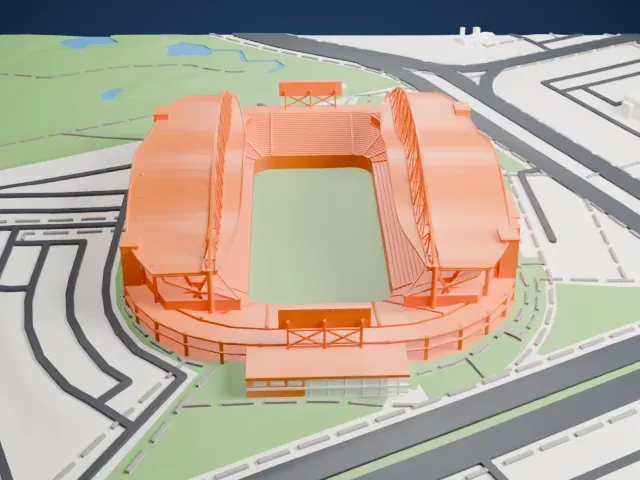
-
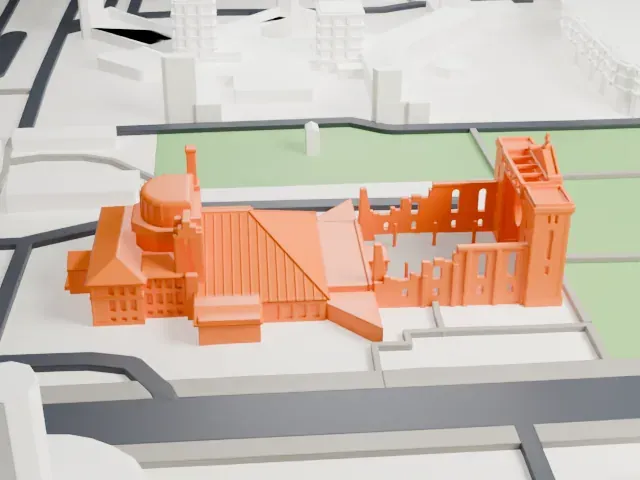 North
North
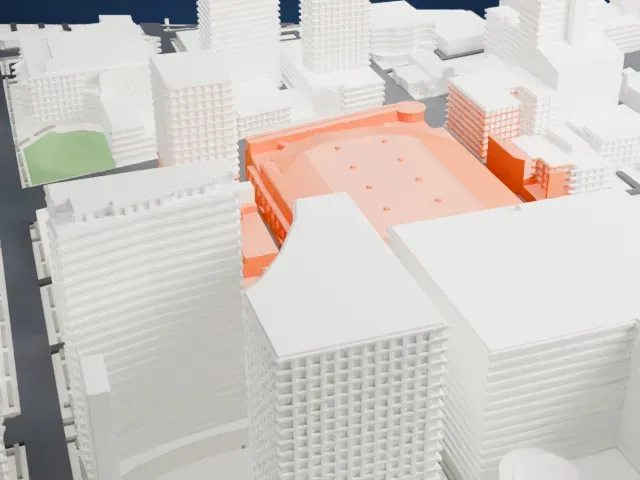
-
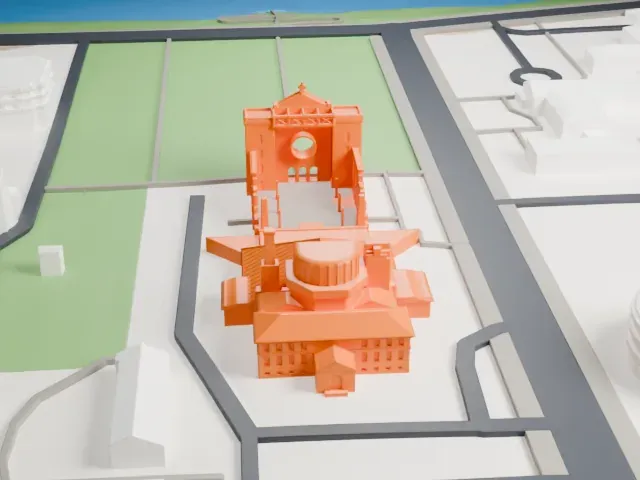 East
East
-
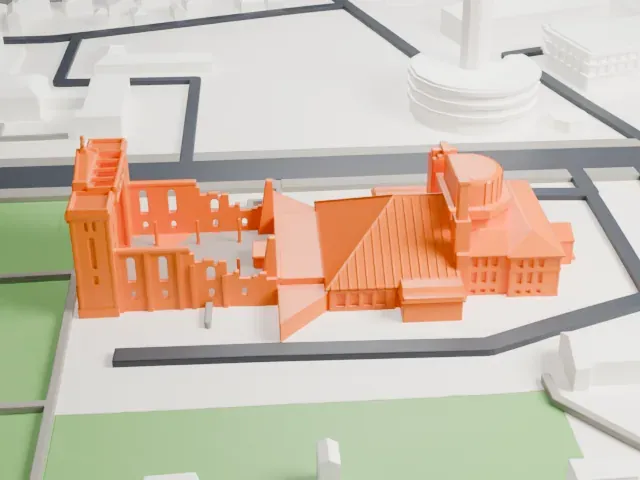 South
South
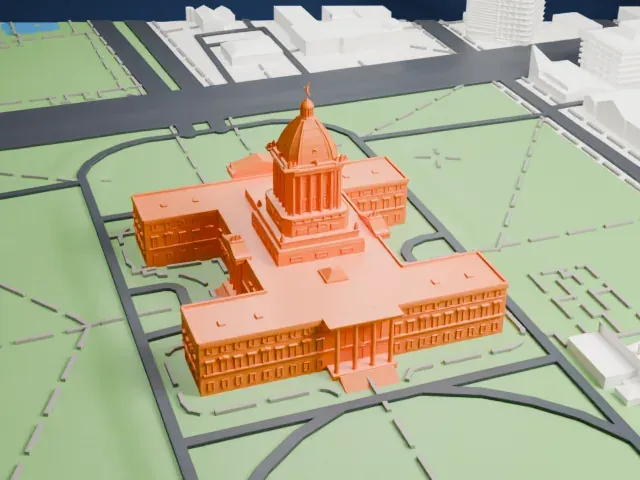
-
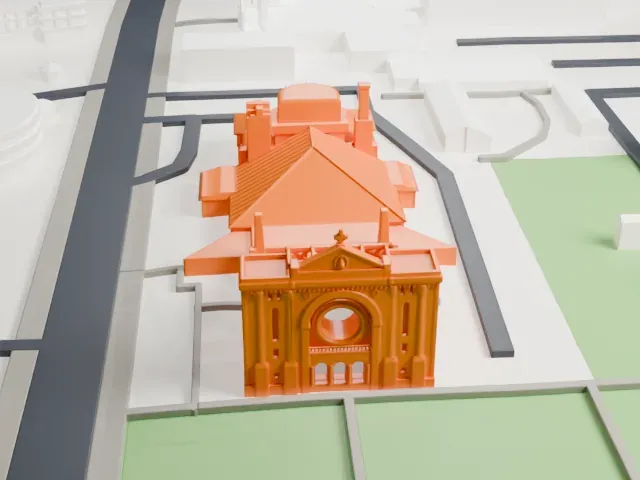 West
West
The model you print
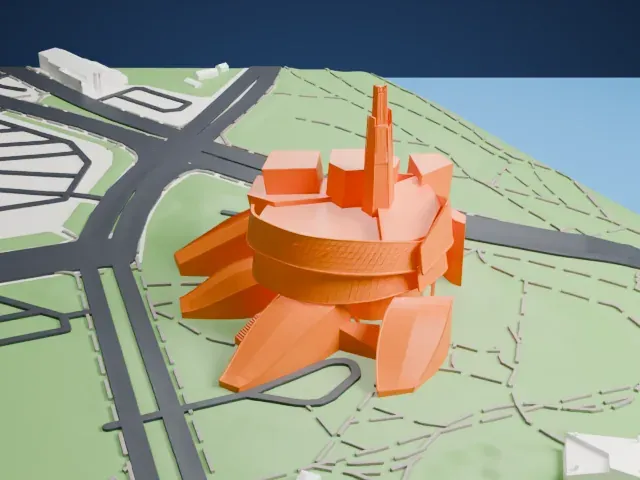
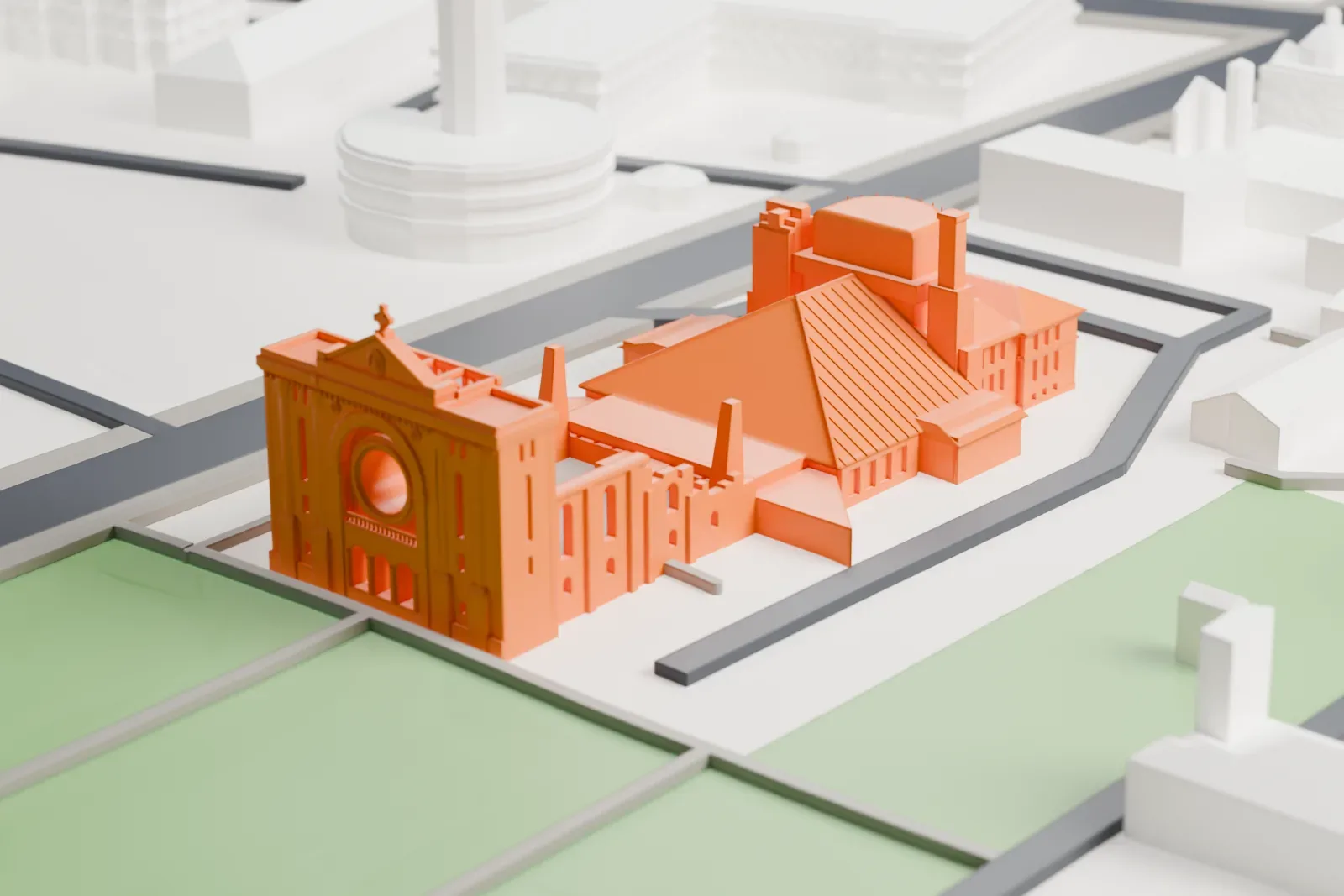
St. Boniface Cathedral in 3D
The landmark on its own, at its size on a 160 mm print. Print friendly thickens thin parts for a 0.4 mm nozzle; Full detail keeps every part.
- On a 160 mm print
- 8 mm
- Scale
- 1:3,750
8 mm tall on a 160 mm print
Make this print opens the generator on a 600 m square around the landmark. Buildings print at close to true scale, so the landmark grows with the print size.
- Facade detail and print size
A cathedral can carry fine façade detail. Full detail keeps more of it on a larger print, and Print friendly adapts thin parts for small prints.
- Fine layers for rooflines
A layer height of 0.12–0.16 mm keeps the roofline and façade edges crisp.
- One piece with the ground
The St. Boniface Cathedral is joined to the ground in the exported file, and the four-side check found no floating parts, so nothing needs gluing.
- Pick the detail for your nozzle
In the Buildings settings, set Landmark detail to Print friendly to adapt thin parts and small details to the print scale. Full detail keeps every modeled feature, for larger prints or a finer nozzle.
- Colors
Buildings, roads, water and ground arrive as separate filament slots in the 3MF. The St. Boniface Cathedral takes the building color.
- File format
You get a 3MF for Bambu Studio, OrcaSlicer or PrusaSlicer. Any of them can save it as STL if you need one.
About the St. Boniface Cathedral
In Winnipeg, Manitoba, in the ward called St. Boniface, stands the Catholic cathedral also known as the Basilica of Saint Boniface. It is the principal church of the Archdiocese of Saint Boniface, which covers the eastern part of the province, and it serves the Franco-Manitoban community of the area. It is at 190 avenue de la Cathédrale and faces the Red River, with The Forks in Downtown Winnipeg across the water. Pope Pius XII raised it to the status of minor basilica on June 10, 1949.
The first church on the site was a small log building put up in 1818 by Rev. Norbert Provencher and two colleagues, measuring 50 feet by 30 feet. Provencher, by then a bishop, built the first cathedral in 1832. After a fire in 1860, a stone cathedral replaced it. A new cathedral planned by the Montreal architect Jean-Omer Marchand was dedicated on August 15, 1906, and it became one of Western Canada's most imposing churches.
On July 22, 1968, a fire hit the 1906 cathedral and destroyed many of its features and contents, among them the rose window and the 1860 bells. Only the facade, the sacristy and the old walls survived. A new, smaller cathedral went up in 1972 behind the 1906 facade, to designs by Étienne Gaboury and Denis Lussier.
About this model
The St. Boniface Cathedral is one of more than 5,500 landmark models in Mini Skyline. They are made with AI, and each one is checked from four sides in its real surroundings before release. Each model is written as code from public descriptions, plans, photographs and aerial views used only as references; no image or third-party model is copied into it. Everything around it is built from OpenStreetMap and Overture map data. Rights in the building itself, its name and any brands on it are not granted by Mini Skyline; clear them separately before you sell prints. If you would rather print the shape from map data, turn off Landmark models in the Buildings settings.
Same skyline