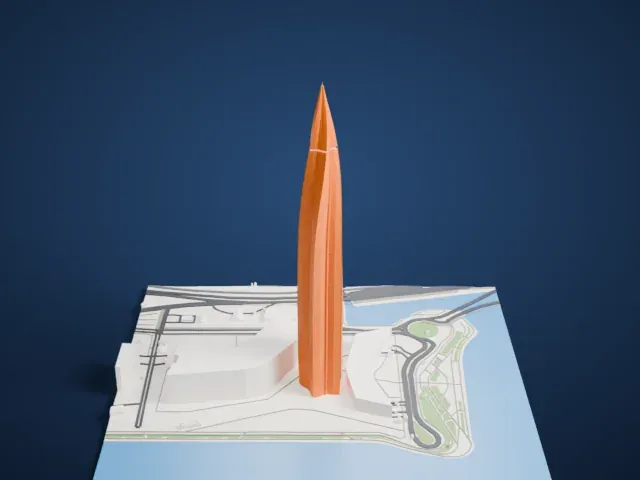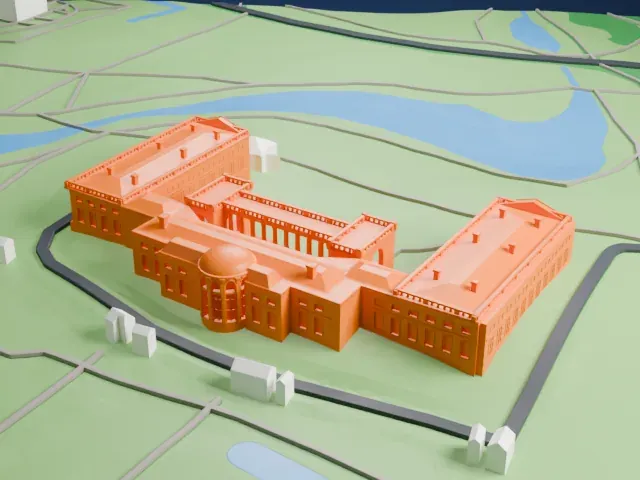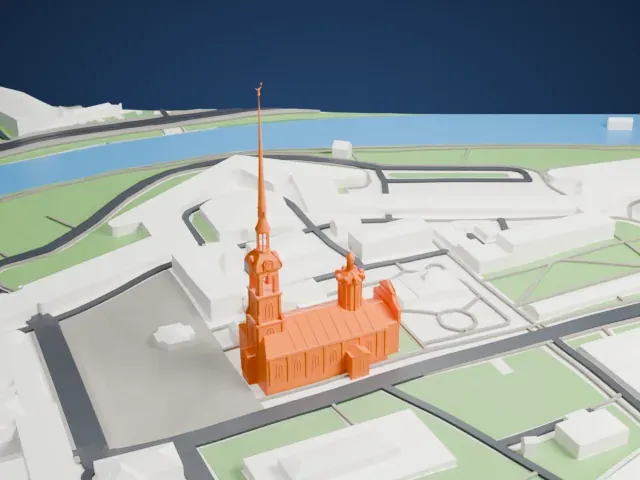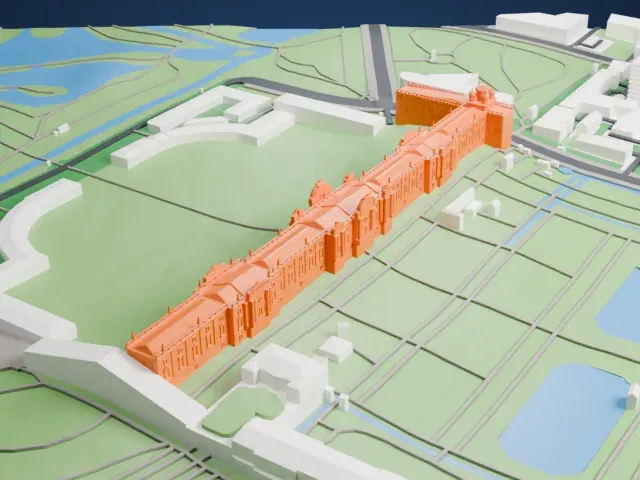
3D print the Transfiguration Cathedral (Saint Petersburg)
A free, printable 3D model of Transfiguration Cathedral in Saint Petersburg and the surrounding streets and buildings, generated from real map data in your browser.
-
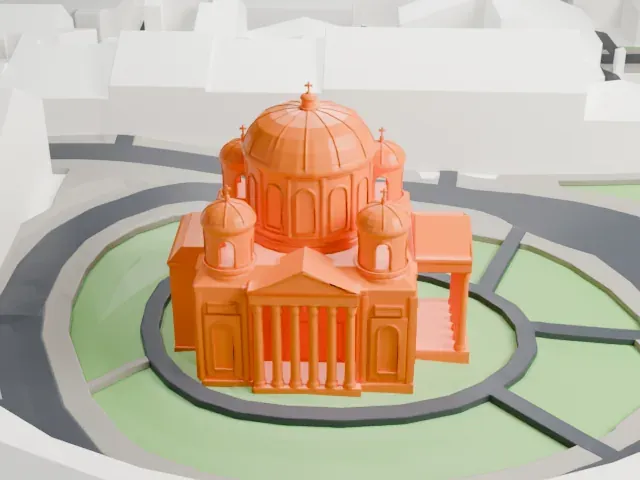 North
North
-
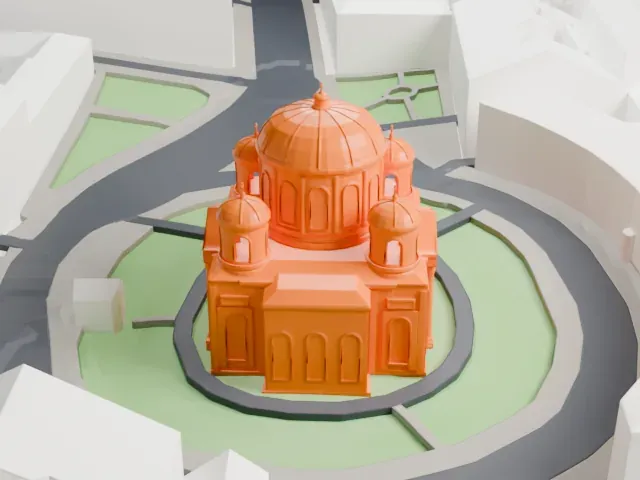 East
East
-
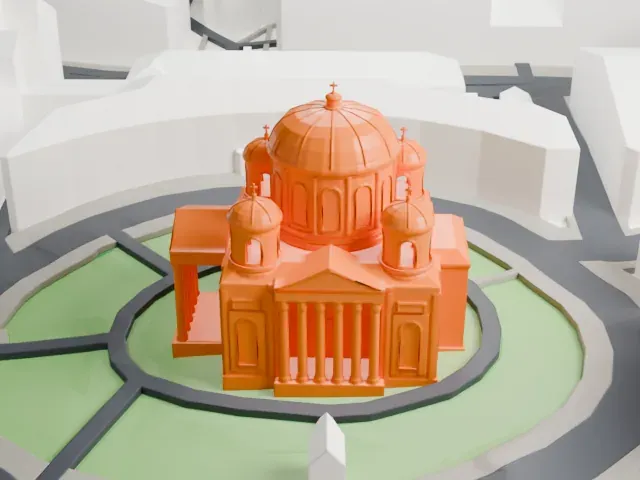 South
South
-
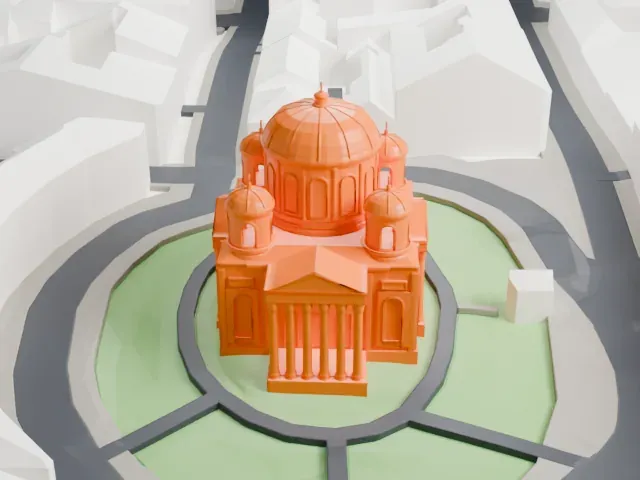 West
West
The model you print
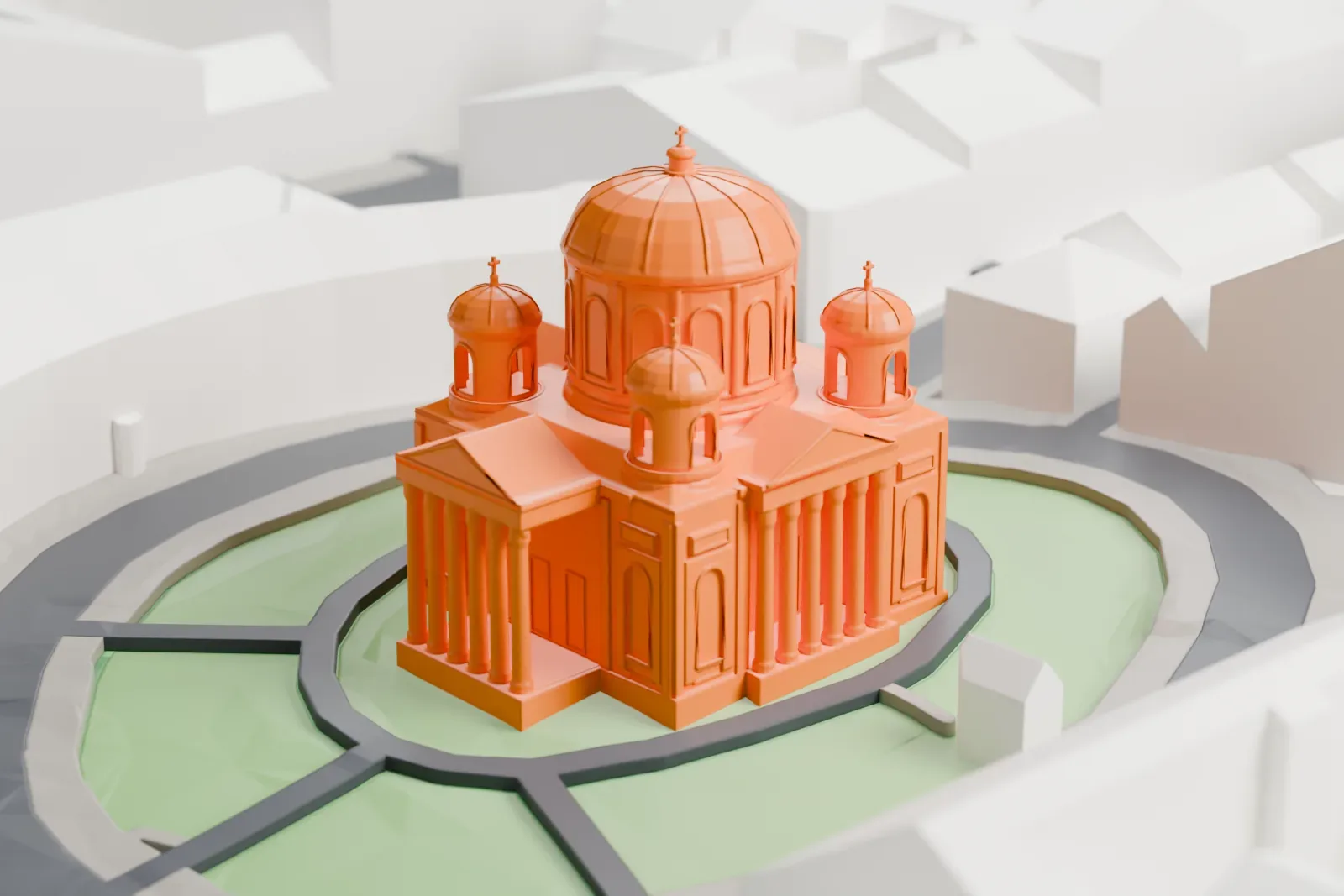
Transfiguration Cathedral (Saint Petersburg) in 3D
The landmark on its own, at its size on a 160 mm print. Print friendly thickens thin parts for a 0.4 mm nozzle; Full detail keeps every part.
- On a 160 mm print
- 12 mm
- Scale
- 1:3,750
12 mm tall on a 160 mm print
Make this print opens the generator on a 600 m square around the landmark. Buildings print at close to true scale, so the landmark grows with the print size.
- Fine detail at small sizes
Small details can be tiny on a small print. Print friendly adapts them to your print size, while Full detail keeps every modeled feature on a larger print or with a fine nozzle.
- One piece with the ground
The Transfiguration Cathedral (Saint Petersburg) is joined to the ground in the exported file, and the four-side check found no floating parts, so nothing needs gluing.
- Pick the detail for your nozzle
In the Buildings settings, set Landmark detail to Print friendly to adapt thin parts and small details to the print scale. Full detail keeps every modeled feature, for larger prints or a finer nozzle.
- Colors
Buildings, roads, water and ground arrive as separate filament slots in the 3MF. The Transfiguration Cathedral (Saint Petersburg) takes the building color.
- File format
You get a 3MF for Bambu Studio, OrcaSlicer or PrusaSlicer. Any of them can save it as STL if you need one.
About the Transfiguration Cathedral (Saint Petersburg)
Transfiguration Cathedral, an Eastern Orthodox cathedral, sits on Transfiguration Square just off Liteyny Prospekt, close to the Chernyshevskaya metro station. The words "of all the Guards" in its official name are an honorary title granted on November 12, 1796. It is unusual among Russian churches in having stayed in use as a place of worship throughout. Empress Elizabeth ordered it built, and construction ran from 1743 to 1754 to a design by Mikhail Zemtsov. After Zemtsov's death, Pietro Antonio Trezzini headed construction and changed the style to Baroque.
A fire destroyed the first cathedral on August 8, 1825, leaving only its outer walls and the essential sacred objects. Vasily Stasov rebuilt it between 1825 and 1829 in the Empire style it still has. In 1832–1833 Stasov directed a fence around it to commemorate the 1828–1829 Russo-Turkish War victory. The fence is made of 102 bronze cannon barrels grouped in threes on thirty-four granite bases; the muzzles point down, showing that the guns will never fight again.
In the Siege of Leningrad, a basement air-raid shelter for 500 people was built and used to give first aid to the wounded. Restoration of the façades and interior took place from 1946 to 1948. The cathedral houses regimental relics, war trophies and bronze plaques naming officers of the Preobrazhensky regiment who fell in battle.
About this model
The Transfiguration Cathedral (Saint Petersburg) is one of more than 5,500 landmark models in Mini Skyline. They are made with AI, and each one is checked from four sides in its real surroundings before release. Each model is written as code from public descriptions, plans, photographs and aerial views used only as references; no image or third-party model is copied into it. Everything around it is built from OpenStreetMap and Overture map data. Rights in the building itself, its name and any brands on it are not granted by Mini Skyline; clear them separately before you sell prints. If you would rather print the shape from map data, turn off Landmark models in the Buildings settings.
Same skyline