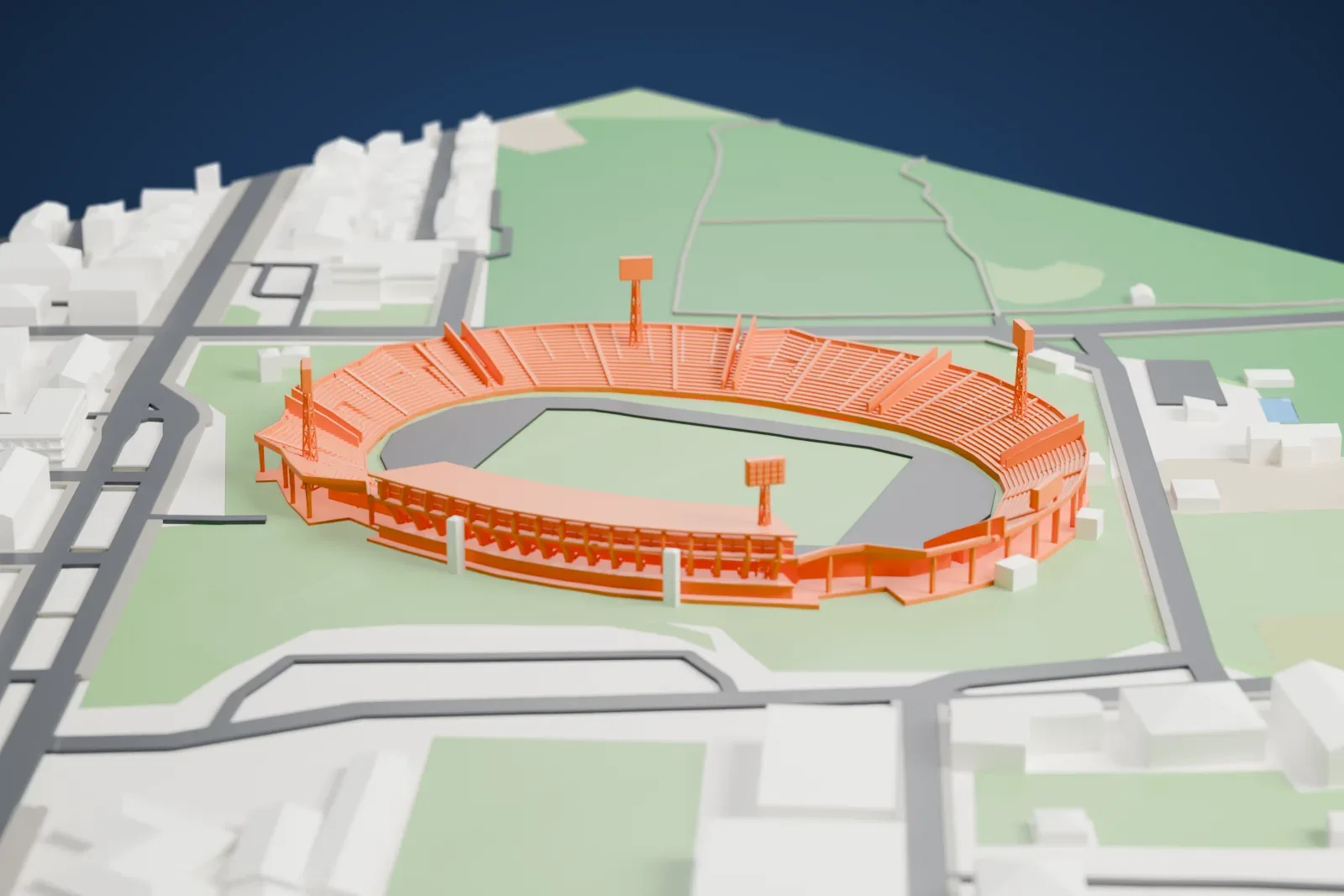
3D print Stadio Adriatico – Giovanni Cornacchia
A free, printable 3D model of the stadium and its surrounding streets and buildings, generated from real map data in your browser.
-
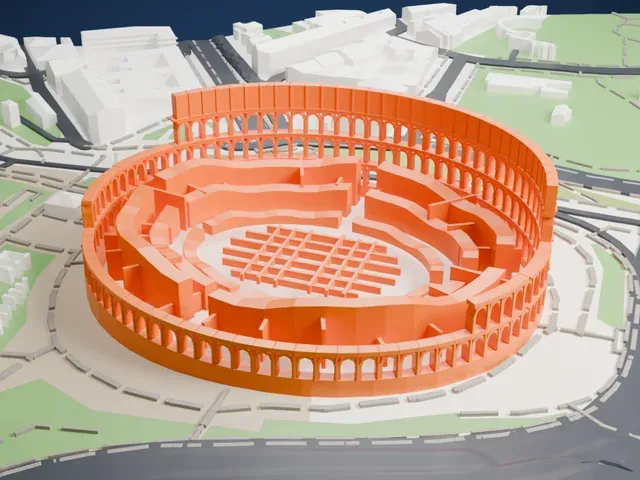
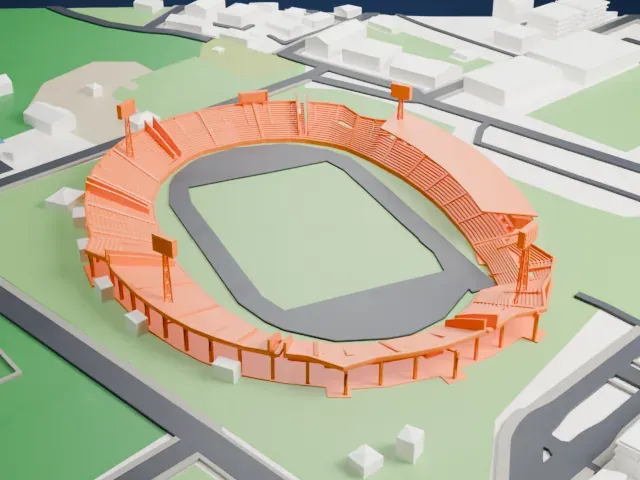 North
North
-
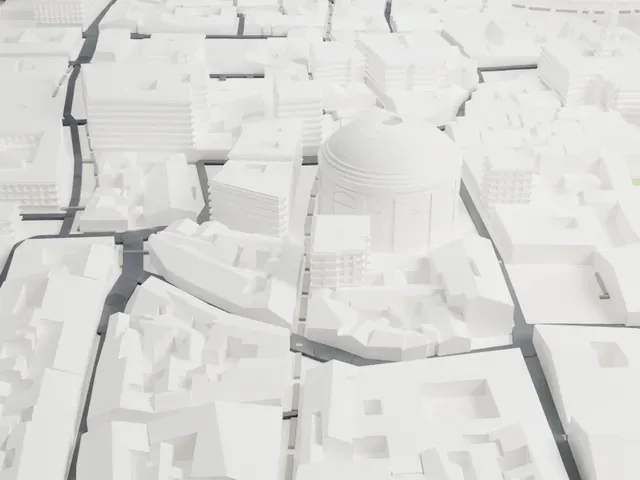
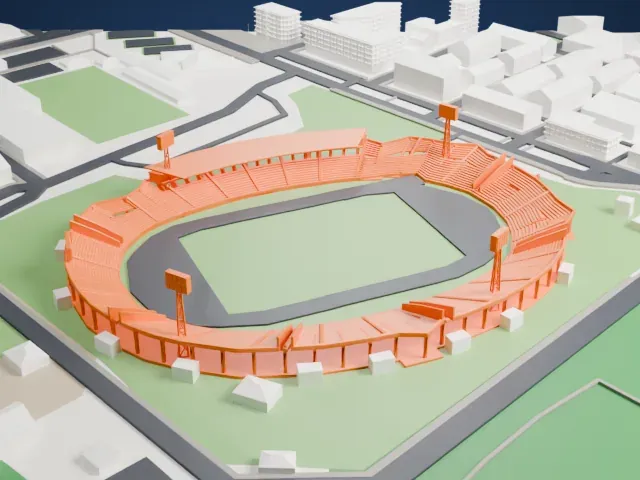 East
East
-
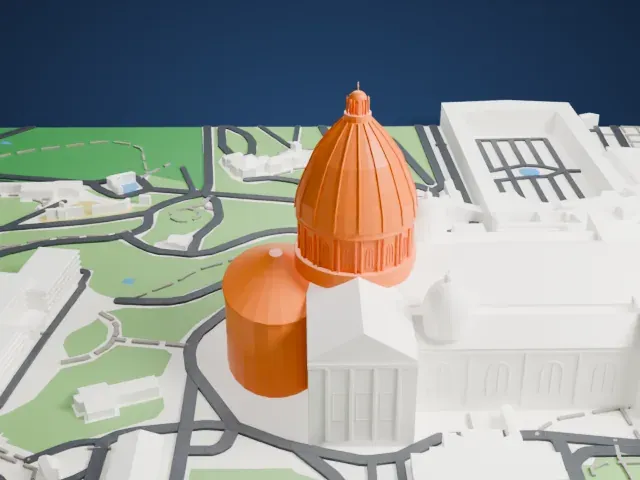
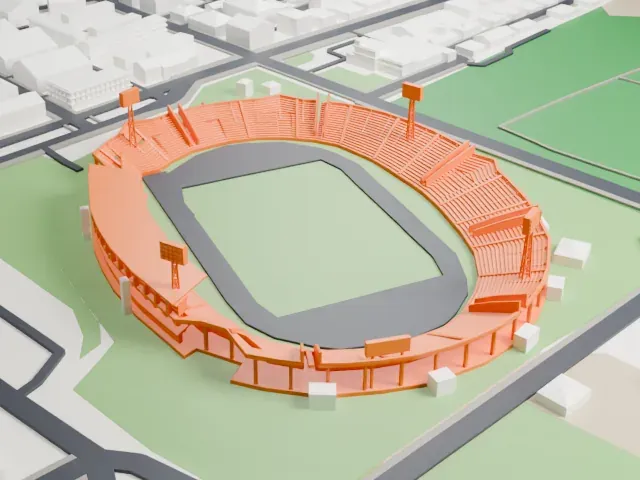 South
South
-
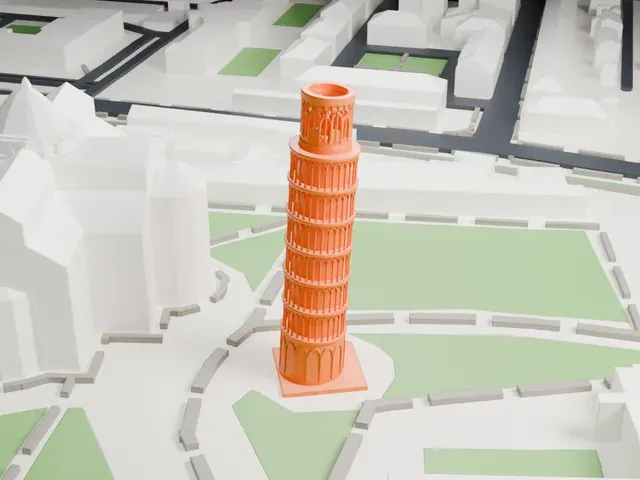
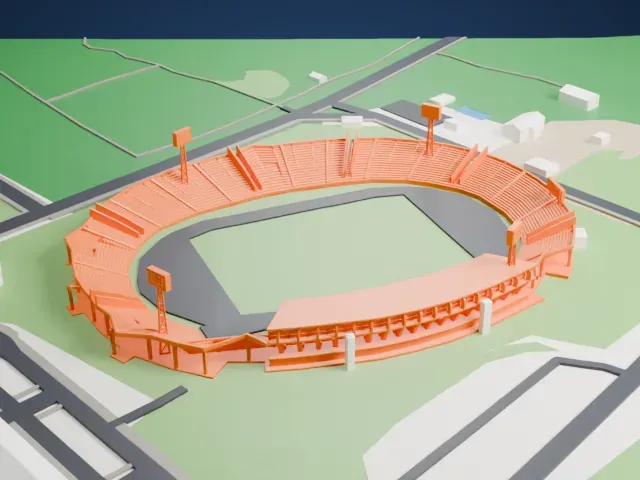 West
West
The model you print
Stadio Adriatico – Giovanni Cornacchia in 3D
The landmark on its own, at its size on a 160 mm print. Print friendly thickens thin parts for a 0.4 mm nozzle; Full detail keeps every part.
- On a 160 mm print
- 10 mm
- Scale
- 1:3,750
10 mm tall on a 160 mm print
Make this print opens the generator on a 600 m square around the landmark. Buildings print at close to true scale, so the landmark grows with the print size.
- Wide, low shape suits larger prints
A stadium spreads out rather than up, so print size decides how much seating detail survives. Use Full detail on a larger print and Print friendly on a small one.
- Fine layers keep edges crisp
A layer height of 0.12–0.16 mm keeps edges and small details sharp. Printing a little slower helps the thin edges come out cleanly.
- One piece with the ground
Stadio Adriatico – Giovanni Cornacchia is joined to the ground in the exported file, and the four-side check found no floating parts, so nothing needs gluing.
- Pick the detail for your nozzle
In the Buildings settings, set Landmark detail to Print friendly to adapt thin parts and small details to the print scale. Full detail keeps every modeled feature, for larger prints or a finer nozzle.
- Colors
Buildings, roads, water and ground arrive as separate filament slots in the 3MF. Stadio Adriatico – Giovanni Cornacchia takes the building color.
- File format
You get a 3MF for Bambu Studio, OrcaSlicer or PrusaSlicer. Any of them can save it as STL if you need one.
About Stadio Adriatico – Giovanni Cornacchia
Pescara, in the Abruzzo region of Italy, is home to the Stadio Adriatico – Giovanni Cornacchia. The venue dates from 1955, and the architect Luigi Piccinato designed it. Piccinato, who drew inspiration from the style of Rome's Stadio Olimpico, which had opened two years earlier, gave the oval stadium arches to support its bleachers. It began life as a multipurpose athletic facility and served as a hub for the Italian National Olympic Committee.
Originally the stadium had a single level of stands and held at most 10,000 spectators. In 1977, when Delfino Pescara was first promoted to Serie A, the stadium got a wider footprint and a second level, which raised its capacity to 34,000. Before the Heysel Stadium disaster of 1985, when security rules were looser, it could hold up to 40,000 attendees. Some preliminary football matches of the 1960 Summer Olympics took place there, and it served as a reserve venue for the 1990 FIFA World Cup.
In 2009 the stadium was renovated for the Mediterranean Games, which Pescara hosted. The work cost around €15,000,000 and set the capacity at 24,400 seats. The bleachers were covered with laminated wood, and the stadium gained air-conditioned suites, modernized elevators and a new press box. On October 22, 2009, it was renamed to honor Giovanni Cornacchia, an Olympic hurdler from Pescara. Delfino Pescara 1936 plays its home games here.
About this model
Stadio Adriatico – Giovanni Cornacchia is one of more than 5,500 landmark models in Mini Skyline. They are made with AI, and each one is checked from four sides in its real surroundings before release. Each model is written as code from public descriptions, plans, photographs and aerial views used only as references; no image or third-party model is copied into it. Everything around it is built from OpenStreetMap and Overture map data. Rights in the building itself, its name and any brands on it are not granted by Mini Skyline; clear them separately before you sell prints. If you would rather print the shape from map data, turn off Landmark models in the Buildings settings.
Keep exploring