3D print the Apple Bank Building
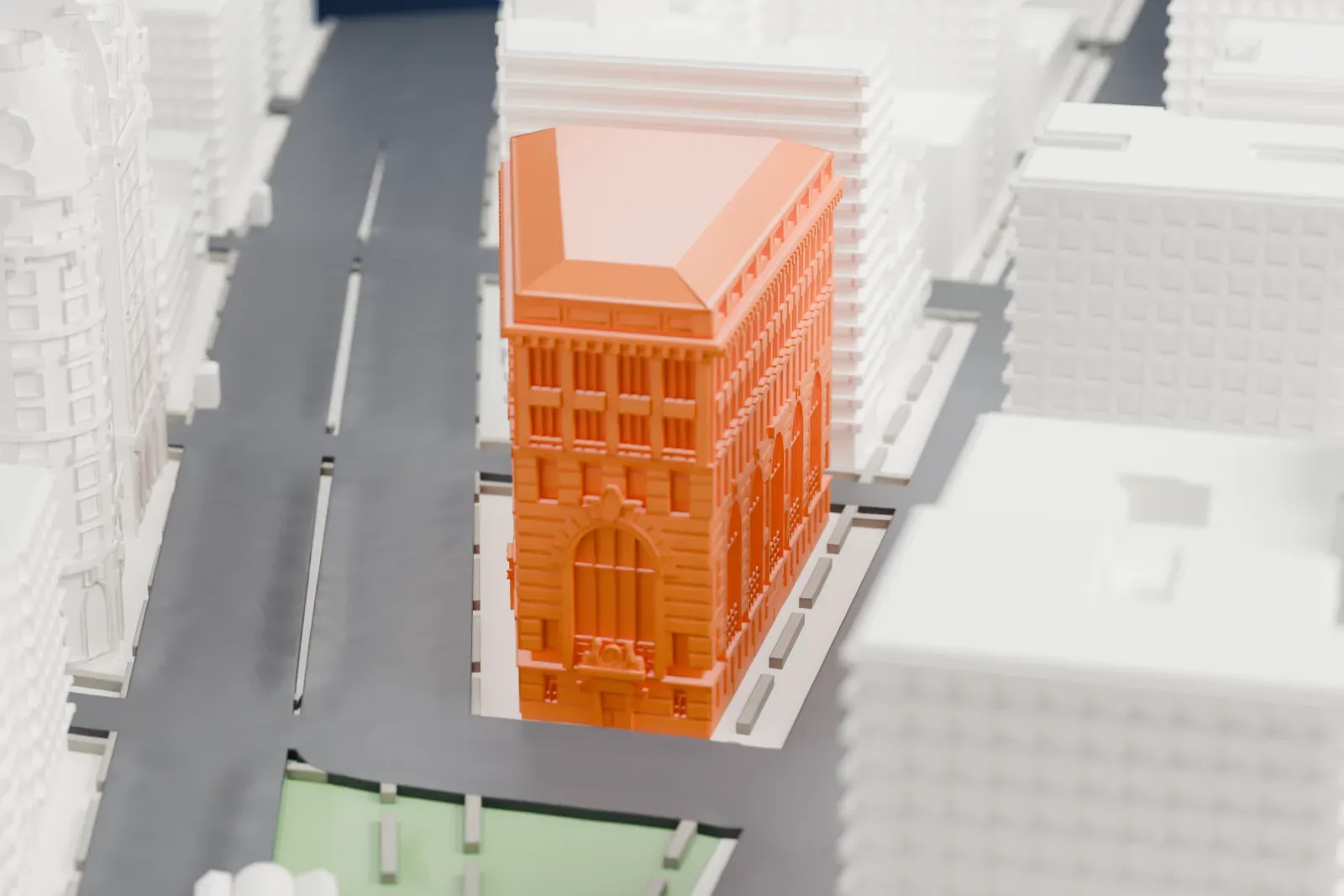
A free, printable 3D model of the Apple Bank Building, a large block with tall arched windows and a broad hipped roof, and the buildings and streets around it, generated from real map data in your browser.
-
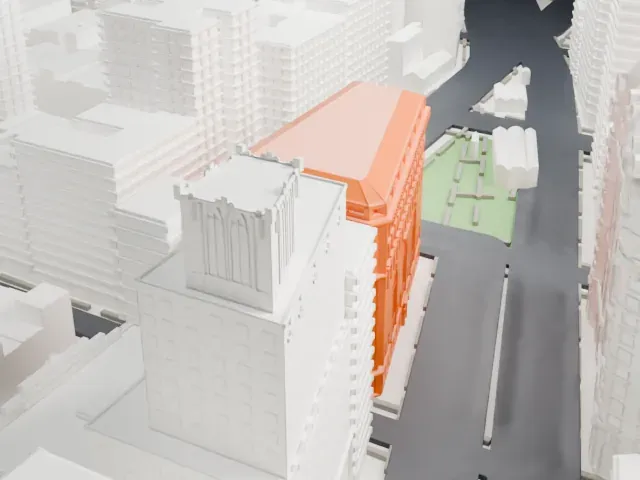 North
North
-
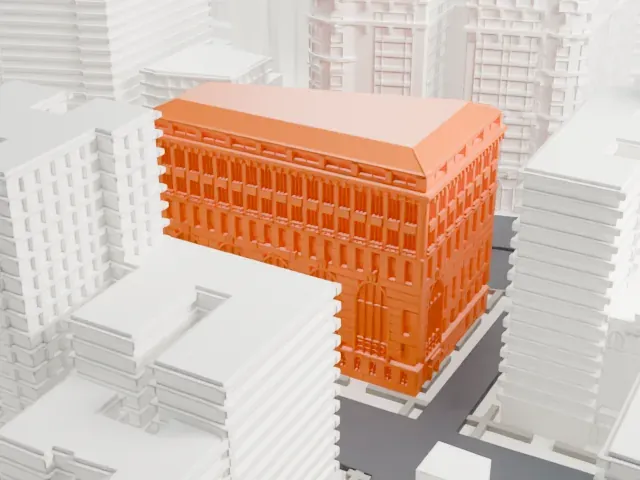 East
East
-
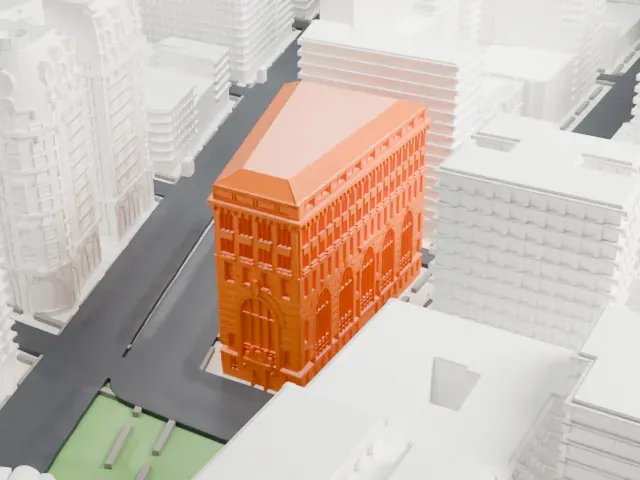 South
South
-
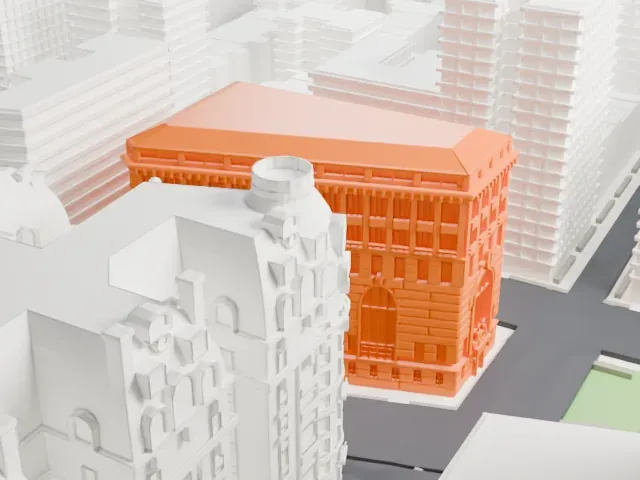 West
West
- On a 160 mm print
- 13 mm
- Scale
- 1:3,750
13 mm tall on a 160 mm print
Make this print opens the generator on a 600 m square around the landmark. Buildings print at close to true scale, so the landmark grows with the print size.
- Tall arched windows
Tall arches with ornamental detail fill the lower walls. Print friendly adapts fine detail to your print scale; Full detail keeps it, better with a larger print and 0.12 to 0.16 mm layers.
- Rows of pilasters
Closely spaced pilasters and windows run beneath the cornice. A smaller layer height keeps them crisp, and a larger print size keeps more of them.
- One piece with the ground
The Apple Bank Building is joined to the ground in the exported file, and the four-side check found no floating parts, so nothing needs gluing.
- Pick the detail for your nozzle
In the Buildings settings, set Landmark detail to Print friendly to adapt thin parts and small details to the print scale. Full detail keeps every modeled feature, for larger prints or a finer nozzle.
- Colors
Buildings, roads, water and ground arrive as separate filament slots in the 3MF. The Apple Bank Building takes the building color.
- File format
You get a 3MF for Bambu Studio, OrcaSlicer or PrusaSlicer. Any of them can save it as STL if you need one.
About the Apple Bank Building
2100 Broadway and the Central Savings Bank Building are other names for the Apple Bank Building. It holds a bank and apartments at 2100-2114 Broadway on Manhattan's Upper West Side. It fills a trapezoidal city block between 73rd Street, Amsterdam Avenue, 74th Street and Broadway. York and Sawyer gave it Renaissance Revival and palazzo styling, modeled on an Italian Renaissance palazzo. It was constructed as a Central Savings Bank branch from 1926 to 1928 and opened on December 8, 1928.
Rusticated stone blocks cover the base of the exterior. Double-height arches with ornamental ironwork by Samuel Yellin rise above the first floor on all four sides. On the fifth and sixth stories, pilasters separate the windows in a loggia-like treatment, and the roof is Spanish tile. The northwestern corner is cut on a diagonal. Inside, the rectangular banking room beside Amsterdam Avenue has a marble floor, a coffered, barrel-vaulted ceiling, large niches and sandstone walls.
The upper floors were first rented out as offices, and the offices were converted into 29 condominium apartments between 2004 and 2007. In 1981 Central Savings Bank joined with Harlem Savings Bank, which later became Apple Bank for Savings. In 1975 the facade was designated a New York City landmark, and in 1983 the building joined the National Register of Historic Places. The banking room became a city landmark in 1993.
About this model
The Apple Bank Building is one of more than 4,300 landmark models in Mini Skyline. They are made with AI, and each one is checked from four sides in its real surroundings before release. Everything around it is built from OpenStreetMap and Overture map data. If you would rather print the shape from map data, turn off Landmark models in the Buildings settings.
Same skyline