3D print Burgos Cathedral
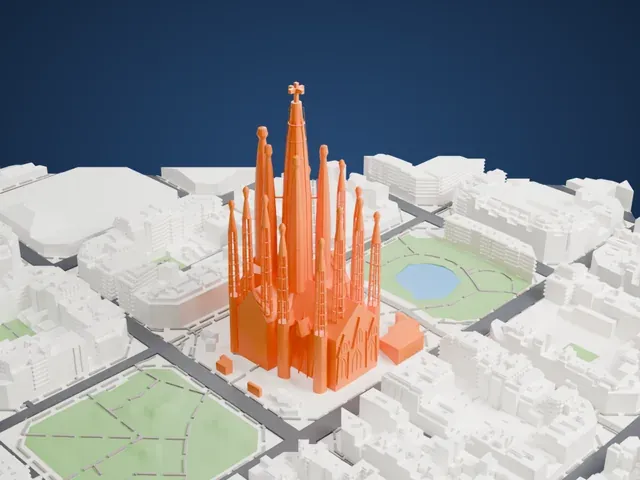
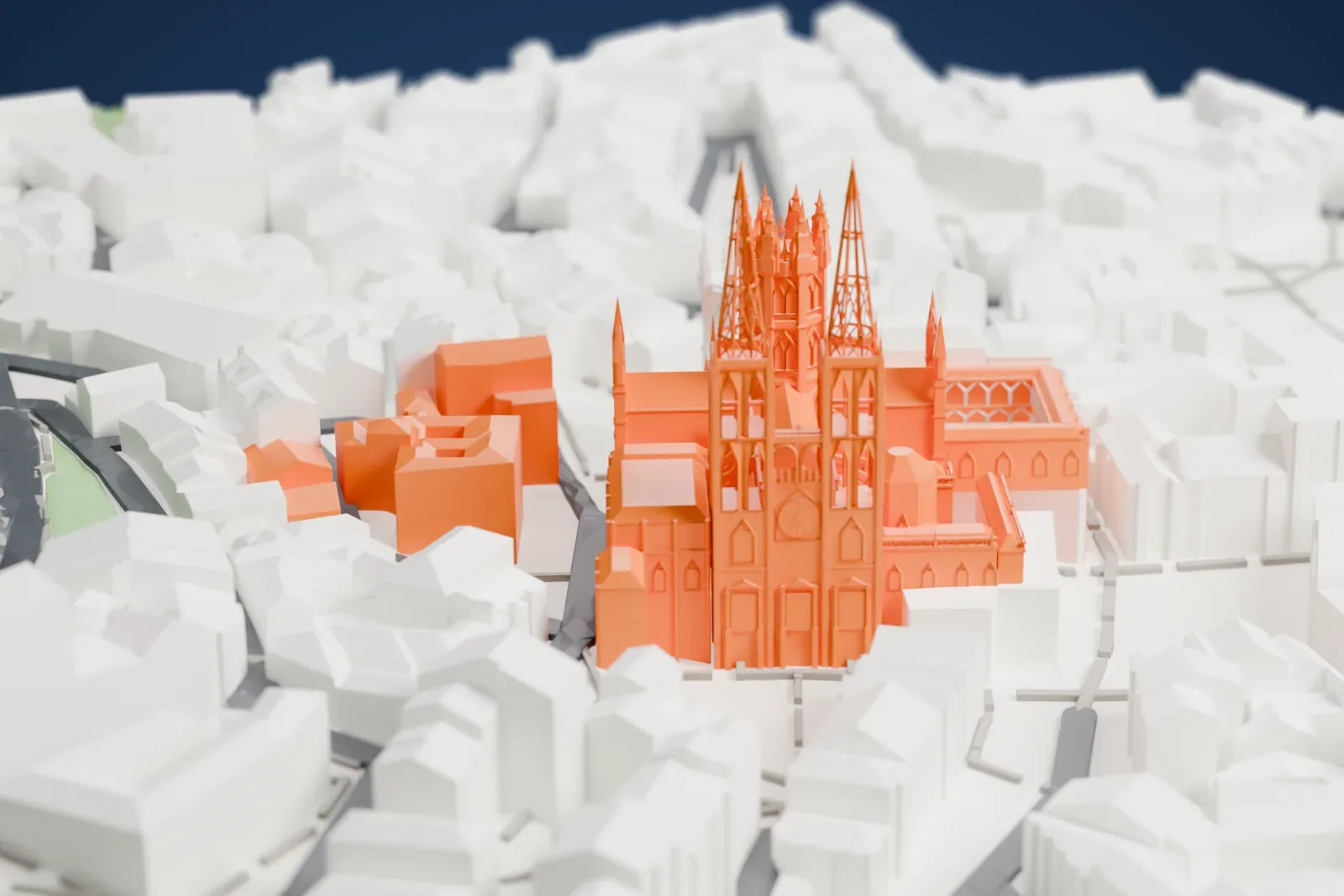
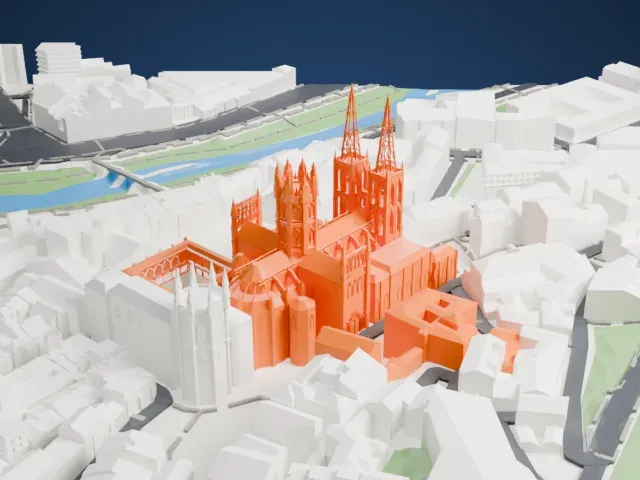
A free, printable model of Burgos Cathedral, with its two openwork spires and pinnacled lantern, among the old-town buildings, river and green slopes around it, generated from real map data in your browser.
-
 North
-
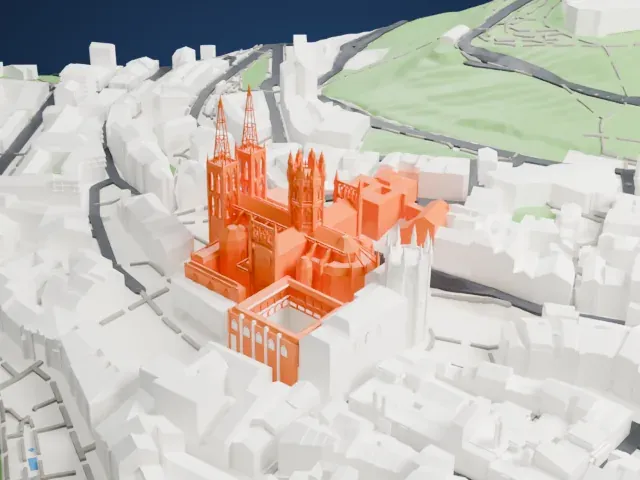 East
-
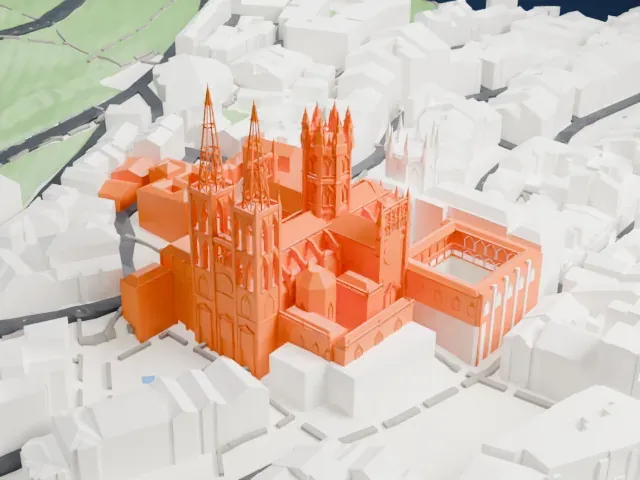 South
-
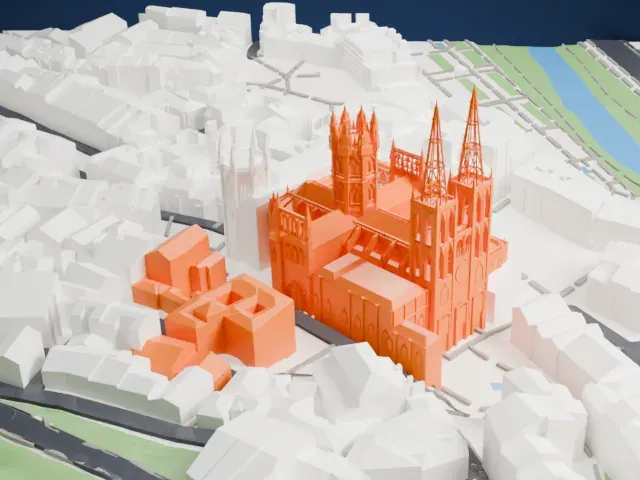 West
The model you print
Burgos Cathedral in 3D
The landmark on its own, at its size on a 160 mm print. Print friendly thickens thin parts for a 0.4 mm nozzle; Full detail keeps every part.
- On a 160 mm print
- 26 mm
- Scale
- 1:3,750
26 mm tall on a 160 mm print
Make this print opens the generator on a 600 m square around the landmark. Buildings print at close to true scale, so the landmark grows with the print size.
- Open spires and pinnacles
Two open, lacy spires and many slim pinnacles rise above the cathedral. Print friendly adapts these thin parts to the print scale; Full detail keeps them, which suits a larger print. Print slowly.
- Pinnacled lantern and buttresses
A pinnacled octagonal lantern crowns the crossing, with buttresses and tall windows around it. A bigger print size keeps more of them, and layers of 0.12 to 0.16 mm keep the edges crisp.
- One piece with the ground
Burgos Cathedral is joined to the ground in the exported file, and the four-side check found no floating parts, so nothing needs gluing.
- Pick the detail for your nozzle
In the Buildings settings, set Landmark detail to Print friendly to adapt thin parts and small details to the print scale. Full detail keeps every modeled feature, for larger prints or a finer nozzle.
- Colors
Buildings, roads, water and ground arrive as separate filament slots in the 3MF. Burgos Cathedral takes the building color.
- File format
You get a 3MF for Bambu Studio, OrcaSlicer or PrusaSlicer. Any of them can save it as STL if you need one.
About Burgos Cathedral
Burgos Cathedral, also known by the name Cathedral of Saint Mary of Burgos (Catedral de Burgos in Spanish), is a Catholic church bearing a dedication to the Virgin Mary in the historical center of Burgos, Spain. Building began in 1221 in the French Gothic style, on a Latin cross plan. The first stone was laid on June 20, 1221, with Bishop Maurice of Burgos and King Ferdinand III present. The cathedral was consecrated in 1260.
In the 15th and 16th centuries, following a pause of almost 200 years, the cathedral was embellished with the Chapel of the Constable, the dome of the transept and the spires of the main facade. These flamboyant Gothic elements give it an unmistakable profile. Juan de Colonia added the spires, which show Germanic influence, in the 15th century. The facade rises in three stories and ends in two square bell towers at its sides, and its design relates to the French Gothic cathedrals of Paris and Reims.
The last important works, the Sacristy and the Chapel of Saint Thecla, date from the 18th century. Builders used limestone quarried in Hontoria de la Cantera, a nearby town, for the construction and renovations. The style is Gothic, with several decorative Renaissance and Baroque elements. UNESCO declared it a World Heritage Site on October 31, 1984, and it is the only Spanish cathedral listed on its own, not as part of a historic city center or together with other buildings.
About this model
Burgos Cathedral is one of more than 5,500 landmark models in Mini Skyline. They are made with AI, and each one is checked in its real surroundings before release. Each model is written as code from public descriptions, plans, photographs and aerial views used only as references; no image or third-party model is copied into it. Everything around it is built from OpenStreetMap and Overture map data. Rights in the building itself, its name and any brands on it are not granted by Mini Skyline; clear them separately before you sell prints. If you would rather print the shape from map data, turn off Landmark models in the Buildings settings.
Mini Skyline is not affiliated with, or endorsed by, the owners of this building or its names and marks.
Keep exploring