3D print the Engineering Societies' Building
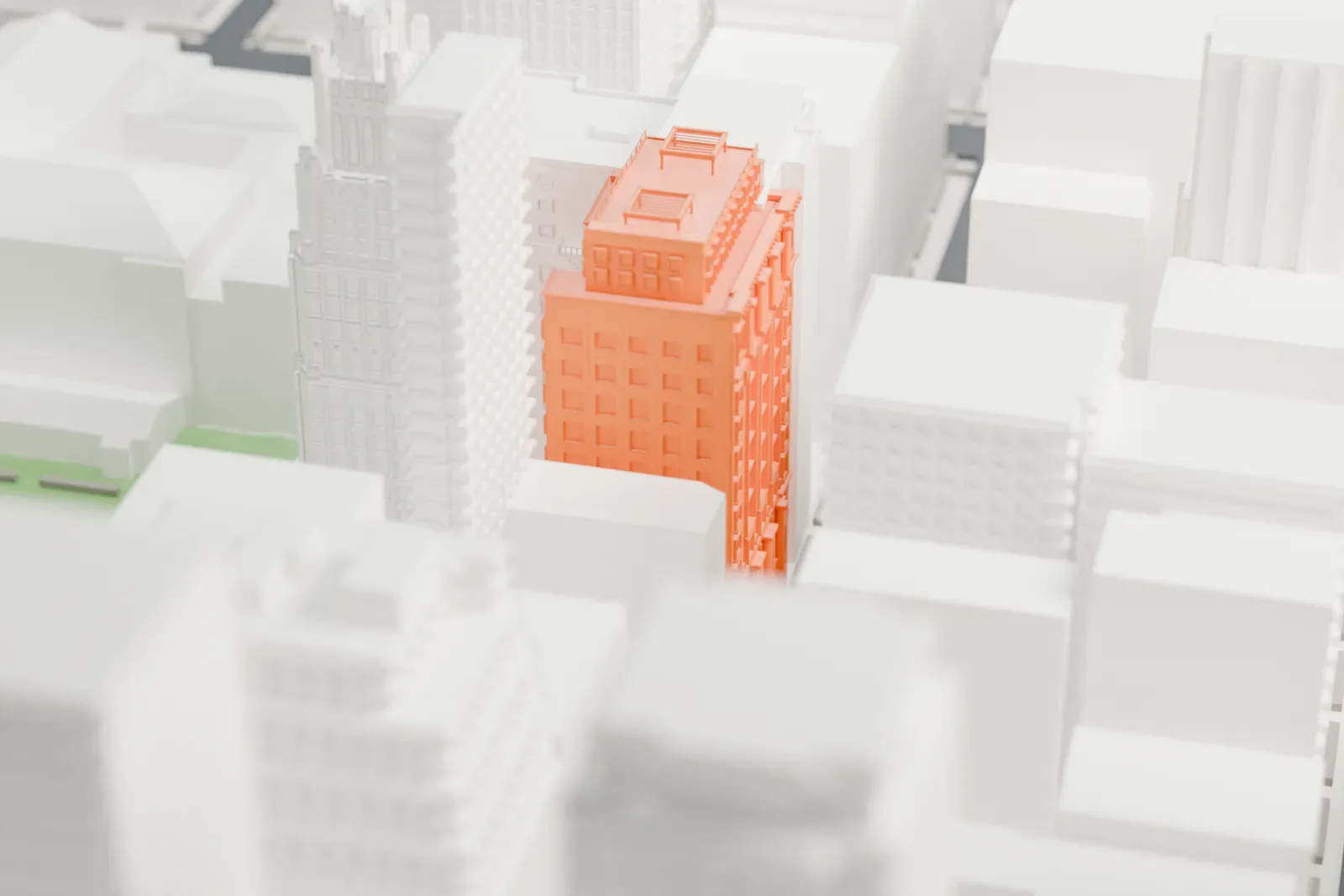
A free, printable model of the Engineering Societies' Building, a mid-rise building with many windows and a flat top, squeezed between much taller towers, generated from real map data in your browser.
-
 North
North
-
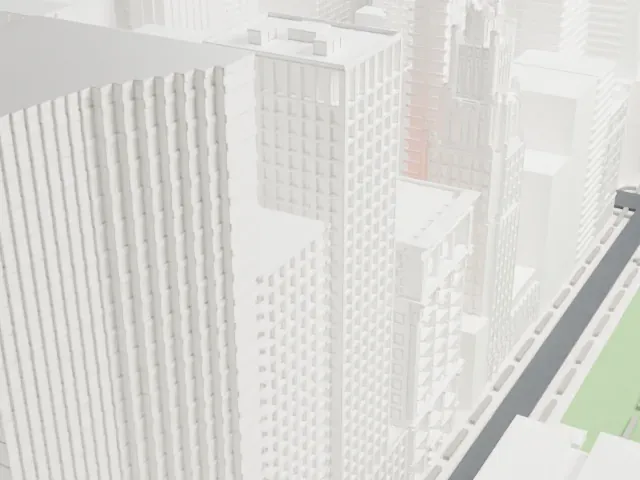 East
East
-
 South
South
-
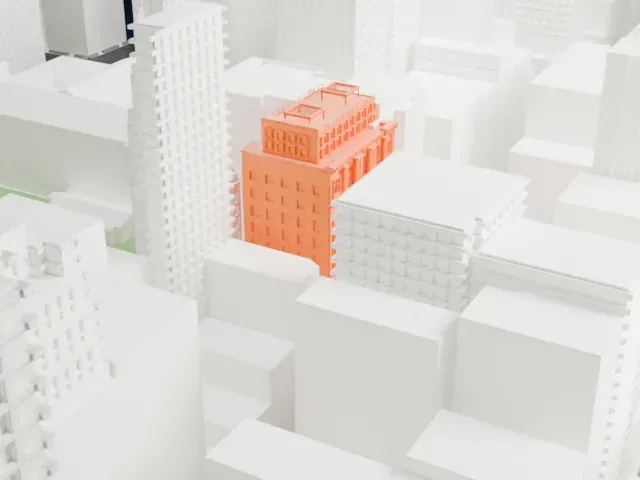 West
West
- On a 160 mm print
- 21 mm
- Scale
- 1:3,750
21 mm tall on a 160 mm print
Make this print opens the generator on a 600 m square around the landmark. Buildings print at close to true scale, so the landmark grows with the print size.
- Mostly hidden by neighbors
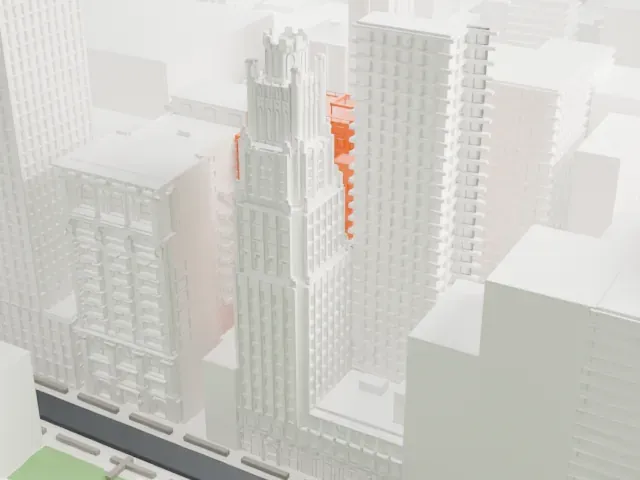
In the surrounding model, taller towers hide much of this building, so only part of it shows. Print size matters here: a bigger print keeps its rows of small windows readable.
- Rooftop details
Small structures sit on the roof. Print friendly adapts them to the print scale; Full detail keeps them on a larger print with a layer height of 0.12-0.16 mm.
- One piece with the ground
The Engineering Societies' Building is joined to the ground in the exported file, and the four-side check found no floating parts, so nothing needs gluing.
- Pick the detail for your nozzle
In the Buildings settings, set Landmark detail to Print friendly to adapt thin parts and small details to the print scale. Full detail keeps every modeled feature, for larger prints or a finer nozzle.
- Colors
Buildings, roads, water and ground arrive as separate filament slots in the 3MF. The Engineering Societies' Building takes the building color.
- File format
You get a 3MF for Bambu Studio, OrcaSlicer or PrusaSlicer. Any of them can save it as STL if you need one.
About the Engineering Societies' Building
In Midtown Manhattan, a block south of Bryant Park, stands the Engineering Societies' Building (also numbered 25 West 39th Street), a commercial building. It dates from 1907 and was constructed alongside the neighboring Engineers' Club. Henry G. Morse worked with Herbert D. Hale (of Hale & Rogers) to design it in the neo-Renaissance style.
Its original use was as the clubhouse for the United Engineering Societies, a partnership begun by three societies: mechanical engineers (ASME), mining engineers (AIME) and electrical engineers (AIEE). Civil engineers (ASCE) joined in 1917. Andrew Carnegie funded the building, having offered money for a new clubhouse in 1904. The Engineers' Club preferred a separate building, so a design competition covered two clubhouses.
The facade is split horizontally into three sections. A rusticated limestone base takes the lowest three stories and includes a colonnade of Doric columns, with a seven-story stone midsection above. A double-tiered auditorium holding 1,000 seats originally sat above the second story, a floor that could not be seen from the facade. Higher floors held lecture rooms, engineering offices and a library. The clubhouse was sold by the societies in 1960, and in 2007 it joined the National Register of Historic Places.
About this model
The Engineering Societies' Building is one of more than 4,300 landmark models in Mini Skyline. They are made with AI, and each one is checked from four sides in its real surroundings before release. Everything around it is built from OpenStreetMap and Overture map data. If you would rather print the shape from map data, turn off Landmark models in the Buildings settings.
Same skyline