3D print Government House, Baku
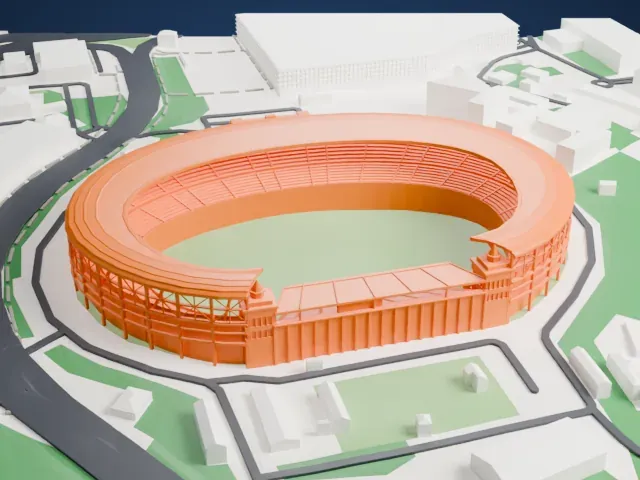
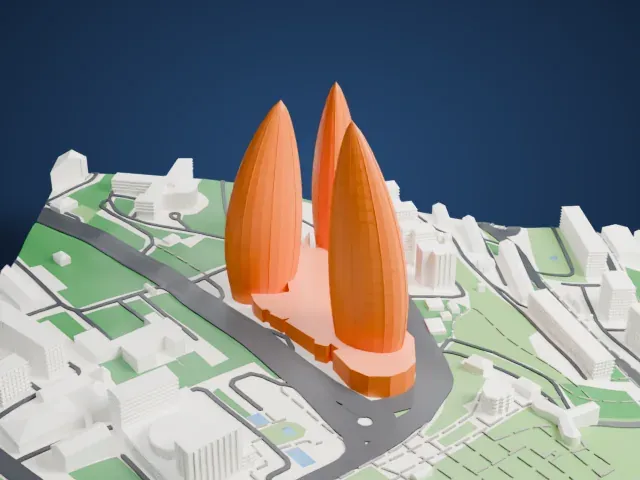
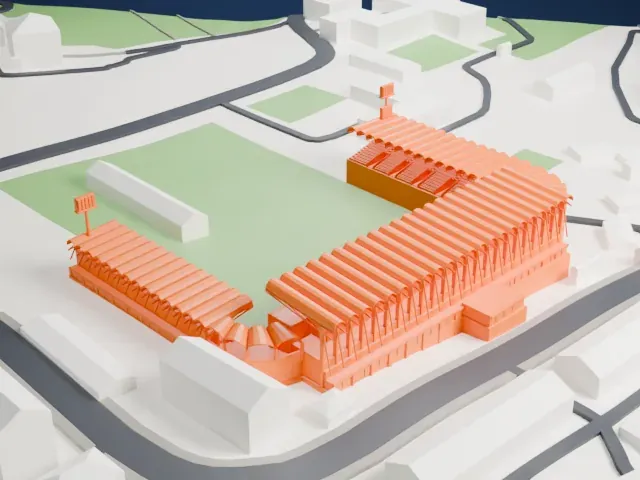
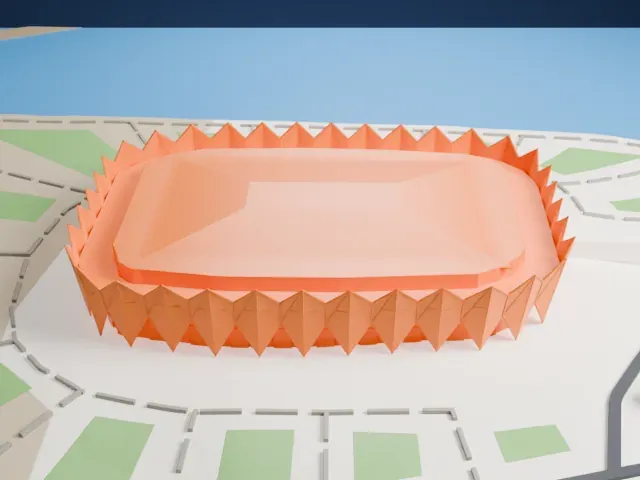
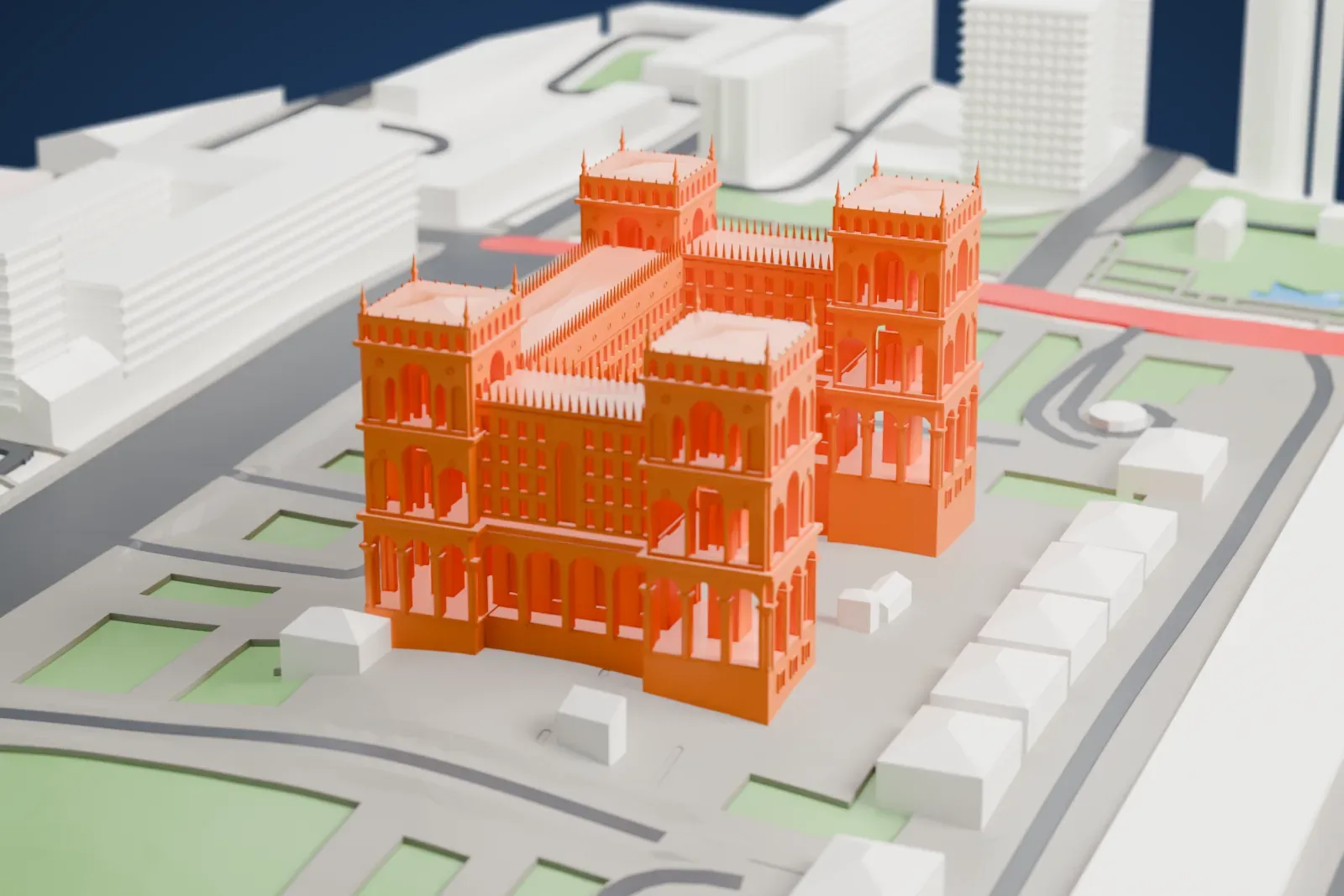
A free, printable model of the building, with its tall corner towers, pinnacles and arcaded lower floors, and the surrounding lawns, streets and buildings, generated from real map data in your browser.
-
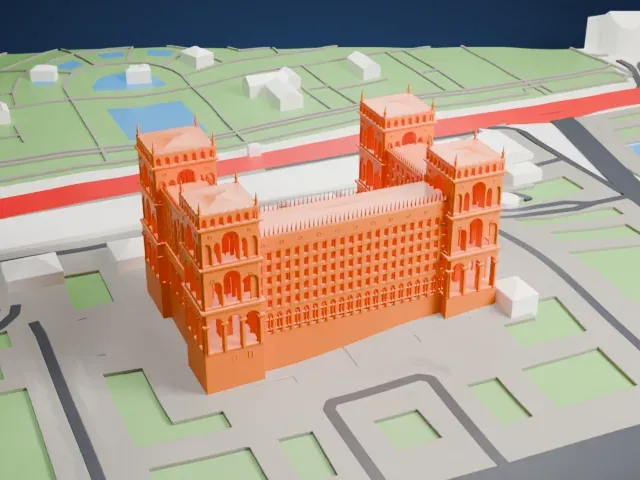 North
North
-
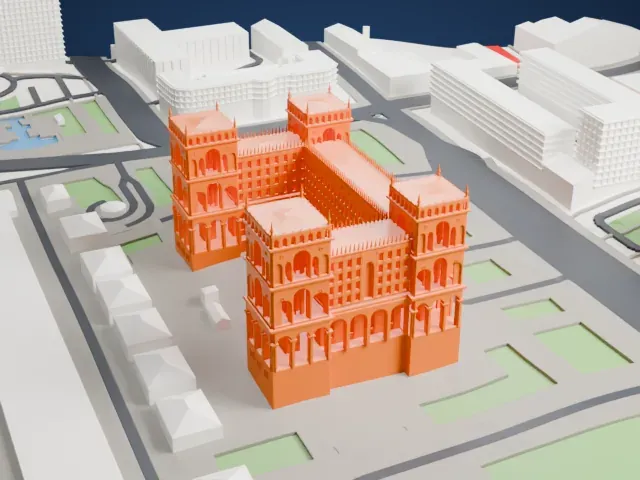 East
East
-
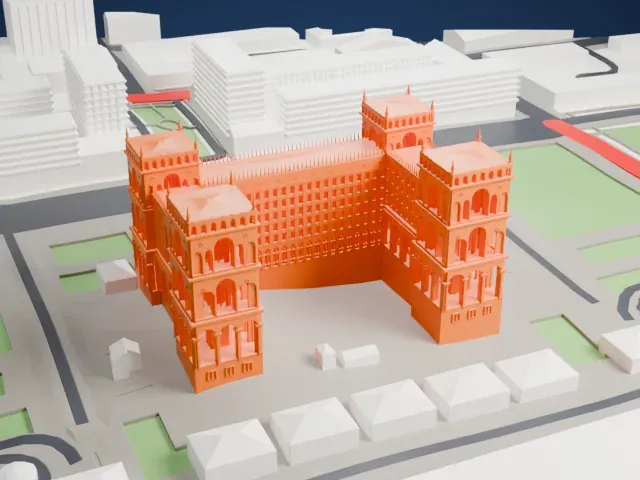 South
South
-
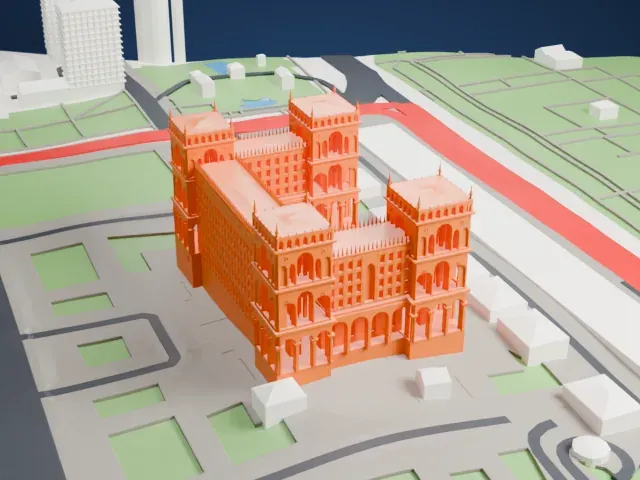 West
West
The model you print
Government House, Baku in 3D
The landmark on its own, at its size on a 160 mm print. Print friendly thickens thin parts for a 0.4 mm nozzle; Full detail keeps every part.
- On a 160 mm print
- 18 mm
- Scale
- 1:3,750
18 mm tall on a 160 mm print
Make this print opens the generator on a 600 m square around the landmark. Buildings print at close to true scale, so the landmark grows with the print size.
- Corner towers and pinnacles
Four tall towers with small pinnacles at their corners rise above the roofline. Print friendly adapts these thin points to the print scale; Full detail keeps them on a larger print.
- Arcades and carved detail
Rows of arches and a dense band of ornament cover the facades. A layer height of 0.12–0.16 mm and a bigger print size keep the arches and roofline crisp.
- One piece with the ground
Government House, Baku is joined to the ground in the exported file, and the four-side check found no floating parts, so nothing needs gluing.
- Pick the detail for your nozzle
In the Buildings settings, set Landmark detail to Print friendly to adapt thin parts and small details to the print scale. Full detail keeps every modeled feature, for larger prints or a finer nozzle.
- Colors
Buildings, roads, water and ground arrive as separate filament slots in the 3MF. Government House, Baku takes the building color.
- File format
You get a 3MF for Bambu Studio, OrcaSlicer or PrusaSlicer. Any of them can save it as STL if you need one.
About Government House, Baku
Baku's Government House, which also goes by the name House of Government, is an official building that houses several of Azerbaijan's state ministries. It stands on Neftchiler Avenue, facing the Baku Boulevard, while its back faces Uzeyir Hajibeyov Street, a busy road in central Baku. The planned occupancy was 5,500 people.
The Soviet authorities opened a tender in 1934 for a building first called the Baku Soviet Palace, later renamed Government House. The well-known architects Lev Rudnev and Vladimir Munts won the competition, with K. Tkachenko taking part. After some changes to the project, the building went up between 1936 and 1952. Its construction also led to the creation of a square in front of it, first named Lenin Square and later Azadliq Square.
A monument to Vladimir Lenin by the sculptor Jalal Garyaghdi was installed there in 1955, and during the Azerbaijani independence movement it was taken down. The government began renovating the building in 2006 and finished in 2010, spending 40.8 million Azerbaijani manats on the reconstruction and on the park around it.
About this model
Government House, Baku is one of more than 4,900 landmark models in Mini Skyline. They are made with AI, and each one is checked from four sides in its real surroundings before release. Everything around it is built from OpenStreetMap and Overture map data. If you would rather print the shape from map data, turn off Landmark models in the Buildings settings.
Same skyline