3D print the Grand Mosque of Bursa
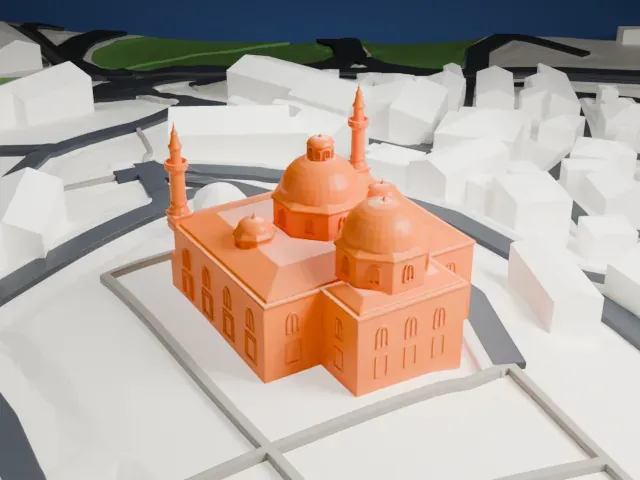
A free, printable model of the Grand Mosque of Bursa, with its grid of domes and two minarets and the lanes and buildings around it, generated from real map data in your browser.
-
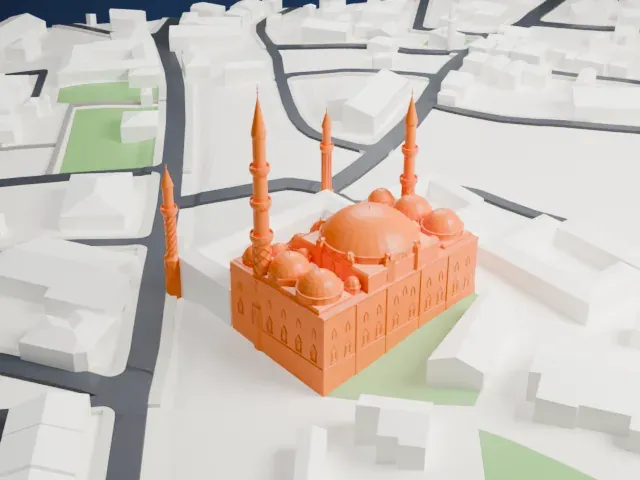
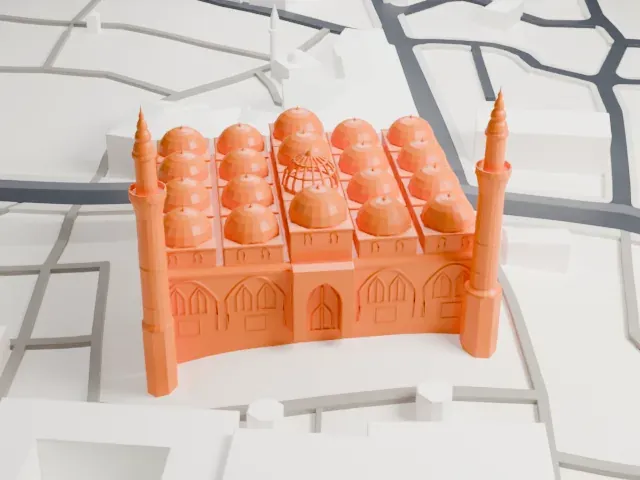 North
-
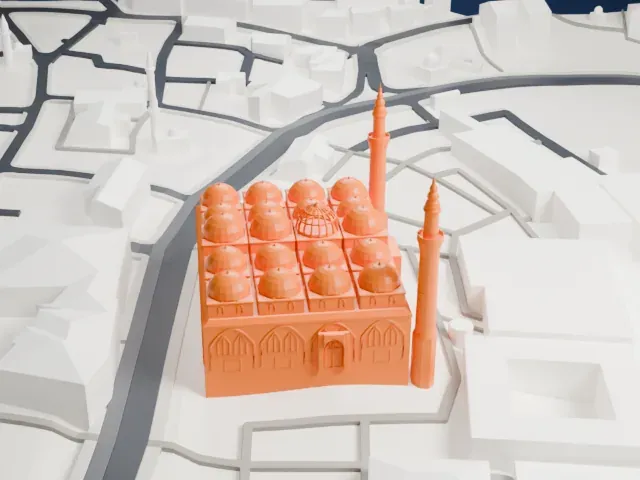 East
-
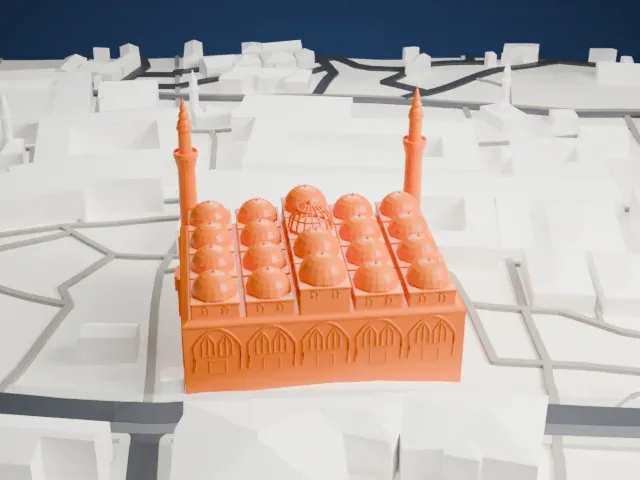 South
-
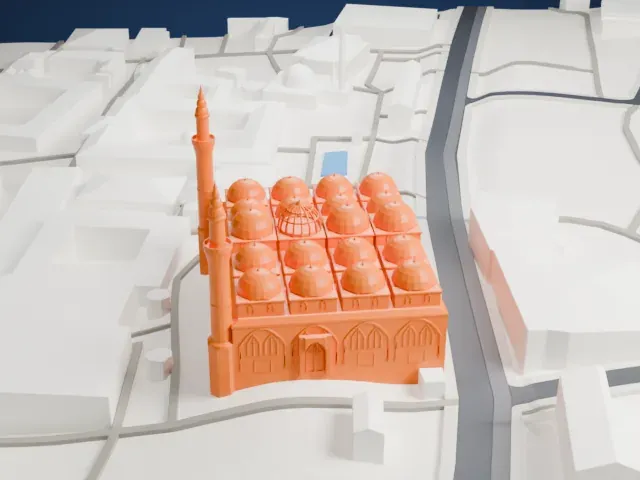 West
The model you print
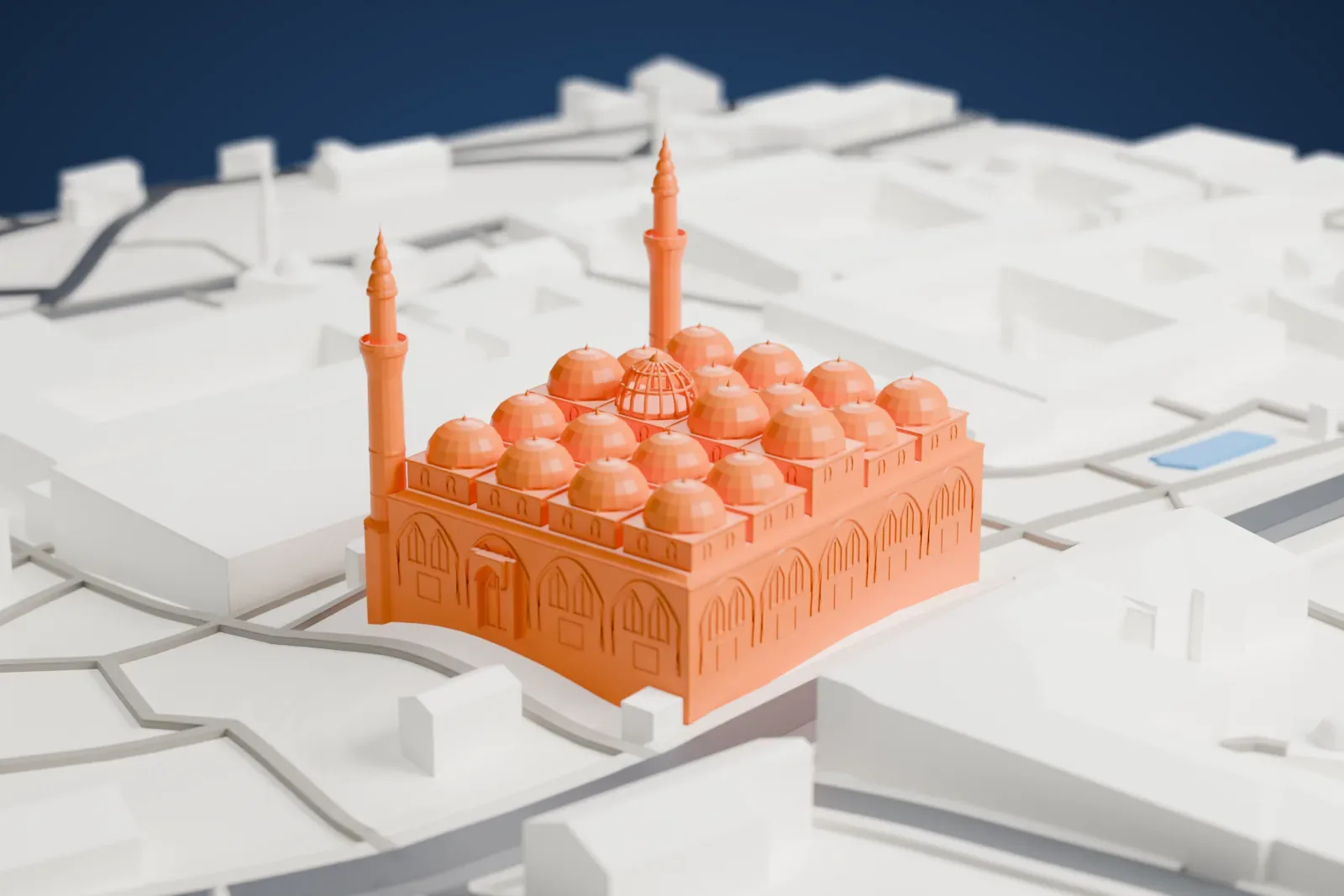
Grand Mosque of Bursa in 3D
The landmark on its own, at its size on a 160 mm print. Print friendly thickens thin parts for a 0.4 mm nozzle; Full detail keeps every part.
- On a 160 mm print
- 17 mm
- Scale
- 1:3,750
17 mm tall on a 160 mm print
Make this print opens the generator on a 600 m square around the landmark. Buildings print at close to true scale, so the landmark grows with the print size.
- Slender minarets
The two tall, thin minarets are the most delicate parts of the model. Print slowly with good cooling, and use a 0.12–0.16 mm layer height to keep their tips crisp.
- A grid of small domes
Twenty domes sit close together on the roof. A larger print size keeps them distinct; Print friendly adapts them to the print scale, and Full detail keeps every modeled feature.
- One piece with the ground
The Grand Mosque of Bursa is joined to the ground in the exported file, and the four-side check found no floating parts, so nothing needs gluing.
- Pick the detail for your nozzle
In the Buildings settings, set Landmark detail to Print friendly to adapt thin parts and small details to the print scale. Full detail keeps every modeled feature, for larger prints or a finer nozzle.
- Colors
Buildings, roads, water and ground arrive as separate filament slots in the 3MF. The Grand Mosque of Bursa takes the building color.
- File format
You get a 3MF for Bambu Studio, OrcaSlicer or PrusaSlicer. Any of them can save it as STL if you need one.
About the Grand Mosque of Bursa
Bursa's Grand Mosque, Bursa Ulu Cami in Turkish, stands at the heart of the old city beside its historic markets. Ottoman ruler Sultan Bayezid I commissioned it to mark his victory at the Battle of Nicopolis. The architect Ali Neccar designed and built it from 1396 to 1399. It is the largest mosque in Bursa, which was the Ottoman Empire's first capital, and it is a landmark of early Ottoman architecture. Its space can hold 5000 people.
Tradition says the mosque was burned twice, first by Timur in 1402 and then by the Qaramanid ruler Mehmed Bey during a siege in 1412; the first recorded repairs came in 1493. A damaging earthquake in 1855 collapsed the roof and closed the mosque for a number of years, and repairs were completed in 1889. A popular tradition holds that Bayezid I built one mosque with twenty domes instead of the twenty separate mosques he had promised for winning at Nicopolis.
The building is a rectangle measuring 55 by 69 meters. Twenty domes, in four rows with five domes per row and resting on twelve columns, cover the interior. At the center, a fountain (şadırvan) stands over an eighteen-cornered water basin, beneath a dome open to the sky. The western minaret, joined to the building, dates from Bayezid I's day, while the eastern minaret stands apart. The walls carry 192 monumental inscriptions, and some have even dubbed the mosque a "calligraphy museum."
About this model
The Grand Mosque of Bursa is one of more than 6,500 landmark models in Mini Skyline. They are made with AI, and each one is checked in its real surroundings before release. Each model is written as code from public descriptions, plans, photographs and aerial views used only as references; no image or third-party model is copied into it. Everything around it is built from OpenStreetMap and Overture map data. Rights in the building itself, its name and any brands on it are not granted by Mini Skyline; clear them separately before you sell prints. If you would rather print the shape from map data, turn off Landmark models in the Buildings settings.
Mini Skyline is not affiliated with, or endorsed by, the owners of this building or its names and marks.
Keep exploring