3D print the Green Mosque, Bursa
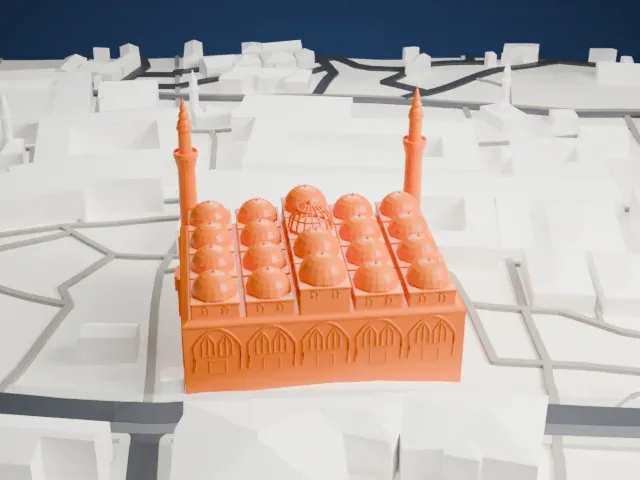
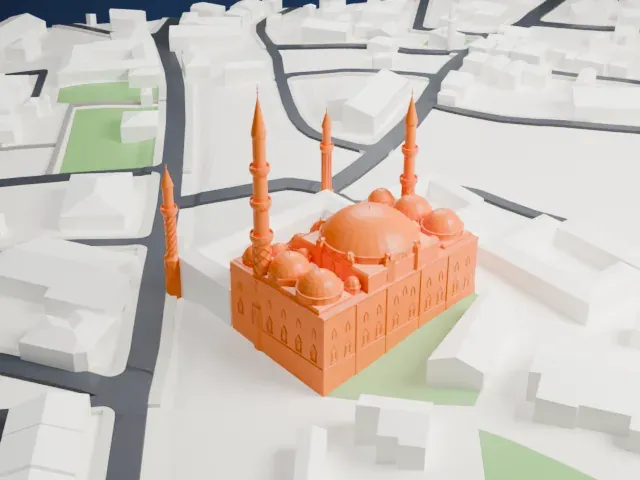
A free, printable model of the Green Mosque in Bursa, a cube-shaped building with several domes and two slender minarets, among narrow streets and low buildings, generated from real map data in your browser.
-
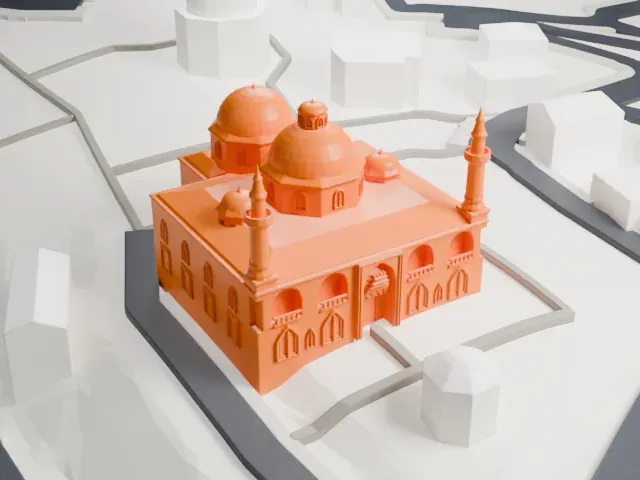 North
-
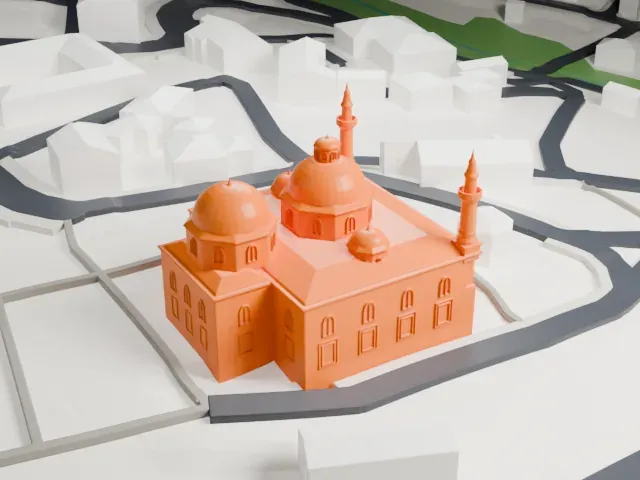 East
-
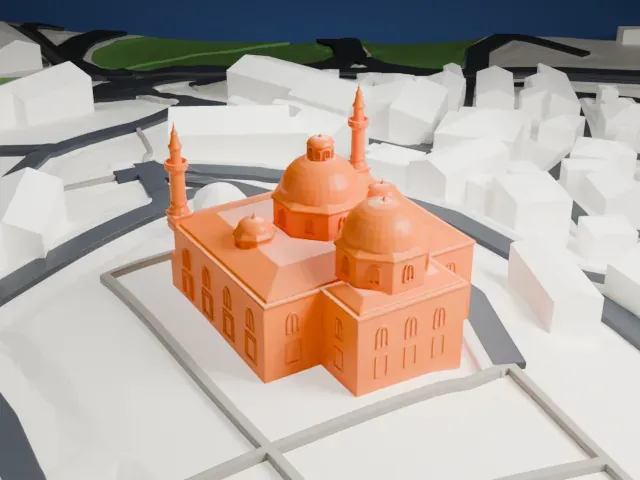 South
-
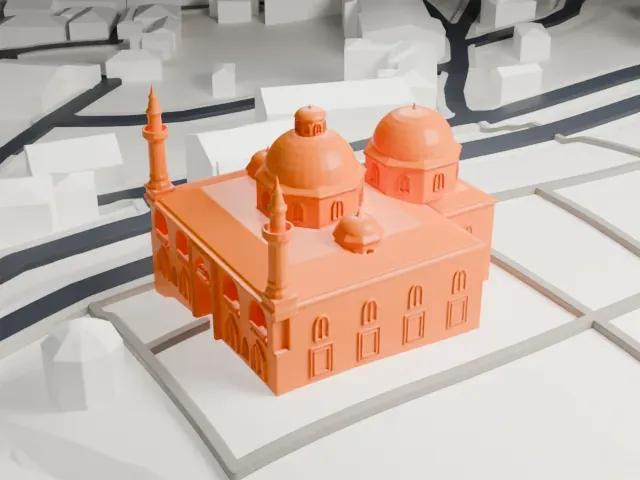 West
The model you print
Green Mosque, Bursa in 3D
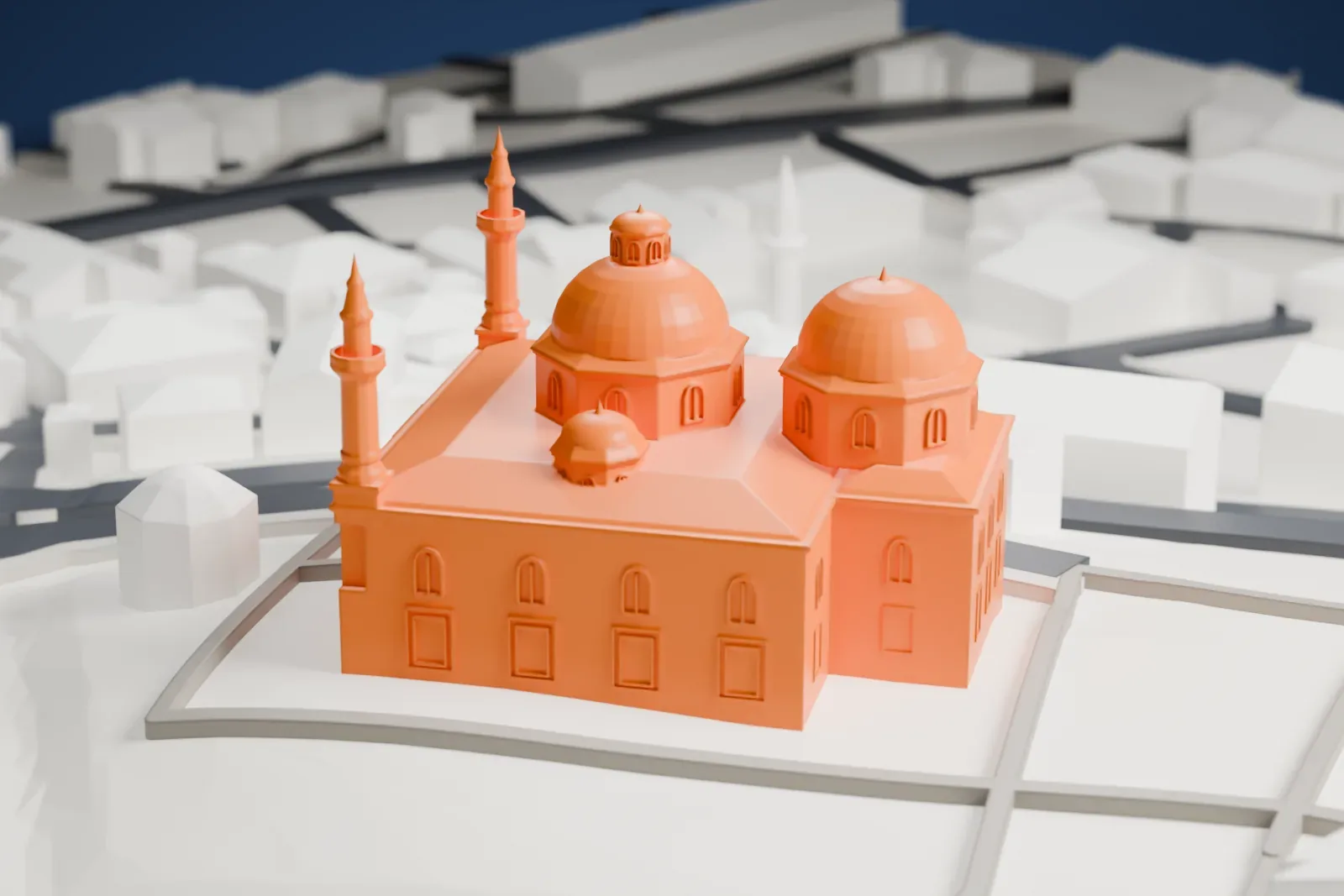
The landmark on its own, at its size on a 160 mm print. Print friendly thickens thin parts for a 0.4 mm nozzle; Full detail keeps every part.
- On a 160 mm print
- 9 mm
- Scale
- 1:3,750
9 mm tall on a 160 mm print
Make this print opens the generator on a 600 m square around the landmark. Buildings print at close to true scale, so the landmark grows with the print size.
- Slender minarets
The two minarets are thin, tall and topped with small spires, so they are the most delicate parts. Print friendly adapts them to the print scale; slow printing and good cooling help the tips.
- Cluster of domes
Several domes of different sizes sit on short drums with small windows. Full detail suits larger prints, and a layer height of 0.12-0.16 mm keeps the dome curves smooth.
- One piece with the ground
The Green Mosque, Bursa is joined to the ground in the exported file, and the four-side check found no floating parts, so nothing needs gluing.
- Pick the detail for your nozzle
In the Buildings settings, set Landmark detail to Print friendly to adapt thin parts and small details to the print scale. Full detail keeps every modeled feature, for larger prints or a finer nozzle.
- Colors
Buildings, roads, water and ground arrive as separate filament slots in the 3MF. The Green Mosque, Bursa takes the building color.
- File format
You get a 3MF for Bambu Studio, OrcaSlicer or PrusaSlicer. Any of them can save it as STL if you need one.
About the Green Mosque, Bursa
The Green Mosque (Yeşil Camii) goes by another name too, the Mosque of Mehmed I. It belongs to a bigger complex (külliye) in the east of Bursa, which was the capital of the Ottoman Turks until Constantinople was captured in 1453. Besides the mosque, the complex holds a madrasa, a public kitchen, a bathhouse and a mausoleum called the Green Tomb. The name comes from green and blue tiles in the interior.
The mosque was commissioned by Mehmed I Çelebi, sultan from 1413 until 1421. Work started in 1412, and an inscription above the entrance portal records completion in December 1419 or January 1420, under the vizier Hacı İvaz Pasha. Mehmed's son and successor Murad II commissioned the Green Tomb, finished in May 1421. Many see the mosque as the high point of early Ottoman architecture.
The plan is an inverted T, and the building is cube-shaped and two stories high. Marble panels, mostly replaced in the nineteenth century, cover its hewn sandstone. An inscription above the mihrab credits the black-line tiles, which make up most of the tiles, to Tabriz masters. After the Bursa earthquake of 1855, Léon Parvillée planned renovations from 1863, and both minarets were rebuilt on an older base.
About this model
The Green Mosque, Bursa is one of more than 6,500 landmark models in Mini Skyline. They are made with AI, and each one is checked in its real surroundings before release. Each model is written as code from public descriptions, plans, photographs and aerial views used only as references; no image or third-party model is copied into it. Everything around it is built from OpenStreetMap and Overture map data. Rights in the building itself, its name and any brands on it are not granted by Mini Skyline; clear them separately before you sell prints. If you would rather print the shape from map data, turn off Landmark models in the Buildings settings.
Mini Skyline is not affiliated with, or endorsed by, the owners of this building or its names and marks.
Keep exploring