3D print Lom Stave Church
A free, printable model of Lom Stave Church, with its steep stepped roofs and tall central spire, and the grassy grounds and paths around it, generated from real map data in your browser.
-
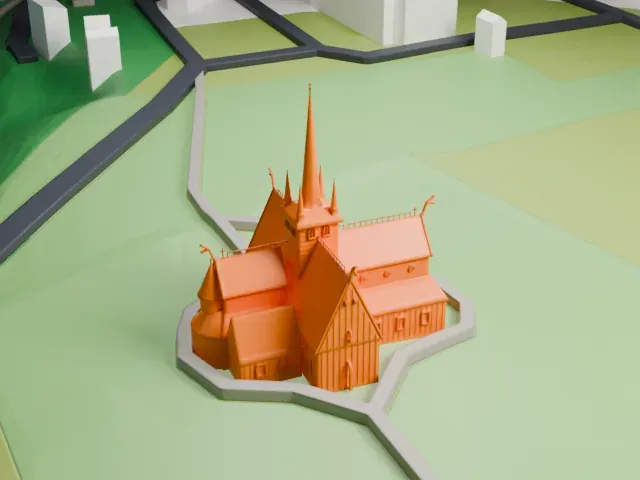 North
-
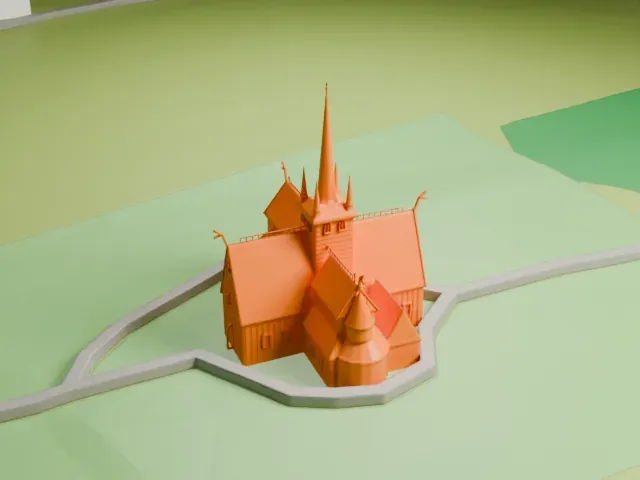 East
-
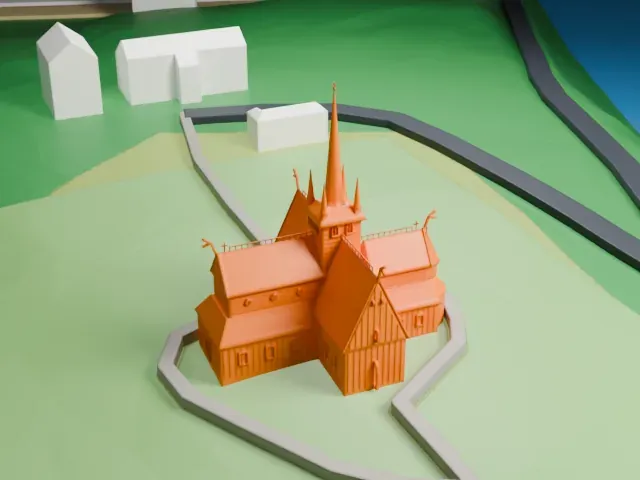 South
-
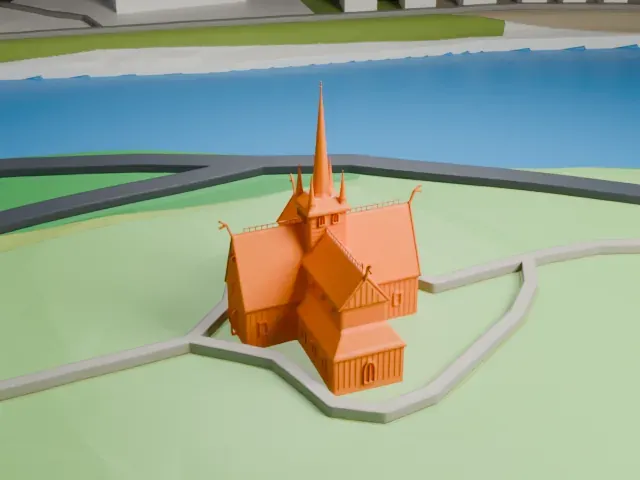 West
The model you print
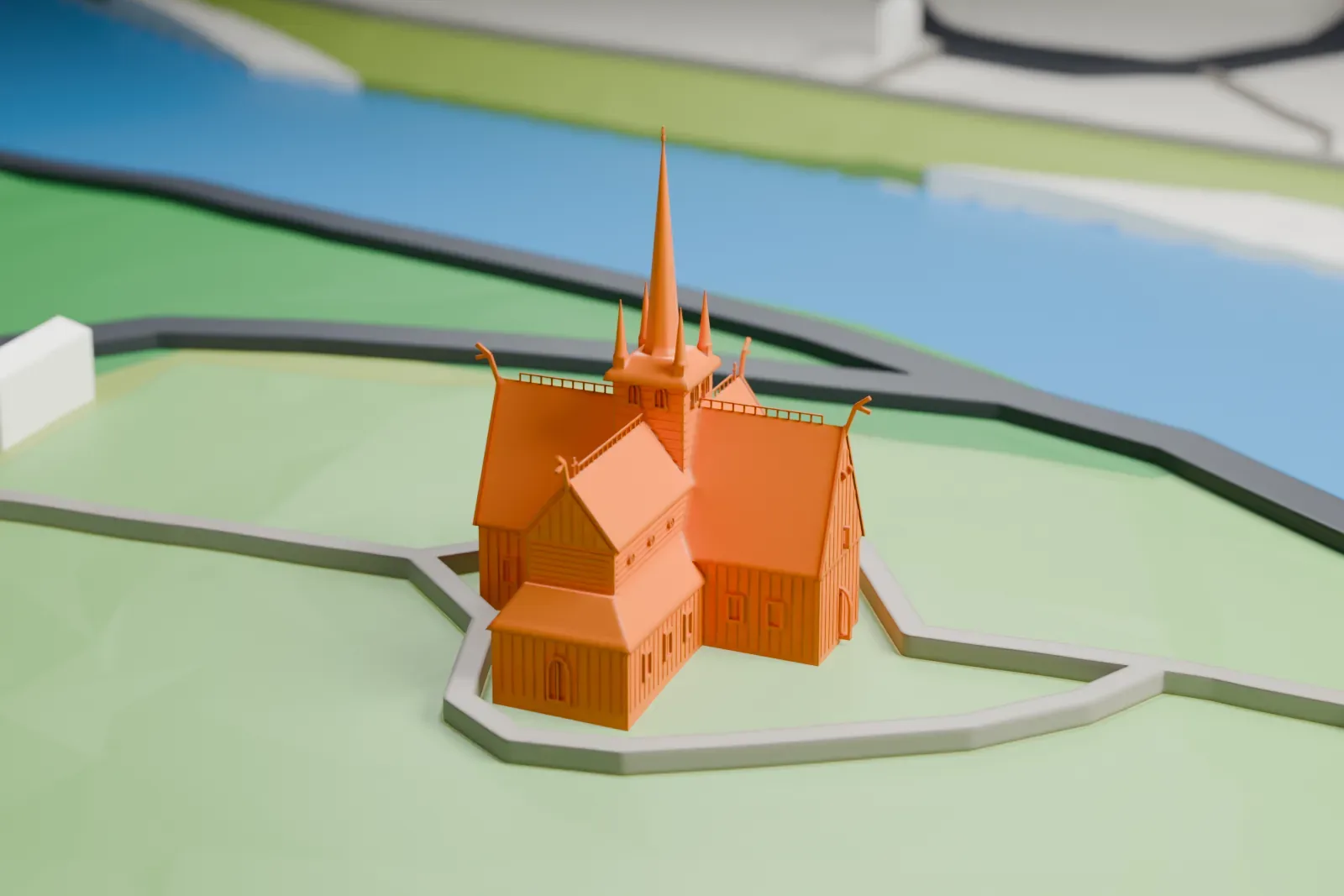
Lom Stave Church in 3D
The landmark on its own, at its size on a 160 mm print. Print friendly thickens thin parts for a 0.4 mm nozzle; Full detail keeps every part.
- On a 160 mm print
- 7 mm
- Scale
- 1:3,750
7 mm tall on a 160 mm print
Make this print opens the generator on a 600 m square around the landmark. Buildings print at close to true scale, so the landmark grows with the print size.
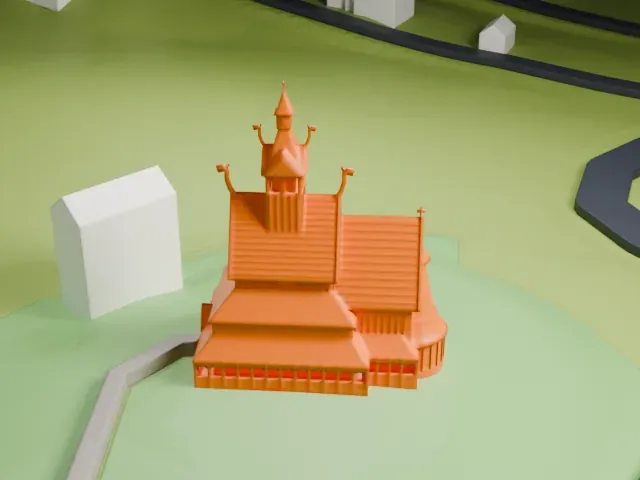
- Tall spire and corner spires
A slender central spire rises above four small spires on the tower. Print friendly adapts these thin parts to the print scale; print slowly with good cooling, and use Full detail on larger prints.
- Dragon-head ridge crests
Thin curved crests and a railing sit along the roof ridges. A bigger print and a layer height of 0.12-0.16 mm keep these small details crisp.
- One piece with the ground
Lom Stave Church is joined to the ground in the exported file, and the four-side check found no floating parts, so nothing needs gluing.
- Pick the detail for your nozzle
In the Buildings settings, set Landmark detail to Print friendly to adapt thin parts and small details to the print scale. Full detail keeps every modeled feature, for larger prints or a finer nozzle.
- Colors
Buildings, roads, water and ground arrive as separate filament slots in the 3MF. Lom Stave Church takes the building color.
- File format
You get a 3MF for Bambu Studio, OrcaSlicer or PrusaSlicer. Any of them can save it as STL if you need one.
About Lom Stave Church
Lom Stave Church belongs to the Church of Norway as a parish church, in Lom Municipality, Innlandet county. It stands in Fossbergom village, in Norway's traditional Gudbrandsdal district, and seats about 350 people. Built around 1170 from the plans of an unknown architect, the brown wooden church has three naves, and free-standing inner columns hold up a raised section of the main nave's ceiling. This design is among the oldest of Norway's stave churches.
The first church on the site was a small wooden post church from the 11th century, measuring about 9.5 by 5.2 meters (31 by 17 ft); an archaeological investigation found its traces beneath the present church in 1973. Around 1160-1170 it was torn down and a larger stave church was built, and tree-ring dating shows the timber was cut around 1157-1158. In 1663 master builder Werner Olsen led a remodeling that removed the open-air corridors around the church and added wings to the north and south, giving it a cross-shaped floor plan.
Few stave churches still keep their original medieval dragon-head crest, and Lom is one of them. It was taken down in the 1950s; a copy took its place, and the original is kept in a museum. In 1814 the church served as a polling station for the elections to the Constituent Assembly that wrote the Constitution of Norway, alongside over 300 other parish churches. The exterior was tarred again in 2010, giving it a much darker appearance.
About this model
Lom Stave Church is one of more than 6,500 landmark models in Mini Skyline. They are made with AI, and each one is checked in its real surroundings before release. Each model is written as code from public descriptions, plans, photographs and aerial views used only as references; no image or third-party model is copied into it. Everything around it is built from OpenStreetMap and Overture map data. Rights in the building itself, its name and any brands on it are not granted by Mini Skyline; clear them separately before you sell prints. If you would rather print the shape from map data, turn off Landmark models in the Buildings settings.
Mini Skyline is not affiliated with, or endorsed by, the owners of this building or its names and marks.
Keep exploring