3D print the Maritime Museum (Indonesia)
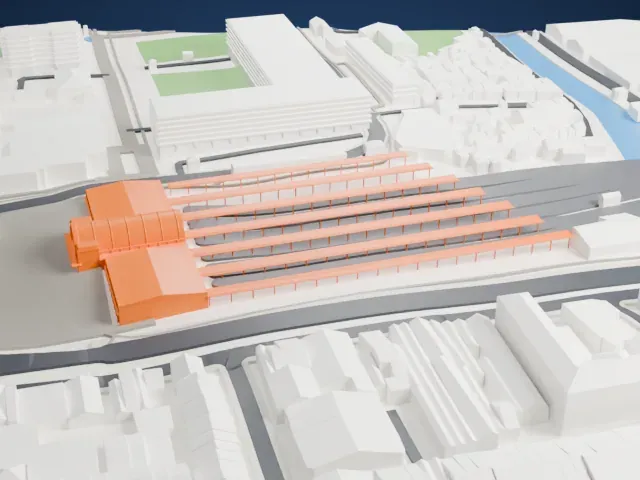
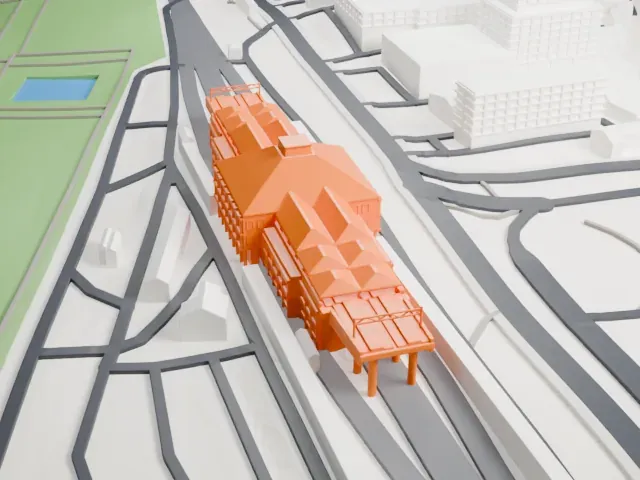
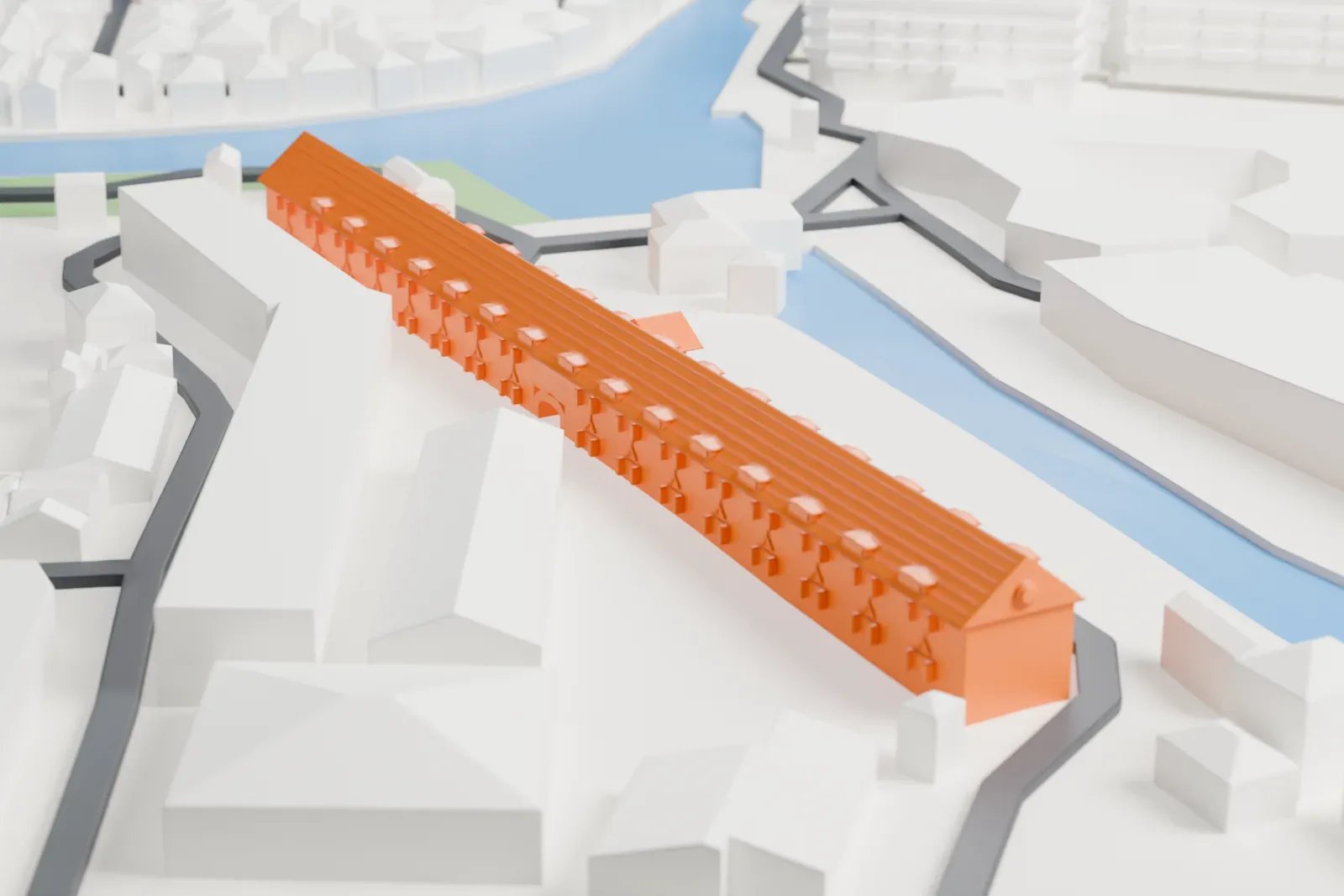
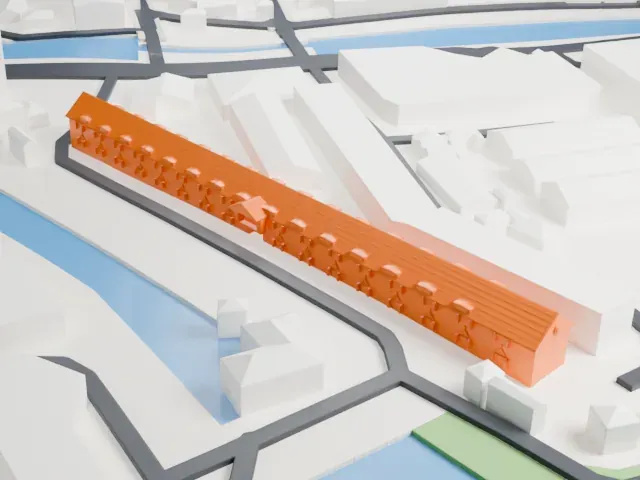
A free, printable model of the Maritime Museum, a long gabled warehouse row beside waterways and neighboring warehouses, generated from real map data in your browser.
-
 North
-
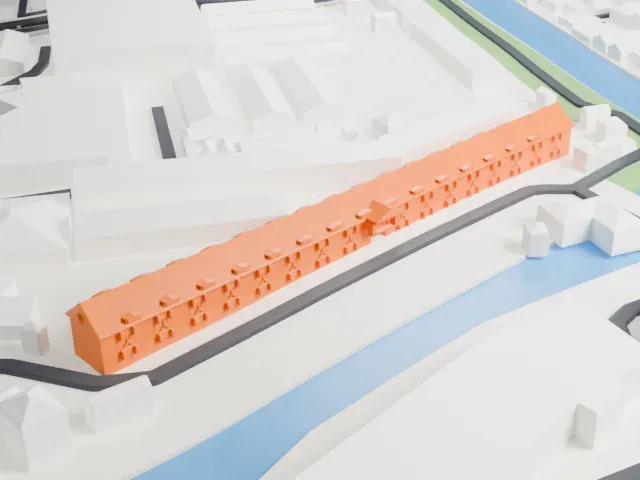 East
-
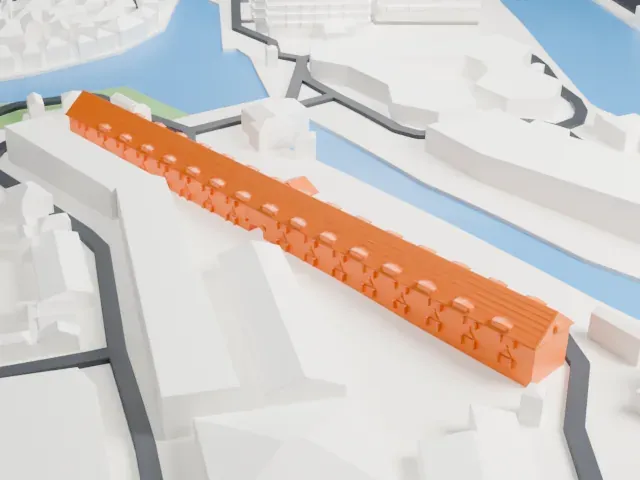 South
-
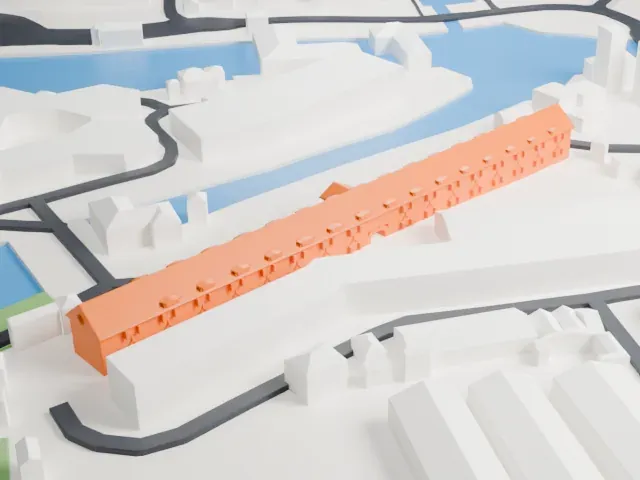 West
The model you print
Maritime Museum (Indonesia) in 3D
The landmark on its own, at its size on a 160 mm print. Print friendly thickens thin parts for a 0.4 mm nozzle; Full detail keeps every part.
- On a 160 mm print
- 4 mm
- Scale
- 1:3,750
4 mm tall on a 160 mm print
Make this print opens the generator on a 600 m square around the landmark. Buildings print at close to true scale, so the landmark grows with the print size.
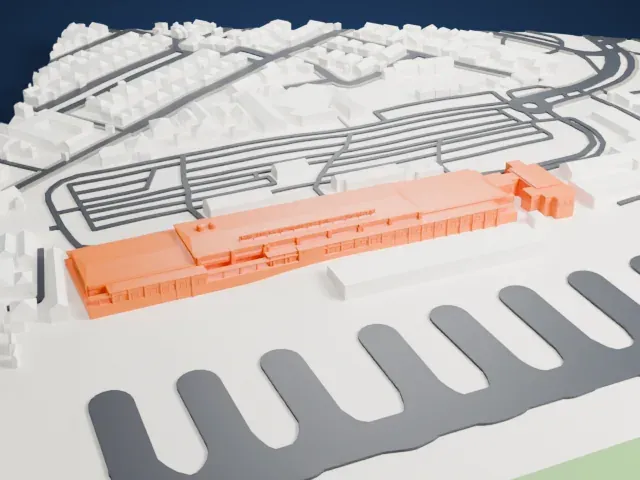
- Long and low shape
The museum is a very long, low block, so it prints as a thin strip. Choose a larger print size to give the roof and walls enough height to show detail.
- Rows of small dormers
Small dormers and window openings repeat along the long roof. Print friendly adapts them at small scale; Full detail with a 0.12-0.16 mm layer height keeps the rhythm crisp.
- One piece with the ground
The Maritime Museum (Indonesia) is joined to the ground in the exported file, and the four-side check found no floating parts, so nothing needs gluing.
- Pick the detail for your nozzle
In the Buildings settings, set Landmark detail to Print friendly to adapt thin parts and small details to the print scale. Full detail keeps every modeled feature, for larger prints or a finer nozzle.
- Colors
Buildings, roads, water and ground arrive as separate filament slots in the 3MF. The Maritime Museum (Indonesia) takes the building color.
- File format
You get a 3MF for Bambu Studio, OrcaSlicer or PrusaSlicer. Any of them can save it as STL if you need one.
About the Maritime Museum (Indonesia)
The Maritime Museum, known in Indonesian as Museum Bahari, stands in Penjaringan, Jakarta, Indonesia, in the historic Sunda Kelapa harbor district. It occupies former warehouses of the Dutch East India Company, which stand at the mouth of the Ciliwung, which is Jakarta's main river. It opened as a museum on July 7, 1977, with exhibits on Indonesia's seafaring past and on how much the sea matters to the national economy.
There are two groups. The Westzijdsche Pakhuizen, on the west bank, went up between 1652 and 1771, while the Oostzijdsche Pakhuizen lie on the east bank. The west warehouse has four building units, three of them used for the museum. They once stored spices such as nutmeg and pepper, and also coffee, tea and cloth before shipment to ports in Asia and Europe. In the late 17th century some were rebuilt, which left more room between them and the city wall. Big iron hooks that once supported a wooden gallery can still be seen on the front.
During the Japanese occupation the Japanese army kept its logistics supplies in the warehouses. After Indonesian independence PLN and PTT used them for storage, and a 1976 declaration made the building a cultural property. The collection includes ship models, cannons, a scale model of Onrust island, the former shipyard, and traditional vessels such as the Pinisi, Lancang and Gelati. The Menara Syahbandar watch tower stands about 50 meters away. A fire burned most of the building on January 16, 2018.
About this model
The Maritime Museum (Indonesia) is one of more than 6,500 landmark models in Mini Skyline. They are made with AI, and each one is checked in its real surroundings before release. Each model is written as code from public descriptions, plans, photographs and aerial views used only as references; no image or third-party model is copied into it. Everything around it is built from OpenStreetMap and Overture map data. Rights in the building itself, its name and any brands on it are not granted by Mini Skyline; clear them separately before you sell prints. If you would rather print the shape from map data, turn off Landmark models in the Buildings settings.
Mini Skyline is not affiliated with, or endorsed by, the owners of this building or its names and marks.
Same skyline