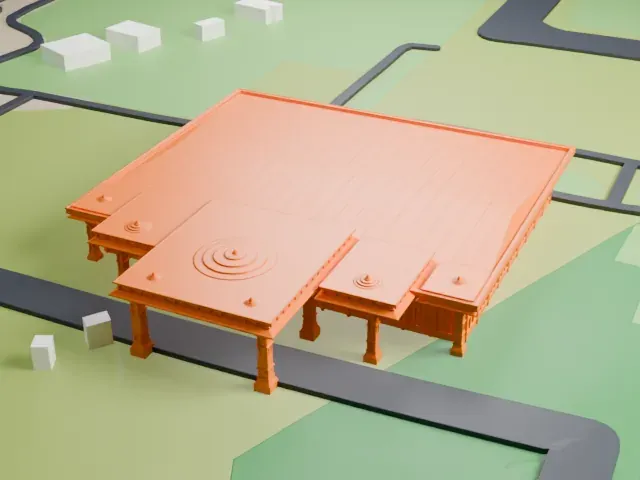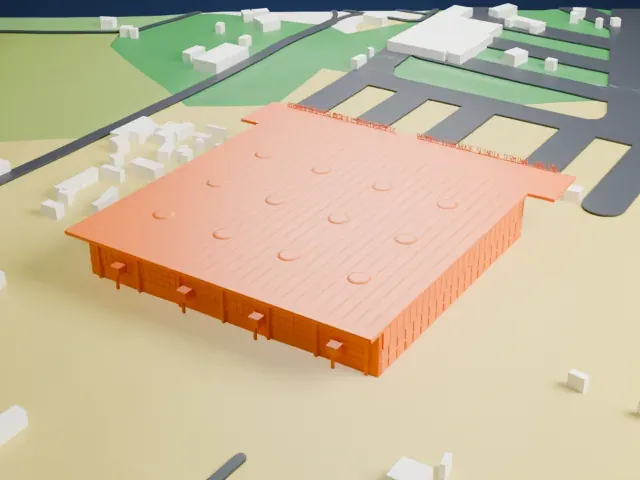
3D print the Moti Masjid (Agra Fort)
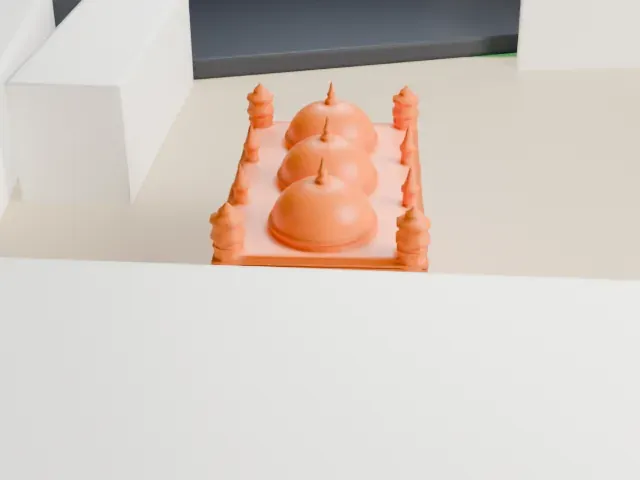
A free, printable model of the Moti Masjid, its walled enclosure with three domes, and the open ground and buildings around it, generated from real map data in your browser.
-
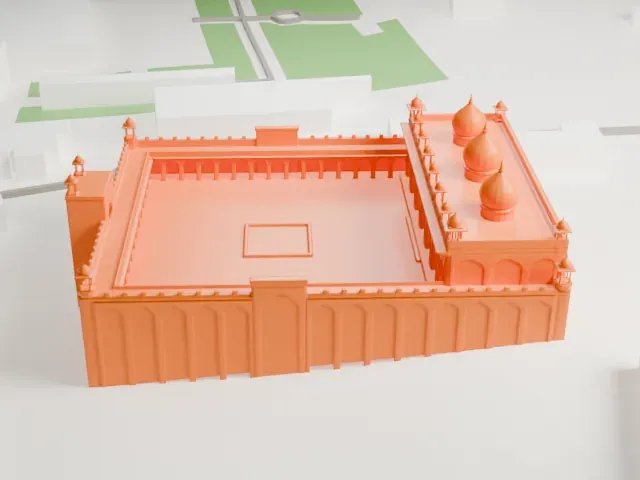 North
-
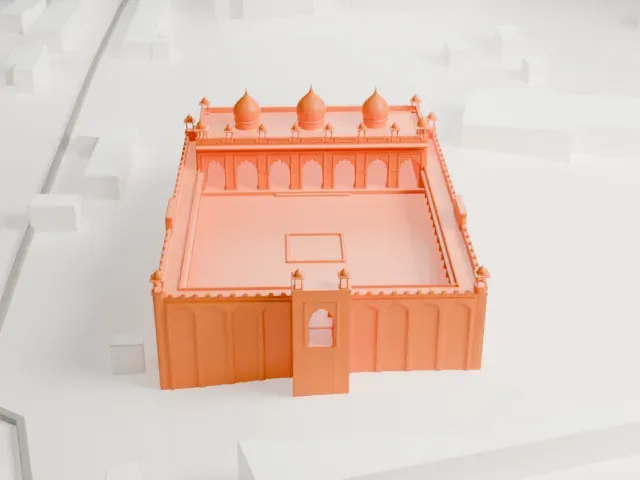 East
-
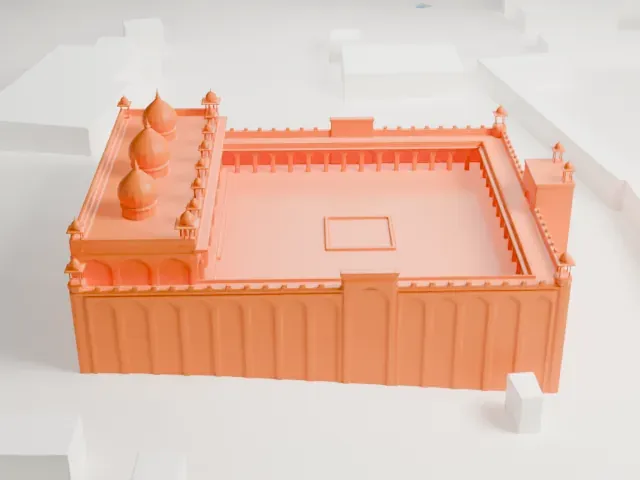 South
-
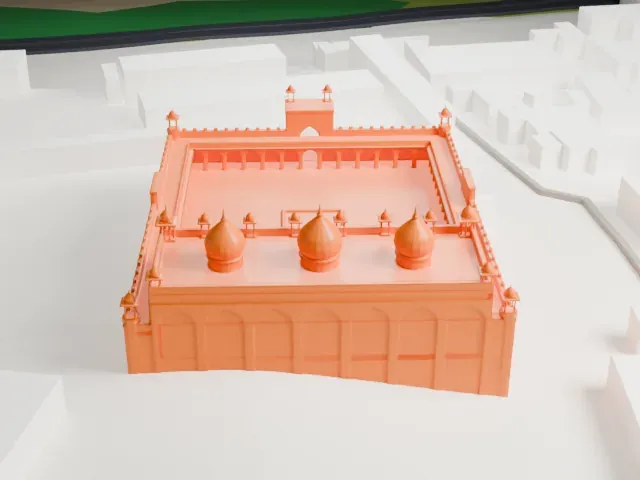 West
The model you print
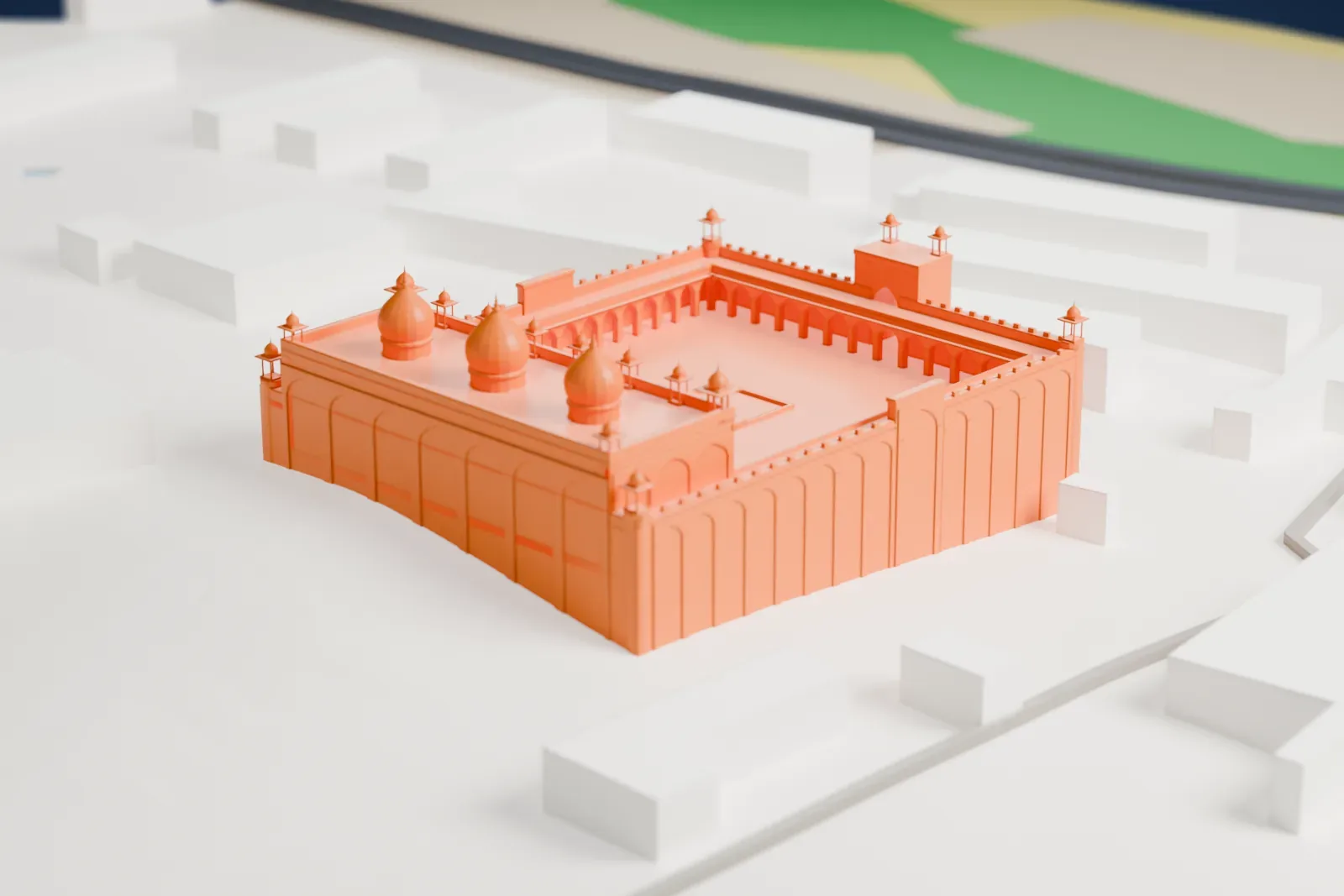
Moti Masjid (Agra Fort) in 3D
The landmark on its own, at its size on a 160 mm print. Print friendly thickens thin parts for a 0.4 mm nozzle; Full detail keeps every part.
- On a 160 mm print
- 9 mm
- Scale
- 1:3,750
9 mm tall on a 160 mm print
Make this print opens the generator on a 600 m square around the landmark. Buildings print at close to true scale, so the landmark grows with the print size.
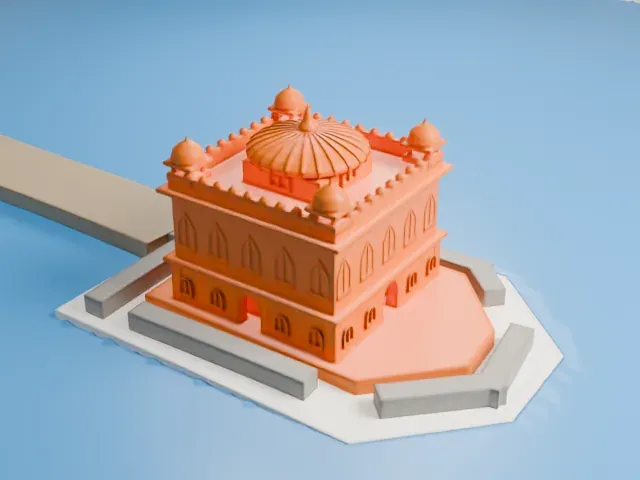
- Domes, finials and kiosks
The three domes carry thin finials, and small chhatri kiosks stand at the corners and along the roof. Print friendly adapts these tiny parts; Full detail keeps them on a larger print or with a fine nozzle.
- Slow printing for dome tips
Print slowly with good cooling so the thin dome tips can harden between layers. A layer height of 0.12–0.16 mm keeps the arcade arches crisp.
- One piece with the ground
The Moti Masjid (Agra Fort) is joined to the ground in the exported file, and the four-side check found no floating parts, so nothing needs gluing.
- Pick the detail for your nozzle
In the Buildings settings, set Landmark detail to Print friendly to adapt thin parts and small details to the print scale. Full detail keeps every modeled feature, for larger prints or a finer nozzle.
- Colors
Buildings, roads, water and ground arrive as separate filament slots in the 3MF. The Moti Masjid (Agra Fort) takes the building color.
- File format
You get a 3MF for Bambu Studio, OrcaSlicer or PrusaSlicer. Any of them can save it as STL if you need one.
About the Moti Masjid (Agra Fort)
Moti Masjid means Pearl Mosque. This Sunni Friday mosque stands within the Agra Fort, which is a UNESCO World Heritage Site, in Agra in the Indian state of Uttar Pradesh. Mughal Emperor Shah Jahan built it in the 17th century. The Archaeological Survey of India administers it, and it is classed as a Monument of National Importance.
Shah Jahan took down several structures at the fort to put up marble ones of his own, and the Moti Masjid was one of them. It was constructed from 1646 to 1653, later than all his other contributions at the fort, and was completed five years after the Mughal residence moved to Shahjahanabad. He was so impressed on visiting the finished mosque that two years later he came back with two of his sons.
The complex rises on a high plinth as a walled enclosure along an east-west axis, facing the Yamuna river. Red sandstone clads the outer walls and marble the inner faces, with a high entryway at the center of each wall. A nearly square courtyard with arcades and an ablution pool leads to the prayer hall on the western edge, whose façade has seven entryways and the roof carries three domes and several chhatri.
About this model
The Moti Masjid (Agra Fort) is one of more than 6,500 landmark models in Mini Skyline. They are made with AI, and each one is checked in its real surroundings before release. Each model is written as code from public descriptions, plans, photographs and aerial views used only as references; no image or third-party model is copied into it. Everything around it is built from OpenStreetMap and Overture map data. Rights in the building itself, its name and any brands on it are not granted by Mini Skyline; clear them separately before you sell prints. If you would rather print the shape from map data, turn off Landmark models in the Buildings settings.
Mini Skyline is not affiliated with, or endorsed by, the owners of this building or its names and marks.
Keep exploring