3D print the Municipal Asphalt Plant
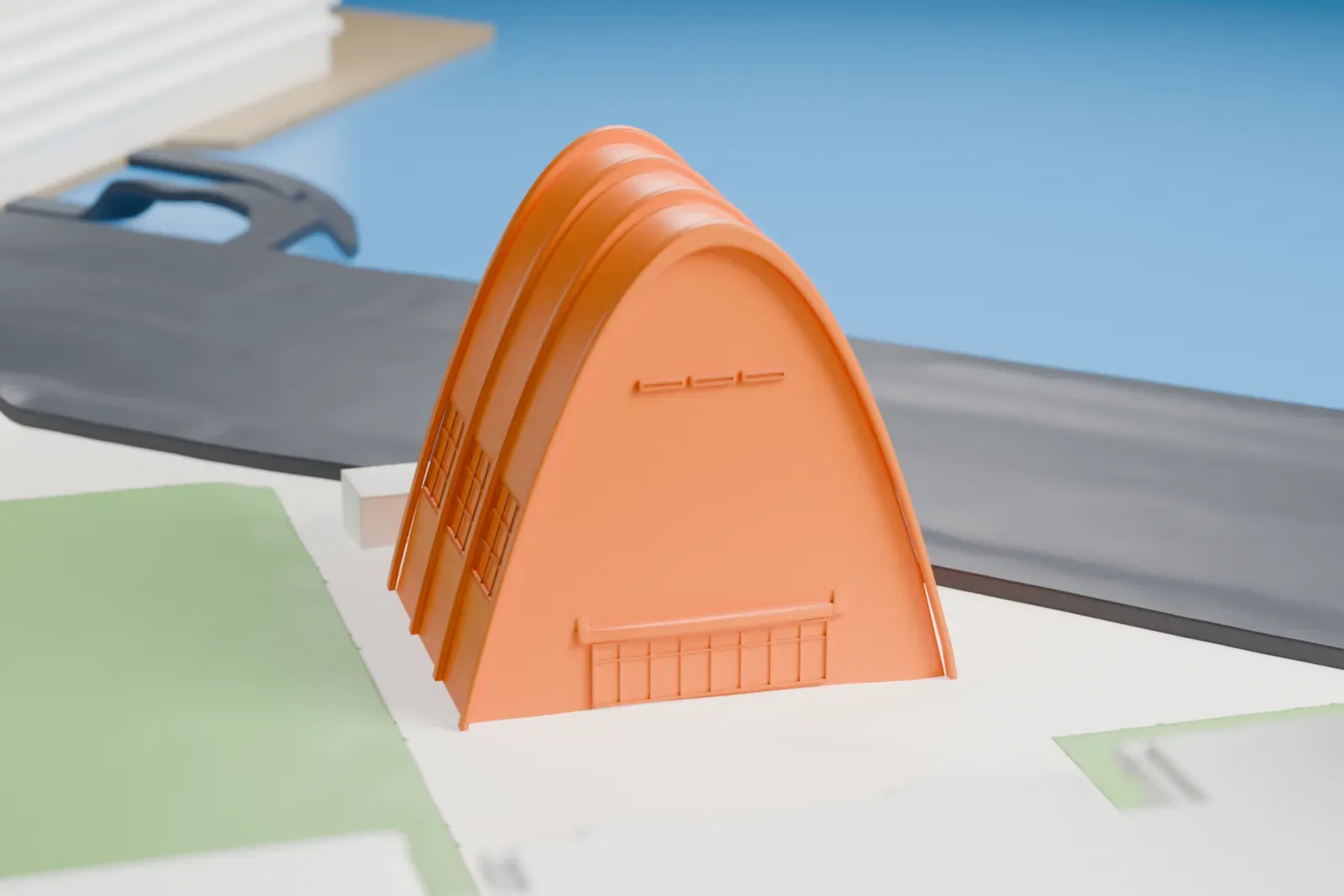
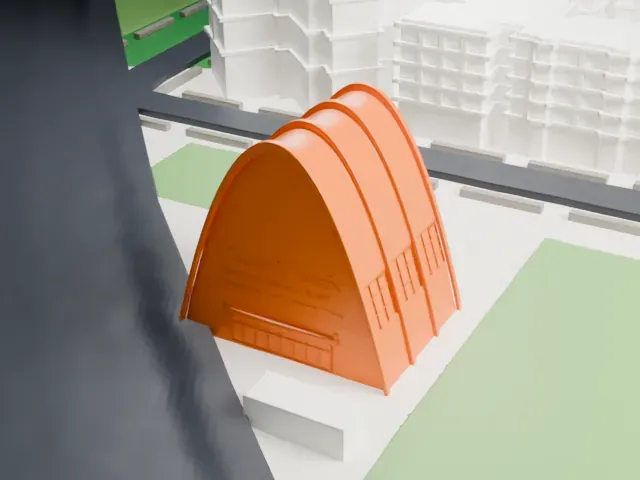
A free, printable model of the Municipal Asphalt Plant, a tall arched building with ribbed sides, with the roads, lawns and taller buildings around it, generated from real map data in your browser.
-
 North
North
-
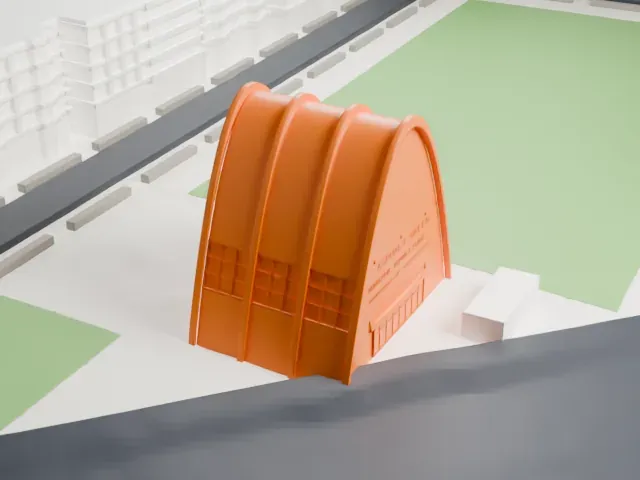 East
East
-
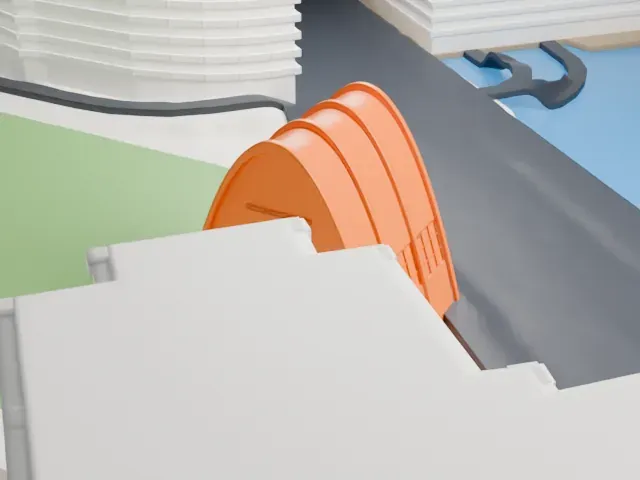 South
South
-
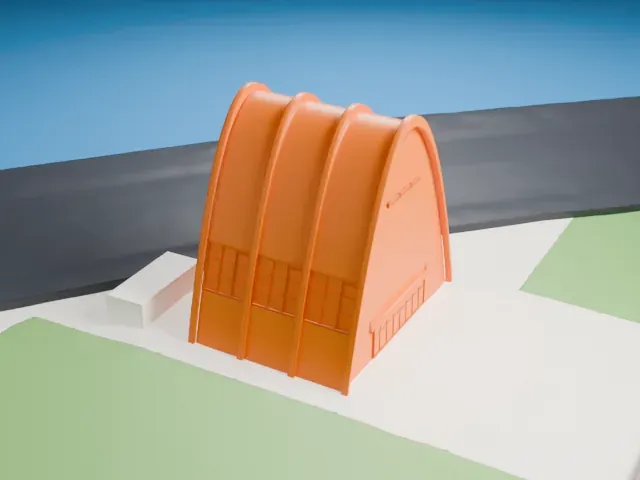 West
West
- Real height
- 26 m
- On a 160 mm print
- 7 mm
- Scale
- 1:3,750
26 m of the Municipal Asphalt Plant, 7 mm on your shelf
Make this print opens the generator on a 600 m square around the landmark. Buildings print at close to true scale, so the landmark grows with the print size.
- Smooth curved arches
The tall ribs curve up to a narrow crest, and the arched ends are broad and smooth. Print slowly, and use a layer height of 0.12 to 0.16 mm so the curve stays smooth.
- Lettering and window grids
The end wall carries small raised lettering and a door grid, and the sides have window grids. Print friendly adapts these to the print scale; Full detail keeps them on larger prints.
- One piece with the ground
The Municipal Asphalt Plant is joined to the ground in the exported file, and the four-side check found no floating parts, so nothing needs gluing.
- Pick the detail for your nozzle
In the Buildings settings, set Landmark detail to Print friendly to adapt thin parts and small details to the print scale. Full detail keeps every modeled feature, for larger prints or a finer nozzle.
- Colors
Buildings, roads, water and ground arrive as separate filament slots in the 3MF. The Municipal Asphalt Plant takes the building color.
- File format
You get a 3MF for Bambu Studio, OrcaSlicer or PrusaSlicer. Any of them can save it as STL if you need one.
About the Municipal Asphalt Plant
The Municipal Asphalt Plant once made asphalt. Its site is on York Avenue's east side, just north of 91st Street, on Manhattan's Upper East Side. Robert Allan Jacobs and Ely Jacques Kahn designed it, and it was built between 1941 and 1944, with the plant dedicated on May 24, 1944. It produced asphalt for paving Manhattan roads. Following the 1968 closure, the plant's conveyor belt and storage facility came down.
The mixing plant that remains has a post-modernist design that aimed to suit the residential neighborhood around it while also being industrial. In the United States, it was the first parabolic arched building to use reinforced concrete. Four arched ribs, each 27 m (90 feet) wide and 25.8 m (84.5 feet) tall, carry a barrel-vaulted concrete ceiling, and the walls and roof are cast-in-place concrete panels poured around prefabricated steel ribs.
The building reopened in 1984 under the name George and Annette Murphy Center. It is part of the Asphalt Green recreation center, which also has a swimming complex called the AquaCenter, a former fireboat pier and an outdoor field. Neighborhood residents heavily opposed a 1971 city redevelopment plan and created Asphalt Green there in 1973. The Murphy Center has New York City landmark designation and a National Register of Historic Places listing.
About this model
The Municipal Asphalt Plant is one of more than 4,300 landmark models in Mini Skyline. They are made with AI, and each one is checked from four sides in its real surroundings before release. Everything around it is built from OpenStreetMap and Overture map data. If you would rather print the shape from map data, turn off Landmark models in the Buildings settings.
Same skyline