3D print the Robbins & Appleton Building
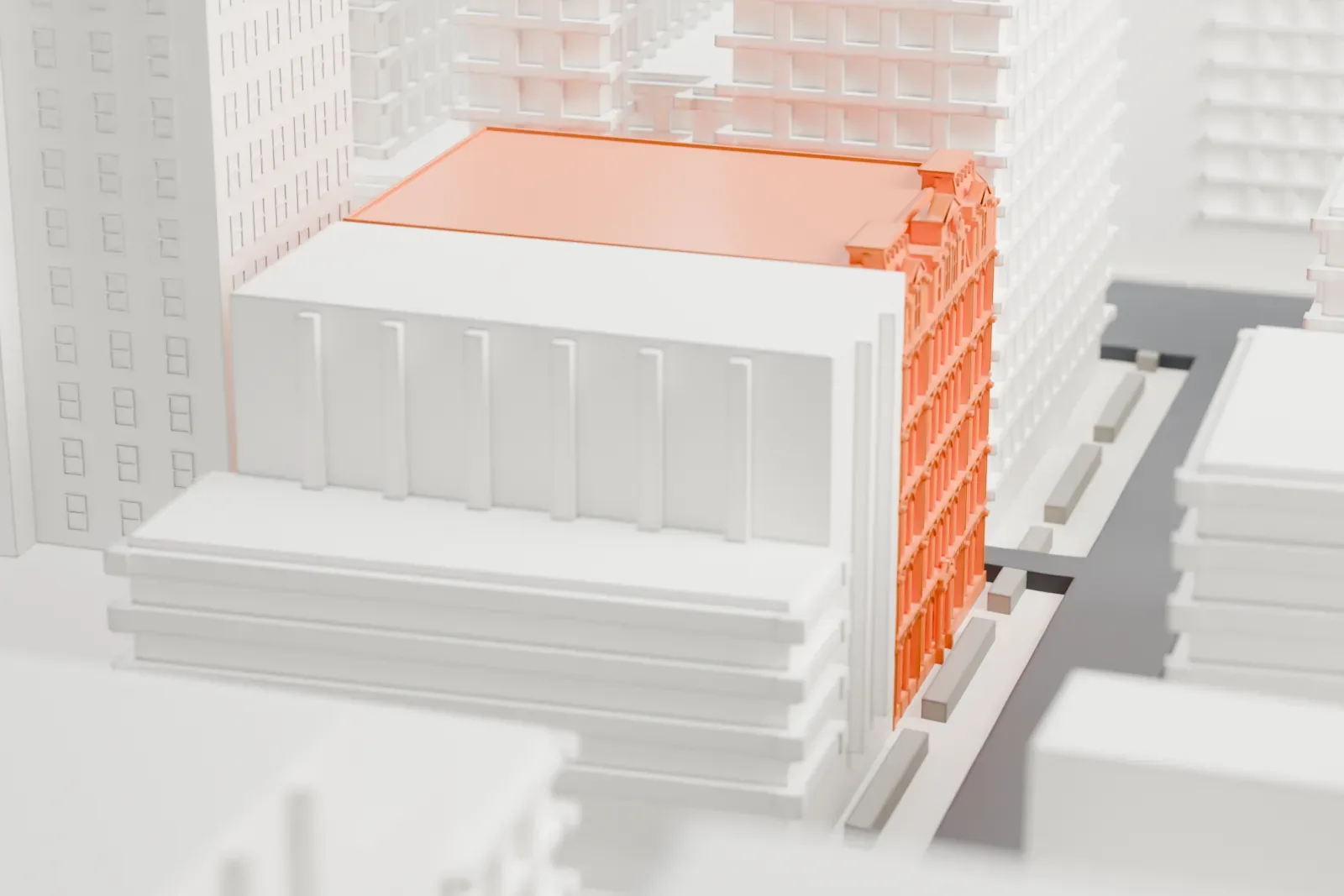
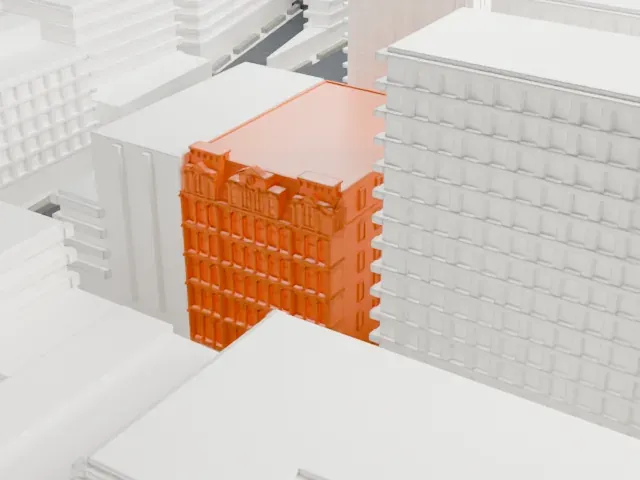
A free, printable model of the Robbins & Appleton Building, a small ornate building among the dense blocks of NoHo around it, generated from real map data in your browser.
-
 North
North
-
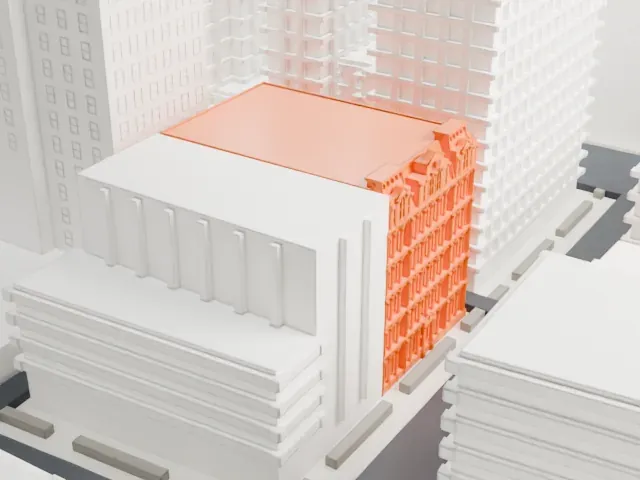 East
East
-
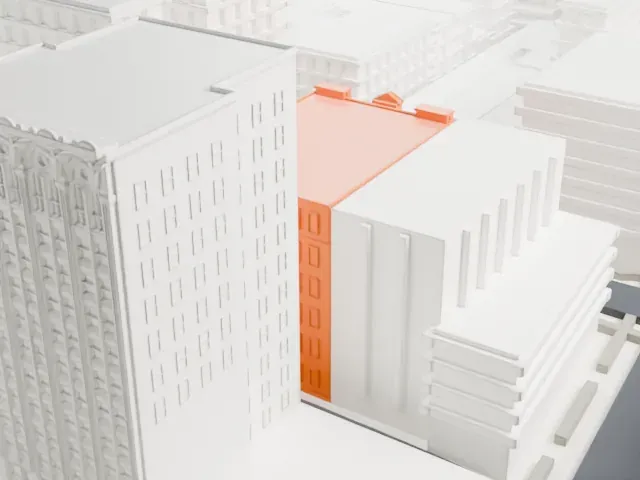 South
South
-
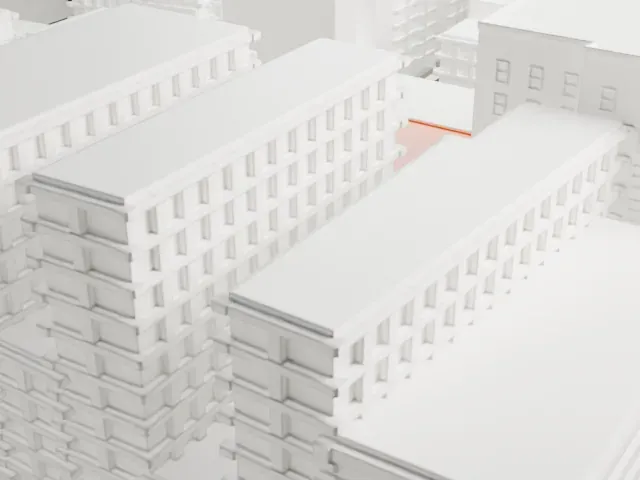 West
West
- On a 160 mm print
- 8 mm
- Scale
- 1:3,750
8 mm tall on a 160 mm print
Make this print opens the generator on a 600 m square around the landmark. Buildings print at close to true scale, so the landmark grows with the print size.
- Small building, fine facade
This is a modest building, so the facade ornament and roof edges are very small. Print it as large as your bed allows with Full detail and 0.12 mm layers.
- One piece with the ground
The Robbins & Appleton Building is joined to the ground in the exported file, and the four-side check found no floating parts, so nothing needs gluing.
- Pick the detail for your nozzle
In the Buildings settings, set Landmark detail to Print friendly to adapt thin parts and small details to the print scale. Full detail keeps every modeled feature, for larger prints or a finer nozzle.
- Colors
Buildings, roads, water and ground arrive as separate filament slots in the 3MF. The Robbins & Appleton Building takes the building color.
- File format
You get a 3MF for Bambu Studio, OrcaSlicer or PrusaSlicer. Any of them can save it as STL if you need one.
About the Robbins & Appleton Building
Manhattan's Robbins & Appleton Building is a historic structure in the NoHo neighborhood, at 1–5 Bond Street, with Broadway to one side and Lafayette Street on the other. Architect Stephen Decatur Hatch designed it in the Second Empire style, and it was built in 1879–1880. It has an ornate cast iron facade and a mansard roof.
The building first served for making watch cases and as quarters for the publisher D. Appleton & Company. In 1986 it was converted to residential use. New York City designated it a landmark in 1979, and the National Register of Historic Places added it in 1982.
About this model
The Robbins & Appleton Building is one of more than 4,300 landmark models in Mini Skyline. They are made with AI, and each one is checked from four sides in its real surroundings before release. Everything around it is built from OpenStreetMap and Overture map data. If you would rather print the shape from map data, turn off Landmark models in the Buildings settings.
Same skyline