3D print the Roslyn Savings Bank Building
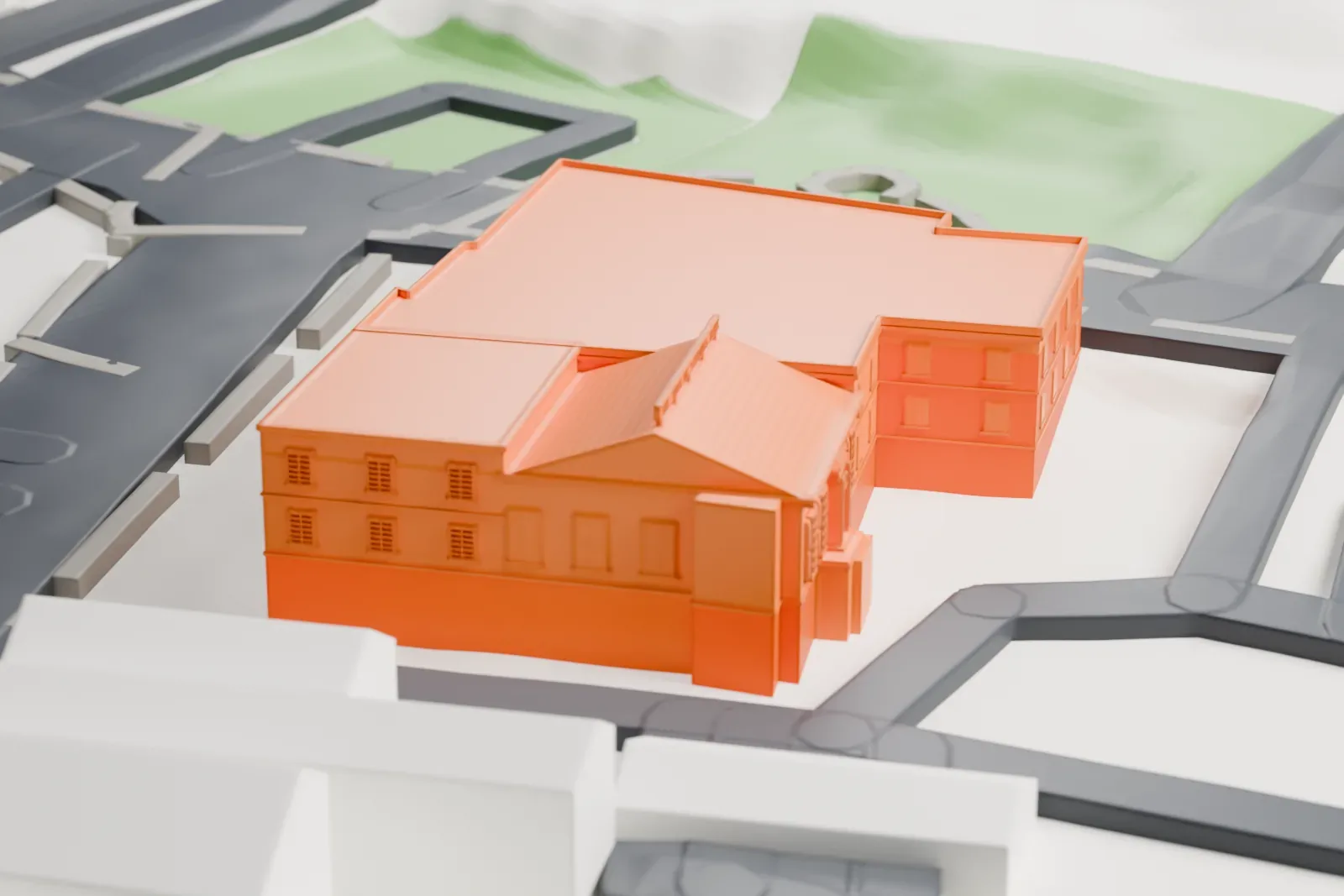
A free, printable model of the bank building with its gabled front and flat roofs, beside the streets and green space around it, generated from real map data in your browser.
-
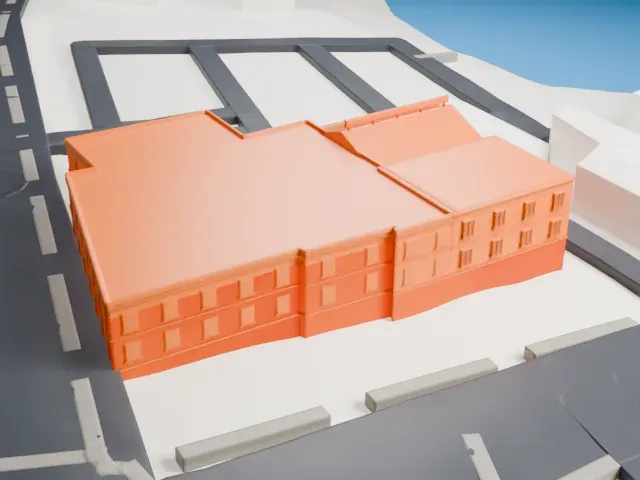 North
North
-
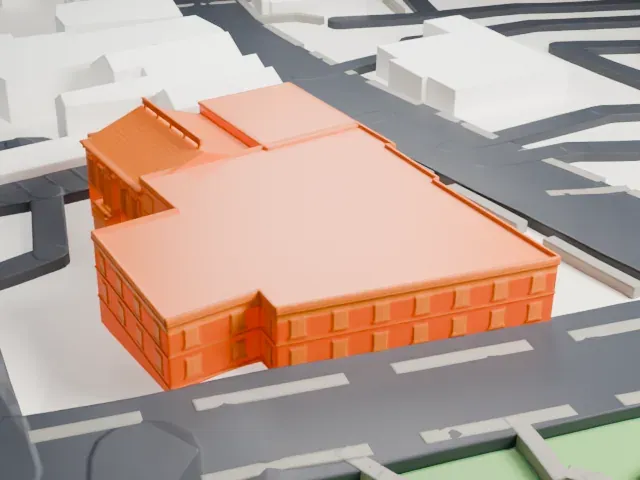 East
East
-
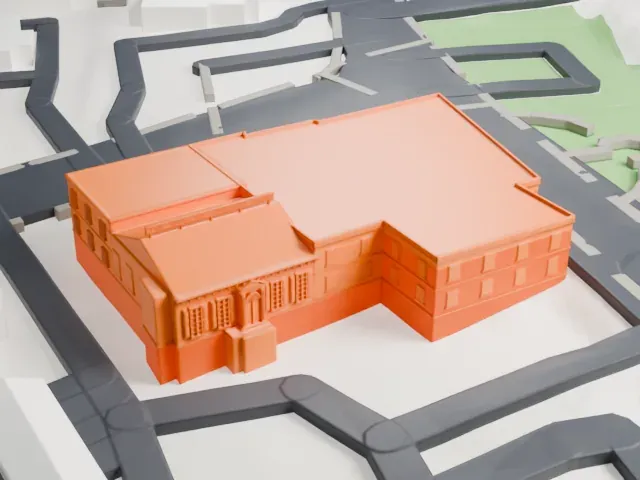 South
South
-
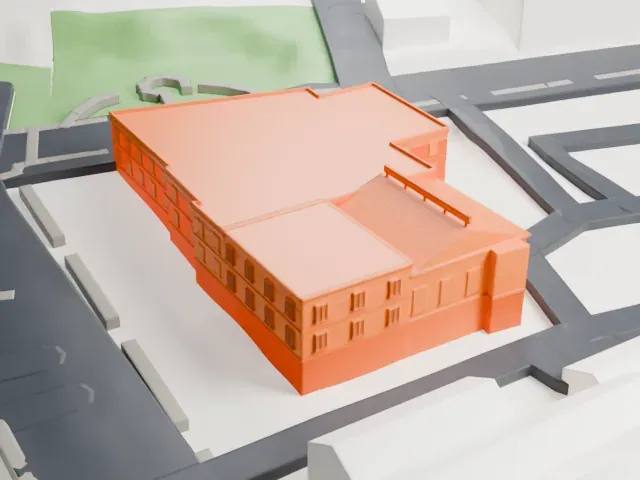 West
West
- On a 160 mm print
- 4 mm
- Scale
- 1:3,750
4 mm tall on a 160 mm print
Make this print opens the generator on a 600 m square around the landmark. Buildings print at close to true scale, so the landmark grows with the print size.
- Broad roofs and shallow trim
Long flat roofs sit beside a gabled banking hall with shallow facade trim. Print friendly keeps that trim printable; Full detail keeps more of it on larger prints.
- One piece with the ground
The Roslyn Savings Bank Building is joined to the ground in the exported file, and the four-side check found no floating parts, so nothing needs gluing.
- Pick the detail for your nozzle
In the Buildings settings, set Landmark detail to Print friendly to adapt thin parts and small details to the print scale. Full detail keeps every modeled feature, for larger prints or a finer nozzle.
- Colors
Buildings, roads, water and ground arrive as separate filament slots in the 3MF. The Roslyn Savings Bank Building takes the building color.
- File format
You get a 3MF for Bambu Studio, OrcaSlicer or PrusaSlicer. Any of them can save it as STL if you need one.
About the Roslyn Savings Bank Building
Roslyn, on Long Island in Nassau County, New York, is home to the Roslyn Savings Bank Building, a landmarked historic commercial building on Old Northern Boulevard. It sits in the Incorporated Village of Roslyn, which lies in the Town of North Hempstead. Alfred C. Shaknis designed it, and it went up in 1932 for the Roslyn Savings Bank, where the bank's older building had stood. It replaced a bank building from 1906.
The earlier building was shared by two banks. One was the Roslyn Savings Bank; the other, the Bank of Hempstead Harbor, later took the name Roslyn National Bank and Trust Co. and moved in 1931 to a separate location a little north along Old Northern Boulevard. Additions came in 1963 and 1980 and occupy the Roslyn Hotel's former site.
The original part has a one-story banking hall under a gable roof, joined by a two-story office block with a flat roof, in a Georgian Revival style. The front has five bays, and the entrance is in the center, framed by an elaborate pedimented stone surround. Both the state and national registers of historic places listed the building in 1986.
About this model
The Roslyn Savings Bank Building is one of more than 4,300 landmark models in Mini Skyline. They are made with AI, and each one is checked from four sides in its real surroundings before release. Everything around it is built from OpenStreetMap and Overture map data. If you would rather print the shape from map data, turn off Landmark models in the Buildings settings.
Same skyline