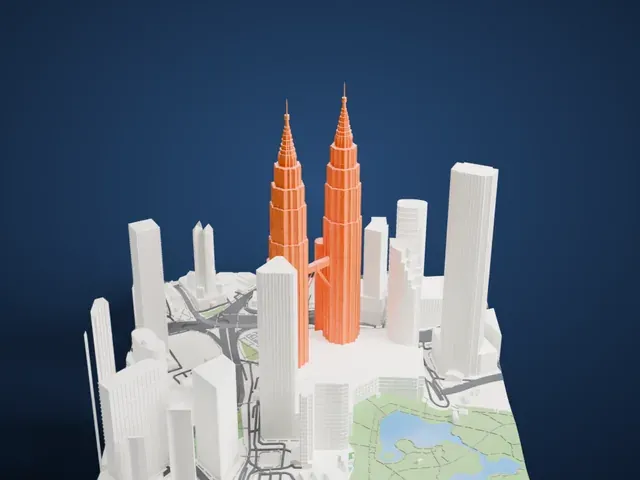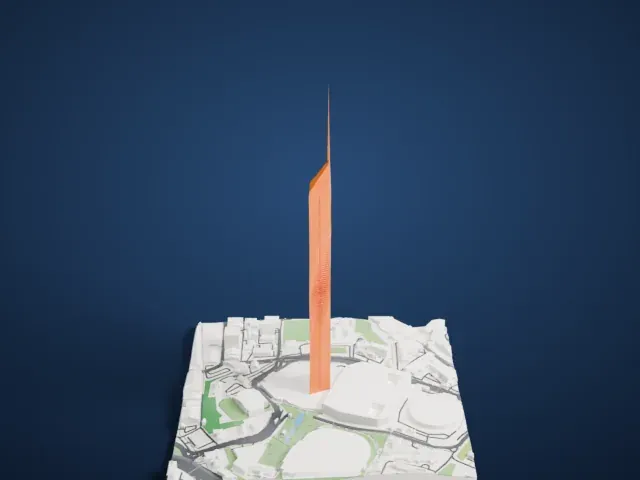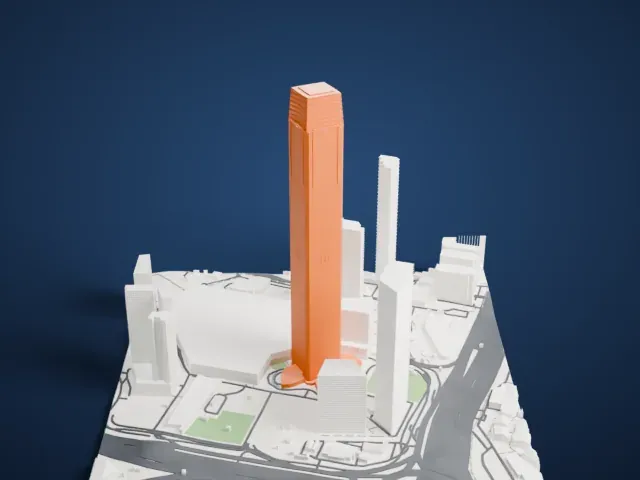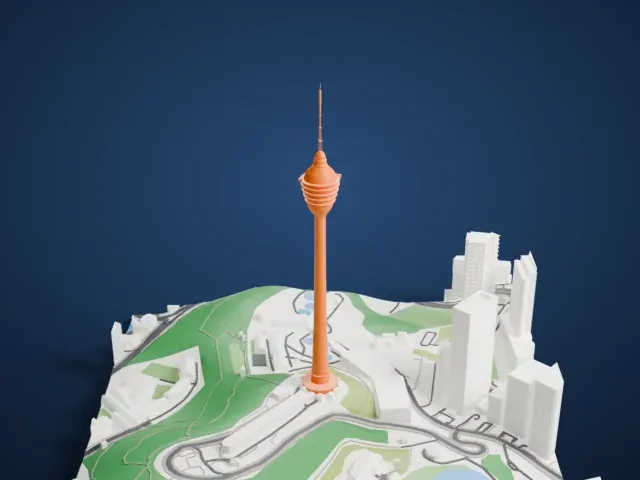
3D print the Sultan Salahuddin Abdul Aziz Mosque
A free, printable 3D model of the Sultan Salahuddin Abdul Aziz Mosque and the surrounding streets and buildings, generated from real map data in your browser.
-
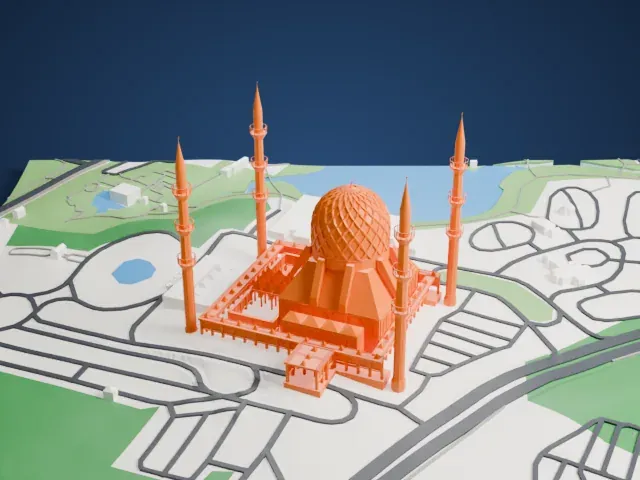 North
North
-
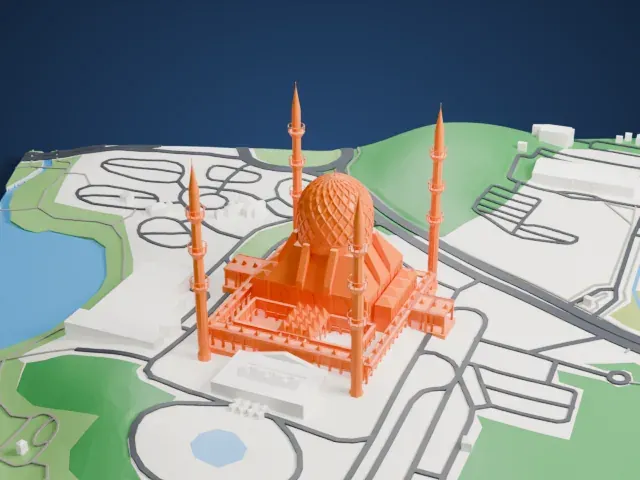 East
East
-
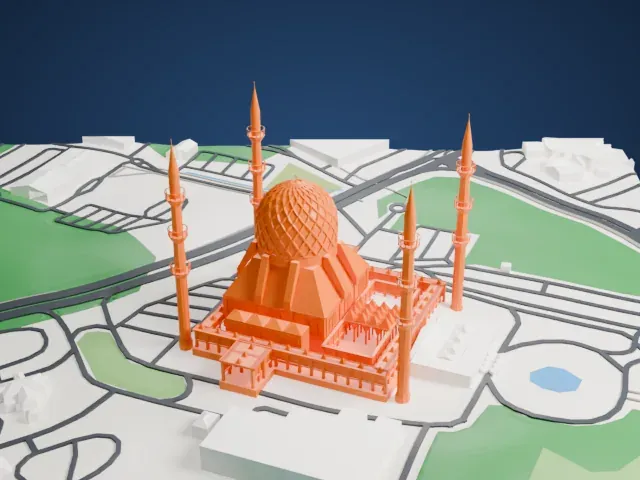 South
South
-
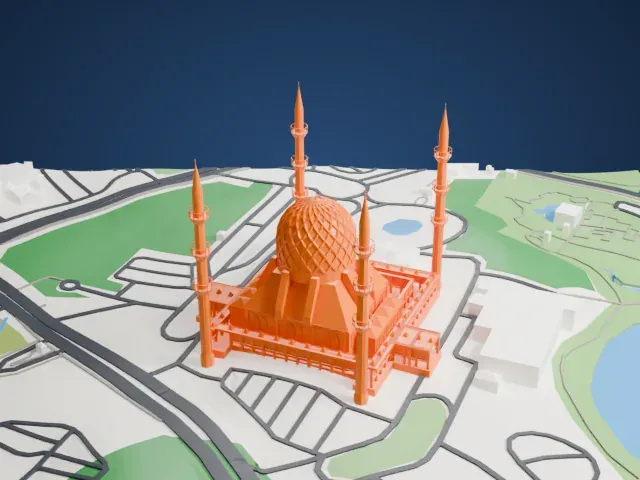 West
West
The model you print
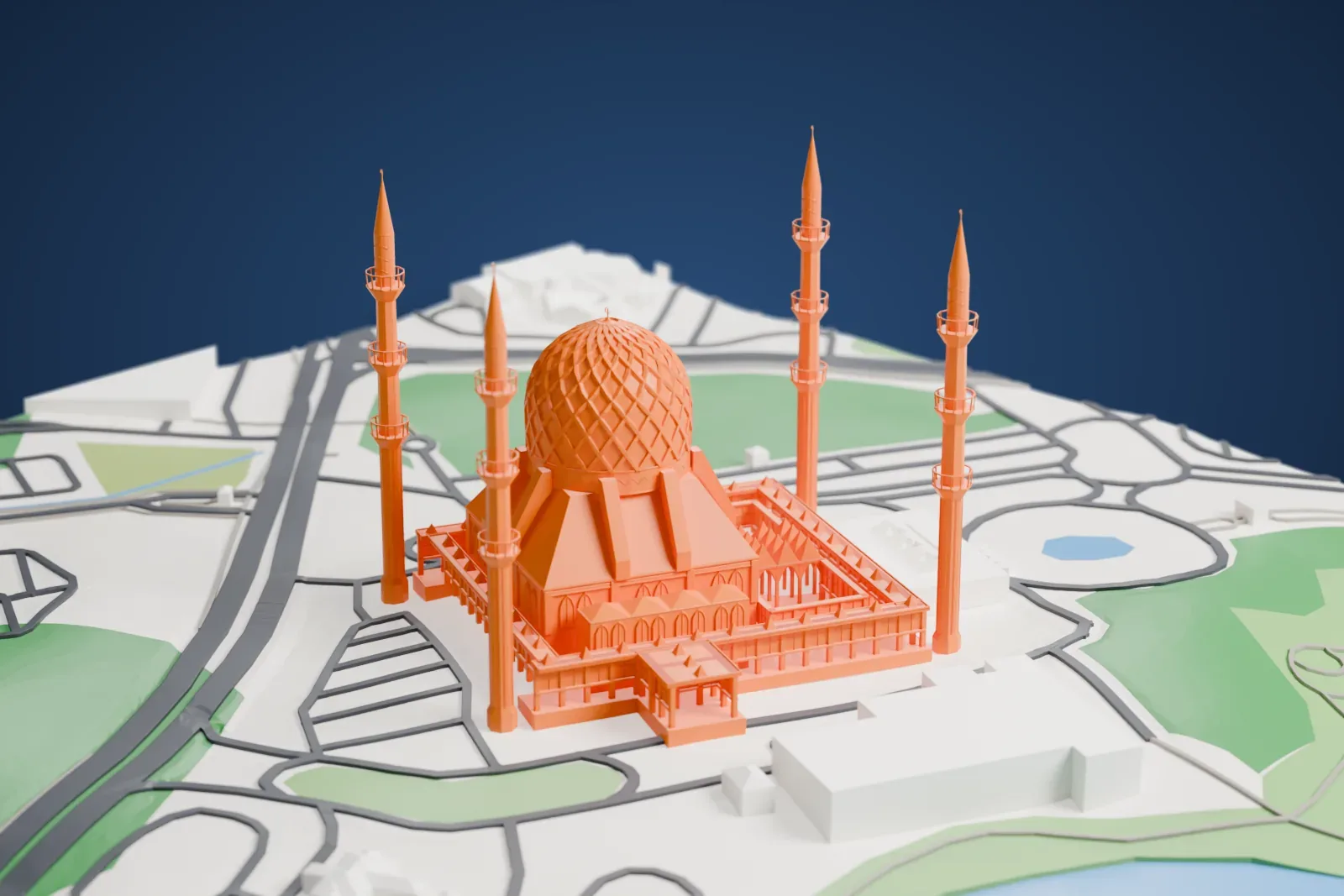
Sultan Salahuddin Abdul Aziz Mosque in 3D
The landmark on its own, at its size on a 160 mm print. Print friendly thickens thin parts for a 0.4 mm nozzle; Full detail keeps every part.
- Real height
- 142 m
- On a 160 mm print
- 39 mm
- Scale
- 1:3,750
142 m of the Sultan Salahuddin Abdul Aziz Mosque, 39 mm on your shelf
Make this print opens the generator on a 600 m square around the landmark. Buildings print at close to true scale, so the landmark grows with the print size.
- Four tall minarets
The four corner minarets are tall and slender. Print friendly adapts thin parts to the print scale, and printing slowly with good cooling helps them come out clean.
- Large central dome
A wide dome has a curved roof that changes pitch as it rises. A layer height of 0.12–0.16 mm keeps the curve smooth.
- One piece with the ground
The Sultan Salahuddin Abdul Aziz Mosque is joined to the ground in the exported file, and the four-side check found no floating parts, so nothing needs gluing.
- Pick the detail for your nozzle
In the Buildings settings, set Landmark detail to Print friendly to adapt thin parts and small details to the print scale. Full detail keeps every modeled feature, for larger prints or a finer nozzle.
- Colors
Buildings, roads, water and ground arrive as separate filament slots in the 3MF. The Sultan Salahuddin Abdul Aziz Mosque takes the building color.
- File format
You get a 3MF for Bambu Studio, OrcaSlicer or PrusaSlicer. Any of them can save it as STL if you need one.
About the Sultan Salahuddin Abdul Aziz Mosque
Selangor's state mosque, Sultan Salahuddin Abdul Aziz Shah Mosque, sits in Shah Alam, Malaysia. It ranks as the largest mosque in the country and the second largest in Southeast Asia by capacity, with room for 12,600 worshippers. Its best-known feature is a large blue and silver dome, and locals call it the Blue Mosque because of that blue dome. A minaret stands at each of its four corners.
The late Sultan Salahuddin Abdul Aziz commissioned the mosque when he declared Shah Alam the new capital of Selangor on February 14, 1974. Building work started in 1982 and ended on March 11, 1988. The design combines Malay and Modernist styles, and Malay and Islamic elements appear in its finishes. Arabic calligraphy decorates the interior of the dome and some wall sections, and aluminum grills fill the doorways, windows and walls.
The dome measures 51.2 m (168 ft) across and rises to 106.7 m (350 ft) above the ground, making it one of the largest religious domes in the world. Each of the four minarets rises 142.3 m (467 ft). They rank third tallest in the world, behind the minarets of the Hassan II Mosque in Casablanca and of the Djamaa el Djazaïr in Algiers, yet as a set they are the tallest group of minarets anywhere. From its site the mosque looks out over the Garden of Islamic Arts.
About this model
The Sultan Salahuddin Abdul Aziz Mosque is one of more than 5,500 landmark models in Mini Skyline. They are made with AI, and each one is checked from four sides in its real surroundings before release. Each model is written as code from public descriptions, plans, photographs and aerial views used only as references; no image or third-party model is copied into it. Everything around it is built from OpenStreetMap and Overture map data. Rights in the building itself, its name and any brands on it are not granted by Mini Skyline; clear them separately before you sell prints. If you would rather print the shape from map data, turn off Landmark models in the Buildings settings.
Same skyline