3D print the Taj Mahal Palace Hotel
A free, printable model of the Taj Mahal Palace Hotel, which stands in Colaba, with the surrounding streets and buildings, generated from real map data in your browser.
-
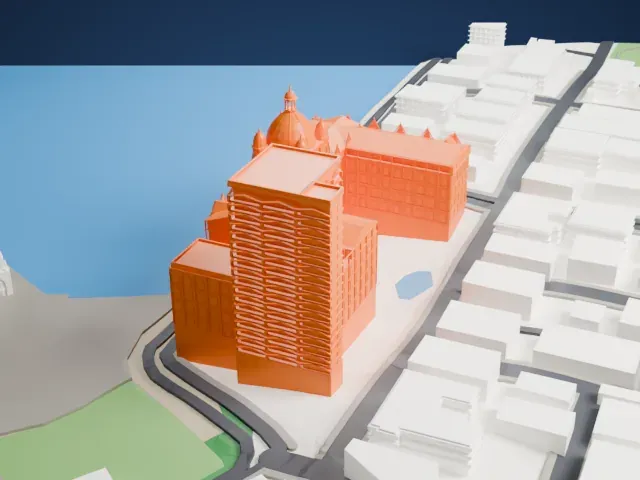 North
North
-
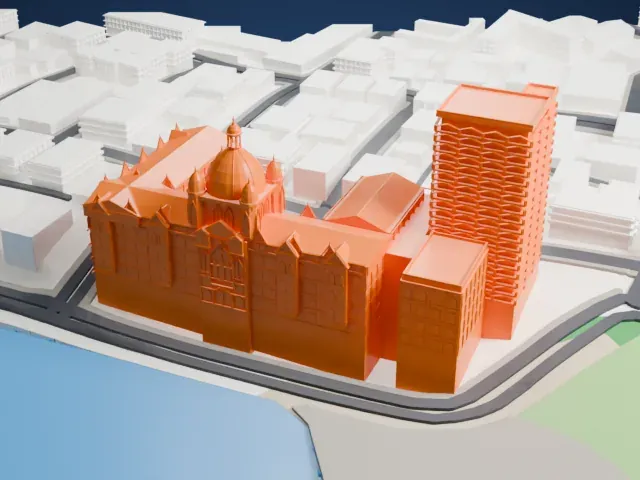 East
East
-
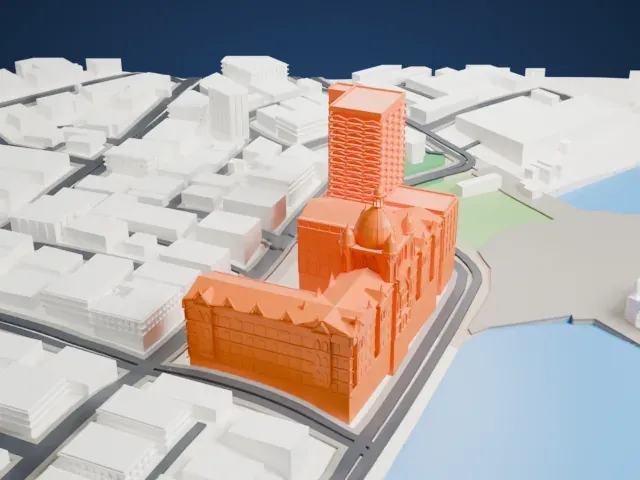 South
South
-
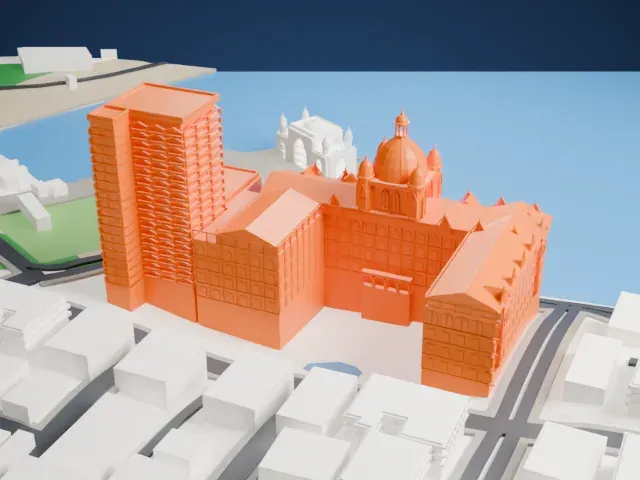 West
West
The model you print
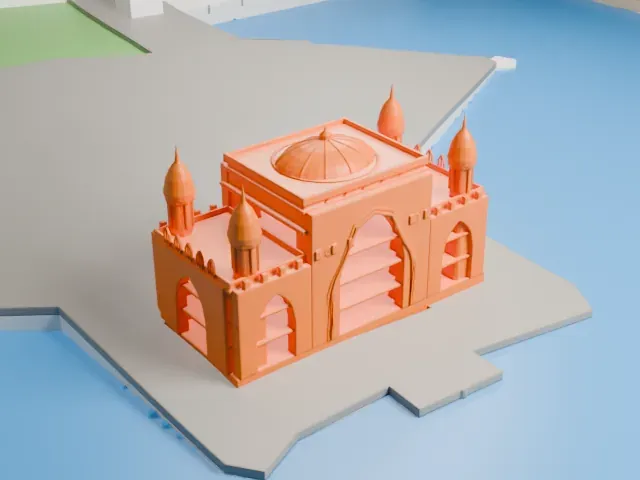
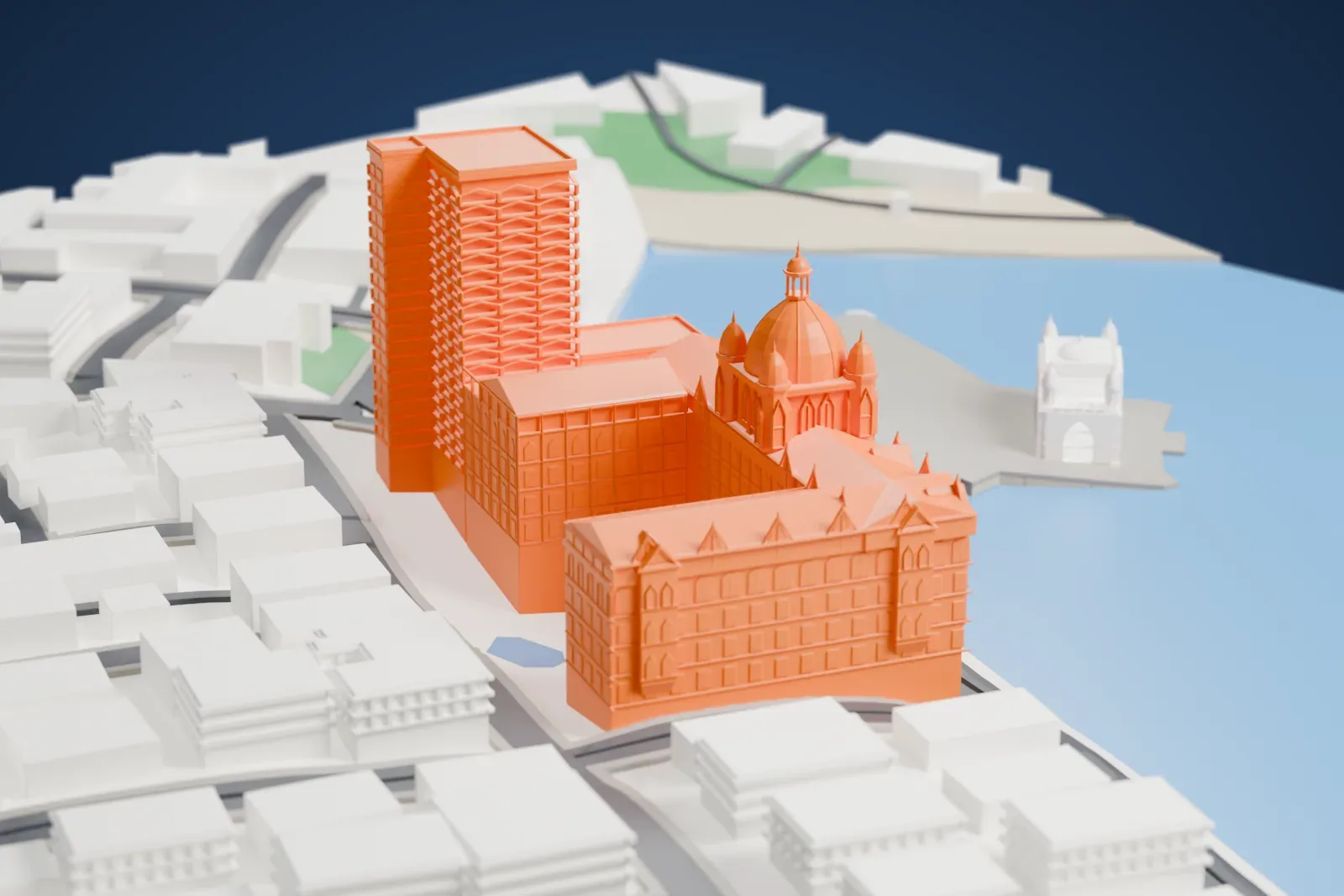
Taj Mahal Palace Hotel in 3D
The landmark on its own, at its size on a 160 mm print. Print friendly thickens thin parts for a 0.4 mm nozzle; Full detail keeps every part.
- On a 160 mm print
- 24 mm
- Scale
- 1:3,750
24 mm tall on a 160 mm print
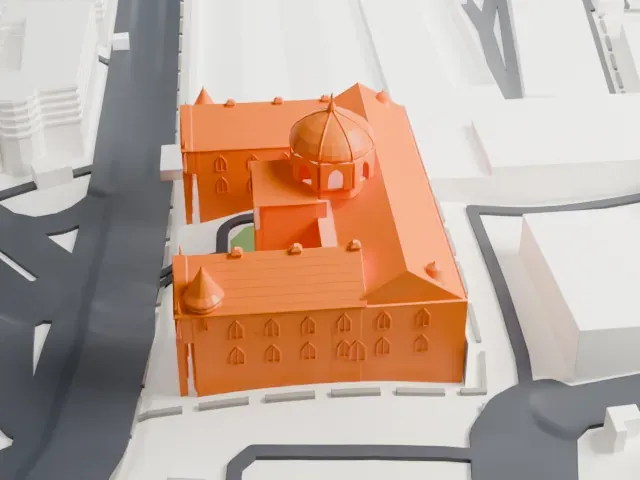
Make this print opens the generator on a 600 m square around the landmark. Buildings print at close to true scale, so the landmark grows with the print size.
- Dome, lantern and corner turrets
The ribbed dome, the open lantern, and the four corner cupolas are the finest shapes in this model. Print friendly adapts them; Full detail keeps the lantern openings and cupola detail for a larger print.
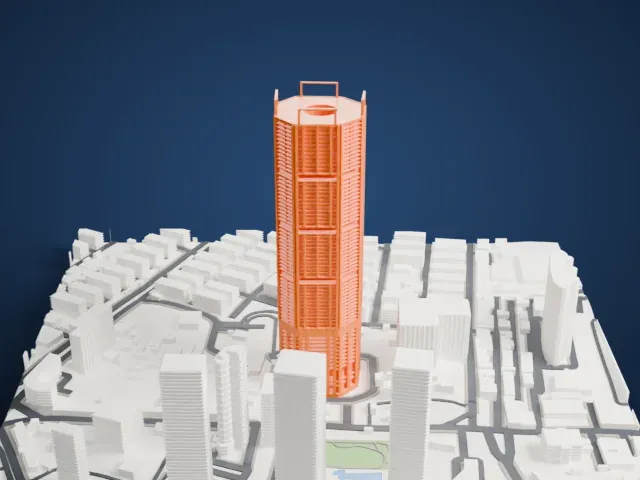
- Balcony rows on the tower
The tower carries many small balcony openings above the palace roofs. Layers of 0.12 to 0.16 mm and a slightly larger print help those rows stay distinct.
- One piece with the ground
The Taj Mahal Palace Hotel is joined to the ground in the exported file, and the four-side check found no floating parts, so nothing needs gluing.
- Pick the detail for your nozzle
In the Buildings settings, set Landmark detail to Print friendly to adapt thin parts and small details to the print scale. Full detail keeps every modeled feature, for larger prints or a finer nozzle.
- Colors
Buildings, roads, water and ground arrive as separate filament slots in the 3MF. The Taj Mahal Palace Hotel takes the building color.
- File format
You get a 3MF for Bambu Studio, OrcaSlicer or PrusaSlicer. Any of them can save it as STL if you need one.
About the Taj Mahal Palace Hotel
The Taj Mahal Palace, a heritage five-star hotel, stands in Mumbai's Colaba area beside the Gateway of India. It was built in the Indo-Saracenic style and opened as the Taj Mahal Hotel in 1903; it has long been called The Taj. Its name comes from the Taj Mahal in Agra, about 1,050 kilometers (650 mi) away. The Indian Hotels Company Limited, part of the Tata Group, owns and manages the property.
Jamsetji Tata commissioned the hotel, and it opened its doors to guests on December 16, 1903. One often-told account says Tata built it after being refused entry to Watson's Hotel, which was reserved for Europeans, though writer Charles Allen challenged that version. Allen argued instead that The Times of India's editor pressed for a hotel worthy of Bombay, and that Tata treated the project as a gift to the city.
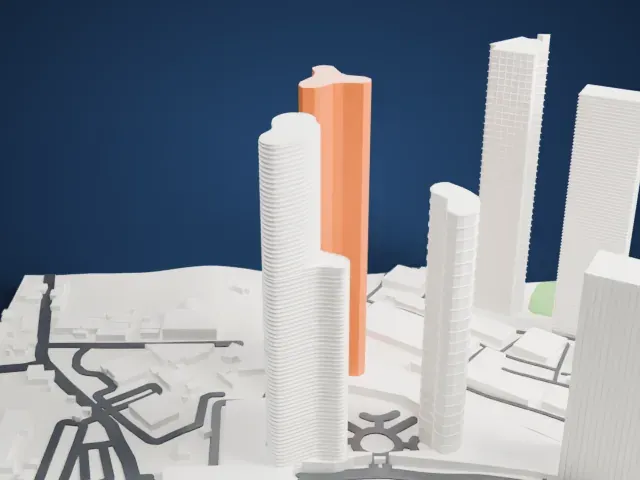
The property consists of two distinct buildings: the palace, completed in 1903, and the Tower, which opened in 1972. Daraius Batliwala and Rustom Patell designed the Tower together. Between them the buildings contain 44 suites and either 560 or 600 rooms, and the hotel employs 1,500 staff. It was one of the main targets of the 2008 Mumbai attacks, and the less-damaged sections reopened on December 21, 2008.
About this model
The Taj Mahal Palace Hotel is one of more than 4,900 landmark models in Mini Skyline. They are made with AI, and each one is checked from four sides in its real surroundings before release. Everything around it is built from OpenStreetMap and Overture map data. If you would rather print the shape from map data, turn off Landmark models in the Buildings settings.
Same skyline