3D print the Yorkville Library
A free, printable model of the Yorkville Library and the much taller buildings around it, generated from real map data in your browser.
-
 North
North
-
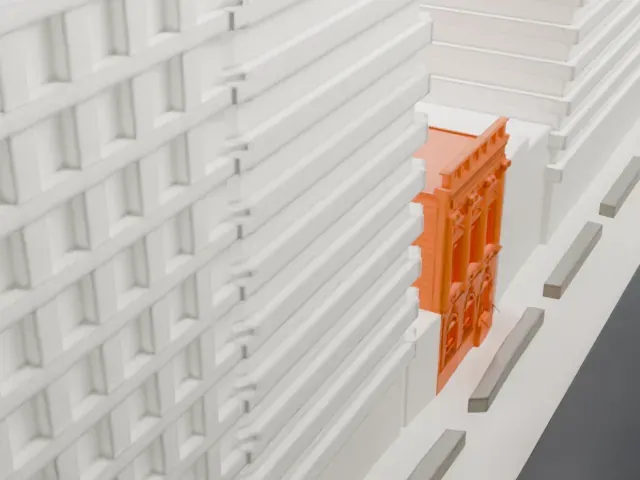 East
East
-
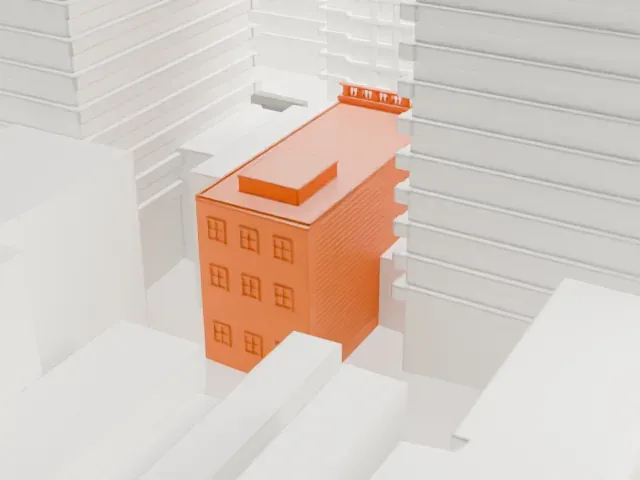 South
South
-
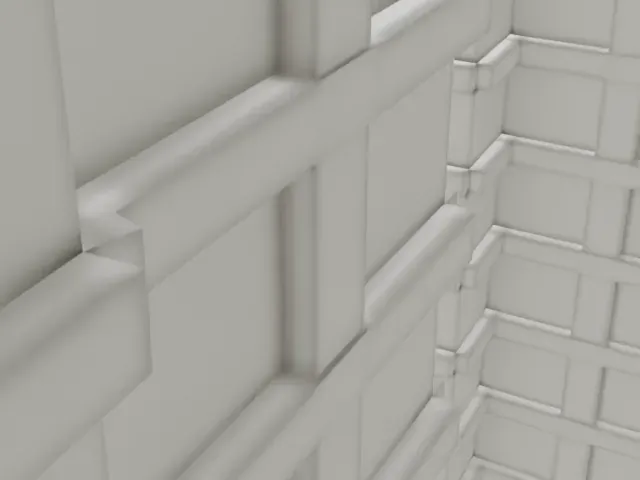 West
West
- On a 160 mm print
- 5 mm
- Scale
- 1:3,750
5 mm tall on a 160 mm print
Make this print opens the generator on a 600 m square around the landmark. Buildings print at close to true scale, so the landmark grows with the print size.
- A small block between giants
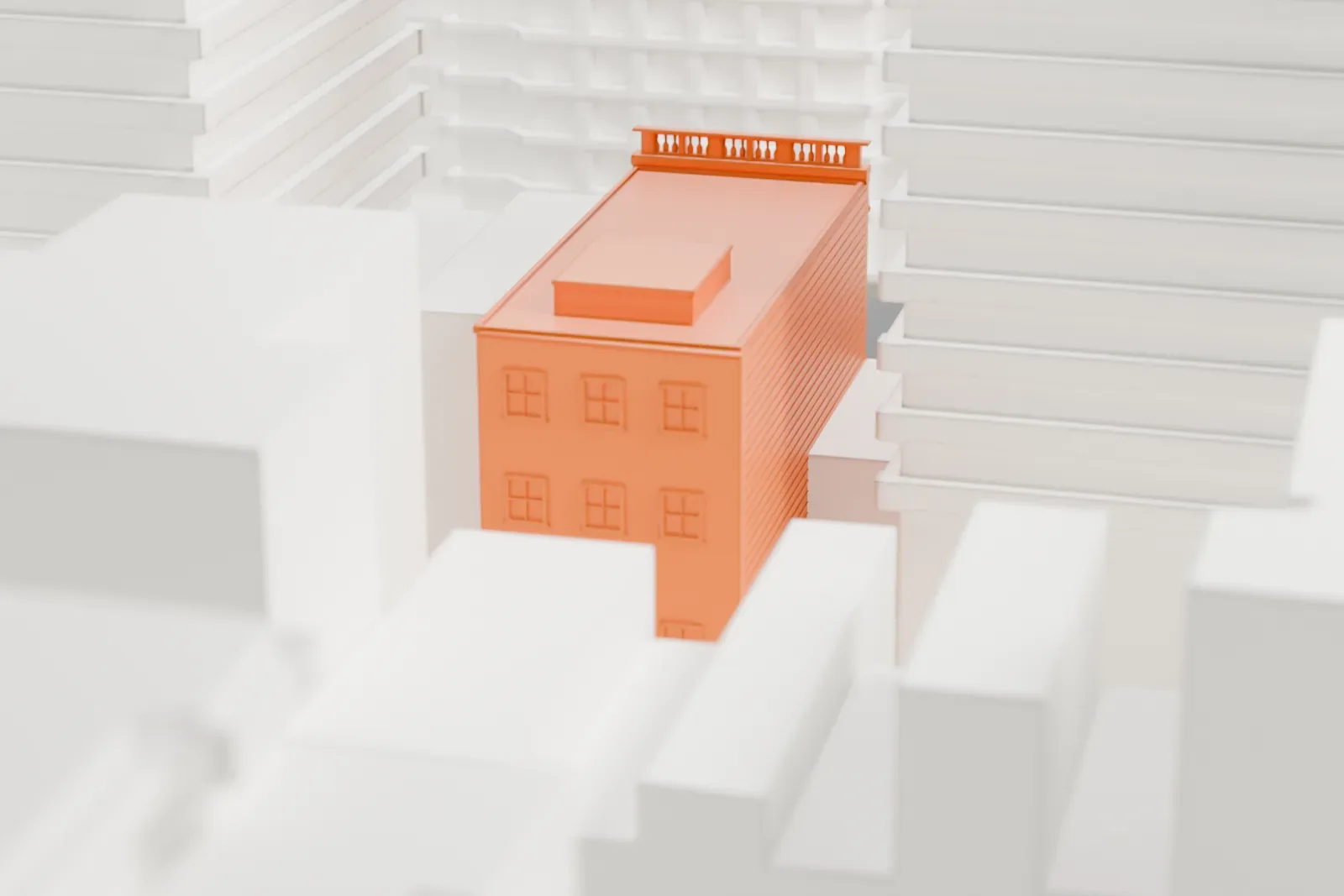
In the renders the library is a compact three-story block wedged between far taller buildings, so it prints small. Choose a larger print size and Full detail with a fine nozzle to keep the window openings and roofline.
- One piece with the ground
The Yorkville Library is joined to the ground in the exported file, and the four-side check found no floating parts, so nothing needs gluing.
- Pick the detail for your nozzle
In the Buildings settings, set Landmark detail to Print friendly to adapt thin parts and small details to the print scale. Full detail keeps every modeled feature, for larger prints or a finer nozzle.
- Colors
Buildings, roads, water and ground arrive as separate filament slots in the 3MF. The Yorkville Library takes the building color.
- File format
You get a 3MF for Bambu Studio, OrcaSlicer or PrusaSlicer. Any of them can save it as STL if you need one.
About the Yorkville Library
James Brown Lord designed the Yorkville Library, a New York Public Library branch at 222 East 79th Street in Manhattan's Yorkville neighborhood. The building uses the Italian Renaissance style and has a three-story limestone facade. Andrew Carnegie's funds paid for it, and it opened in December 1902 as Manhattan's first Carnegie library. It has stayed a library ever since, and it is both a landmark designated by New York City and a National Register of Historic Places listing.
Standing mid-block, as many Manhattan Carnegie libraries do, it is 12 by 27 meters (40 by 90 feet). The facade has three bays with restrained decoration. The first floor is rusticated, with round arches topped by keystones carved as lions' heads. Above it, a band of Greek fret ornament crosses the facade, and Ionic columns separate the upper bays, with owls above the columns.
When it was completed, adults found a reference room and lending collections on the first floor, the second floor had a children's room, and the third floor was for reading and exhibits. The library was renovated in 1960 and again in the late 1980s. The second-story windows carry triangular pediments. The original Tuscan columns inside remain intact.
About this model
The Yorkville Library is one of more than 4,300 landmark models in Mini Skyline. They are made with AI, and each one is checked from four sides in its real surroundings before release. Everything around it is built from OpenStreetMap and Overture map data. If you would rather print the shape from map data, turn off Landmark models in the Buildings settings.
Same skyline