3D print the Al-Hakim Mosque
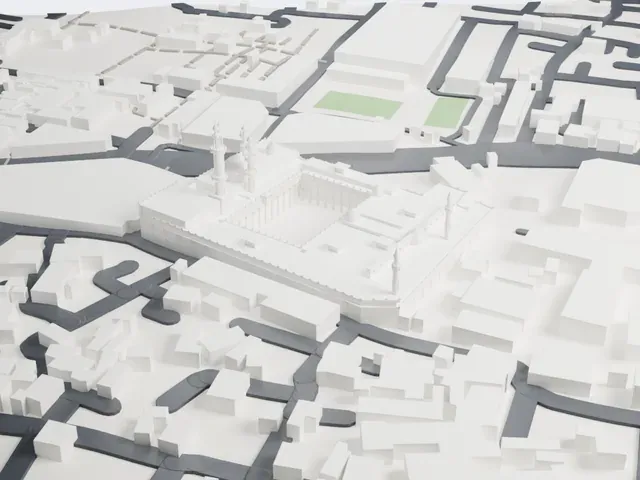
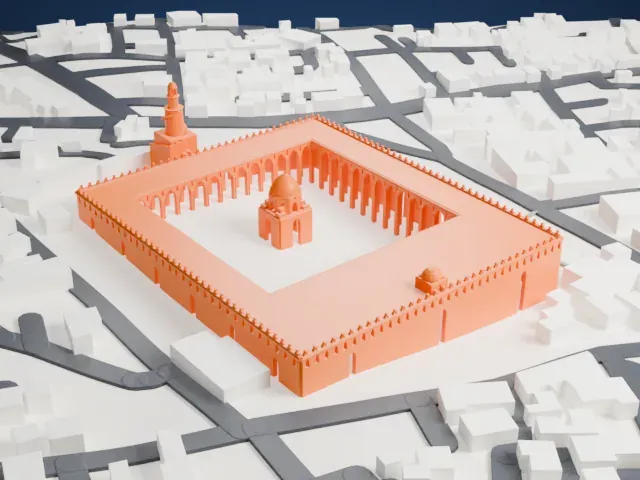
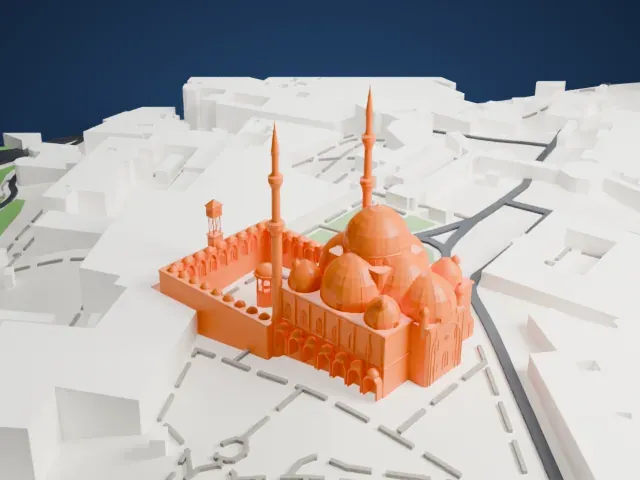
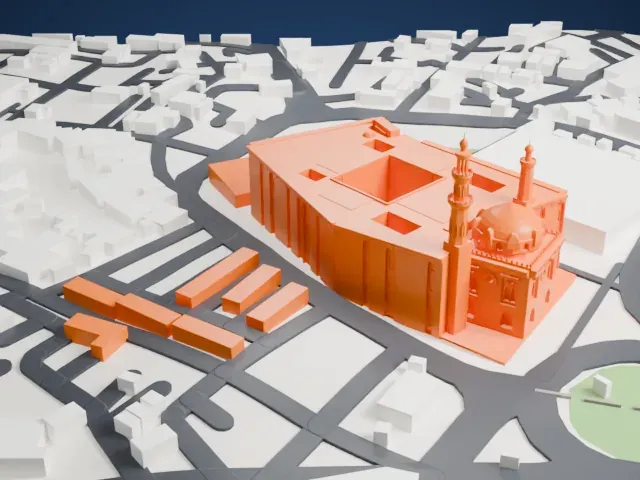
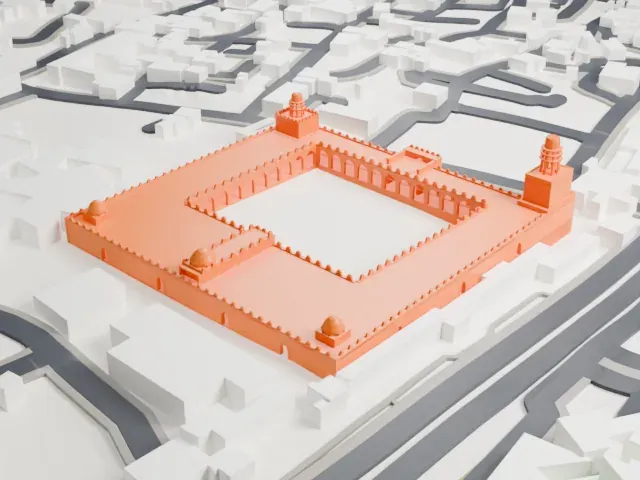
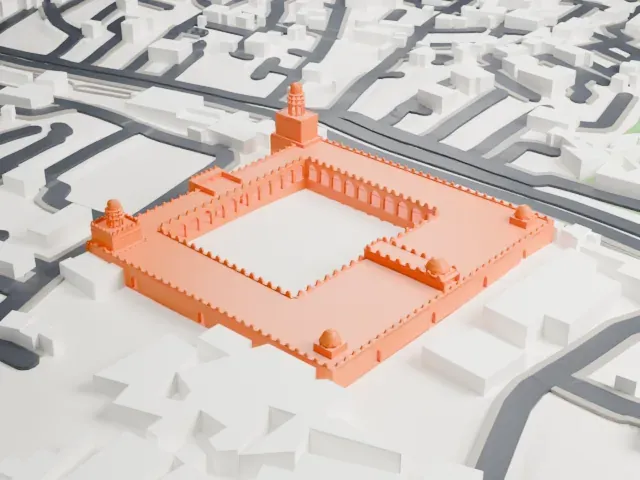
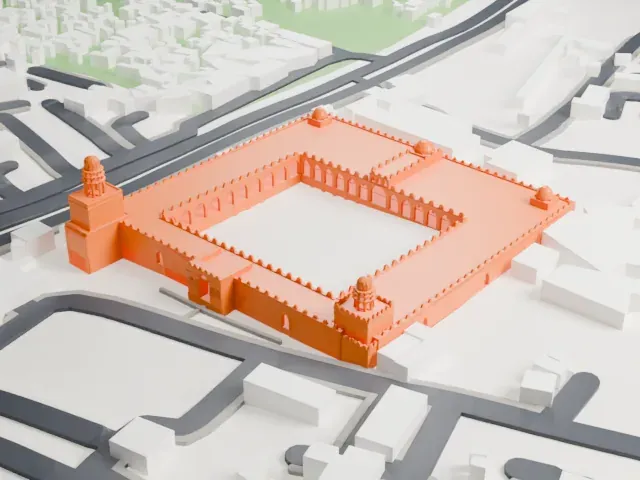
A free, printable model of the al-Hakim Mosque, a courtyard ringed by arcades with two minarets and small corner domes, among low buildings and streets, generated from real map data in your browser.
-
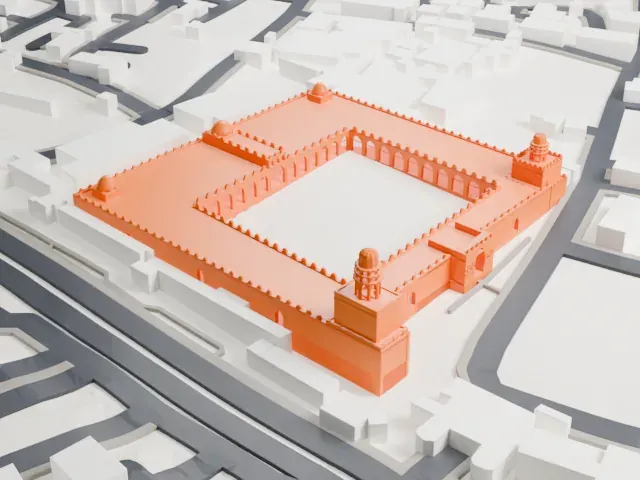 North
North
-
 East
East
-
 South
South
-
 West
West
- Real height
- 34 m
- On a 160 mm print
- 11 mm
- Scale
- 1:3,750
34 m of the Al-Hakim Mosque, 11 mm on your shelf
Make this print opens the generator on a 600 m square around the landmark. Buildings print at close to true scale, so the landmark grows with the print size.
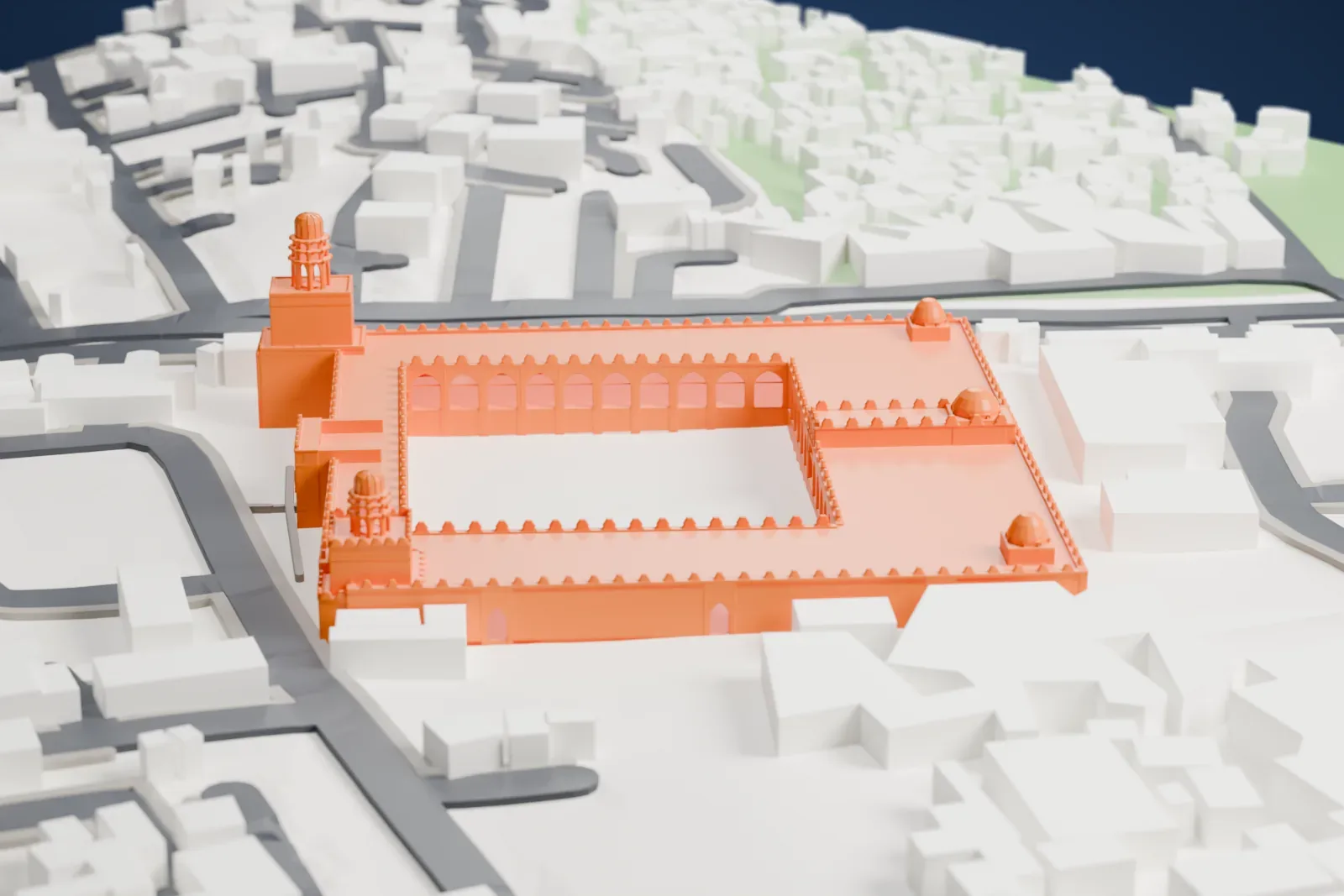
- Arcades and a crenellated edge
Rows of small arches line the courtyard, and a notched edge runs along the rooflines. Print friendly adapts these small details to the print scale; Full detail keeps them, which suits a larger print.
- Tiny minaret tops and domes
The two minarets have small ornate tops, and small domes sit at the corners. A bigger print size helps these tiny parts show, and slower printing keeps them clean.
- One piece with the ground
The Al-Hakim Mosque is joined to the ground in the exported file, and the four-side check found no floating parts, so nothing needs gluing.
- Pick the detail for your nozzle
In the Buildings settings, set Landmark detail to Print friendly to adapt thin parts and small details to the print scale. Full detail keeps every modeled feature, for larger prints or a finer nozzle.
- Colors
Buildings, roads, water and ground arrive as separate filament slots in the 3MF. The Al-Hakim Mosque takes the building color.
- File format
You get a 3MF for Bambu Studio, OrcaSlicer or PrusaSlicer. Any of them can save it as STL if you need one.
About the Al-Hakim Mosque
The al-Hakim Mosque, also called al-Anwar ("the Illuminated"), is in Islamic Cairo, standing on the eastern side of al-Muʿizz Street a little south of Bab al-Futuh, a northern gate of the city. It is named for al-Ḥākim, the sixth Fatimid caliph, who lived from 985 to 1021. His father, Caliph al-ʿAziz, began construction in 990 CE, and al-Ḥākim completed it in 1013. When finished it measured 120 by 113 meters (394 by 371 feet), over twice as large as the al-Azhar Mosque.
The prayer hall is hypostyle, and a wide internal courtyard (sahn) lies behind a projecting entrance portal. The most notable features are the two minarets. They were first built in 1003 with ornate multi-tiered designs, but in 1010 massive square bastions were built around them, and for unclear reasons the originals ended up encased inside. The northern minaret is 33.7 meters (111 feet) high and the southern one is 24.7 meters (81 feet). The facades and minarets are stone, and the rest of the structure is brick.
At first the mosque lay beyond Cairo's walls. When Badr al-Jamali, a Fatimid vizier, rebuilt and extended the walls in 1087, the mosque's northern side, minaret included, became part of the northern city wall. Over the centuries it served variously as a prison for captured Franks during the Crusades, a stable under Saladin, a fortress under Napoleon, an Islamic arts museum in 1890, then in the 20th century a school for boys. The Dawoodi Bohras completed a major restoration in 1980, and it reopened for religious use.
About this model
The Al-Hakim Mosque is one of more than 4,400 landmark models in Mini Skyline. They are made with AI, and each one is checked from four sides in its real surroundings before release. Everything around it is built from OpenStreetMap and Overture map data. If you would rather print the shape from map data, turn off Landmark models in the Buildings settings.
Same skyline