3D print the Bennett Building
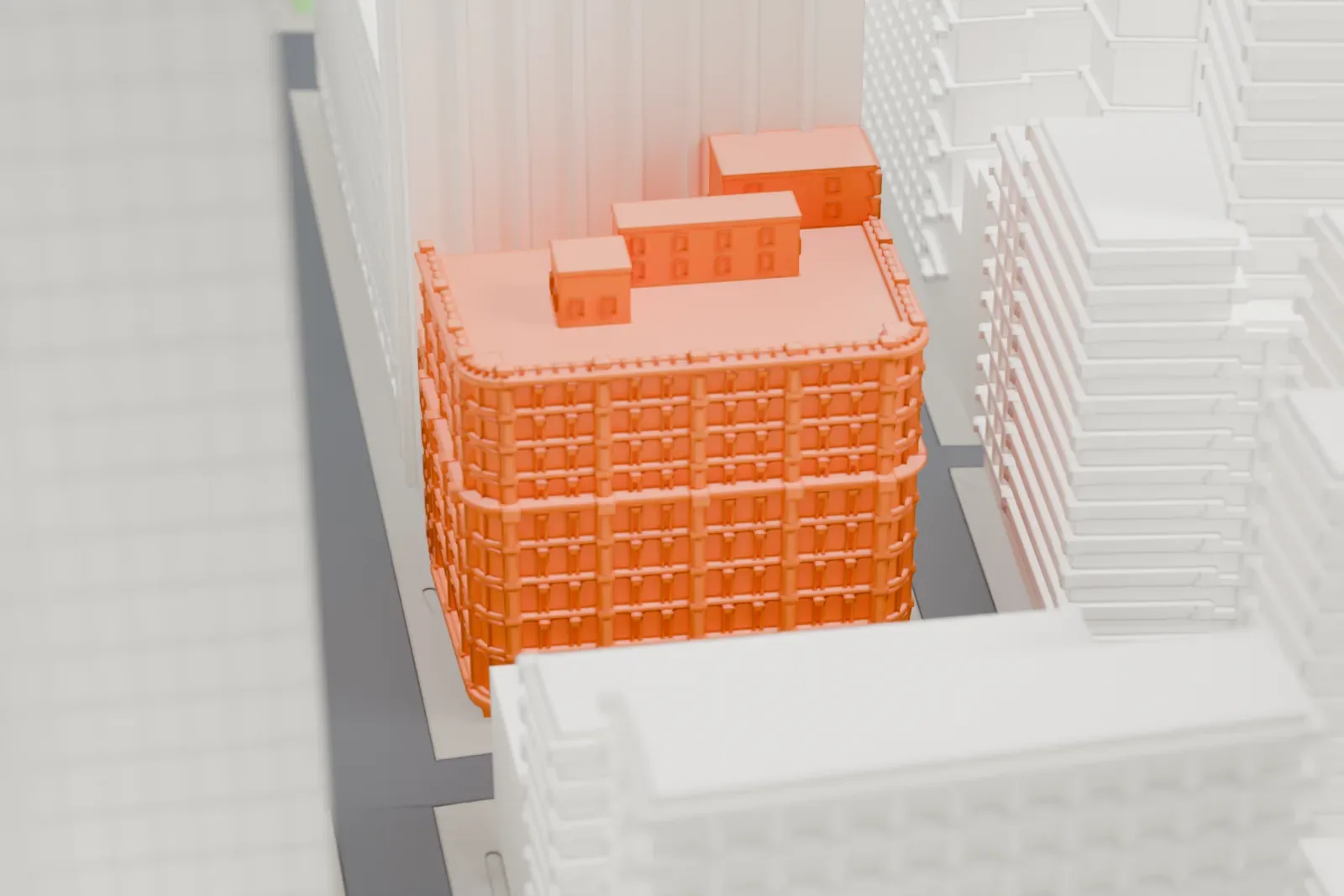
A free, printable model of the Bennett Building, a tall block with rows of arched windows, shown among the much taller towers of Lower Manhattan, generated from real map data in your browser.
-
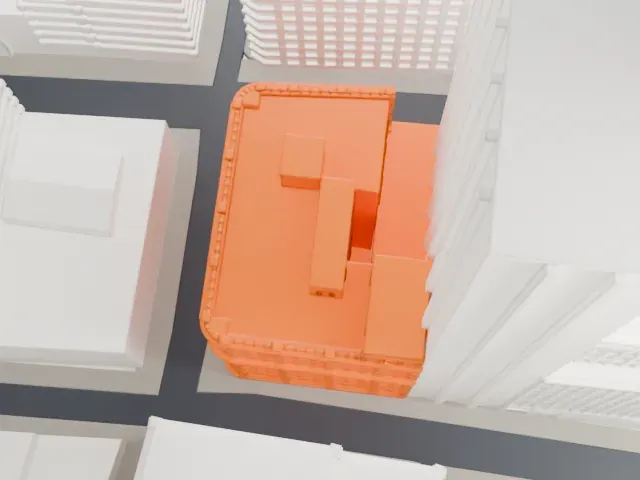 North
North
-
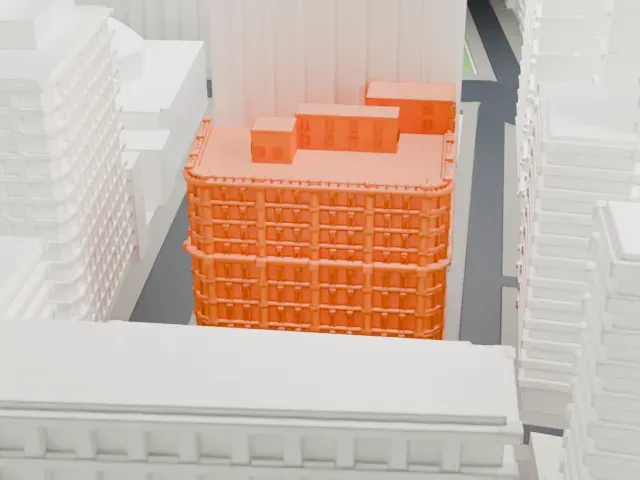 East
East
-
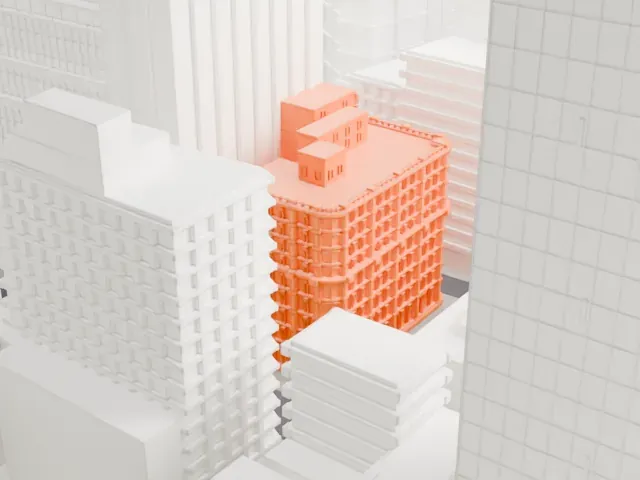 South
South
-
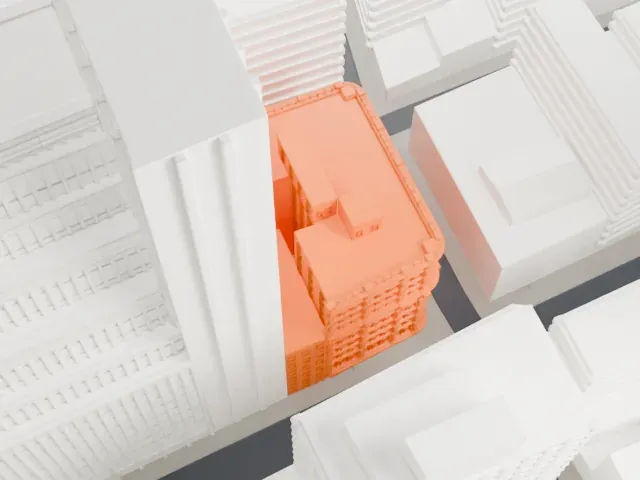 West
West
The model you print
Bennett Building in 3D
The landmark on its own, at its size on a 160 mm print. Print friendly thickens thin parts for a 0.4 mm nozzle; Full detail keeps every part.
- Real height
- 38 m
- On a 160 mm print
- 11 mm
- Scale
- 1:3,750
38 m of the Bennett Building, 11 mm on your shelf
Make this print opens the generator on a 600 m square around the landmark. Buildings print at close to true scale, so the landmark grows with the print size.
- Cast-iron facade detail
Rows of arched windows, pilasters and cornices cover three sides. Print friendly adapts them to the print scale; Full detail keeps them on a larger print.
- Tall, slim block
In the renders much taller towers hide most of the building. A layer height of 0.12–0.16 mm helps keep its tall rows of windows crisp.
- One piece with the ground
The Bennett Building is joined to the ground in the exported file, and the four-side check found no floating parts, so nothing needs gluing.
- Pick the detail for your nozzle
In the Buildings settings, set Landmark detail to Print friendly to adapt thin parts and small details to the print scale. Full detail keeps every modeled feature, for larger prints or a finer nozzle.
- Colors
Buildings, roads, water and ground arrive as separate filament slots in the 3MF. The Bennett Building takes the building color.
- File format
You get a 3MF for Bambu Studio, OrcaSlicer or PrusaSlicer. Any of them can save it as STL if you need one.
About the Bennett Building
The Bennett Building, a cast-iron structure, stands in Lower Manhattan's Financial District, on the west side of Nassau Street, and fills the block between Fulton Street and Ann Street. Its main address is 93-99 Nassau Street, with other entrances at 30 Ann Street and 139 Fulton Street. Three of its facades are fully designed, facing Fulton, Nassau and Ann Streets, and the fourth side, against a neighboring property, is plain brick.
Arthur D. Gilman designed the building in the French Second Empire style, and James M. Farnsworth's expansions followed Gilman's design closely. Its cast-iron facade is fully realized and is the largest known example in the world. It is also one of only two surviving Second Empire-style offices with cast-iron fronts south of Canal Street. The New York Times described the 125-foot (38 m) building as probably the tallest in the world with a facade entirely of cast iron.
James Gordon Bennett Jr. commissioned the project as an investment. Gilman's original structure had seven stories, counting a mansard roof. In 1889 John Pettit, an investor in real estate, bought the building and hired Farnsworth, who replaced the mansard with four more stories between 1890 and 1892 and put up an eleven-story annex on Ann Street in 1894. The building was designated a New York City landmark in 1995.
About this model
The Bennett Building is one of more than 4,900 landmark models in Mini Skyline. They are made with AI, and each one is checked from four sides in its real surroundings before release. Everything around it is built from OpenStreetMap and Overture map data. If you would rather print the shape from map data, turn off Landmark models in the Buildings settings.
Same skyline