3D print the Bocom Financial Towers
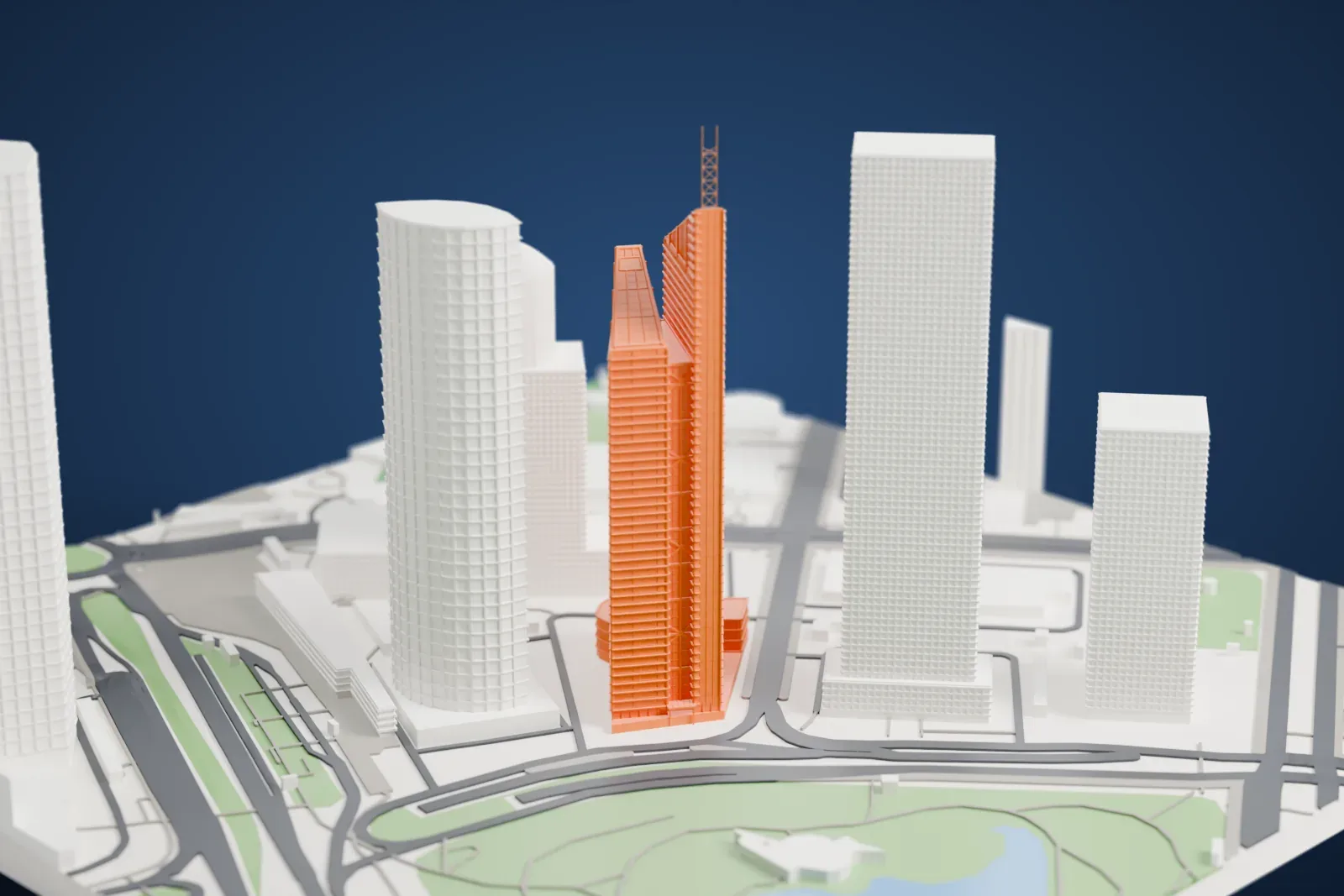
A free, printable model of the Bocom Financial Towers, two conjoined skyscrapers with slanted tops, shown among the surrounding towers, generated from real map data in your browser.
-
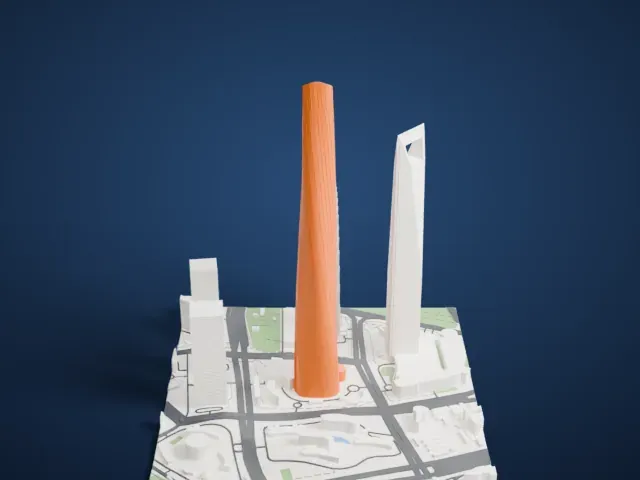
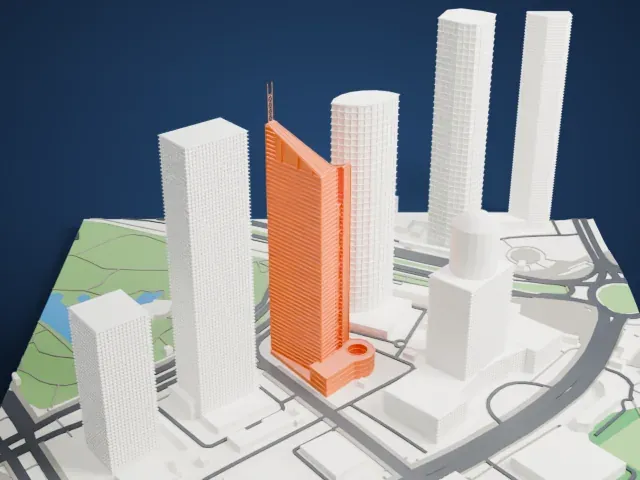 North
North
-
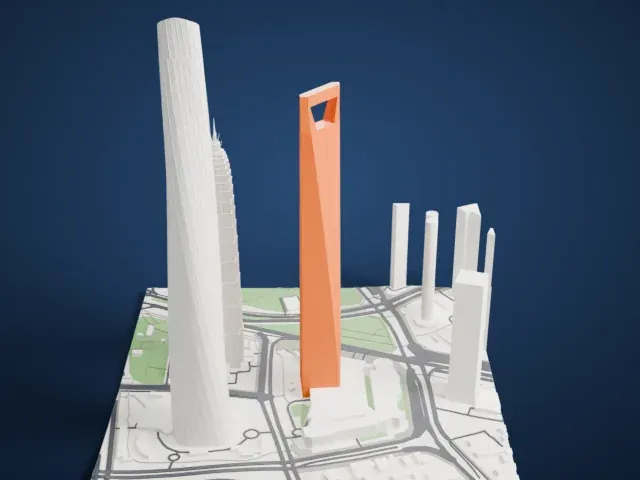
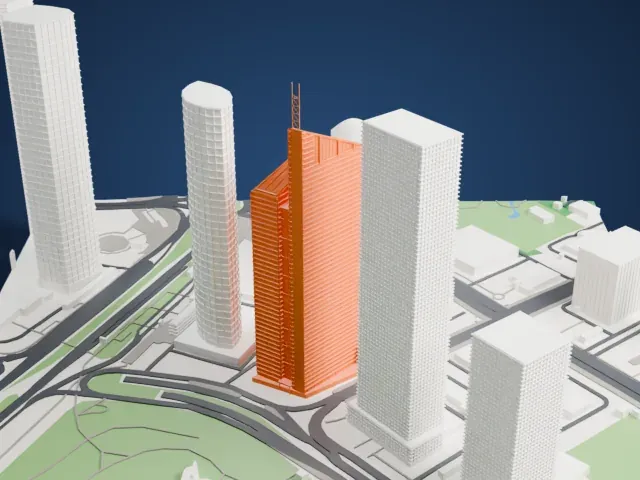 East
East
-
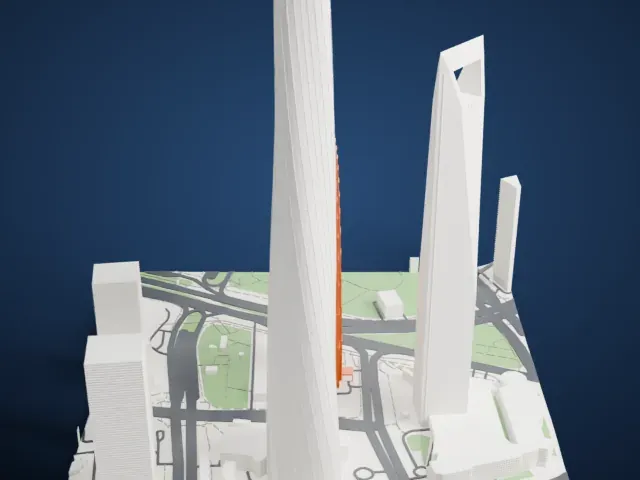
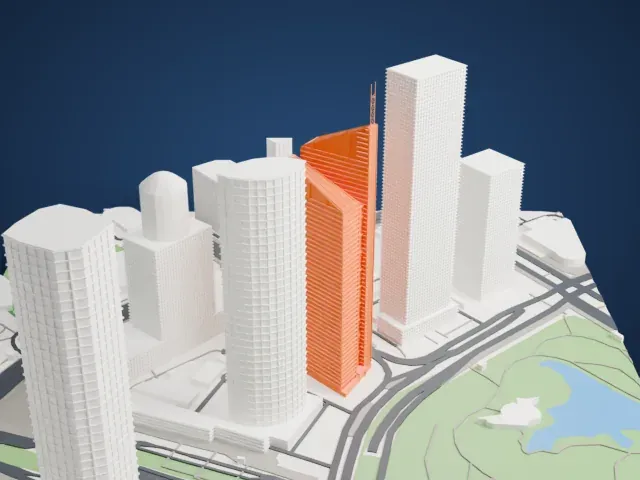 South
South
-
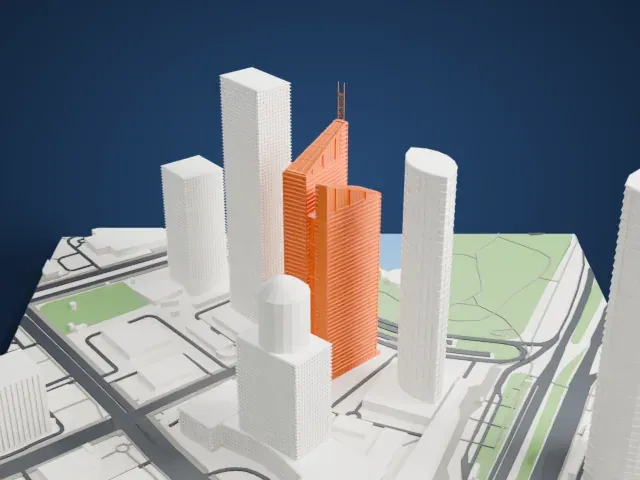 West
West
The model you print
Bocom Financial Towers in 3D
The landmark on its own, at its size on a 160 mm print. Print friendly thickens thin parts for a 0.4 mm nozzle; Full detail keeps every part.
- Real height
- 230 m
- On a 160 mm print
- 71 mm
- Scale
- 1:3,750
230 m of the Bocom Financial Towers, 71 mm on your shelf
Make this print opens the generator on a 600 m square around the landmark. Buildings print at close to true scale, so the landmark grows with the print size.
- Tall, slender slab and mast
This is a tall, narrow building topped by a thin lattice mast. Print friendly adapts the mast to the print scale; Full detail keeps it as modeled. Print slowly with good cooling for the upper floors.
- Slanted roofs and window bands
The slanted roofs and the many fine horizontal window bands are small details. A larger print size and a 0.12 mm layer height keep them crisp.
- One piece with the ground
The Bocom Financial Towers is joined to the ground in the exported file, and the four-side check found no floating parts, so nothing needs gluing.
- Pick the detail for your nozzle
In the Buildings settings, set Landmark detail to Print friendly to adapt thin parts and small details to the print scale. Full detail keeps every modeled feature, for larger prints or a finer nozzle.
- Colors
Buildings, roads, water and ground arrive as separate filament slots in the 3MF. The Bocom Financial Towers takes the building color.
- File format
You get a 3MF for Bambu Studio, OrcaSlicer or PrusaSlicer. Any of them can save it as STL if you need one.
About the Bocom Financial Towers
The Bocom Financial Towers are a pair of conjoined skyscrapers standing in Shanghai's Pudong District, in China, and serve as the head office of the Bank of Communications (Bocom). The pair is divided into a North Tower and a South Tower, and ABB Architekten designed both. The North Tower reaches 230 meters (755 feet) and has 52 stories above four basement levels. Its construction ran from 1997 to 2002.
The South Tower was finished in 1999, three years before its neighbor. Above ground it has 42 floors, with four more below, and its roof height is 197.4 meters, with the top floor at 171.6 meters. Each tower is 31 meters long, 15.8 meters wide at its widest point and 9.75 meters wide at its narrowest.
An atrium joins the two towers and rises to 163.4 meters. A swimming pool on the North Tower's 48th floor looks out over all of Shanghai. The complex is also one of three buildings used for filming Mission: Impossible III, starring Tom Cruise, in which the character Ethan Hunt slides down the sloping roof of the southern tower.
About this model
The Bocom Financial Towers is one of more than 4,900 landmark models in Mini Skyline. They are made with AI, and each one is checked from four sides in its real surroundings before release. Everything around it is built from OpenStreetMap and Overture map data. If you would rather print the shape from map data, turn off Landmark models in the Buildings settings.
Same skyline