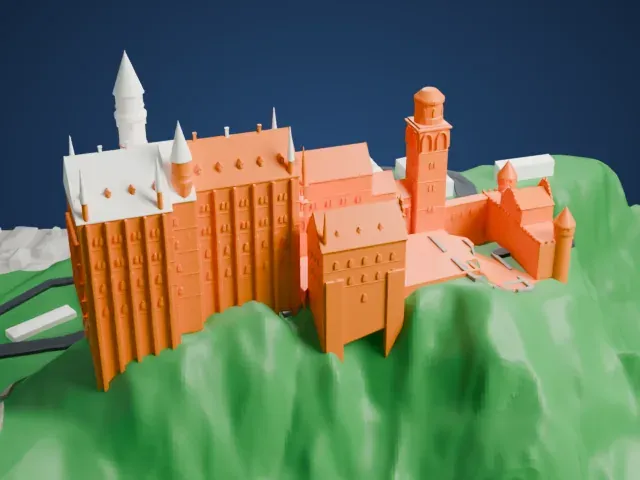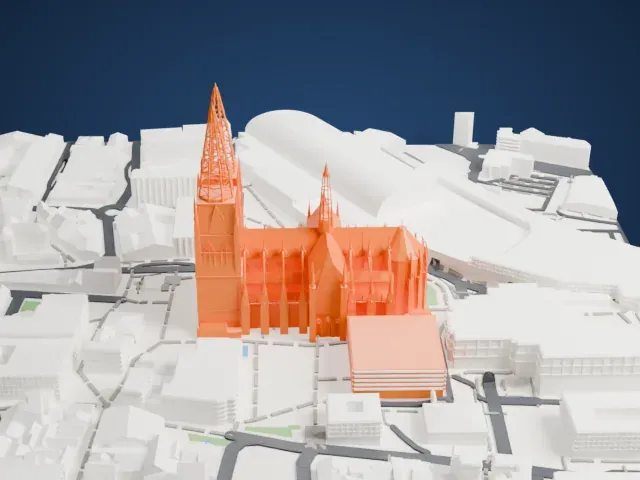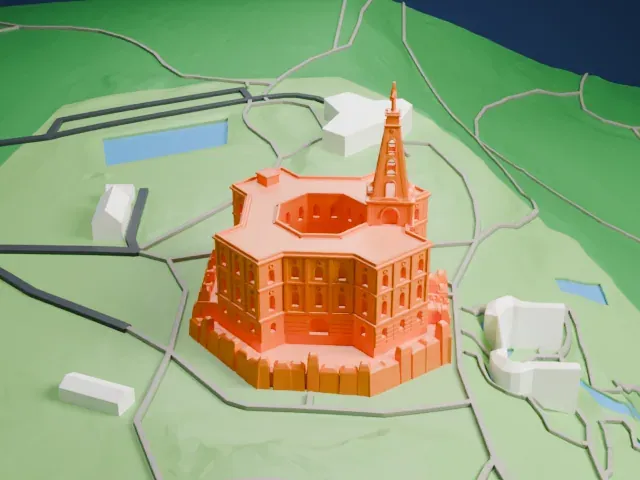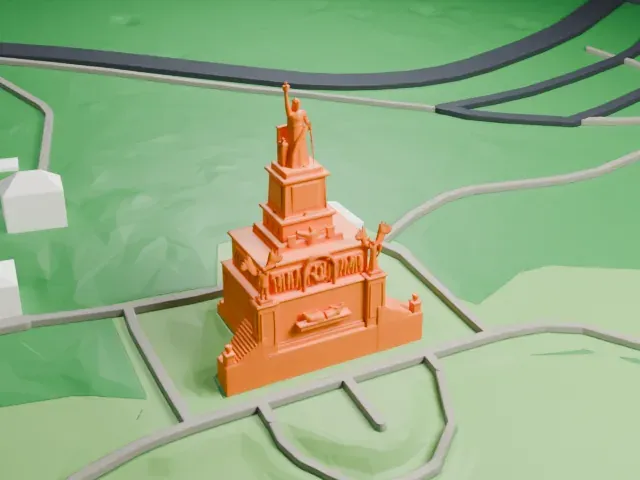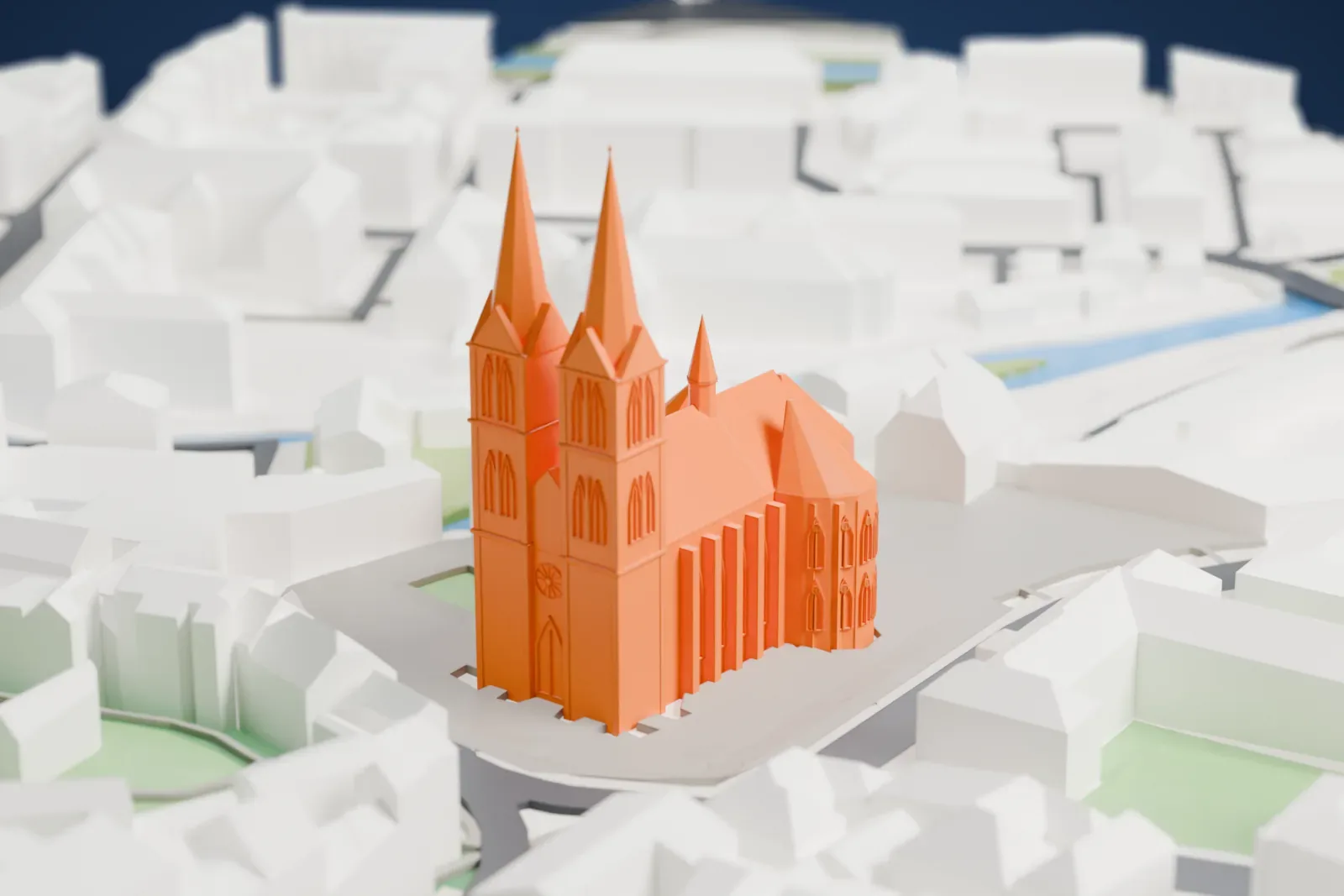
3D print St. Elizabeth's Church, Marburg
A free, printable model of St. Elizabeth's Church with its two tall spired towers, set among the closely packed buildings, streets and a river around it, generated from real map data in your browser.
-
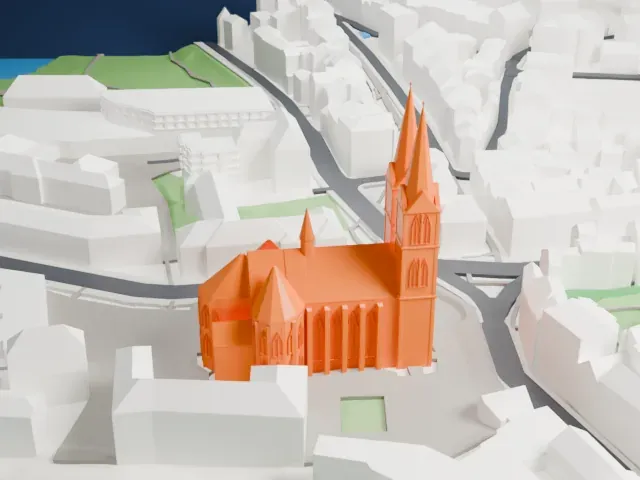 North
-
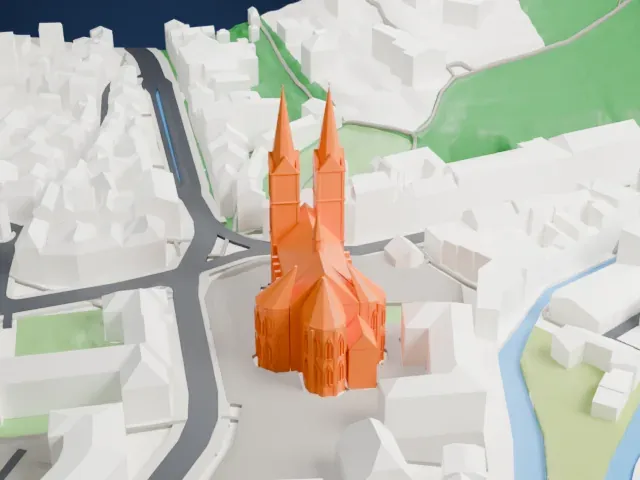 East
-
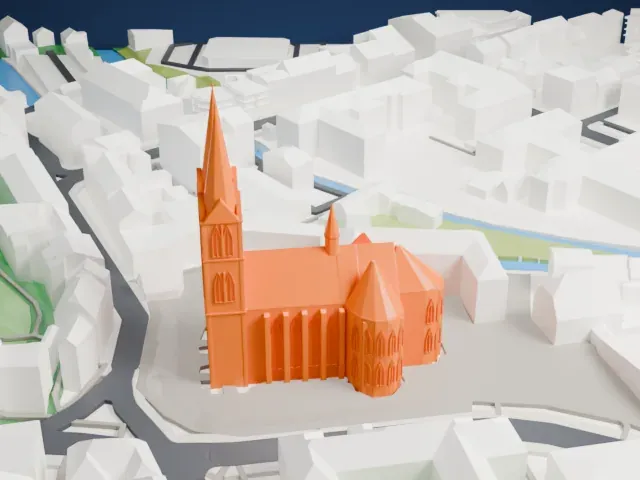 South
-
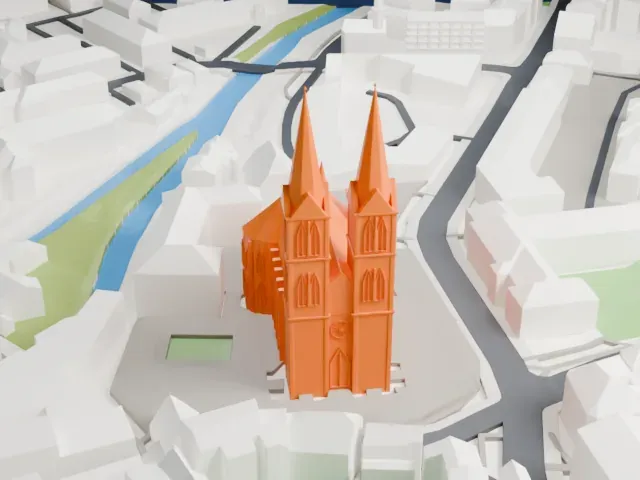 West
The model you print
St. Elizabeth's Church, Marburg in 3D
The landmark on its own, at its size on a 160 mm print. Print friendly thickens thin parts for a 0.4 mm nozzle; Full detail keeps every part.
- Real height
- 80 m
- On a 160 mm print
- 22 mm
- Scale
- 1:3,750
80 m of St. Elizabeth's Church, Marburg, 22 mm on your shelf
Make this print opens the generator on a 600 m square around the landmark. Buildings print at close to true scale, so the landmark grows with the print size.
- Two tall, narrow spires
The twin tower spires are thin and pointed. Print slowly with good cooling for their tips; Print friendly thickens them for the print scale, while Full detail keeps them as modeled for larger prints.
- Small spire over the crossing
A slim pointed turret rises from the roof ridge, and the apse has tall narrow windows. A layer height of 0.12 to 0.16 mm keeps these vertical details crisp.
- One piece with the ground
St. Elizabeth's Church, Marburg is joined to the ground in the exported file, and the four-side check found no floating parts, so nothing needs gluing.
- Pick the detail for your nozzle
In the Buildings settings, set Landmark detail to Print friendly to adapt thin parts and small details to the print scale. Full detail keeps every modeled feature, for larger prints or a finer nozzle.
- Colors
Buildings, roads, water and ground arrive as separate filament slots in the 3MF. St. Elizabeth's Church, Marburg takes the building color.
- File format
You get a 3MF for Bambu Studio, OrcaSlicer or PrusaSlicer. Any of them can save it as STL if you need one.
About St. Elizabeth's Church, Marburg
St. Elizabeth's Church, an Evangelical church in Marburg, Germany, was built by the Teutonic Order in the 13th century on the site of the tomb of Elizabeth of Hungary, and it ranks among the earliest Gothic churches in Germany. Elizabeth founded a hospital in Marburg in 1228 and died there in 1231. Her tomb turned the church into a major pilgrimage destination in the late Middle Ages. Landgraves of Hesse were also buried there. Following Landgrave Philip I's conversion in the 16th century, it became Protestant.
Construction started in 1235, the year Elizabeth was canonized, and the cornerstone was laid on August 14 of that year. Her grave was not moved, because the new church's north apse was built over the original hospital chapel. The crossing and triple choir were completed in the 1240s, the church was consecrated in 1283, and only in 1340 were the towers finished.
Built of sandstone on a cruciform plan, it counts as an early hall church with a triconch choir at its east end. The vault above the nave and aisles rises higher than 20 m (66 ft). Two towers, each roughly 80 m (263 ft) tall, rise at the west end; the northern tower carries a star at its top, the southern a knight. Cologne Cathedral's architecture is thought to have used it as a model.
About this model
St. Elizabeth's Church, Marburg is one of more than 6,500 landmark models in Mini Skyline. They are made with AI, and each one is checked in its real surroundings before release. Each model is written as code from public descriptions, plans, photographs and aerial views used only as references; no image or third-party model is copied into it. Everything around it is built from OpenStreetMap and Overture map data. Rights in the building itself, its name and any brands on it are not granted by Mini Skyline; clear them separately before you sell prints. If you would rather print the shape from map data, turn off Landmark models in the Buildings settings.
Mini Skyline is not affiliated with, or endorsed by, the owners of this building or its names and marks.
Keep exploring