Yokohama Red Brick Warehouse in 3D
The Yokohama Red Brick Warehouse appears in city models you make here; its design may still be protected, so it isn't offered as a separate download.
-
 North
-
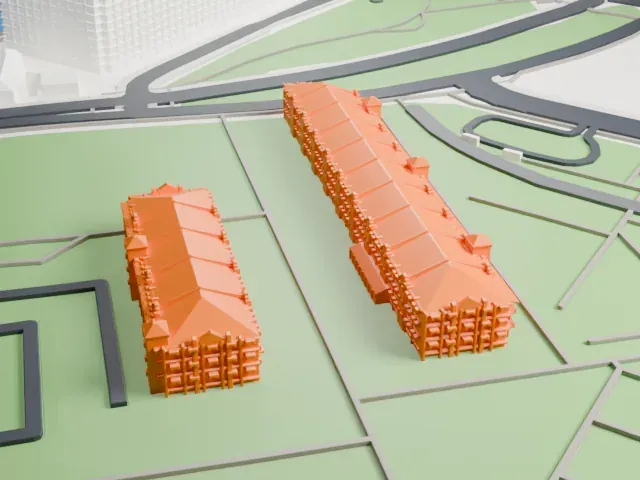 East
-
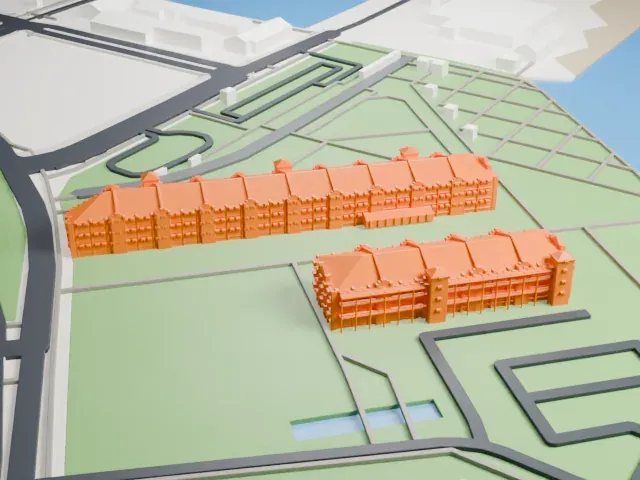 South
-
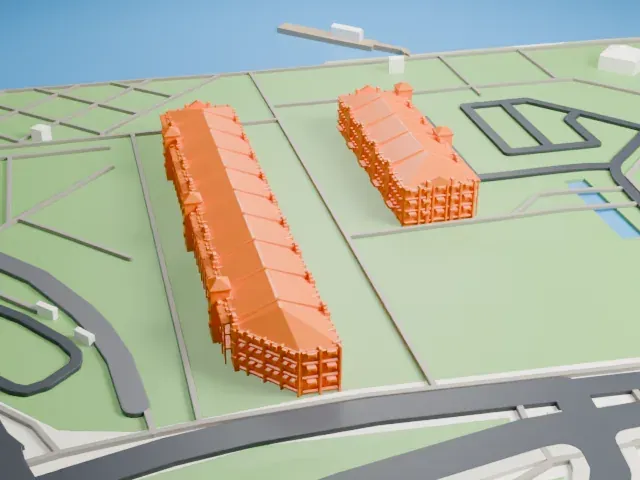 West
© OpenStreetMap contributors · Terrain in Japan: 出典:国土地理院 (GSI elevation data via Mapterhorn)
Copyright notice
The design of Yokohama Red Brick Warehouse may still be protected by copyright. It appears in the city models you make here, but it is not offered as a separate model.
- Real height
- 18 m
- On a 160 mm print
- 5 mm
- Scale
- 1:3,750
18 m of the Yokohama Red Brick Warehouse, 5 mm on your shelf
Make this print opens the generator on a 600 m square around the landmark. Buildings print at close to true scale, so the landmark grows with the print size.
- Many small roof gables
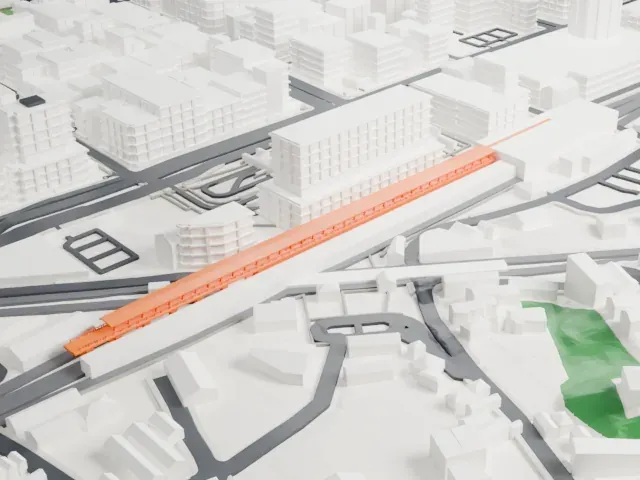
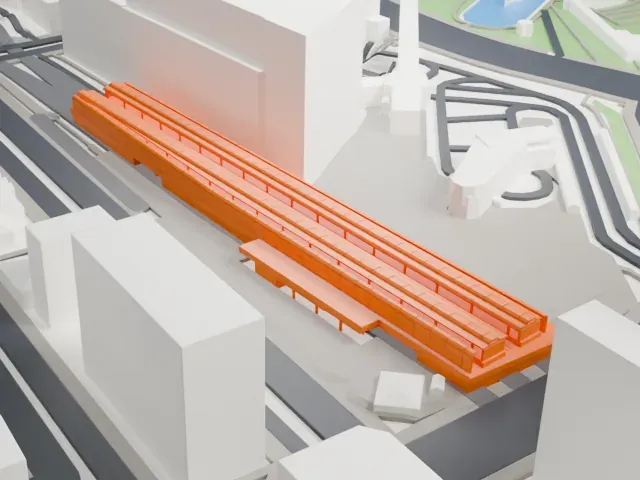
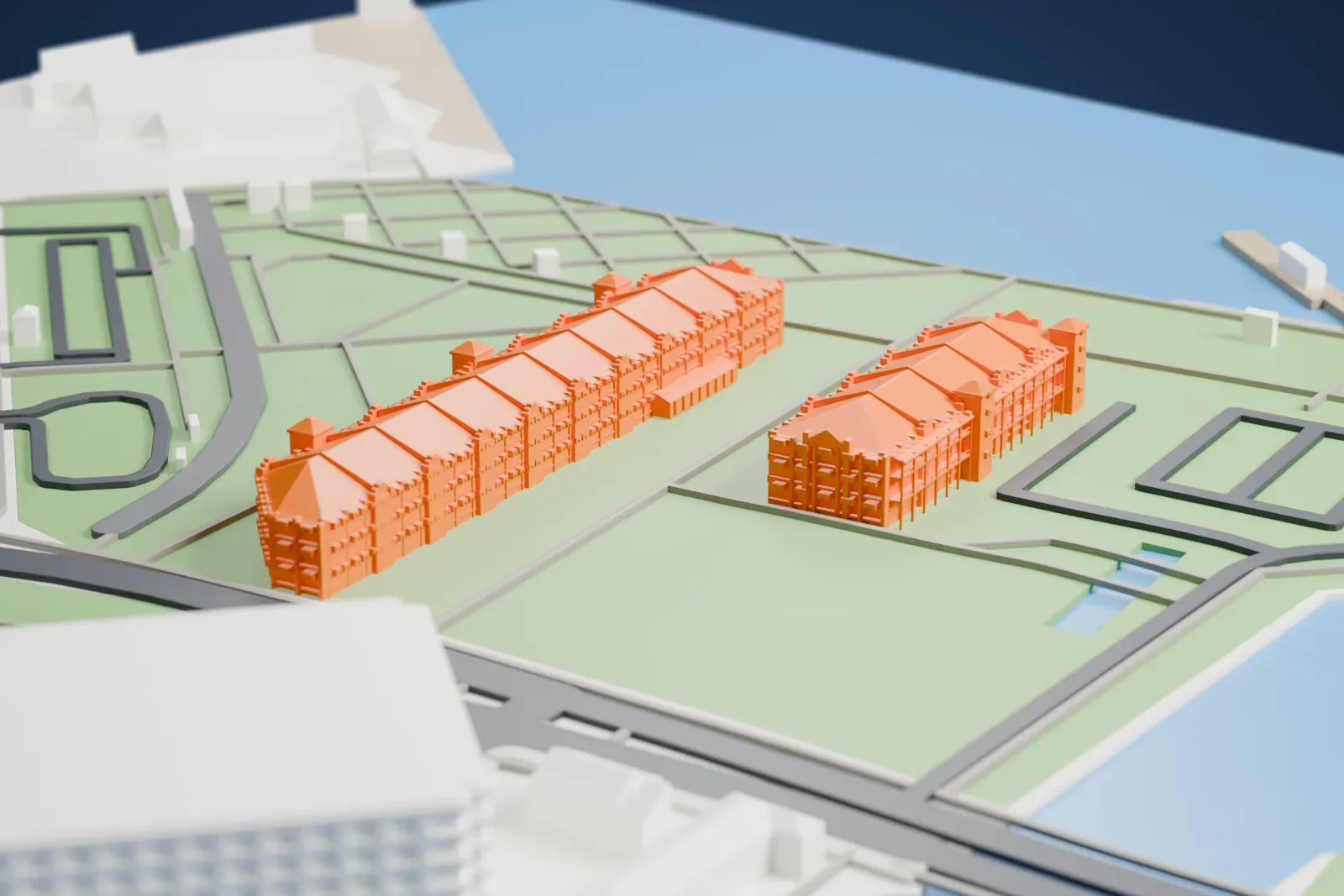
Both buildings carry rows of small gables and roof details along their length. Print friendly adapts them to the print scale; Full detail keeps them, which suits a larger print or a fine nozzle.
- Two long, low buildings
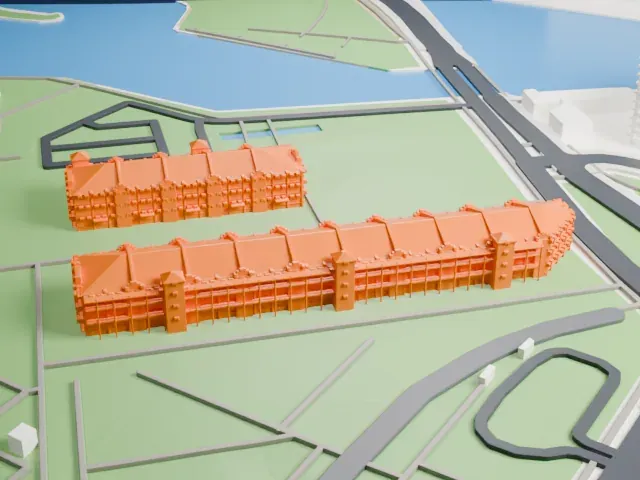
The two buildings are long and low, with detailed fronts. A bigger print size keeps more of the facade detail, and a layer height of 0.12–0.16 mm keeps it crisp.
- One piece with the ground
The Yokohama Red Brick Warehouse is joined to the ground in the exported file, and the four-side check found no floating parts, so nothing needs gluing.
- Pick the detail for your nozzle
In the Buildings settings, set Landmark detail to Print friendly to adapt thin parts and small details to the print scale. Full detail keeps every modeled feature, for larger prints or a finer nozzle.
- Colors
Buildings, roads, water and ground arrive as separate filament slots in the 3MF. The Yokohama Red Brick Warehouse takes the building color.
- File format
You get a 3MF for Bambu Studio, OrcaSlicer or PrusaSlicer. Any of them can save it as STL if you need one.
About the Yokohama Red Brick Warehouse
Known in Japanese as Yokohama Akarenga Sōko, the Yokohama Red Brick Warehouse is a historic building turned into a complex of shops, a banquet hall and event venues. Its official name is the Newport Pier Bonded Warehouse, and it was first used as customs buildings. Two sections, called Warehouse No. 1 and No. 2, make up the complex. It sits in Naka-ku, part of Yokohama in Kanagawa, Japan, at the Port of Yokohama.
Yokohama's city government built new harbor facilities in the late 19th century; reclamation work began in 1899 and finished in 1905, and expansion work ended a year later. Tsumaki Yorinaka, a Japanese architect and government official, planned the buildings. Today's Building No. 2 went up in 1911 and Building No. 1 followed in 1913, both as customs houses. The 1923 Great Kantō earthquake damaged them, but less than other buildings, thanks to iron implanted between the bricks.
American occupation forces requisitioned the buildings from 1945 to 1956, and they stopped serving as customs houses in 1989. Yokohama acquired jurisdiction in 1992, and Takenaka Corporation carried out restoration from 1994 to 1999. On April 12, 2002 they opened under the name Yokohama Red Brick Warehouse: Building No. 1 holds cultural facilities and Building No. 2 a shopping mall and restaurant arcade. Both are three stories high, 22.6 meters wide and 17.8 meters tall.
About this model
The Yokohama Red Brick Warehouse is one of more than 6,500 landmark models in Mini Skyline. They are made with AI, and each one is checked in its real surroundings before release. Each model is written as code from public descriptions, plans, photographs and aerial views used only as references; no image or third-party model is copied into it. Everything around it is built from OpenStreetMap and Overture map data. Rights in the building itself, its name and any brands on it are not granted by Mini Skyline; clear them separately before you sell prints. If you would rather print the shape from map data, turn off Landmark models in the Buildings settings.
Mini Skyline is not affiliated with, or endorsed by, the owners of this building or its names and marks.
Same skyline