3D print Yokohama landmarks
Free printable models of Yokohama landmarks, made from real map data in your browser, in a port city that grew from a fishing village after it opened to foreign trade in 1859.
2 landmark models · 2 with a print guide · Japan
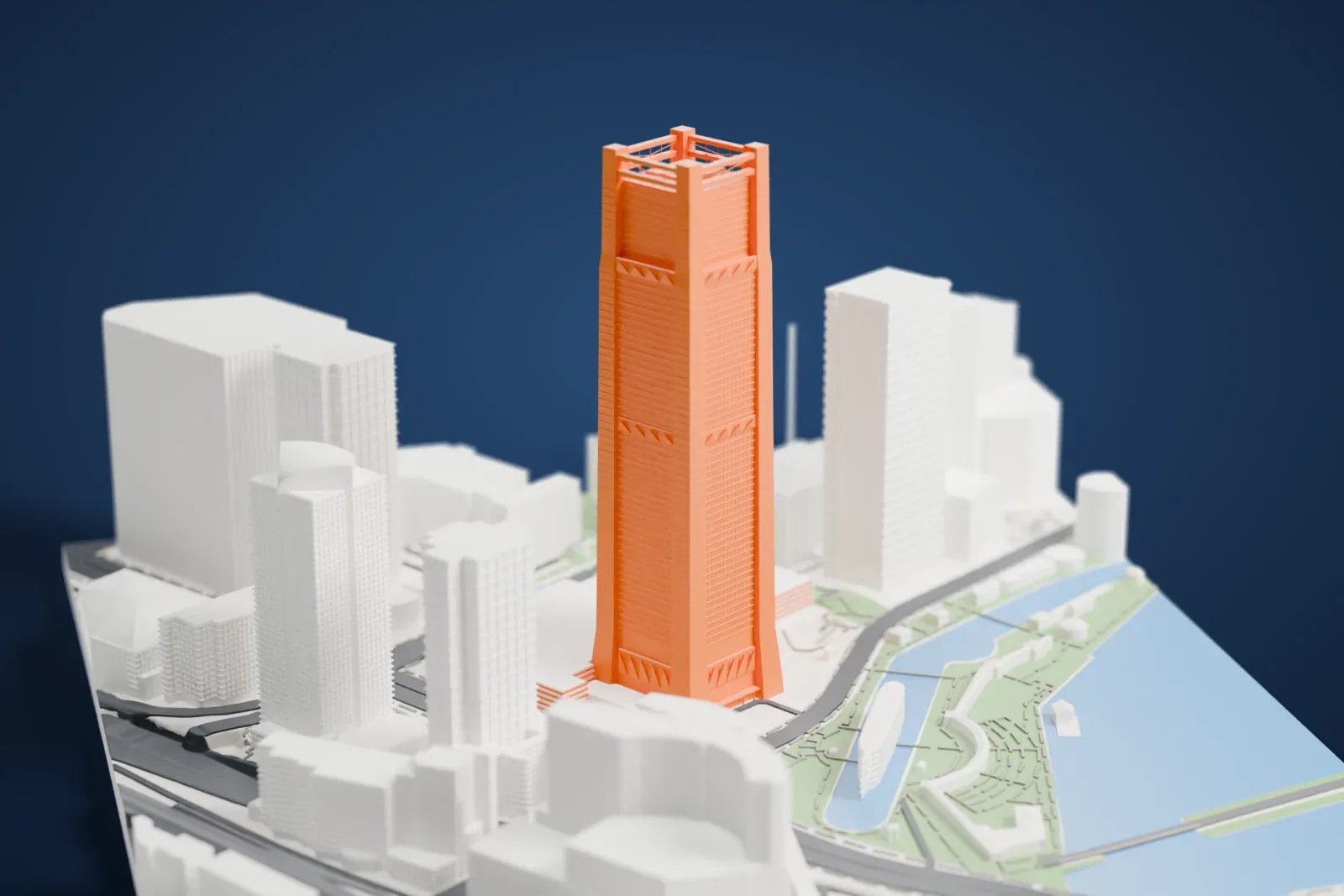
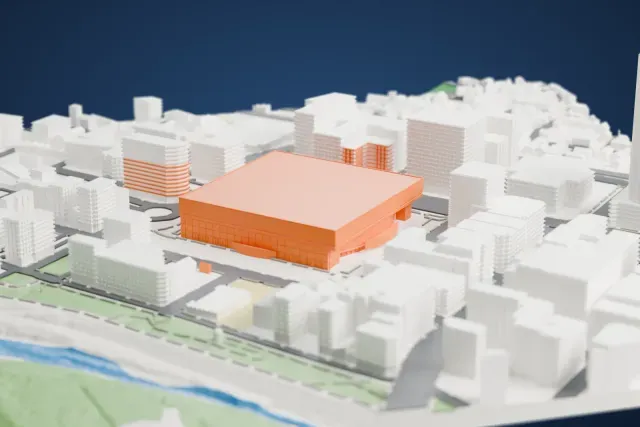
Landmarks with a print guide
About Yokohama
Yokohama ranks as Japan's second-largest city in both population and area. It is the capital of Kanagawa Prefecture, with 3.7 million residents in 2023, and it sits on Tokyo Bay to the south of Tokyo, within the Kantō region on Honshu. Before Europeans arrived it was a small fishing village, and the Port of Yokohama officially opened on June 2, 1859. The city was incorporated on April 1, 1889. It is a leading economic, cultural and commercial center for Greater Tokyo, along the Keihin Industrial Zone.
Foreign traders settled the low-lying Kannai district, which a moat surrounded, and the elevated Yamate district known as The Bluff; by 1899 the foreigner areas stretched between them, along with the large Chinatown. Factories rose on reclaimed land toward Kawasaki and grew into the Keihin Industrial Area. The Great Kantō earthquake destroyed much of the city on September 1, 1923, and its rubble reclaimed land for parks, among them Yamashita Park, which opened in 1930. Air raids destroyed the rebuilt city again in World War II. Minato Mirai 21 was begun on reclaimed land in 1983 and gained the Yokohama Landmark Tower in 1993.
About these models
The 2 models on this page are among more than 2,300 landmark models in Mini Skyline. They are made with AI, and each one is checked from four sides in its real surroundings before release. Everything around them is built from OpenStreetMap and Overture map data. If you would rather print the shapes from map data, turn off Landmark models in the Buildings settings.
Want the whole skyline? Make a city print
Common questions
Are these Yokohama landmark models free?
Yes. All 2 models on this page are free. Generation runs in your browser, with no account and nothing behind a paywall.
Can I download Yokohama landmark STL files?
Mini Skyline builds each file for you in your browser and exports 3MF, which every major slicer opens. If you need an STL, open the 3MF in your slicer and export it from there.
How tall do the Yokohama landmarks print?
On the default 160 mm print they stand between about 8 and 79 mm tall. Each landmark grows with the print size, and Make this print opens the generator with its area already selected. For a model larger than your printer bed, Project Mode splits the area into tiles.