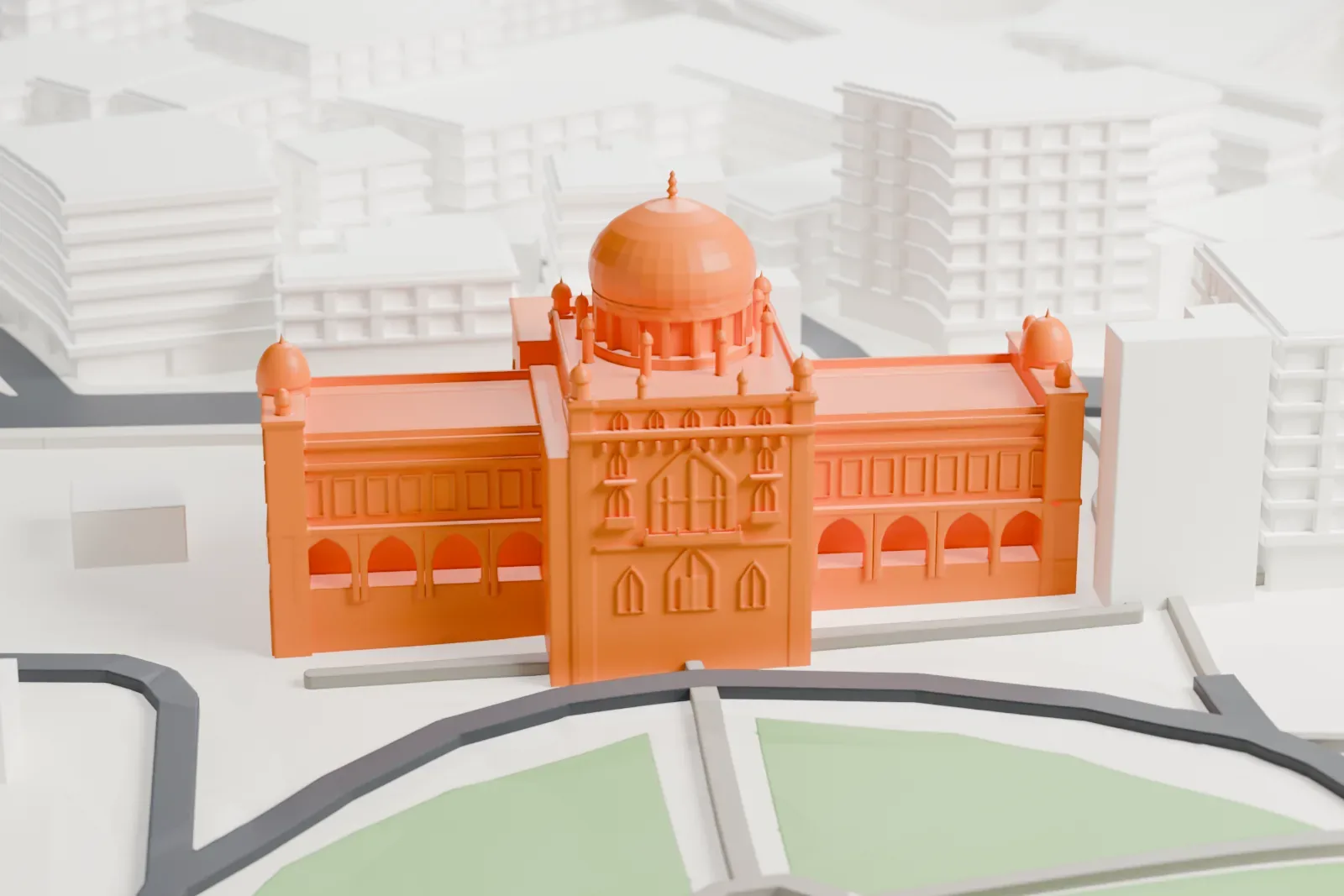
Chhatrapati Shivaji Maharaj Vastu Sangrahalaya in 3D
Chhatrapati Shivaji Maharaj Vastu Sangrahalaya appears in city models you make here; its design may still be protected, so it isn't offered as a separate download.
-
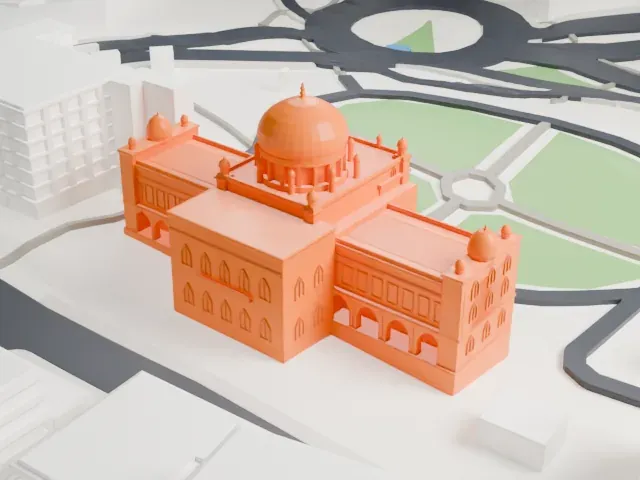 North
-
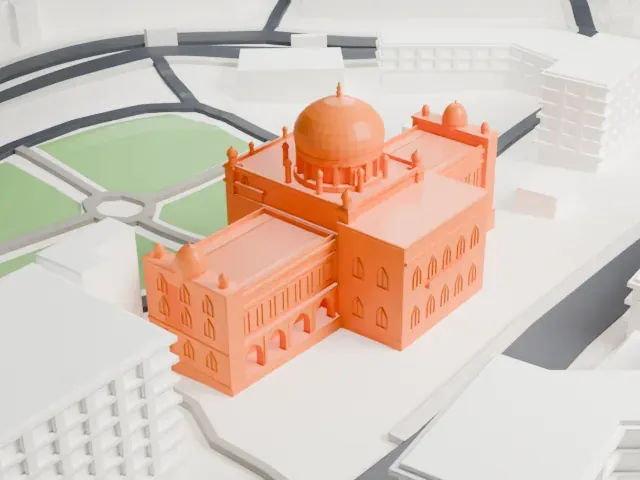 East
-
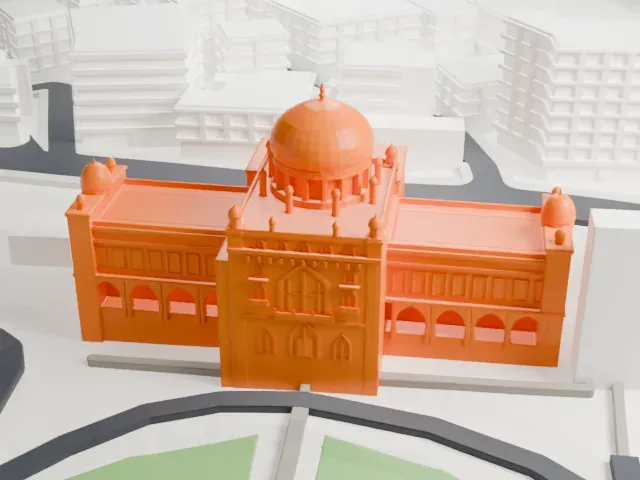 South
-
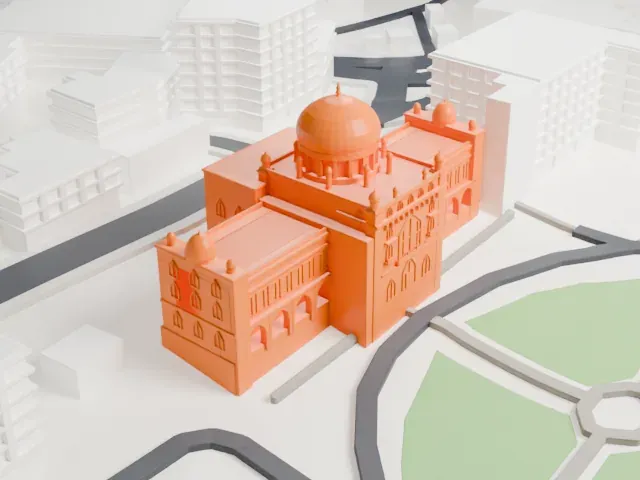 West
Copyright notice
The design of Chhatrapati Shivaji Maharaj Vastu Sangrahalaya may still be protected by copyright. It appears in the city models you make here, but it is not offered as a separate model.
- On a 160 mm print
- 12 mm
- Scale
- 1:3,750
12 mm tall on a 160 mm print
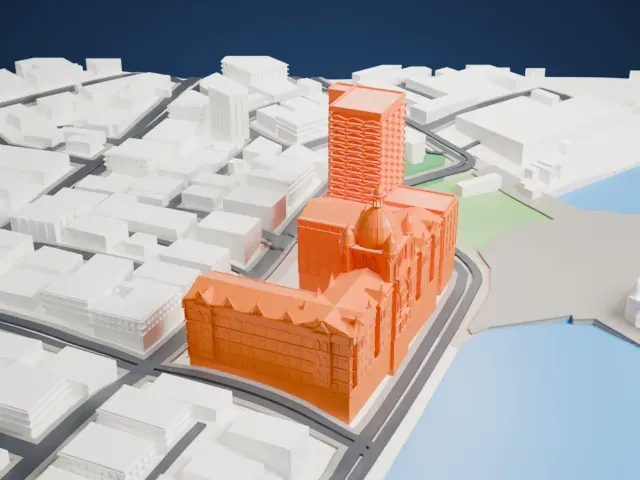
Make this print opens the generator on a 600 m square around the landmark. Buildings print at close to true scale, so the landmark grows with the print size.
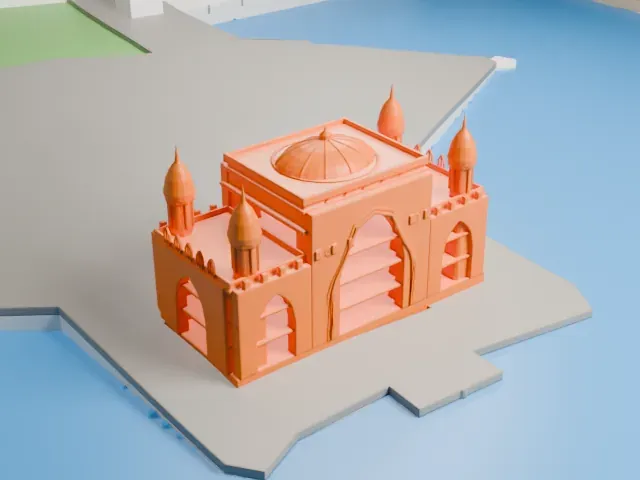
- Central dome and small turrets
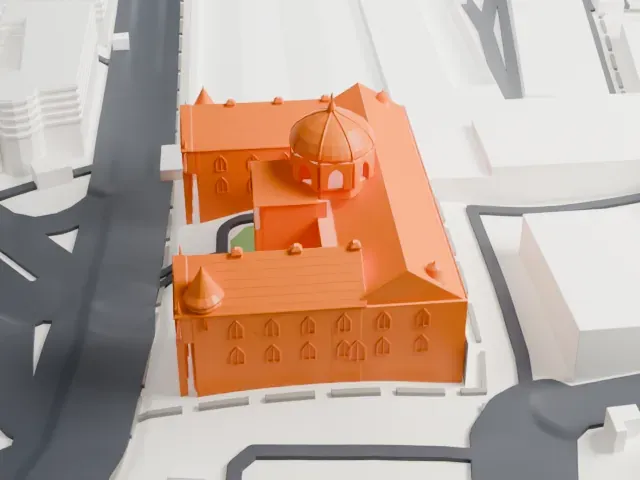
The central dome and the small domed turrets on the corners are the finest details. Print friendly adapts them to the print scale; Full detail suits a larger print or a fine nozzle.
- Rows of arched windows
Many arched windows run along the walls. A layer height of 0.12-0.16 mm in the slicer keeps these vertical details crisp, and a bigger print keeps them readable.
- One piece with the ground
Chhatrapati Shivaji Maharaj Vastu Sangrahalaya is joined to the ground in the exported file, and the four-side check found no floating parts, so nothing needs gluing.
- Pick the detail for your nozzle
In the Buildings settings, set Landmark detail to Print friendly to adapt thin parts and small details to the print scale. Full detail keeps every modeled feature, for larger prints or a finer nozzle.
- Colors
Buildings, roads, water and ground arrive as separate filament slots in the 3MF. Chhatrapati Shivaji Maharaj Vastu Sangrahalaya takes the building color.
- File format
You get a 3MF for Bambu Studio, OrcaSlicer or PrusaSlicer. Any of them can save it as STL if you need one.
About Chhatrapati Shivaji Maharaj Vastu Sangrahalaya
Chhatrapati Shivaji Maharaj Vastu Sangrahalaya, often shortened to CSMVS, is a museum in Mumbai whose collections trace Indian history from prehistoric to modern times. It stands near the Gateway of India in South Mumbai, in a garden with palm trees and formal flower beds. Citizens of what was then called Bombay founded it in the early part of the twentieth century, with help from the government, to commemorate a visit by the Prince of Wales, who became George V.
The Prince of Wales himself laid the foundation stone on November 11, 1905. After an open design competition, the architect George Wittet was commissioned in 1909; he had already worked on the General Post Office and went on to design the Gateway of India in 1911. The building was completed in 1915, but during the First World War it housed a children's welfare center and a military hospital. The museum was inaugurated on January 10, 1922.
The building is in the Indo-Saracenic style, with elements from Mughal, Maratha and Jain architecture. It began life as the Prince of Wales Museum and took its present name in 1998, after Shivaji Maharaj, who founded the Maratha Kingdom. The collection holds approximately 50,000 exhibits, divided into Art, Archaeology and Natural History sections, among them Indus Valley Civilization artifacts.
About this model
Chhatrapati Shivaji Maharaj Vastu Sangrahalaya is one of more than 6,500 landmark models in Mini Skyline. They are made with AI, and each one is checked in its real surroundings before release. Each model is written as code from public descriptions, plans, photographs and aerial views used only as references; no image or third-party model is copied into it. Everything around it is built from OpenStreetMap and Overture map data. Rights in the building itself, its name and any brands on it are not granted by Mini Skyline; clear them separately before you sell prints. If you would rather print the shape from map data, turn off Landmark models in the Buildings settings.
Mini Skyline is not affiliated with, or endorsed by, the owners of this building or its names and marks.
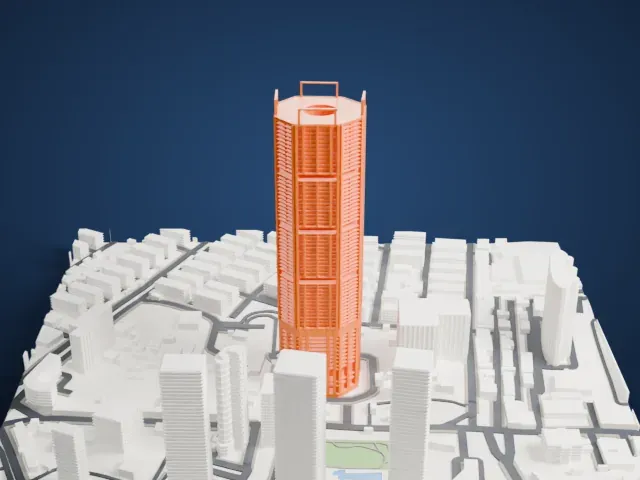
Same skyline