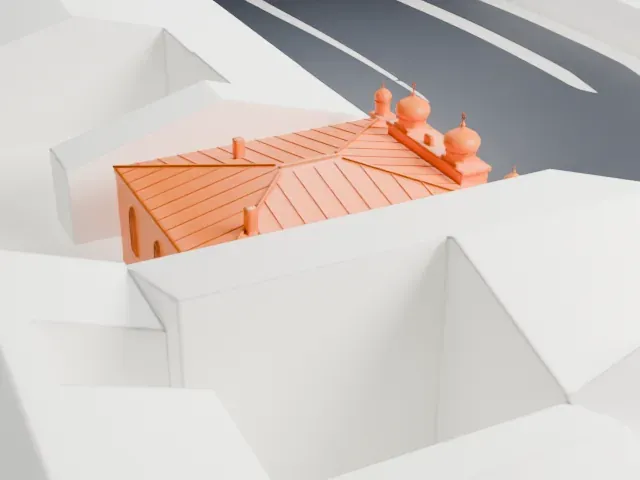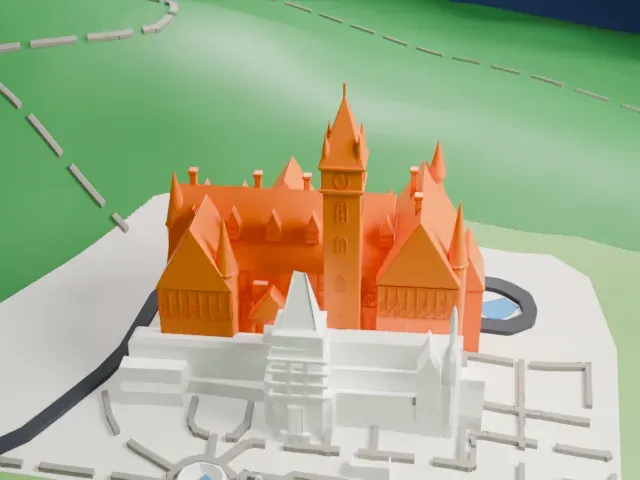
3D print Mogoșoaia Palace
A free, printable model of Mogoșoaia Palace with its lawns, paths and the water beside it, generated from real map data in your browser.
-
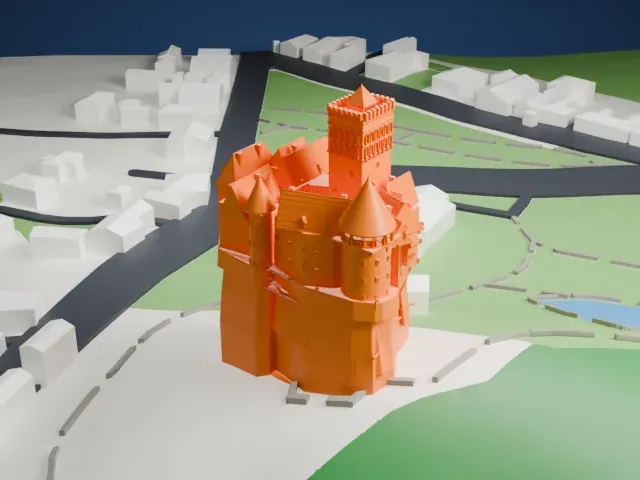
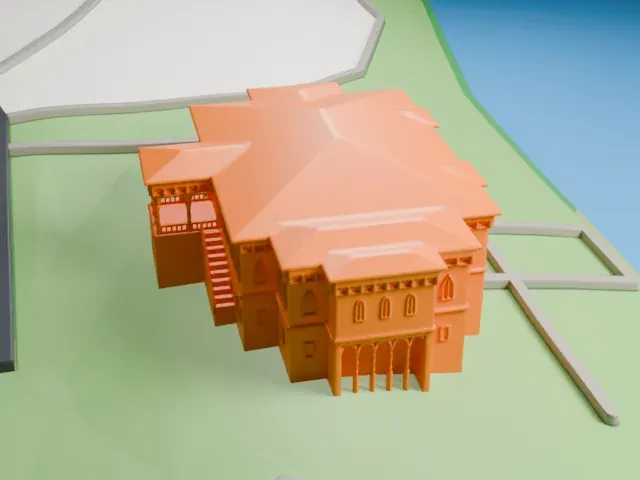 North
-
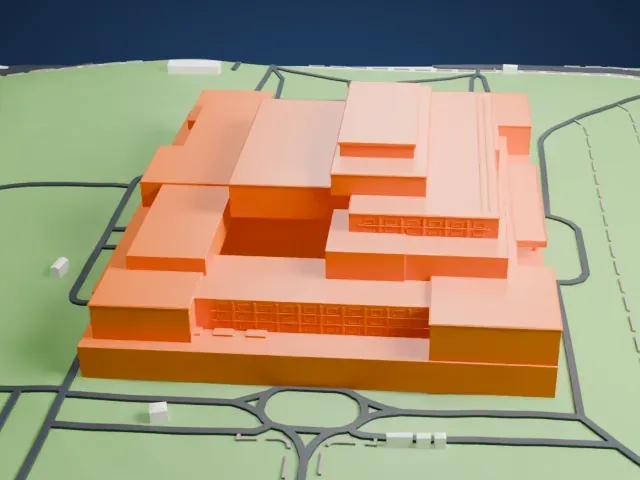
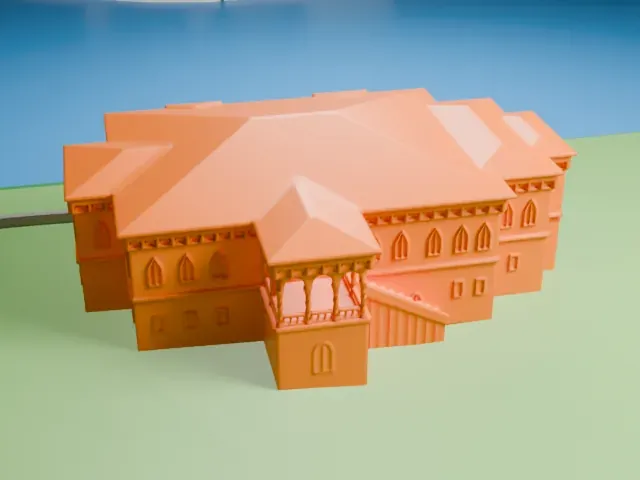 East
-
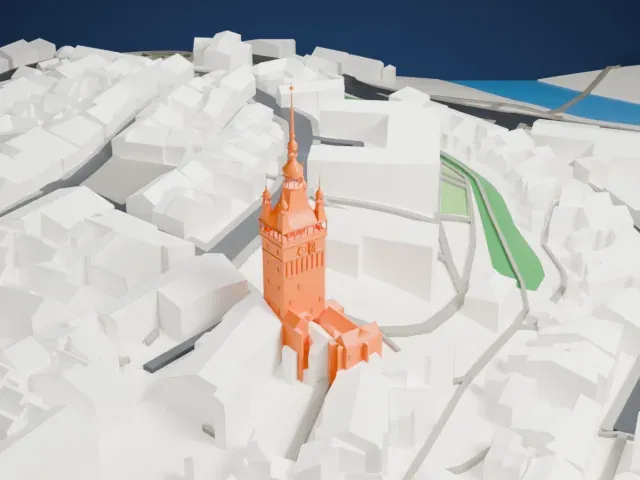
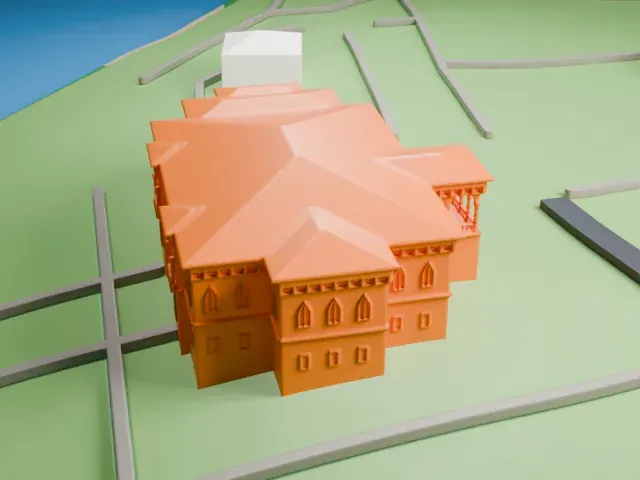 South
-
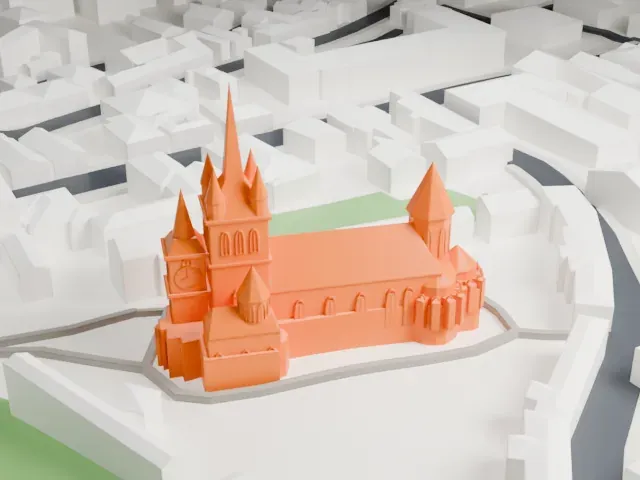
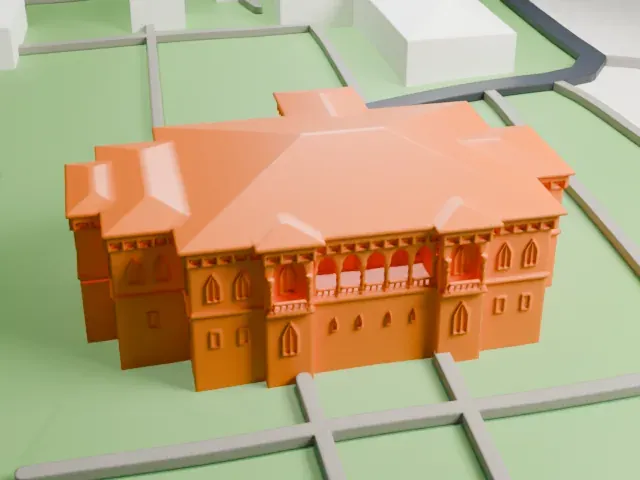 West
The model you print
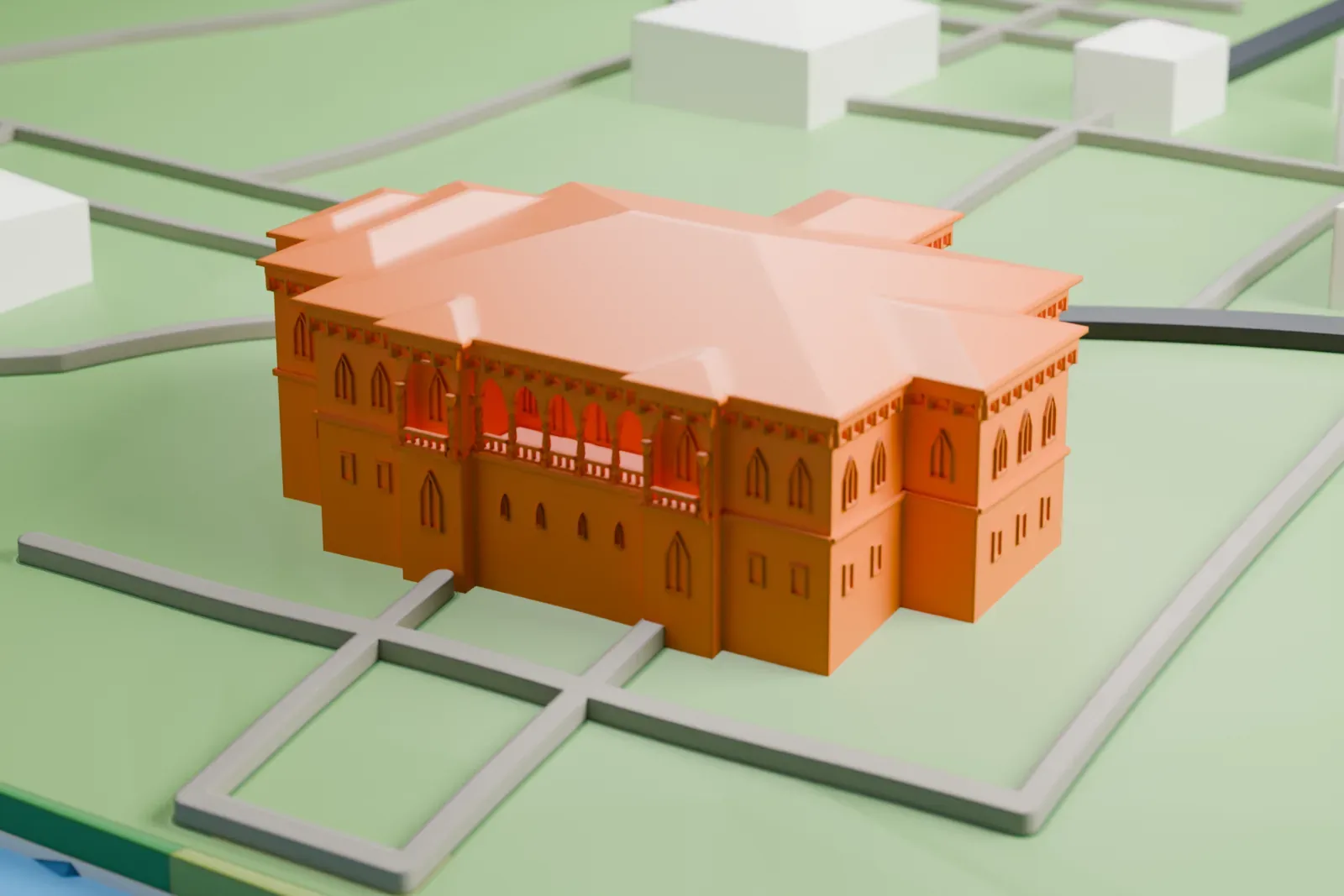
Mogoșoaia Palace in 3D
The landmark on its own, at its size on a 160 mm print. Print friendly thickens thin parts for a 0.4 mm nozzle; Full detail keeps every part.
- On a 160 mm print
- 5 mm
- Scale
- 1:3,750
5 mm tall on a 160 mm print
Make this print opens the generator on a 600 m square around the landmark. Buildings print at close to true scale, so the landmark grows with the print size.
- Twisted porch columns
The open porch has slender twisted columns and a small stair, which are fragile at small scale. Print friendly adapts them; Full detail keeps them on a larger print.
- Low, wide facade detail
The palace is low and wide, so a larger print size keeps the window and cornice detail readable. A layer height of 0.12 mm helps the fine facade lines.
- One piece with the ground
Mogoșoaia Palace is joined to the ground in the exported file, and the four-side check found no floating parts, so nothing needs gluing.
- Pick the detail for your nozzle
In the Buildings settings, set Landmark detail to Print friendly to adapt thin parts and small details to the print scale. Full detail keeps every modeled feature, for larger prints or a finer nozzle.
- Colors
Buildings, roads, water and ground arrive as separate filament slots in the 3MF. Mogoșoaia Palace takes the building color.
- File format
You get a 3MF for Bambu Studio, OrcaSlicer or PrusaSlicer. Any of them can save it as STL if you need one.
About Mogoșoaia Palace
Mogoșoaia Palace stands about 10 kilometers (6.2 mi) from Bucharest, Romania. Constantin Brâncoveanu built it between 1698 and 1702 in the style known as Romanian Renaissance or Brâncovenesc. It is named after the widow of the boyar Mogoș, who owned the land where the palace was built.
Constantin Brâncoveanu and his whole family were executed in Constantinople in 1714. The Ottomans then confiscated the family's wealth and converted the palace into an inn. The Ottomans later devastated the palace in the Russo-Turkish War that ran from 1768 to 1774, and German air forces bombed it in November 1916.
Princess Martha spent her private fortune on the reconstruction. By the late 1920s and through the 1930s, politicians and international high society gathered at the palace. The communist authorities forcibly nationalized it after 1945, and it became a museum in 1957.
About this model
Mogoșoaia Palace is one of more than 6,500 landmark models in Mini Skyline. They are made with AI, and each one is checked in its real surroundings before release. Each model is written as code from public descriptions, plans, photographs and aerial views used only as references; no image or third-party model is copied into it. Everything around it is built from OpenStreetMap and Overture map data. Rights in the building itself, its name and any brands on it are not granted by Mini Skyline; clear them separately before you sell prints. If you would rather print the shape from map data, turn off Landmark models in the Buildings settings.
Mini Skyline is not affiliated with, or endorsed by, the owners of this building or its names and marks.
Keep exploring