3D print Fukuoka landmarks
Free printable models of Fukuoka landmarks, made from real map data in your browser, in a Hakata Bay city long seen as Japan's gateway to the Asian mainland.
2 landmark models · 2 with a print guide · Japan
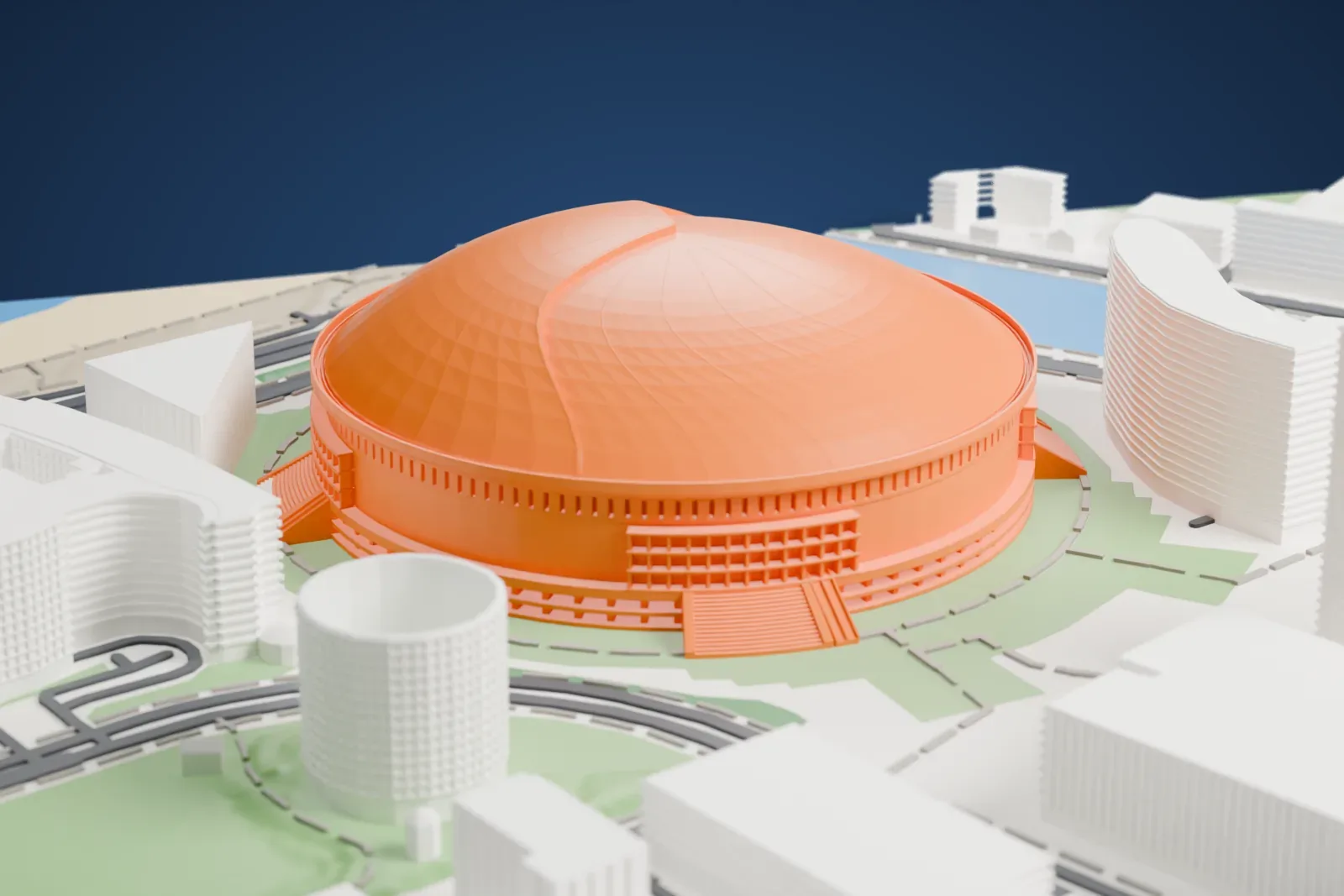
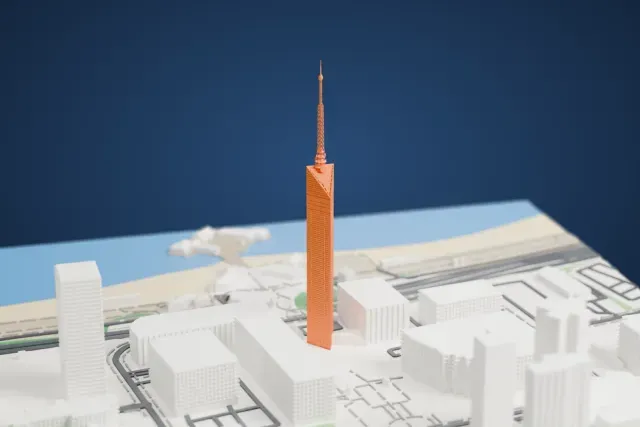
Landmarks with a print guide
About Fukuoka
Fukuoka is the capital of Fukuoka Prefecture and a designated city in Japan's Kyushu region. It stretches along Hakata Bay. Its location is the point on Japan's main islands that lies nearest the Asian mainland, so the area has long been viewed as the country's gateway. Among cities on Kyūshū island Fukuoka has the largest population, ahead of Kitakyushu, and west of Keihanshin no other city or metropolitan area is larger. A government ordinance designated it on April 1, 1972. In 1600 the daimyō Kuroda Nagamasa gave his new castle town the name Fukuoka, borrowed from a district of Bizen Province, where the Kuroda clan had its roots.
Remains of the Kōrokan, a government guest house, were found under some of the Fukuoka Castle ruins. After the Mongol invasion attempt of 1274, samurai raised a stone barrier 20 km long beside Hakata Bay, built in 1276 and 1277 and excavated in the 1930s. It stood 2–3 meters high. Shōfuku-ji, founded by the monk Eisai, is Japan's oldest Zen temple, and Enni had Joten-ji built. In the Muromachi era, Hakata became Japan's first free city, governed by 12 wealthy merchants who formed a council.
About these models
The 2 models on this page are among more than 2,300 landmark models in Mini Skyline. They are made with AI, and each one is checked from four sides in its real surroundings before release. Everything around them is built from OpenStreetMap and Overture map data. If you would rather print the shapes from map data, turn off Landmark models in the Buildings settings.
Want the whole skyline? Make a city print
Common questions
Are these Fukuoka landmark models free?
Yes. All 2 models on this page are free. Generation runs in your browser, with no account and nothing behind a paywall.
Can I download Fukuoka landmark STL files?
Mini Skyline builds each file for you in your browser and exports 3MF, which every major slicer opens. If you need an STL, open the 3MF in your slicer and export it from there.
How tall do the Fukuoka landmarks print?
On the default 160 mm print they stand between about 23 and 63 mm tall. Each landmark grows with the print size, and Make this print opens the generator with its area already selected. For a model larger than your printer bed, Project Mode splits the area into tiles.