3D print Nara landmarks
3D-printed city models with Nara temples, made from real map data in your browser, in the city that was Japan's capital through most of the eighth century.
3 landmark models · 3 with a print guide · Japan
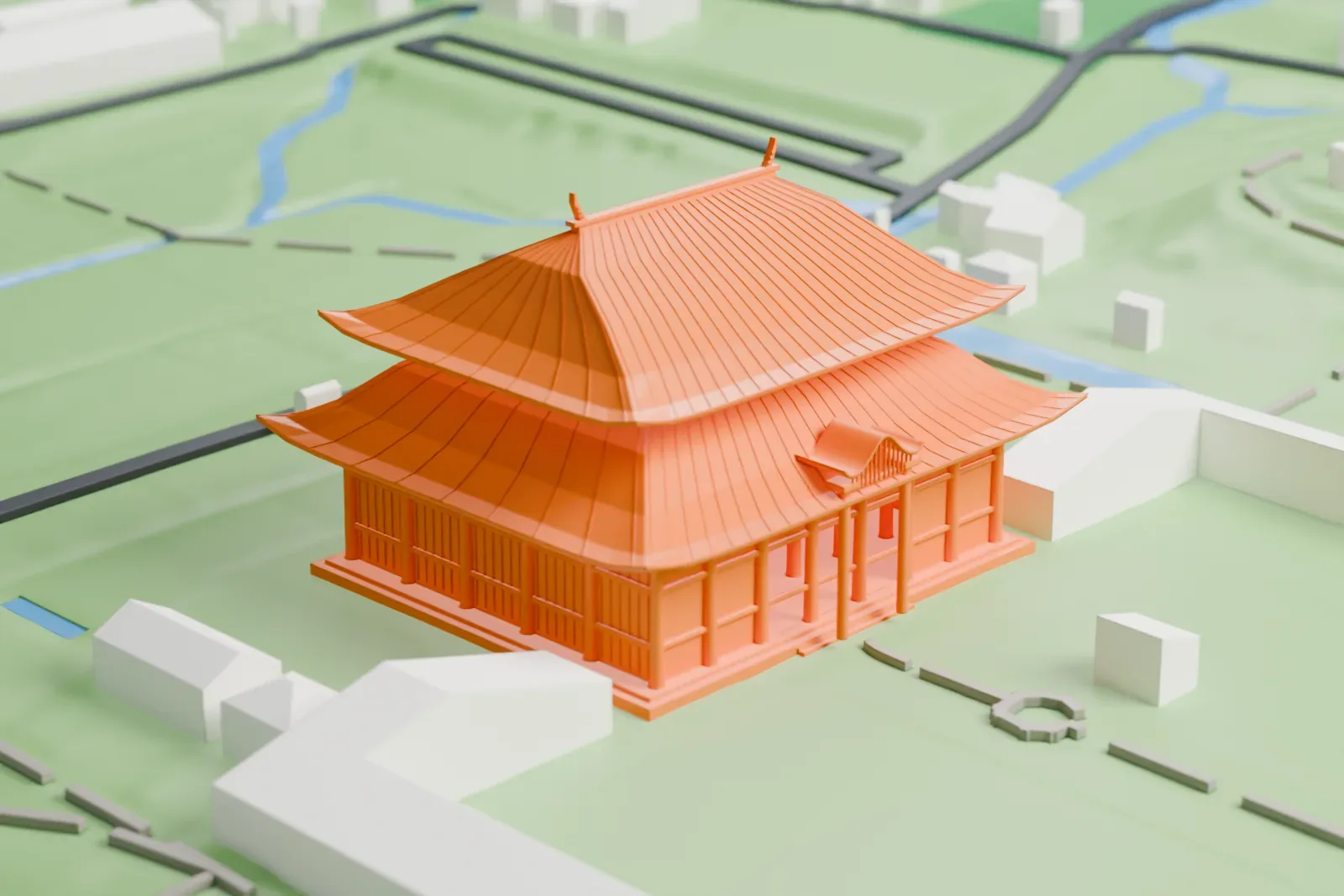
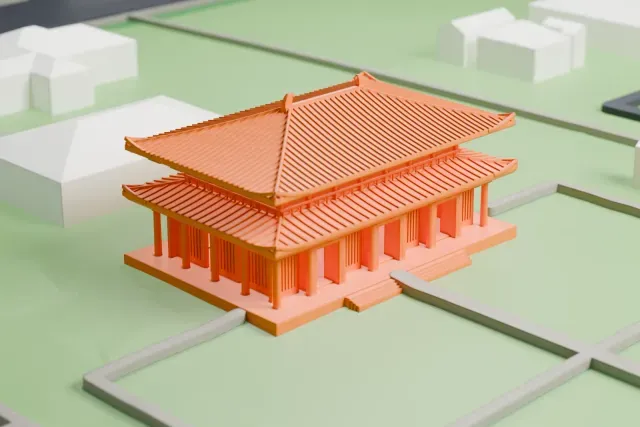
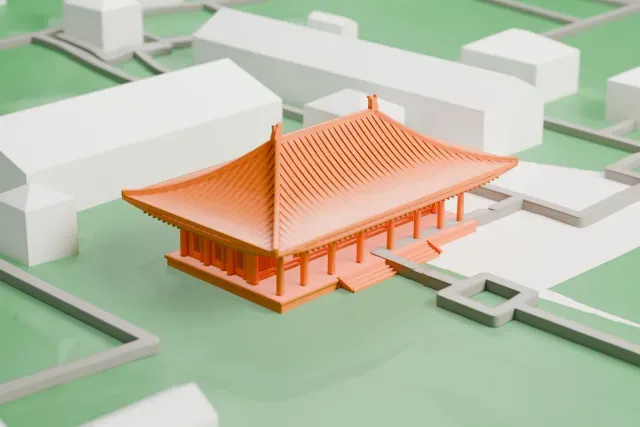
© OpenStreetMap contributors · Terrain in Japan: 出典:国土地理院 (GSI elevation data via Mapterhorn)
3 with a print guide
Landmarks with a print guide
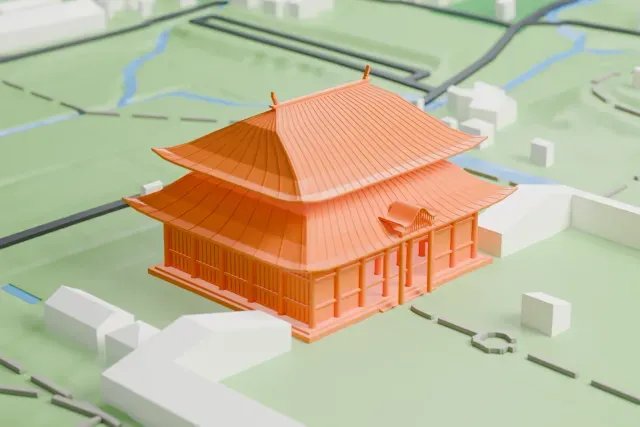
About Nara
Nara is the capital of Nara Prefecture, Japan, and its largest city, a core city in the north of the prefecture where it meets Kyoto Prefecture. It ranks sixth in size in the Kansai region of Honshu. From 710 to 784, in the Nara period, it was the capital of Japan and the seat of the Emperor, apart from the years 740 to 745, before the capital moved to Nagaoka-kyō.
Eight historic temples, shrines and sites in the city, among them Tōdai-ji, Kōfuku-ji, Tōshōdai-ji, Kasuga Shrine and the Heijō Palace, make up, along with the Kasugayama Primeval Forest, the Historic Monuments of Ancient Nara, which UNESCO lists as a World Heritage Site. By the Heian period the name Nara had been written with many different characters.
About these models
The 3 models on this page are among more than 6,500 landmark models in Mini Skyline. They are made with AI, and each one is checked in its real surroundings before release. Each model is written as code from public descriptions, plans, photographs and aerial views used only as references; no image or third-party model is copied into it. Everything around them is built from OpenStreetMap and Overture map data. Rights in the building itself, its name and any brands on it are not granted by Mini Skyline; clear them separately before you sell prints. If you would rather print the shapes from map data, turn off Landmark models in the Buildings settings.
Mini Skyline is not affiliated with, or endorsed by, the owners of these buildings or their names and marks.
Want the whole skyline? Make a city print
Common questions
Are these Nara landmark models free?
Making a city model with them is free: generation runs in your browser, with no account and nothing behind a paywall. 2 of the 3 landmark models on this page can also be downloaded on their own from their pages; the others appear only in the city models you make here.
Can I download Nara landmark STL files?
For 2 of the 3 landmarks, yes: their pages build an STL or 3MF of the landmark on its own, in your browser. Landmarks whose designs may still be protected, or whose names and looks are trademarks, have no separate file. A city model you make here is built in your browser and exports as 3MF, which every major slicer opens.
How tall do the Nara landmarks print?
On the default 160 mm print they stand between about 4 and 13 mm tall. Each landmark grows with the print size, and Make this print opens the generator with its area already selected. For a model larger than your printer bed, Multi Tile splits the area into tiles.
Can I sell prints of them?
Not all of them. The design of Kōfuku-ji may still be protected by copyright: keep prints featuring it for your own use, and don't sell or share them without the rights holder's permission. For the others, Mini Skyline allows it when the export says so, with the credit line in your listing; see the Commercial use page. Rights in the building itself, its name and any brands on it are not granted by Mini Skyline; clear them separately before you sell prints.